Isle of Berk Needed by Isle of Berk Addons 1.1d
requiredMatching file found Matched file: 1.2.0
Modrinth · Minecraft mod
Unofficial Additions and QOL Tweaks for Isle of Berk
Quick answer
Isle of Berk Addons 1.1d targets 1.18.2 with Forge. Installation on the client is optional. Installation on the dedicated server is optional. All 2 required mods have matching files.
Where it goes
Installation on the client is optional. Installation on the dedicated server is optional.
The source marks this as usable on both the client and server.
1.1d. Change the file and its required mods may change too.
Install Isle of Berk, GeckoLib first. We found matching files for this game-version and loader setup. 1 comes through another mod in the chain.
1 extra mod was pulled in by another dependency. Indented rows show who needs each one. We only count dependency files that match this setup. A file for another loader does not fill the gap.
Before you install it
Built for Isle of Berk Addons 1.1d. Pick another file and the loader, install side or required mods may change.
Use 1.1d. It targets 1.18.2 with Forge; another release may have different loader, side or dependency requirements.
Install Isle of Berk, GeckoLib first. We found matching files for this game-version and loader setup. 1 comes through another mod in the chain.
Installation on the client is optional. Installation on the dedicated server is optional.
Use the “Get this file” button beside 1.1d. It opens that exact file at the source.
About this project
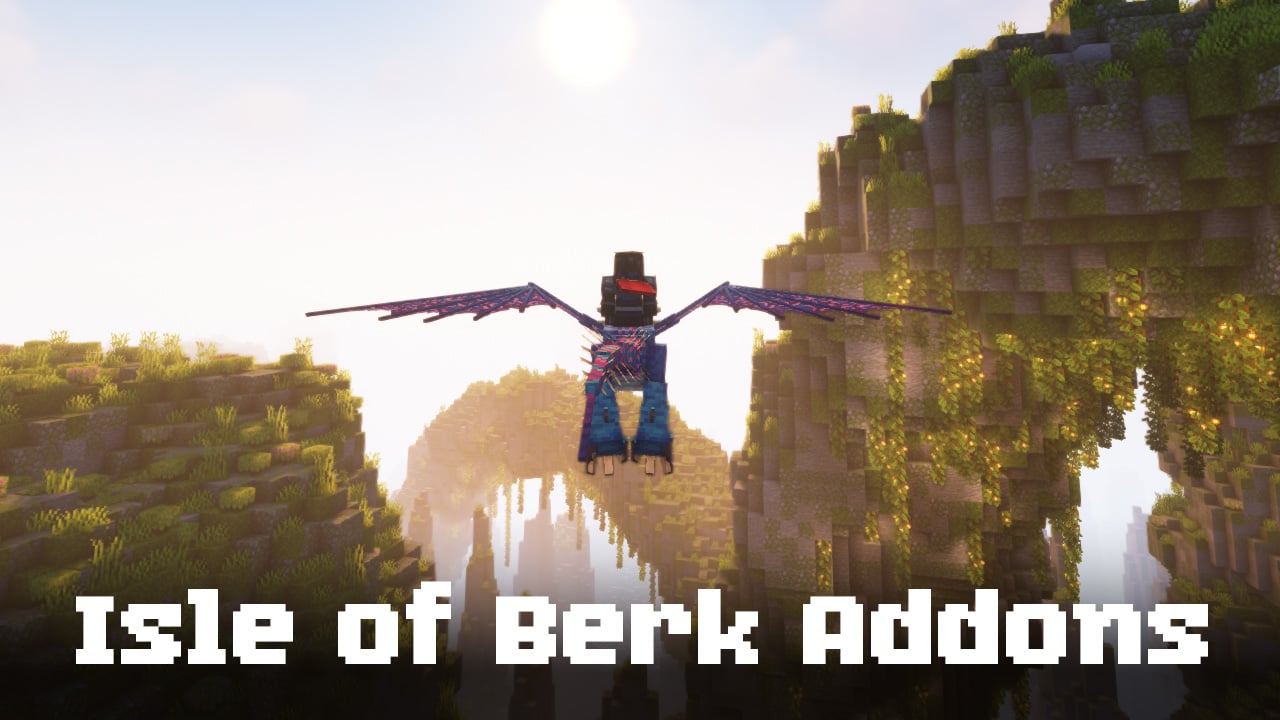
Isle of Berk Addons is a collection of small additions to and QOL tweaks for the Isle of Berk mod.
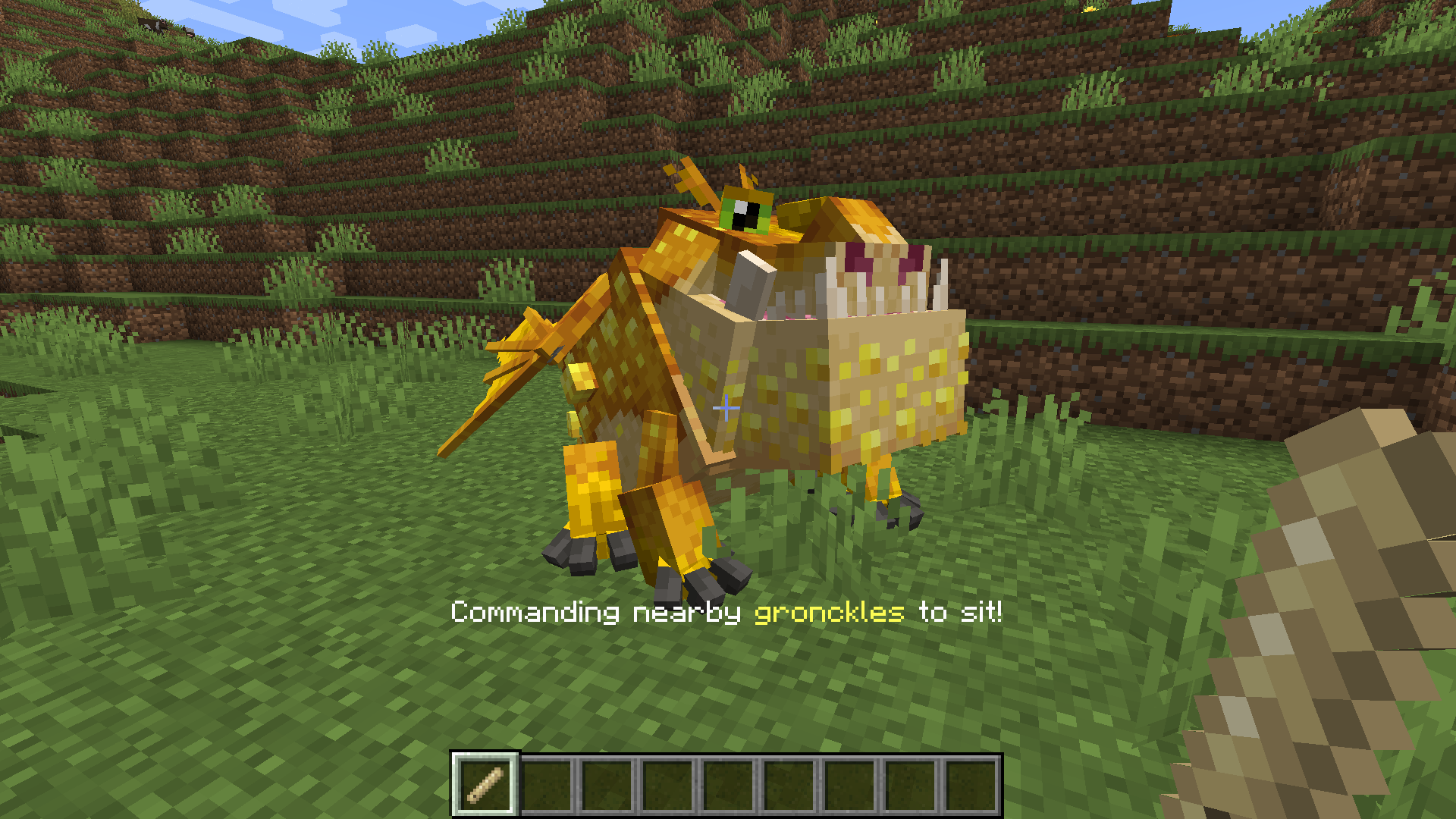
Are you tired of chasing down rambunctious dragons who stay just out of reach of your commands? Chase no longer! The IoBA dragon whistle can issue commands from a distance, allowing you to direct your dragons from a distance. Dragons can be told to sit, follow, or wander using the whistle. Whistle commands can also be directed only at a specific species of dragon or individual named dragon, and the whistle's range can be customized via the IoBA config. Selected command, species, and range are visible in the whistle's tooltip (and appear onscreen above the hotbar when first selected).
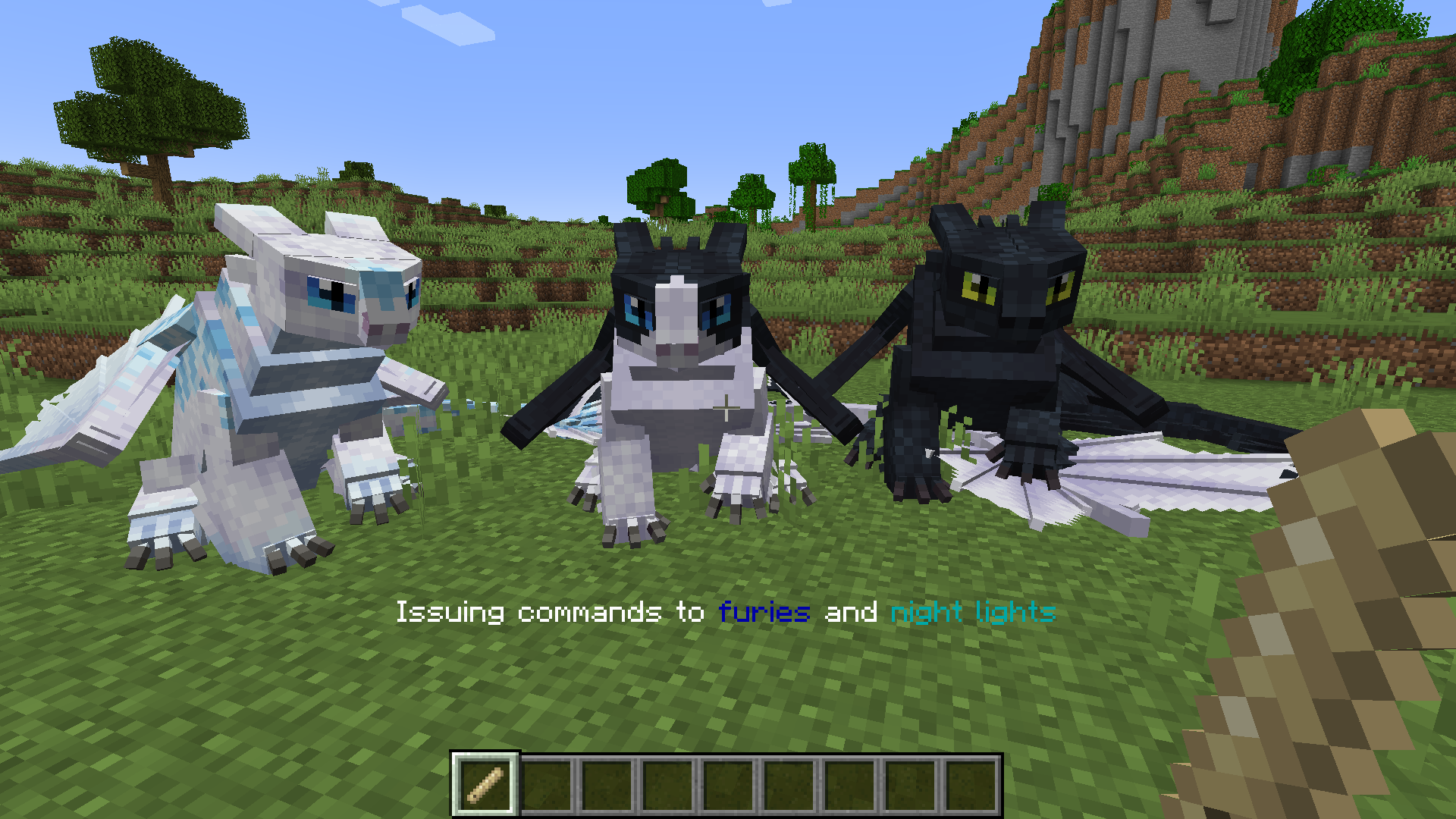
Right clicking the whistle will issue its current command. Left clicking it on a block will cycle its command between sit, stay, and follow. Sneak right clicking on a block next to a dragon will cycle between all dragons, one specific named dragon, or that particular dragon's species-- and, in the case of night furies, light furies, and night lights, a fourth option which allows you to command all three related species.
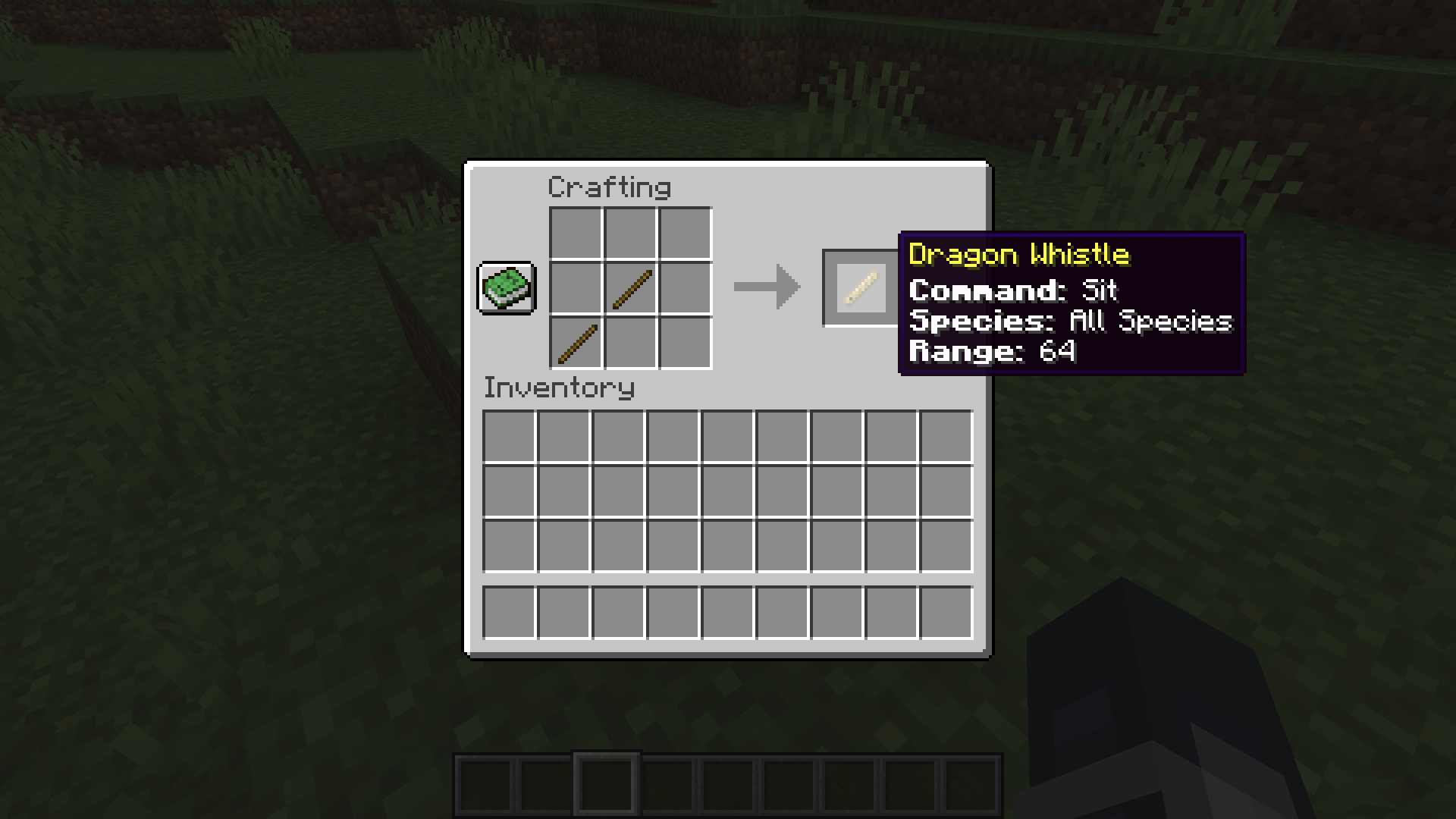
By default, the dragon whistle is crafted using two sticks placed diagonally.
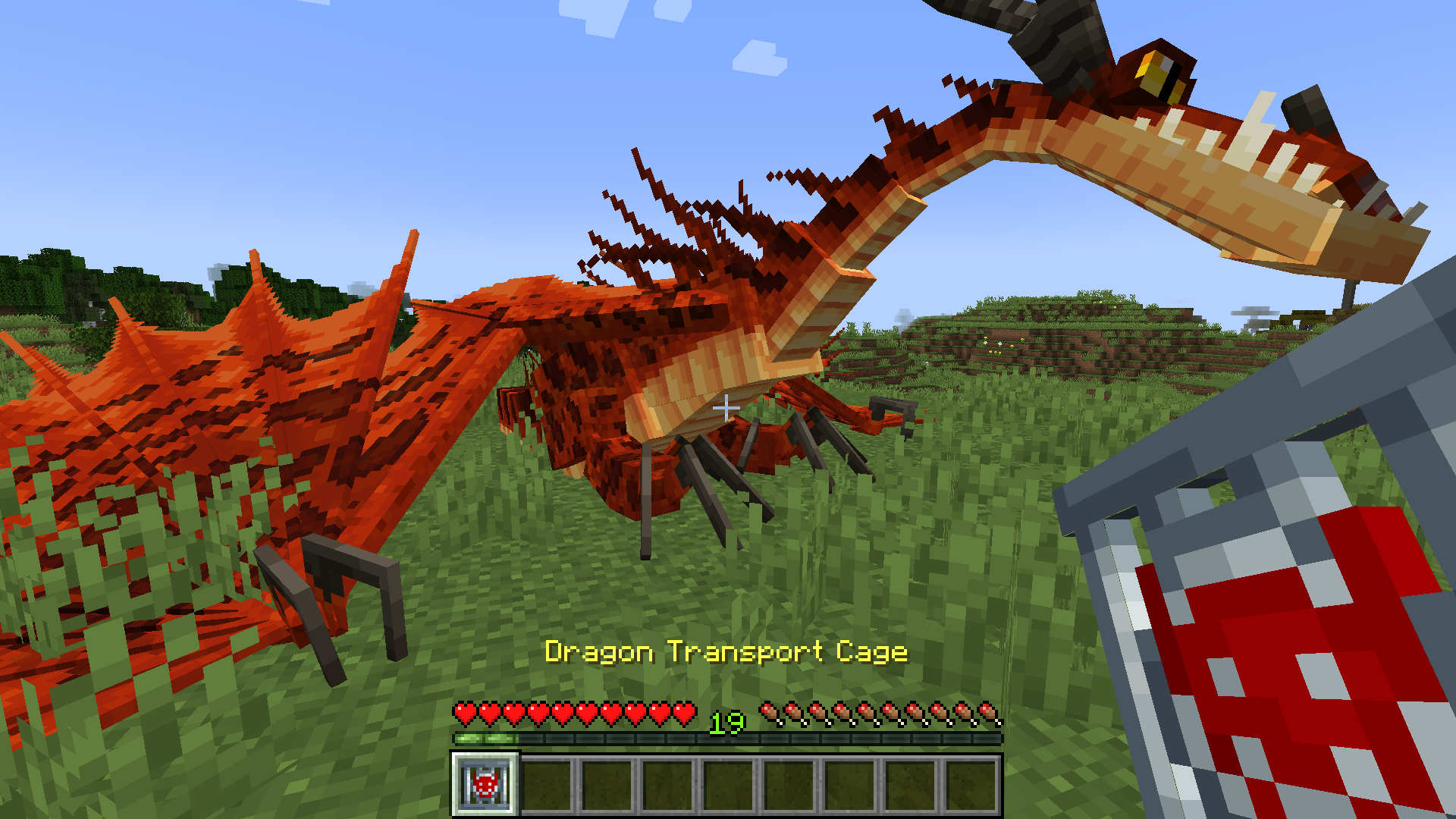
Do you struggle to transport rowdy dragons long distances on follow mode? Now, you can carry them in your inventory! The IoBA dragon transport cage can be used to pick up a dragon in item form for easier transportation. By default, tamed dragons can be picked up by their owners, and creative mode players can pick up any dragon. These settings can be further customized via the IoBA config. The species, owner, and current health of a caged dragon are visible in the cage's tooltip.
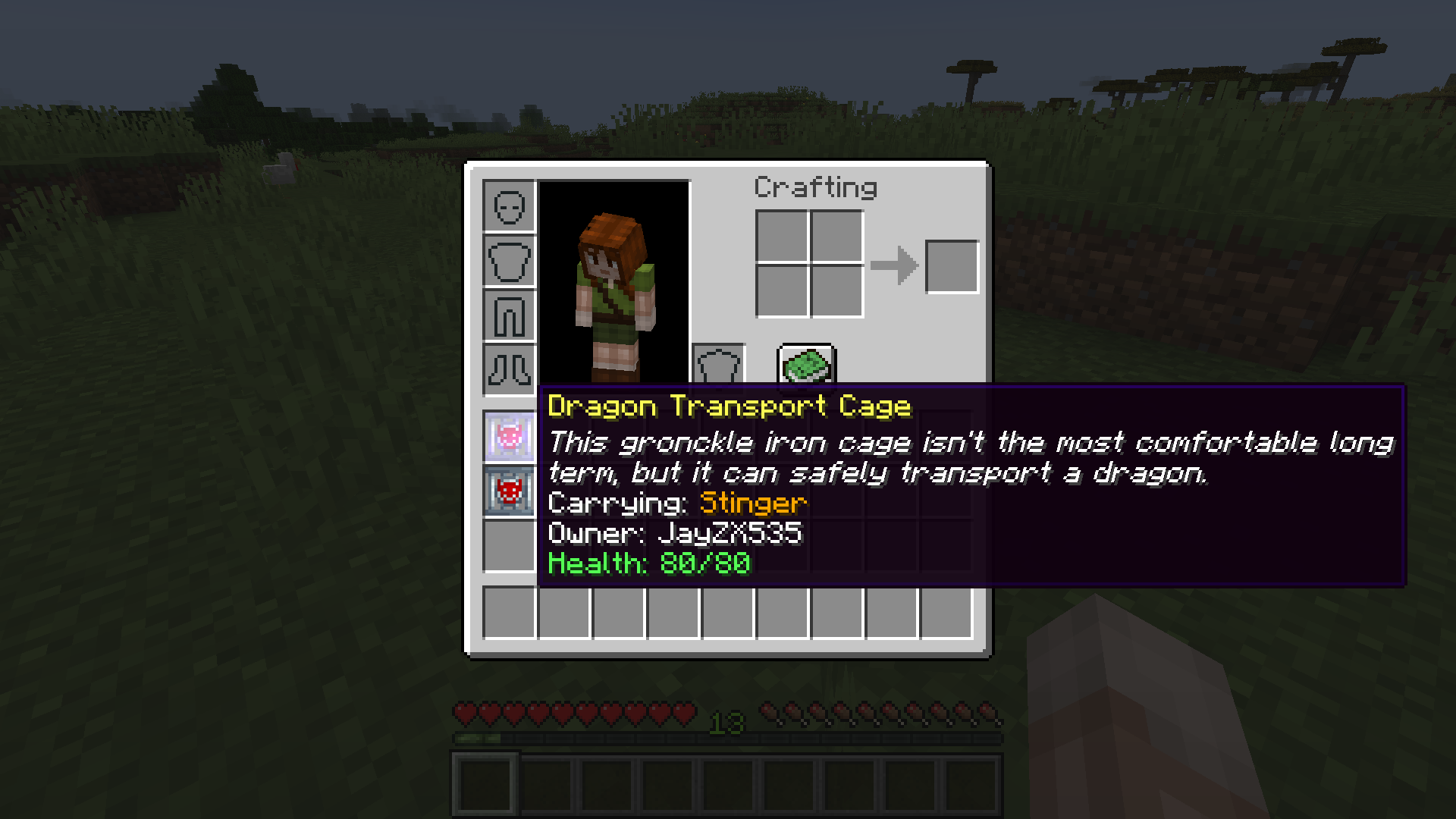
To pick up a dragon in a dragon transport cage, right click the ground near the dragon with an empty cage. To release a dragon from a transport cage, right click the ground with the full cage. By default, dragons can only be released by their owner, and dragons with items in their inventory cannot be caged.
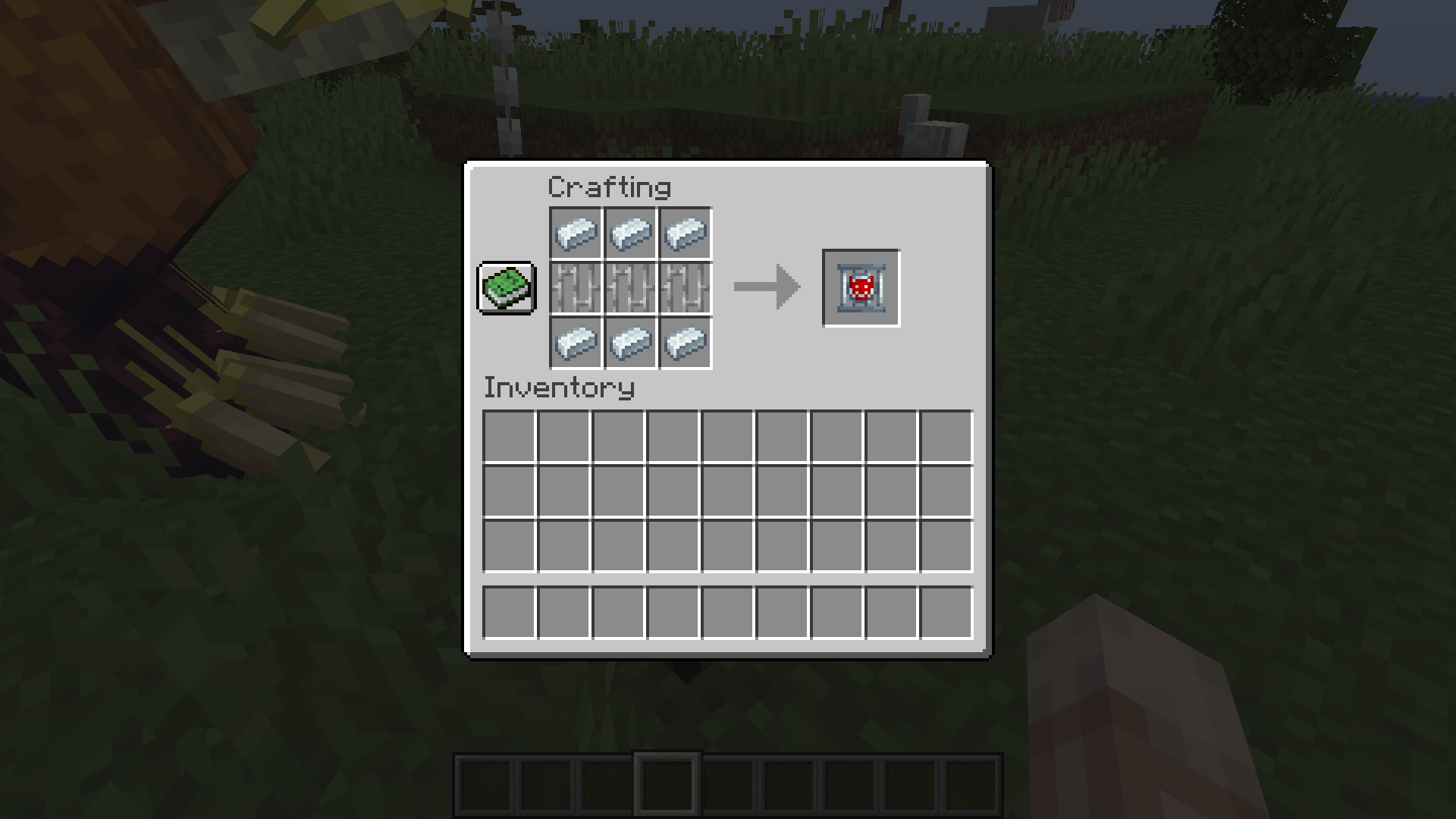
By default, the dragon transport cage is crafted by placing 3 iron bars in a row between two rows of 3 gronckle iron ingots.
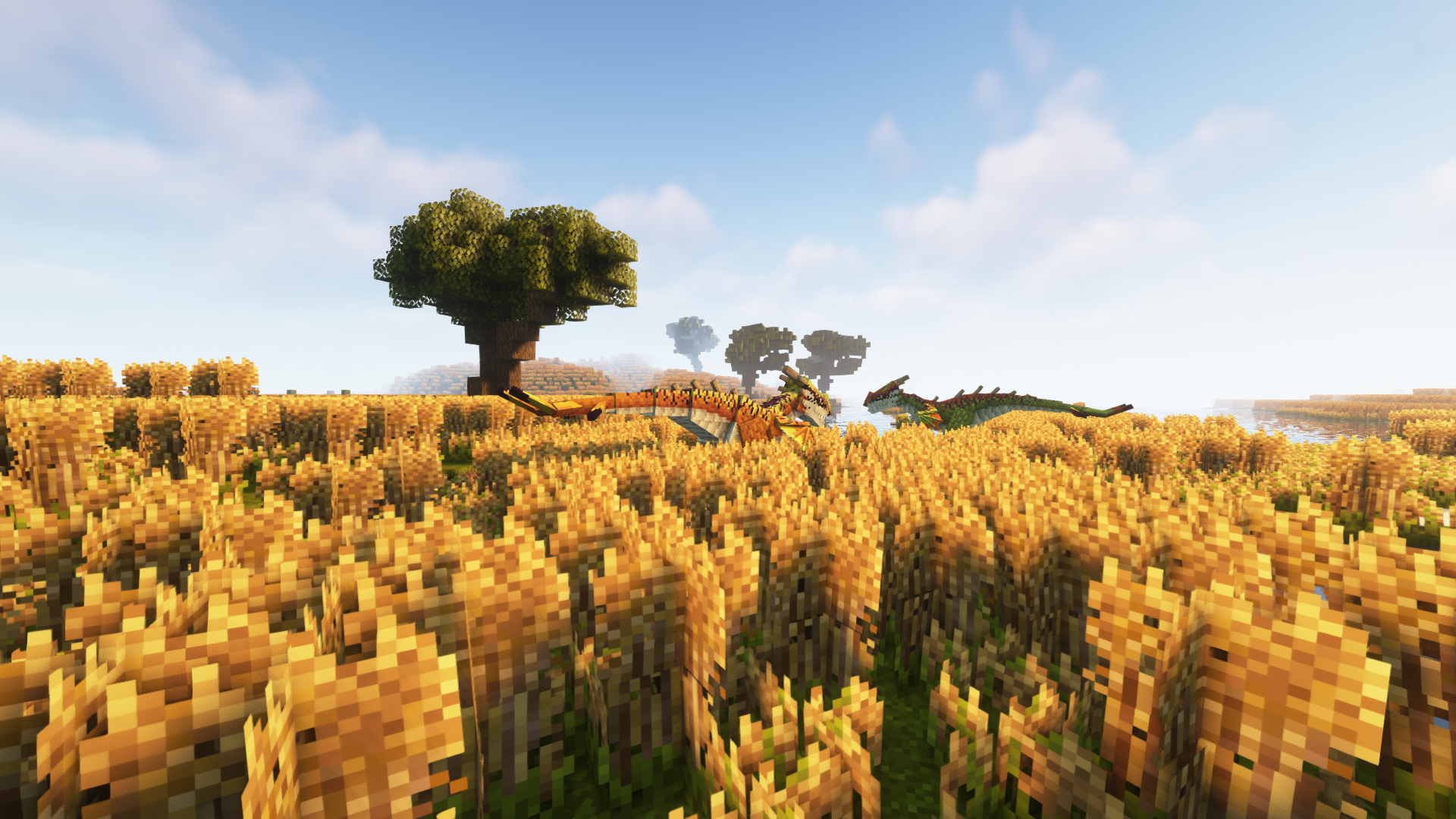
At this time, a bug in Isle of Berk prevents dragons from spawning in (most) modded biomes, even when those biomes are added to the spawn list. To compensate for this, I've temporarily added an advanced spawn config (iobaddons-spawns.json) to the mod. These spawns are disabled by default to prevent them from overlapping with IoB's default spawns, and their config file will not appear until they have been toggled on via the main mod config. Turning on the IoBA spawn system will allow you to use the json based system to add new spawns for dragons, including spawns for modded biomes (using their biome id). It is recommended but not required that you remove all spawns from the default IoB config if you enable the IoBA spawn system, as the default spawns are a 1:1 mirror of the defaults set by IoB, which may cause dragons to spawn with too high a frequency.
Want to form your very own team of dragon riders? Recruit your friends to join in the fun! I use Shockbyte for all my YouTube server hosting needs, and with the code LAUNCH, you can get 25% off your first month of service with them. What's more, by using the affiliate link below, you can support me too and help ensure that I'm able to keep modding.
Isle of Berk Addons is independently created and isn't affiliated with the Isle of Berk team. To the best extent of my knowledge, it complies with the "custom assets" clause in IoB's permissions. At this time, IoBA does not add any dragons of its own, so all dragons influenced by this mod belong to IoB. IoBA is also not affiliated with Dreamworks animation or the official How to Train Your Dragon franchise.
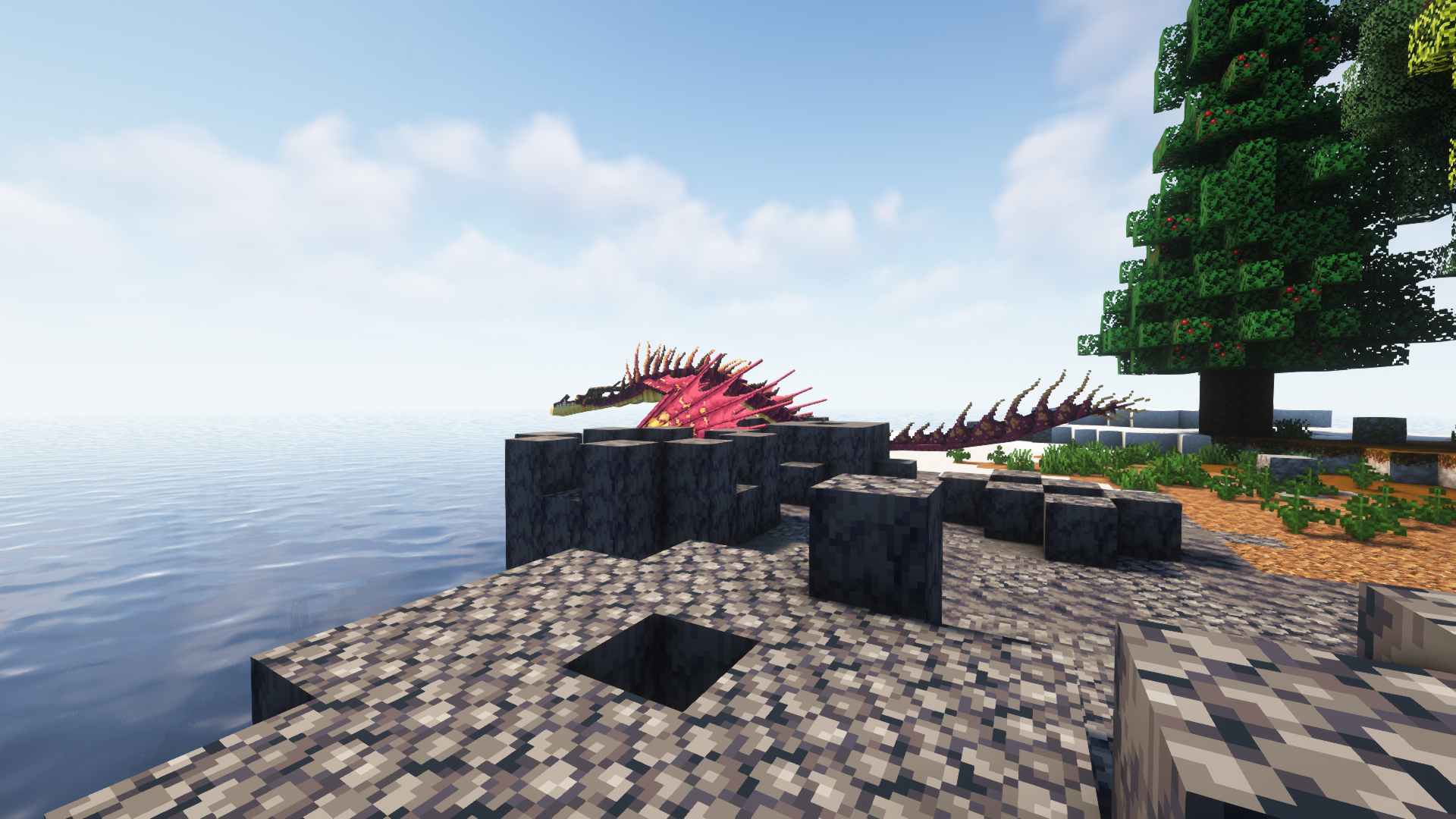
Promotional Screenshots taken using Oh the Biomes You'll Go and Complementary Shaders. Featured dragons are, of course, from Isle of Berk.
Project description from Modrinth.
Pick your setup
Choose the version and loader you play, then open the matching release.
Check the dependencies, then try the file in a copied instance before changing a world you care about.
Recent files
IoBAddons-1.1d.jar
1 Dec 2023
Looking for an older file? The official Modrinth project page is in Resources.
 mod
A technology mod centered around anvils
 mod
Enhance Minecraft chat with item and inventory showcases, mentions, and formatting.
 mod
Converts custom code into (pattern or literal) list iota by command; with various features for coding conveniently.