Minecraft version
Back to modpacks 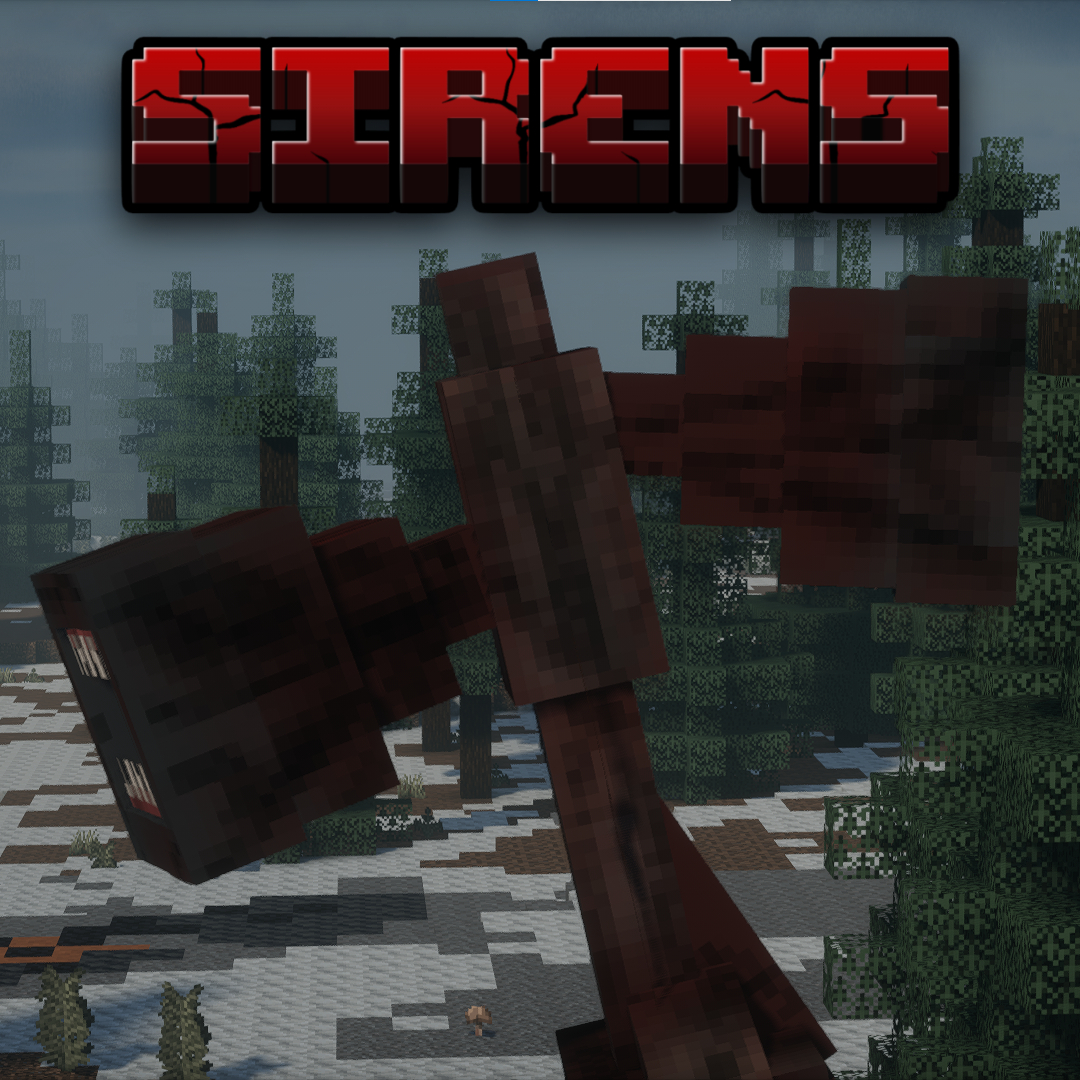
CurseForge · Minecraft modpack
Sirens
A horror modpack adding Siren Head to Minecraft.
Choose a version Pick your version below, then grab the matching file.
Quick answer
Which Sirens release should I use?
Latest stable file SirensBIOMESGEN(1.06.2).zip
Game version 1.19.2
Loader Forge 43.5.0
SirensBIOMESGEN(1.06.2).zip is a complete pack release for 1.19.2 with Forge 43.5.0. Install it as its own launcher instance. If the creator publishes a separate server file, make sure it names this exact pack release. 84 mods in this pack file.
Pack setup
How should I set up Sirens for players and a server?
Use SirensBIOMESGEN(1.06.2).zip as the pack version. Install the pack as its own launcher instance. The creator’s listing does not name a separate server file, so check the release notes before setting up a dedicated server. Do not upload the ordinary client folder blindly.
Client instance Install SirensBIOMESGEN(1.06.2).zip
Dedicated server setup Match SirensBIOMESGEN(1.06.2).zip
Pack loader Forge 43.5.0
A pack is a matched client and server setup, not one mod with an install-side label. Keep its release, loader, manifest and overrides together.
Referenced mods 84
Client only 10
Server only 0
Not labelled 74
These numbers come from the pack file you chose. “Not labelled” means we don’t know which side it belongs on—not that it is safe everywhere. The file count is not a RAM estimate.
What are the server requirements for Sirens?
SirensBIOMESGEN(1.06.2).zip. Change the pack release and its contents or setup may change too.
The selected pack release is SirensBIOMESGEN(1.06.2).zip. That file is for Minecraft 1.19.2 with Forge 43.5.0. It contains 84 mod projects. The creator’s listing does not name a separate server file. Check their notes before using one, and do not upload an ordinary client folder or rebuild the pack mod by mod. A file count cannot tell us the right RAM, CPU or storage; size the server for the players and world you actually run.
About this project
What kind of pack is Sirens?
I only assembled this modpack. None of the included mods are owned by me; all rights belong to their respective authors.
Modpack adds Siren Head along with other QOL mods that make the experience even better.
This reading is gonna be really boring but I suggest you go through it for the best experience.
First off I will tell you that whichever worldgen of the modpack you download, it will not change the gameplay drastically. The TECTONICGEN makes the world more vanilla-like, yet more realistic terrain. The BIOMEGEN makes the world have many new biomes and blocks, yet flatter and a bit more unrealistic. It's up to you but wont make much of a difference.
Second, for shaders I highly suggest you use Hysteria or Insanity. These are the main horror shaders that can be found on Curseforge. If you don't feel like using these shaders, simply download a different shader off of the Curseforge website (into your downloads folder on your device), and drag it into the "shaderpacks" folder in your profile's directory (keep it a .zip file, do not extract it). To do this, open the profile from the Curseforge app (no idea how to help you if you use base Minecraft Launcher), then click on the 3 dots somewhere near the play button for the profile. It should give you a few options, click "Open Folder" with the folder icon. This will take you to the profile's directory. In this is where you will see the folder named "shaderpacks" in which we mentioned earlier. Since I have installed shaders on the profile already, the folder will be there, if not then you did something wrong. Now just open the folder "shaderpacks" and drag the .zip file for the shader you want into it and close it. You do not have to relaunch your game when manually putting shaderpacks (or resourcepacks) in their folders, just close the folders and give Minecraft a second to register them, then they should show up in the "Shaders" tab in the video settings.
Thats all I really had, most of it was on how to install shaders. The modpack is pretty simple and should run pretty well. I run an RX 6600 GPU and idrk for the CPU, I know I have 32 gigs of RAM and have 8 allocated to Minecraft. I run a good 70+ FPS with these specs with shaders and a 20 chunk render distance, I do not optimise my game as well as it could be optimized. I'm sure that if you tried you could top 100 FPS with the same specs. My PC was quite a budget build, so I'm sure that most will be able to run the pack without issues.
Thanks for playing,
Medktz
Project description from CurseForge.
Pick your setup
Sirens by Minecraft version and loader
Choose the version and loader you play, then open the matching release.
Made local changes? Try them in a copied instance before touching a world you care about.
Recent files
Sirens versions and loaders
Forge 43.5.01.19.28.0.312+7 release
Forge1.19.2 release
Forge1.19.2 release
Forge1.19.2 release
Forge1.19.2 release
Forge1.19.2 release
Forge1.19.2 release
Forge1.19.2 beta
Forge1.19.2 beta
Forge1.19.2 beta
Forge1.19.2 alpha
Forge1.19.2 alpha
Looking for an older file? The official CurseForge project page is in Resources.
 modpack
 CurseForge · Minecraft
Endless Horror - The ULTIMATE Horror Experience
A horror modpack that contains almost every genre of horror, as well as every horror mod made for this version. It contains a couple of extra content mods to keep play throughs interesting, as well as coming with shaders to emphasize the experience.
 modpack
 CurseForge · Minecraft
Shingeki & Path IV
This is the official " Shingeki no path " project modpack.
 modpack
 CurseForge · Minecraft
HGI Gears & Glyphs
Combine the power of machines and magic to build contraptions, cast powerful spells, and soar through the skies with your own airships.