Minecraft version
Back to modpacks 
CurseForge · Minecraft modpack
Create Light
Light-Weight Optimized Create Focused Modpack
Choose a version Pick your version below, then grab the matching file.
Quick answer
Which Create Light release should I use?
Latest stable file Create Light
Game version 1.21.1
Loader NeoForge 21.1.234
Create Light is a complete pack release for 1.21.1 with NeoForge 21.1.234. Install it as its own launcher instance. If the creator publishes a separate server file, make sure it names this exact pack release. For this loader, use Java 21. 35 mods in this pack file.
Pack setup
How should I set up Create Light for players and a server?
Use Create Light as the pack version. Install the pack as its own launcher instance. The creator’s listing does not name a separate server file, so check the release notes before setting up a dedicated server. Do not upload the ordinary client folder blindly.
Client instance Install Create Light
Dedicated server setup Match Create Light
Pack loader NeoForge 21.1.234
Java version Java 21
A pack is a matched client and server setup, not one mod with an install-side label. Keep its release, loader, manifest and overrides together.
Referenced mods 35
Client only 7
Server only 0
Not labelled 28
These numbers come from the pack file you chose. “Not labelled” means we don’t know which side it belongs on—not that it is safe everywhere. The file count is not a RAM estimate.
What are the server requirements for Create Light?
Create Light. Change the pack release and its contents or setup may change too.
The selected pack release is Create Light. That file is for Minecraft 1.21.1 with NeoForge 21.1.234. This NeoForge setup needs Java 21. It contains 35 mod projects. The creator’s listing does not name a separate server file. Check their notes before using one, and do not upload an ordinary client folder or rebuild the pack mod by mod. A file count cannot tell us the right RAM, CPU or storage; size the server for the players and world you actually run.
About this project
What kind of pack is Create Light?
Create: Light focuses on Create as it's core, a Vanilla+ experience you can enjoy alone, or with friends.
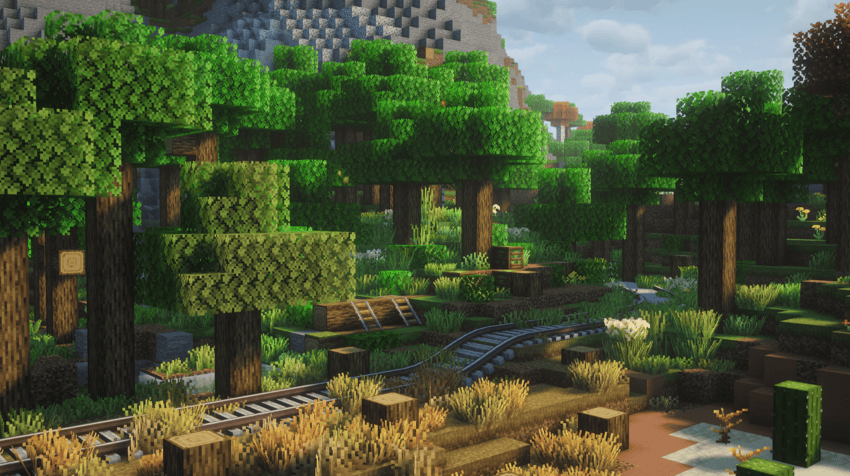
Main Mods:
Create by simibubi
Create: Enchantment Industry by DragonsPlus
Create: Steam 'n' Rails 1.21.1 by PoppyBlossom, Chameleon538
Farmer's Delight by vectorwing
Project description from CurseForge.
Pick your setup
Create Light by Minecraft version and loader
Choose the version and loader you play, then open the matching release.
Made local changes? Try them in a copied instance before touching a world you care about.
Recent files
Create Light versions and loaders
NeoForge 21.1.2341.21.18.0.312+7 release
1.21.1NeoForge beta
1.21.1NeoForge alpha
1.21.1NeoForge beta
1.21.1NeoForge beta
1.21.1NeoForge beta
1.21.1NeoForge beta
1.21.1NeoForge beta
Looking for an older file? The official CurseForge project page is in Resources.
 modpack
 CurseForge · Minecraft
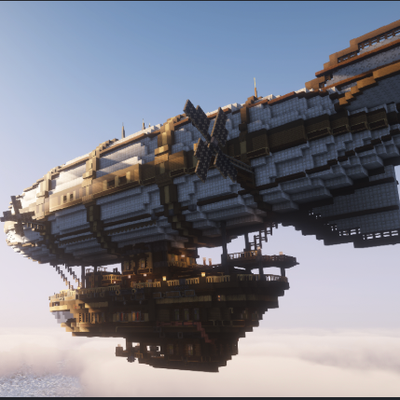
Airships & Cannons
this mod pack is build off the Create Aeronautics mod to be able to make warships with cannons on it and make tanks and play with friends across the globe to your heart's content
 modpack
 CurseForge · Minecraft
Dragons of Arcania
Play as a dragon and master magic and tech.
 modpack
 CurseForge · Minecraft
Tensura Evolutions
An Modpack based on The Anime "That time i became a Slime" designed to ensure the Best Possible Experience