Minecraft version
Back to modpacks 
Modrinth · Minecraft modpack
SpeedrunPack
All verifiable mods on speedrun.com for modern versions of Minecraft.
Choose a version Pick your version below, then grab the matching file.
Quick answer
Which SpeedrunPack release matches 1.20.4?
Best match for your filters SpeedrunPack mc1.20.4-v6.1.0
Game version 1.20.4
Loader Fabric 0.18.5
SpeedrunPack mc1.20.4-v6.1.0 is a complete pack release for 1.20.4 with Fabric 0.18.5. Install it as its own launcher instance. If the creator publishes a separate server file, make sure it names this exact pack release. 16 mods in this pack file.
Pack setup
How should I set up SpeedrunPack for players and a server?
Use SpeedrunPack mc1.20.4-v6.1.0 as the pack version. Install the pack as its own launcher instance. The creator’s listing does not name a separate server file, so check the release notes before setting up a dedicated server. Do not upload the ordinary client folder blindly.
Client instance Install SpeedrunPack mc1.20.4-v6.1.0
Dedicated server setup Match SpeedrunPack mc1.20.4-v6.1.0
Pack loader Fabric 0.18.5
A pack is a matched client and server setup, not one mod with an install-side label. Keep its release, loader, manifest and overrides together.
Referenced mods 16
Client only 2
Server only 1
Not labelled 13
These numbers come from the pack file you chose. “Not labelled” means we don’t know which side it belongs on—not that it is safe everywhere. The file count is not a RAM estimate.
What are the server requirements for SpeedrunPack?
SpeedrunPack mc1.20.4-v6.1.0 on 1.20.4. The pack contents and setup notes below stay tied to that release.
The selected pack release is SpeedrunPack mc1.20.4-v6.1.0. That file is for Minecraft 1.20.4 with Fabric 0.18.5. It contains 16 mod projects. The creator’s listing does not name a separate server file. Check their notes before using one, and do not upload an ordinary client folder or rebuild the pack mod by mod. A file count cannot tell us the right RAM, CPU or storage; size the server for the players and world you actually run.
About this project
What kind of pack is SpeedrunPack?
SpeedrunPack
Contains all mods that are verifiable on speedrun.com for modern versions of Minecraft.
Includes:
- SpeedrunIGT - A highly customizable timer mod with speedrun category support
- SeedQueue - Generate many worlds at once with a built-in wall screen on a single instance
- WorldPreview - Preview worlds while they are still generating, allowing you to reset early
- Atum - Automatically creates a new world when you leave one, with a keybind to reset instantly
- MCSR Fairplay - Provides verification and anti-cheat functionality for MCSR
- Many many performance mods to increase FPS and make world generation faster
Installation
Java 17+ is required - Installation Guide
Mac: You can follow these instructions to install everything except the mods, since the modpack does that bit for you. (Excluding Mac Sodium)
Modrinth App
Browse -> Search for SpeedrunPack -> Click Install
Optionally, navigate to the Versions tab to select a version to install
To Install Java
View Instance -> Options
Override global java installations -> Auto detect -> Select Java 17 or greater
Prism Launcher & MultiMC
Add Instance -> Modrinth -> Search for SpeedrunPack -> Select OK
Optionally, select a version to install in the dropdown
To Install Java
Edit Instance -> Settings -> Java
Java Installation -> Auto-detect -> Select Java 17 or greater -> Skip Java Compatibility Checks
ATLauncher
Packs -> Modrinth -> Search for SpeedrunPack -> New Instance -> Install
Optionally, select a version to install in the dropdown
To Install Java
Instance -> Settings -> Java/Minecraft
Runtime Override -> Select Java 17 or greater
What Minecraft version should I choose?
Unsure? -> 1.16.1
Why?
You might think you should use the latest version of Minecraft, but there are many reasons that make 1.16.1 the most popular version for speedrunning. Not only is it the fastest version of the game, it also relies way less on RNG to complete a run than newer versions.
Because of this, 1.16.1 gets the most support when it comes to speedrunning specific mods, resources, and guides.
However, other versions of Minecraft are still popular to speedrun. 1.15.2 is popular due to being the last version before The Nether Update, which dramatically changed Minecraft speedruns. This means that the speedrun route for 1.15.2 and below is very different from newer versions of the game.
Of course, if you still want to speedrun the latest versions of the game, go ahead! Just know that it will be very different from what most people play: you will find piglin brutes in bastions; the rates at which you get ender pearls from piglins are much worse; the new world generation makes getting to the nether difficult; the F3 pie chart works differently; and much more.
My settings keep reverting to defaults!
This is due to the StandardSettings mod, which changes your settings to a preset default every time you load a new world.
To fix this, you can either disable the mod or set it up to revert to the settings you choose.
Steps
- In the options menu, click on the Mod Configs button (the book icon)
- Open the StandardSettings config
- To disable StandardSettings set 'Use StandardSettings' to 'OFF'
Otherwise, change the settings in this menu to the ones you would usually use. You can press 'CTRL+F' to search for a setting.
How to set up SeedQueue (MC 1.16.1/1.15.2 Only)
Generate many worlds at once on a single-instance using SeedQueue
Here's a video guide to setup SeedQueue. The guide is for MultiMC, but the steps should be similar in most other launchers.
You don't need to watch the separate set-up video mentioned as the modpack does that bit for you.
Other Resources
Toolscreen - Program for overlays, instant resizing, and more
Ninjabrain Bot - An accurate stronghold calculator legal for Minecraft speedrunning
Jingle - An all-inclusive Minecraft speedrunning application
OBS Studio - Free and open source software for video recording and live streaming
The MCSR Practice Map - All-in-one practice map
MiniPracticeKit - Practice splits on any instance
& more at MinecraftSpeedrunning.com
This is an unofficial source and may not always be up-to-date. The official source for legal mods can be found at mc.sr/mods.
Project description from Modrinth.
Mods in SpeedrunPack mc1.20.4-v6.1.0
Open any mod on Modpacks.ch to check its files and dependencies.
atum-1.3.1+1.20.4.jar SHA-1
71b5e2e5e693e17045dcadd47134e4f5349a6402 · Project link unavailable Side not labelledBiomeThreadLocalFix-1.4.jar SHA-1
97d19c309b24218e7de74ca2a777fe731e3ceb5a · Project link unavailable Side not labelledFabricProxy-Lite-2.7.0.jar SHA-1
e6347ca3365edcc2fa0b2b04c69f5f673a47a1b7 · Modrinth version Mxw3Cbsk · Project link unavailable Server onlyfast-reset-1.5.1+1.19.4-1.21.5.jar SHA-1
f537d554de985e37d62f9cbcd308a6266be7f4bc · Project link unavailable Side not labelledforceport-1.3.0.jar SHA-1
b484fa398a6c8399f277762adfa0a1e72870522e · Project link unavailable Side not labelledhermes-core-0.3.2.jar SHA-1
35b12719d0ec9e6aa4f0bdd2e836f22bb9bf2bb6 · Project link unavailable Side not labelledkrypton-0.2.6.jar SHA-1
fc237a3cdf7cff71e222db8e14fa6d4546e2d000 · Modrinth version bRcuOnao · Project link unavailable Side not labelledlithium-fabric-mc1.20.4-0.12.1.jar SHA-1
4a0744beb2246d93cb475d21a5a53faa556956e0 · Modrinth version nMhjKWVE · Project link unavailable Side not labelledplanifolia-1.2.3+1.19-1.20.6.jar SHA-1
739f2ffb5da69dbaad7569863853d47968e69556 · Modrinth version GCeBhdcV · Project link unavailable Client onlysleepbackground-3.9.2-1.20-1.21.1.jar SHA-1
81bf67ae9366c730f722027d3d266d78e5262fe1 · Project link unavailable Side not labelledsodium-fabric-0.5.8+mc1.20.4.jar SHA-1
4c38d7b01660a27a98406767c613b3f28b6c9dfe · Modrinth version 4GyXKCLd · Project link unavailable Client onlyspeedrunapi-2.1+1.20.3-1.20.4.jar SHA-1
f19a92f5fa6342f8911b9bf1c0e416be1caaca6a · Project link unavailable Side not labelledSpeedRunIGT-14.2+1.20.4.jar SHA-1
ef3ac58b6d53f1eb6d8853bcd9f19accbe624c1e · Modrinth version MLjhetqG · Project link unavailable Side not labelledstandardsettings-1.2.5+1.20-1.21.1.jar SHA-1
96a6e73501cac3a7acb6f1170868ddba9aea4271 · Project link unavailable Optional Side not labelledstarlight-1.1.3+fabric.f5dcd1a.jar SHA-1
6c1dfb43aa2873ecf474b3278d42348457fbca0f · Modrinth version HZYU0kdg · Project link unavailable Side not labelledstate-output-1.2.3+1.18.2-1.21.8.jar SHA-1
ccaea8ee5f3ff1c47c5b3381f5b687af4da6b52e · Project link unavailable Side not labelledPick your setup
SpeedrunPack by Minecraft version and loader
Choose the version and loader you play, then open the matching release.
Minecraft version
26.2
1 loader buildMinecraft version
26.1.2
1 loader buildMinecraft version
26.1.1
1 loader buildMinecraft version
26.1
1 loader buildMinecraft version
25w14craftmine
1 loader buildMinecraft version
1.21.11
1 loader buildMinecraft version
1.21.10
1 loader buildMinecraft version
1.21.8
1 loader buildMinecraft version
1.21.7
1 loader buildMinecraft version
1.21.6
1 loader buildMinecraft version
1.21.5
1 loader buildShowing the newest 12 of 29 game versions. Older files are in the list below.
Made local changes? Try them in a copied instance before touching a world you care about.
Recent files
SpeedrunPack versions and loaders
Fabric 0.18.51.20.48.0.312+7 release
Fabric1.20.4 release
Fabric1.20.4 release
Fabric1.20.4 release
Fabric1.20.4 release
Fabric1.20.4 release
Fabric1.20.4 release
Fabric1.20.4 release
Fabric1.20.4 release
Fabric1.20.4 release
Fabric1.20.4 release
Fabric1.20.4 release
Looking for an older file? The official Modrinth project page is in Resources.
 modpack
CurseForge · Minecraft
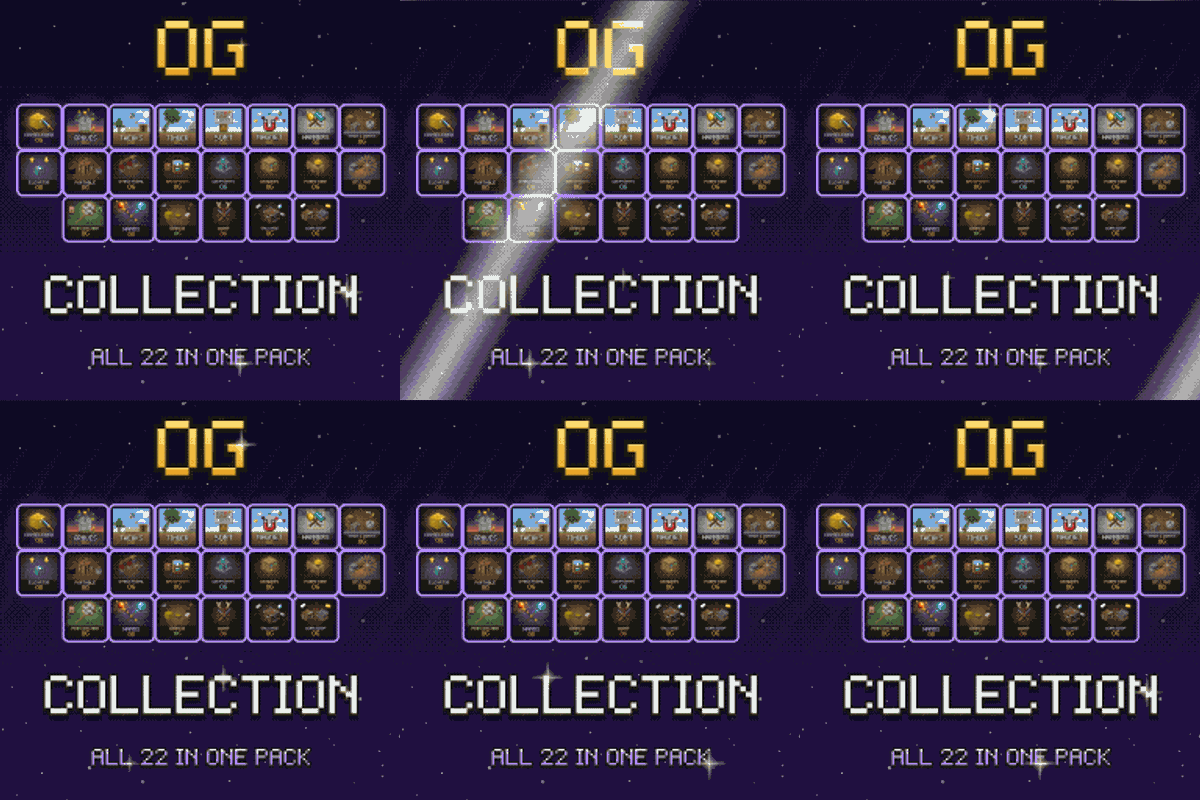
OG Collection
All twenty-two OG mods in one vanilla+ pack: chisel, graves, tweaks, timber, sorting, magnet, hammers, crates, elevators, workstations, physics, backpacks, waypoints, drawers, furniture, bellows, mob nets, wands, ranching, hunting, salvage, workshop.
 modpack
Modrinth · Minecraft
AsguhoClient
Simply a really optimized Client with the tools you need to build awesome contraptions, farms and extraordinary looking builds. This modpack include mods such as litematica etc.
 modpack
Modrinth · Minecraft
Escape From Tarkraft
Modern weapons. Tactical gear. A high-stakes multiplayer extraction shooter inside Minecraft.