Minecraft version
Back to modpacks 
CurseForge · Minecraft modpack
Explorer: A Minecraft Adventure Map and Modpack
Explorer is a modpack that is centered around an adventure map!
Choose a version Pick your version below, then grab the matching file.
Quick answer
Which Explorer: A Minecraft Adventure Map and Modpack release should I use?
Latest stable file Explorer: Minecraft Adventure Map and Modpack V1.0
Game version 1.8.9
Loader Forge 11.15.1.2318
Explorer: Minecraft Adventure Map and Modpack V1.0 is a complete pack release for 1.8.9 with Forge 11.15.1.2318. Install it as its own launcher instance. If the creator publishes a separate server file, make sure it names this exact pack release. 13 mods in this pack file.
Pack setup
How should I set up Explorer: A Minecraft Adventure Map and Modpack for players and a server?
Use Explorer: Minecraft Adventure Map and Modpack V1.0 as the pack version. Install the pack as its own launcher instance. The creator’s listing does not name a separate server file, so check the release notes before setting up a dedicated server. Do not upload the ordinary client folder blindly.
Client instance Install Explorer: Minecraft Adventure Map and Modpack V1.0
Dedicated server setup Match Explorer: Minecraft Adventure Map and Modpack V1.0
Pack loader Forge 11.15.1.2318
A pack is a matched client and server setup, not one mod with an install-side label. Keep its release, loader, manifest and overrides together.
Referenced mods 13
Client only 0
Server only 0
Not labelled 13
These numbers come from the pack file you chose. “Not labelled” means we don’t know which side it belongs on—not that it is safe everywhere. The file count is not a RAM estimate.
What are the server requirements for Explorer: A Minecraft Adventure Map and Modpack?
Explorer: Minecraft Adventure Map and Modpack V1.0. Change the pack release and its contents or setup may change too.
The selected pack release is Explorer: Minecraft Adventure Map and Modpack V1.0. That file is for Minecraft 1.8.9 with Forge 11.15.1.2318. It contains 13 mod projects. The creator’s listing does not name a separate server file. Check their notes before using one, and do not upload an ordinary client folder or rebuild the pack mod by mod. A file count cannot tell us the right RAM, CPU or storage; size the server for the players and world you actually run.
About this project
What kind of pack is Explorer: A Minecraft Adventure Map and Modpack?
Explorer is a modpack and adventure map heavily inspired by the games Tomb Raider and Uncharted. The map follows the main character, you, and your trusty sidekick Karen. You'll travel to 4 different locations trying to uncover the ancient artifact in the temple of Xibalba in the Yucatan Peninsula. Along the way, you'll discover the dark organization that is also trying to get their hands on the artifact. The map is a 1-3 player adventure map! If you want to play with others, you have to do it on a LAN server. Unfortunately, from what I've tested, two of the mods won't work on servers other than LAN servers. It has at least 3 hours of gameplay!
Although the map stars you, the main characters are known as Eric or Jessica. If you'd like to play as either Eric or Jessica, here are their skins. (Right-Click and click Save As on the skin)


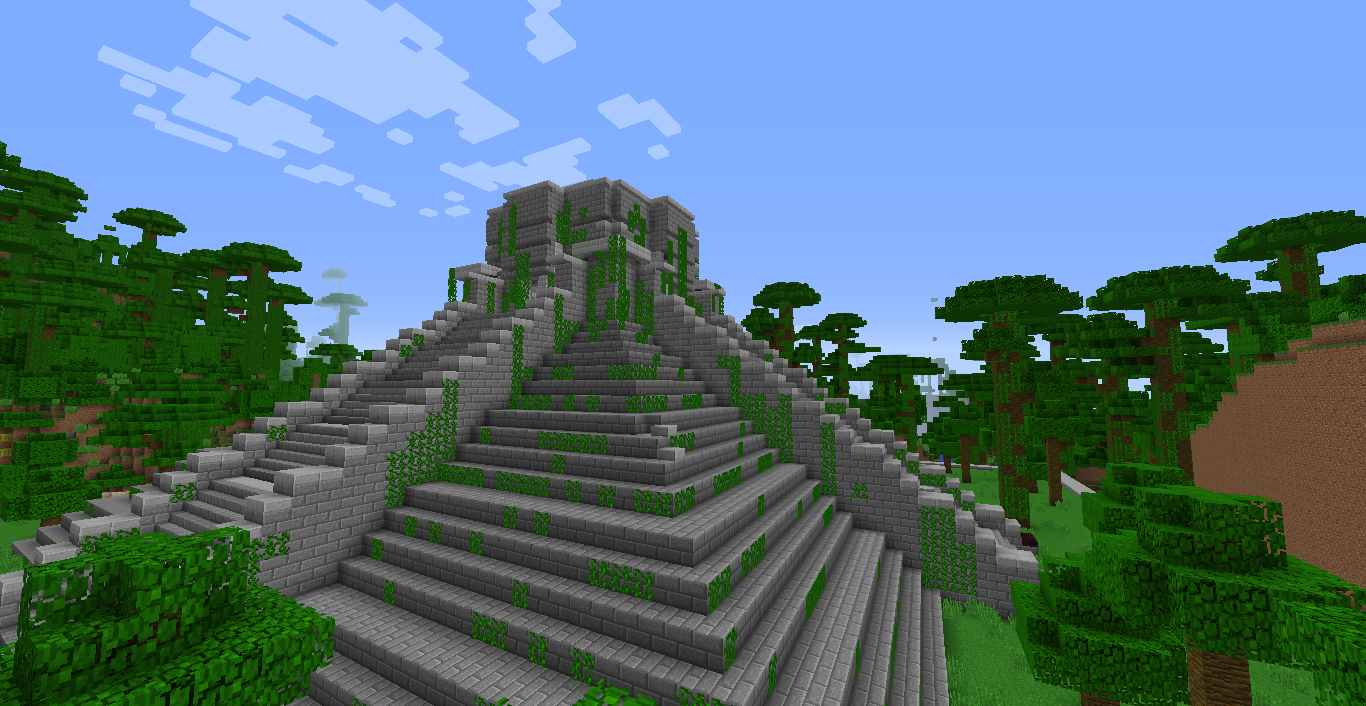
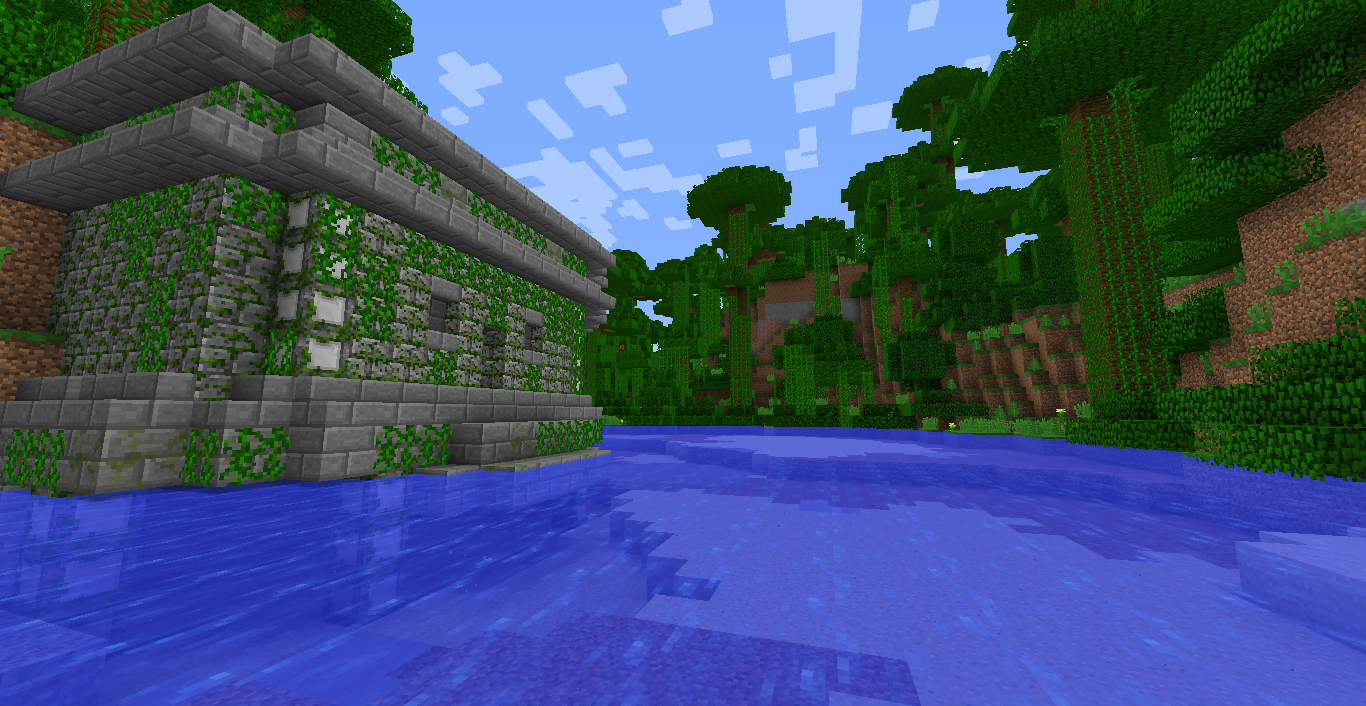
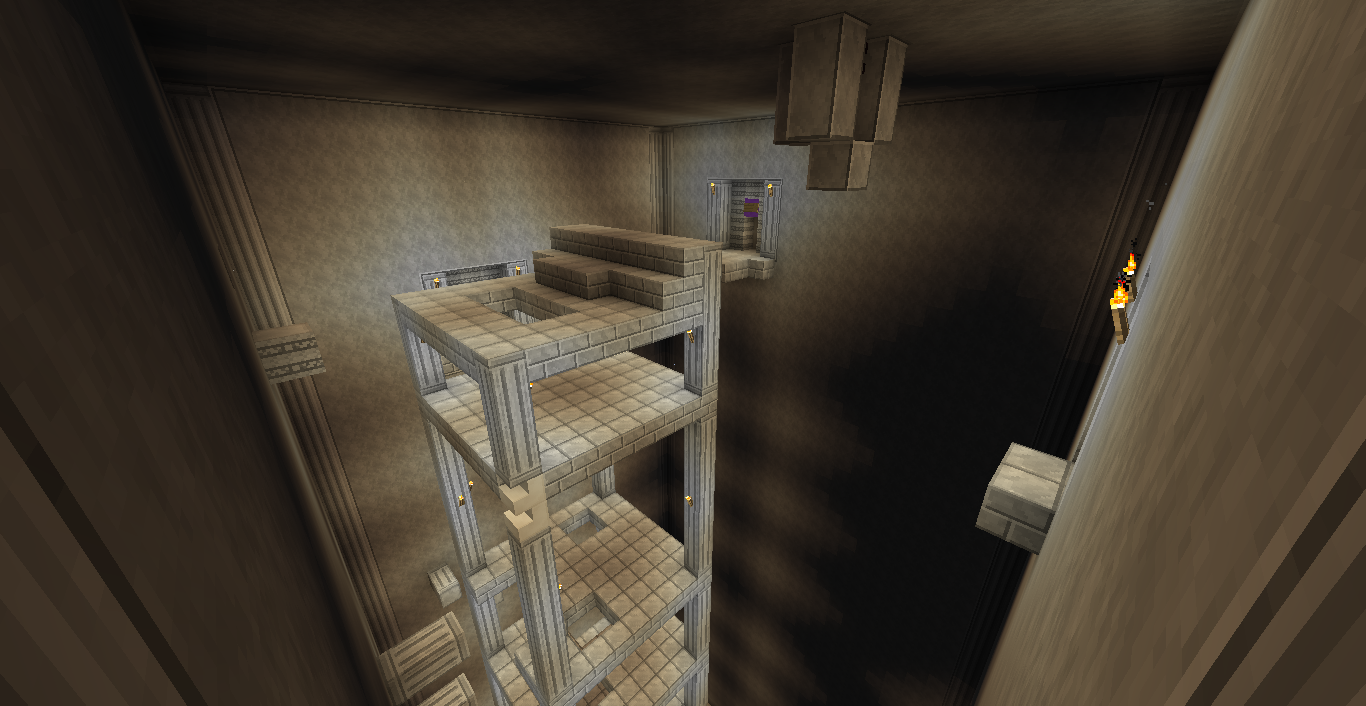
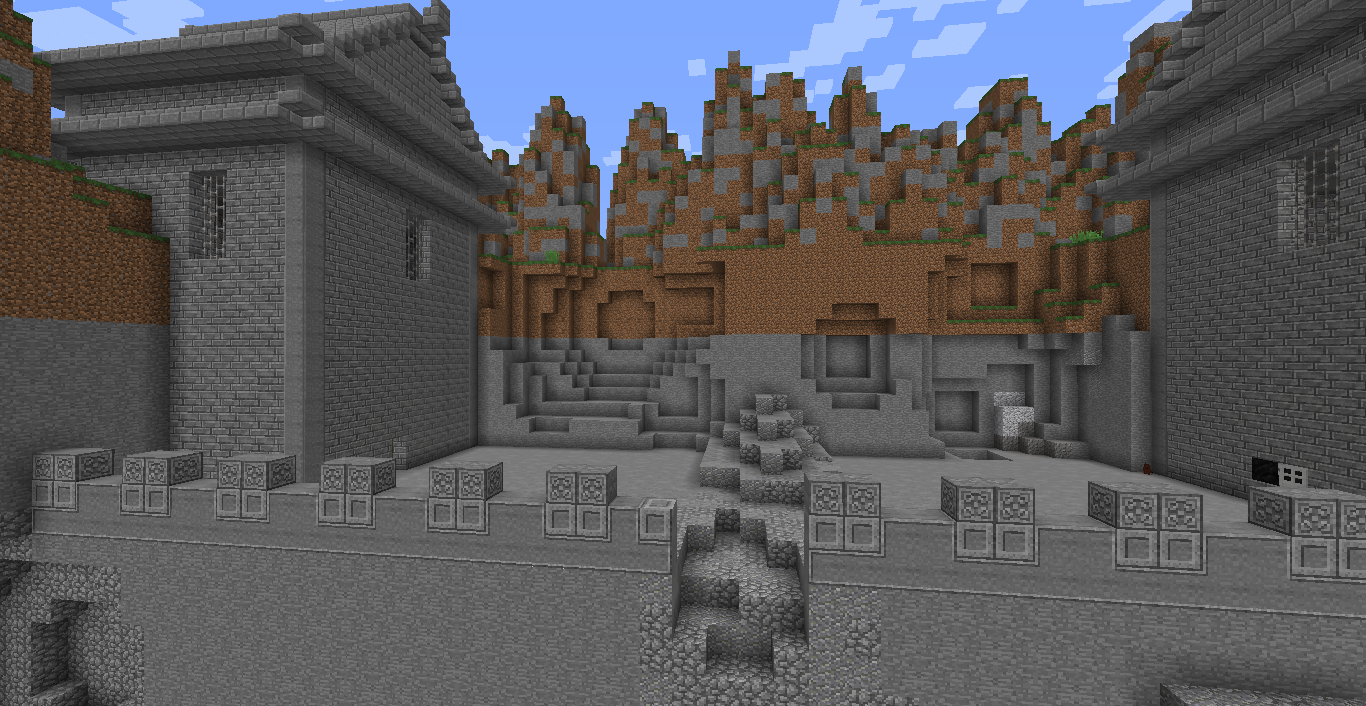
In-game Screenshots!
Click on the spoiler below to view screenshots from the map itself!
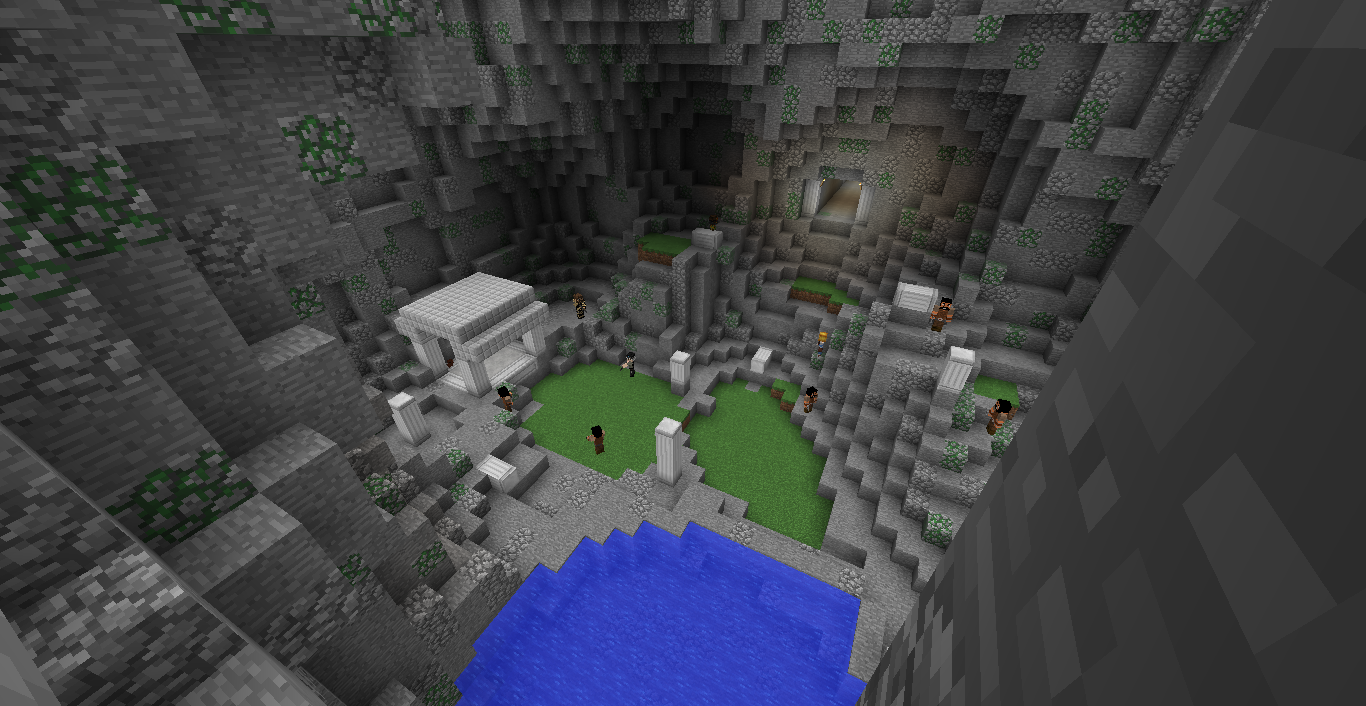
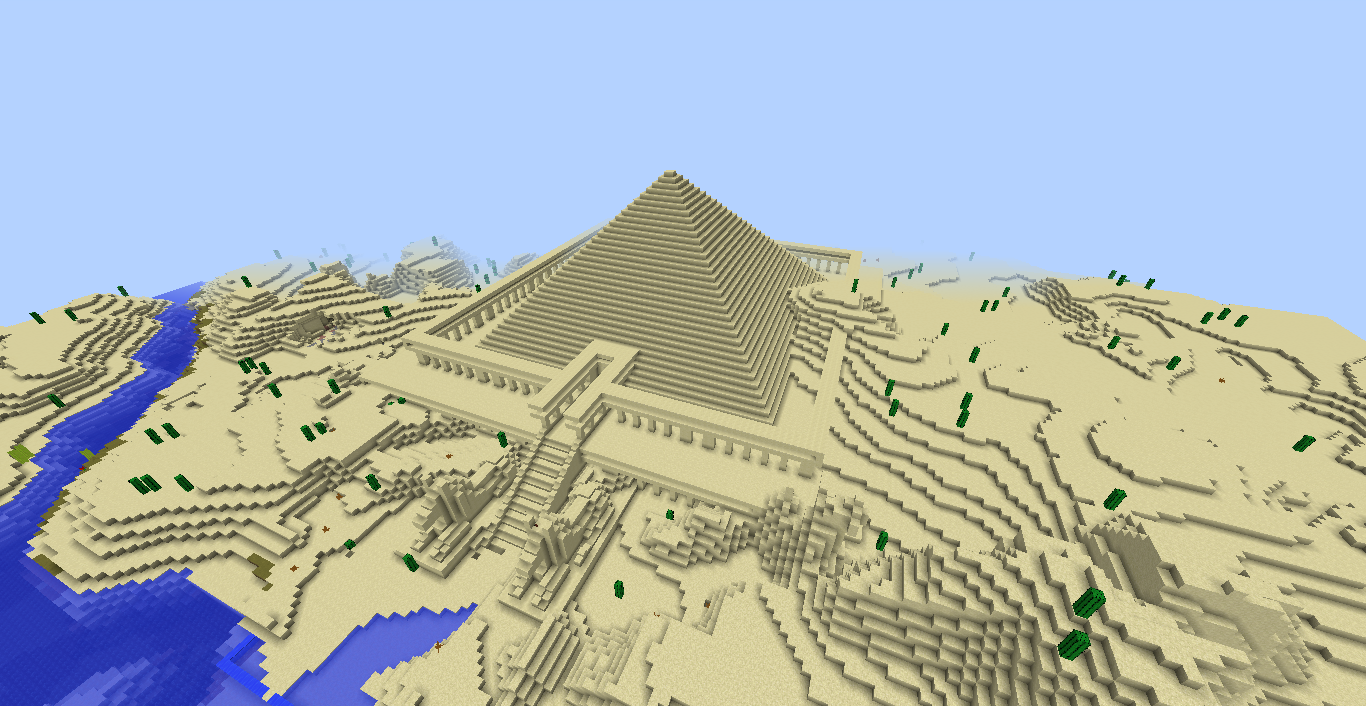
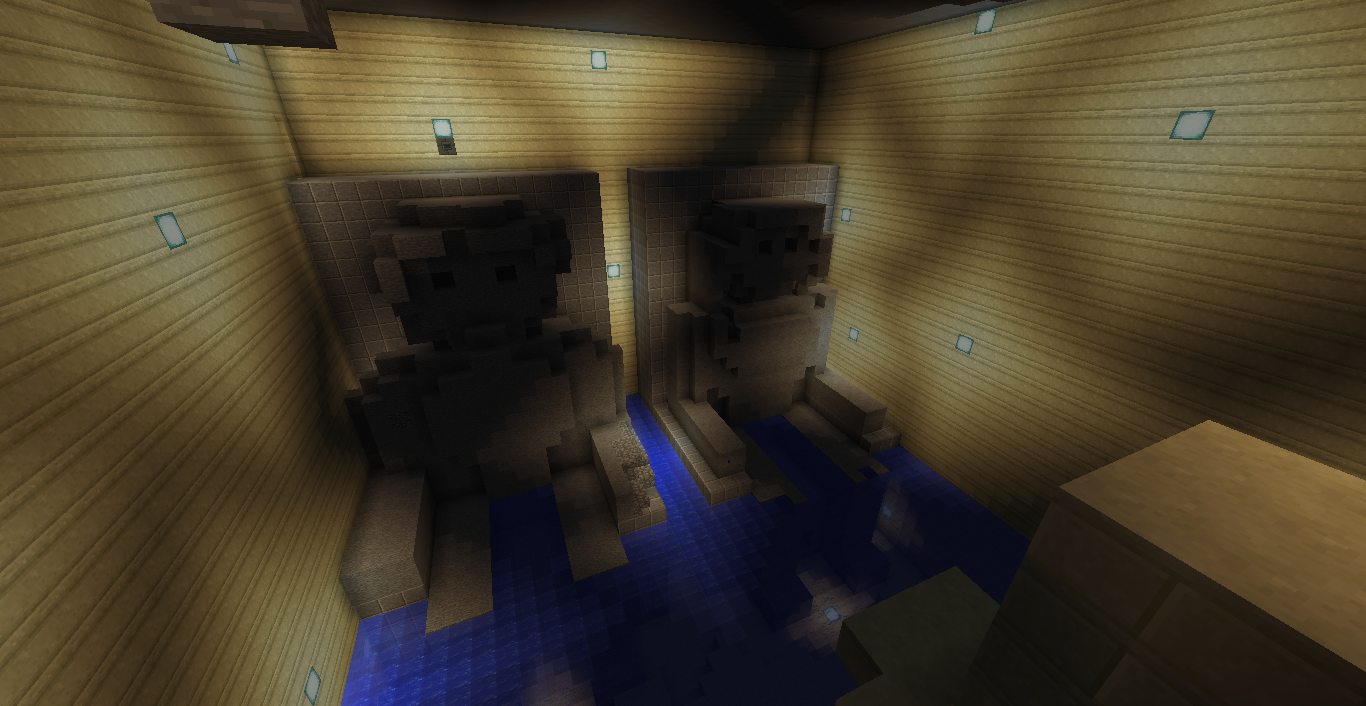
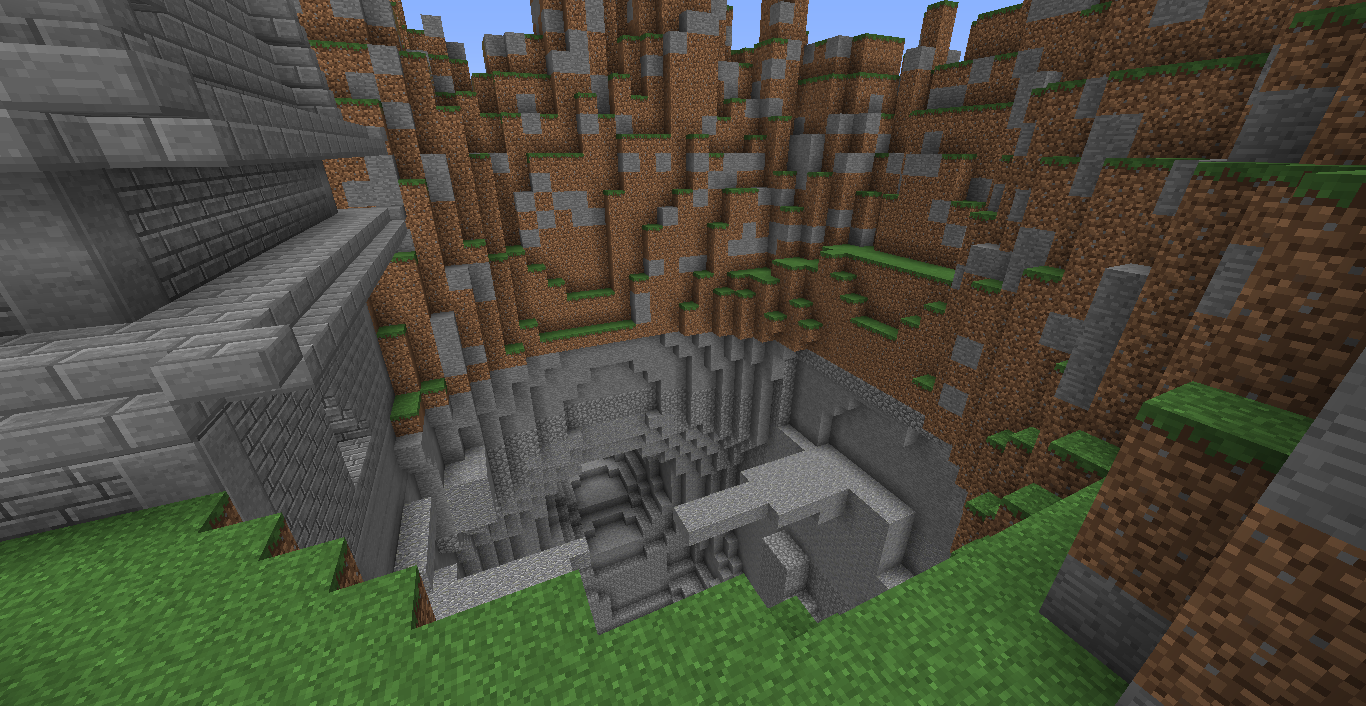
Trailer!
Click on the spoiler below to view the trailer of the map!
Install Instructions!
Click on the spoiler to view install instructions!
The extremely easy way to install this modpack and adventure map is to simply install the Twitch app and install it there.
Navigate to the Mods tab.
Click on Minecraft and install if needed.
Click on the "Browse Modpacks" tab.
Search "Explorer" or find this modpack in the Browse Modpacks tab.
Click "Install" and wait for it to download.
Click "Play" on the modpack.
If you are using the twitch app, just press the install button up above!
If don't want to use Curse/Twitch, then I'll guide you through installing it manually.
If you aren't going to play the adventure map, don't add in the config folder
- To get the files, go to the Files tab, and then click on the latest zip file.
- Download the latest version of the map and modpack.
- Once it's downloaded, unzip it, and go into the "overrides" folder.
- Once in there, extract the config, customnpcs, mods, resourcepacks, and saves folder. You will also want to extract the two options files.
- Download Minecraft Forge 1.8.9 - 11.15.1.1890 or later.
- Once you've downloaded it, install forge. If you don't know how, look up a tutorial on YouTube.
- Once forge is installed, drag and drop the config, customnpcs, mods, resourcepacks, and saves folders into your .minecraft folder! After that you'll need to download the rest of the mods, because you want to do it manually. You'll need to find the Smart Moving mod and all of its core mods, backpacks mod, Biomes O' Plenty, Chisel, CustomNPCs, Decocraft 2, Grappling Hook Mod, Torohealth mod, Guntopia, and Mo' Creatures and all of its core mods. Once you have all of those mods, drag them into your mods folder in your .minecraft folder.
- After that, drag and drop the options file and the optionsof file into your .minecraft folder from the zip file.
- If you want, download minecraft optifine for 1.8.9 and drop it into the mods folder.
- Start up the Minecraft launcher and go to the "Launch options," then switch the option that says "Advanced settings." After you've done that, click on the 1.8.9 profile to edit it.
- Go to the "Versions" and change the version to "release 1.8.9-forgexxxxxxx." (x is for whatever version it is) You can find this at the very bottom.
- Go back to the "News" tab and play on the forge profile that you just created! Once you're on the title screen, you'll be able to start up Explorer or Explorer No Music to start playing!
Schematic People!
I can't take full credit for the map, because I used some schematics and pieces of worlds from other creators! As always, you should give credit where credit is due! Click on the spoiler to view the creators!
Mayan Temple Schematic by khamelion81
The Old Library Schematic by the Nord Team
Thanasys World Save by Team Newrise
Soria: Suhna Desert by Kevski
Luxury Mansion Schematic by jar9
Mod Creators!
I would like to thank all the mod creators that allowed me to use their mods in my modpack! I included their name, as well as links to their mods! Click on the spoiler to view the mod creators!
Animals Plus v1.7 by Click_Me (Click me!)
Backpacks mods v.3.0.1 by Eydamos (Click me!)
Biomes O' Plenty by Glitchfiend (Click me!)
MrCrayfish's Furniture Mod by MrCrayfish (Click Me!)
Chisel Mod (Click me!)
Custom NPCs by Noppes (Click me!)
DecoCraft2 by Razzleberryfox (Click me!)
Smart Moving by Divisor (Click me!)
ToroHealth Damage Indicators by ToroCraft (Click me!)
Guntopia Mod by Tyler (Click me!)
Grappling Hook mod by Yyon (Click me!)
Mo' Creatures mod by Dr. Zhark (Click me!)
CustomMobSpawner mod by Dr. Zhark (Click me!)
https://creativecommons.org/licenses/by-nc-nd/4.0/
https://creativecommons.org/licenses/by-nc/3.0/
Music Creators!
I used copyright free music for the game and I would also like to credit the authors for their wonderful music! Within the credits of the game, I have also credited the music creators! Click on the spoiler to see the authors' information!
"Epic Adventure Journey" by Yazid Septiansyah
https://soundcloud.com/yazid_45/epic-adventure-journey
https://creativecommons.org/licenses/by/3.0/
https://twitter.com/yazid_septian
https://www.youtube.com/watch?v=SsnjBGGqUBQ
"Dragon Castle" by 魔界Symphony
[https://soundcloud.com/makai-symphony/dragon-castle](https://soundcloud.com/makai-symphony/dragon-castle)
[https://creativecommons.org/licenses/by-sa/3.0/](https://creativecommons.org/licenses/by-sa/3.0/)
[https://twitter.com/xiexieP](https://twitter.com/xiexieP)
[https://www.youtube.com/watch?v=fJeKMJYf1MM](https://www.youtube.com/watch?v=fJeKMJYf1MM)
"Nervous Worried Anxious Background Music" represented by Royalty Free Music Library
https://twitter.com/RFMUSICLIBRARY
https://www.youtube.com/watch?v=Vy55jCEYTto
"Battle of Kings" by Per Kiilstofte
[https://machinimasound.com/?s=battle+of+kings](https://machinimasound.com/?s=battle+of+kings)
[https://creativecommons.org/licenses/by/4.0/](https://creativecommons.org/licenses/by/4.0/)
[https://www.youtube.com/user/MachinimaSound](https://www.youtube.com/user/MachinimaSound)
[https://www.youtube.com/watch?v=bX7FSvzGJ_M](https://www.youtube.com/watch?v=bX7FSvzGJ_M)
"African Jungle" represented by RoyaltyFreeSounds
http://www.dl-sounds.com
https://www.youtube.com/watch?v=bKFj6TO9hoc
In-Game Sounds
Ah Puch sounds: [https://smite.gamepedia.com/Ah_Puch_voicelines](https://smite.gamepedia.com/Ah_Puch_voicelines)
Arachne sounds: [https://smite.gamepedia.com/Arachne_voicelines](https://smite.gamepedia.com/Arachne_voicelines)
Camazotz Sounds: [https://smite.gamepedia.com/Camazotz_voicelines](https://smite.gamepedia.com/Camazotz_voicelines)

**Walkthrough**

Click on the spoiler below for a dedicated walkthrough, by me, that shows you all the secrets, items, and how to get through a level if you are stuck! Only has Levels 1-9 right now

**Level 1**

**Level 2**
**Level 3**

**Level 4**
**Level 5**


**Level 6**


**Level 7**


**Level 8**


**Level 9**


**Level 10**
**Level 11**
**Level 12**
**Level 13**

**I CRASHED HALPPPP!** Click on the spoiler to see if I can help.

I don't know much about mods and crashing, but I'll try to help as much as I can. Below are the crashes that I know of and how to fix them.

1.) If you died, and then suddenly crashed, then you're probably just fine. You'll need to restart your game, and load the map up again.

2.) Due to the Chisel mod being extremely buggy in the 1.8.9 version, there is a chance that if you accidentally somehow go into the block, then you'll crash. This could be caused by you using Smart Moving to go into the chisel block or by diving (holding Ctrl+Sprint+Space) into the chisel block. If you were playing the map, and then suddenly you crashed and the game crashes every time you try to reenter the world, then this is likely your issue. If this occurs, you'll need to use MCEdit to bring your player to a different point, so that you can continue playing.
(If you are playing on a LAN, and aren't the host) If you are playing with friends, then try having your friend teleport you to them right when you enter the world. If that doesn't work, get rid of the block that they are stuck in. (Replace it when everything is working normally)
Project description from CurseForge.
Mods in Explorer: Minecraft Adventure Map and Modpack V1.0
Open any mod on Modpacks.ch to check its files and dependencies.
backpack-3.0.1-1.8.9.jar SHA-1
23bc9894ec674e6cf541ca59320a72779b628d8b · CurseForge file 2328242 · Project link unavailable Side not labelledBiomesOPlenty-1.8.9-3.0.0.2004-universal.jar SHA-1
f0b3430440096230e0b5300f10024bd9cee02e18 · CurseForge file 2293344 · Project link unavailable Side not labelledChisel-MC1.8.9-0.0.2.6.jar SHA-1
3748c154a74638c051698a80579993c268fd825c · CurseForge file 2275705 · Project link unavailable Side not labelledCustomMobSpawner 3.6.0.jar SHA-1
1164f37a2cf490e117372d731108f9420b0238aa · CurseForge file 2319466 · Project link unavailable Side not labelledCustomNpcs_1.8.9(29oct16).jar SHA-1
0cc6df3292d0e6daea3794f4bc49c44ea5b0d2e8 · CurseForge file 2340248 · Project link unavailable Side not labelledDecocraft-2.4.2_1.8.9.jar SHA-1
99357fac8d3c2d75b64673e32b1014821375e3cb · CurseForge file 2414536 · Project link unavailable Side not labelledDrZhark's Mo'Creatures Mod-8.2.2.jar SHA-1
b1b92fecd3c9fd6c01c156a53be4bf525354ac1c · CurseForge file 2322520 · Project link unavailable Side not labelledgrapplemod-1.8.9-v7.jar SHA-1
66f6d578e1a4761e8dd0df3ea9465ae2624e6438 · CurseForge file 2305352 · Project link unavailable Side not labelledPlayerAPI-1.8.9-1.0.jar SHA-1
59af01cad07218d21175cbd9b1bd65abf97c2833 · CurseForge file 2279518 · Project link unavailable Side not labelledSmartMoving-1.8.9-16.3.jar SHA-1
1930b5d85bb61c9fc8e8b3058eb24f067a93e553 · CurseForge file 2283136 · Project link unavailable Side not labelledSmartRender-1.8.9-2.2.jar SHA-1
60709c190923e6dd50d3a41317e3abbcc7088453 · CurseForge file 2283133 · Project link unavailable Side not labelledtorohealth-1.8.9-7.jar SHA-1
aba4db0b47180ebc95ae25c2ce886d696564fa5e · CurseForge file 2353090 · Project link unavailable Side not labelledtylerdirden_guntopia-1.8.9-1.0.1.jar SHA-1
a1d3b2d0d13dc61333e133002ae9d108d6be3341 · CurseForge file 2380174 · Project link unavailable Side not labelledPick your setup
Explorer: A Minecraft Adventure Map and Modpack by Minecraft version and loader
Choose the version and loader you play, then open the matching release.
Made local changes? Try them in a copied instance before touching a world you care about.
Recent files
Explorer: A Minecraft Adventure Map and Modpack versions and loaders
Forge 11.15.1.23181.8.98.0.312+7 release
Looking for an older file? The official CurseForge project page is in Resources.
 modpack
 CurseForge · Minecraft
Better Create Aeronautics | With Create Addons & Improvements
A technology-focused Minecraft modpack built around Create and Create Aeronautics, featuring automation, aircraft, exploration, new biomes, creatures, and immersive world improvements.
 modpack
 CurseForge · Minecraft
Vampiric fantasy
World with new biomes, mobs, structures with ways of living.
 modpack
 CurseForge · Minecraft
SharedLife - New Multiplayer Experience!
A vanilla+ modpack where everyone shares the same health, turning Minecraft into a true team survival experience.