Minecraft version
Back to modpacks 
CurseForge · Minecraft modpack
Upgraded FPS
Best FPS possible for minecraft 1.21; fully client-side with QoL mods to help your vanilla journey !
Choose a version Pick your version below, then grab the matching file.
Quick answer
Which Upgraded FPS release matches Fabric?
Best match for your filters Upgraded FPS-1.21 (1)
Game version 1.21
Loader Fabric 0.15.11
Upgraded FPS-1.21 (1) is a complete pack release for 1.21 with Fabric 0.15.11. Install it as its own launcher instance. If the creator publishes a separate server file, make sure it names this exact pack release. 52 mods in this pack file.
Pack setup
How should I set up Upgraded FPS for players and a server?
Use Upgraded FPS-1.21 (1) as the pack version. Install the pack as its own launcher instance. The creator’s listing does not name a separate server file, so check the release notes before setting up a dedicated server. Do not upload the ordinary client folder blindly.
Client instance Install Upgraded FPS-1.21 (1)
Dedicated server setup Match Upgraded FPS-1.21 (1)
Pack loader Fabric 0.15.11
A pack is a matched client and server setup, not one mod with an install-side label. Keep its release, loader, manifest and overrides together.
Referenced mods 52
Client only 17
Server only 0
Not labelled 35
These numbers come from the pack file you chose. “Not labelled” means we don’t know which side it belongs on—not that it is safe everywhere. The file count is not a RAM estimate.
What are the server requirements for Upgraded FPS?
Upgraded FPS-1.21 (1) on Fabric. The pack contents and setup notes below stay tied to that release.
The selected pack release is Upgraded FPS-1.21 (1). That file is for Minecraft 1.21 with Fabric 0.15.11. It contains 52 mod projects. The creator’s listing does not name a separate server file. Check their notes before using one, and do not upload an ordinary client folder or rebuild the pack mod by mod. A file count cannot tell us the right RAM, CPU or storage; size the server for the players and world you actually run.
About this project
What kind of pack is Upgraded FPS?
This modpack has a simple goal : to play minecraft on an old computer with still good performances !
Upgraded FPS is a Fabric vanilla client-side modpack with the goal of making you able to play Minecraft on an old computer with good performances. It accomplishes it with a lot of optimization mods that works on the client, meaning that thoses performances improvements also works if you play on servers. Upgraded FPS also helps you in your survival journey (on both servers and singleplayer worlds) with some useful features that are listed down below !
Why use this modpack instead of Optifine ? First of all, Upgraded FPS improves your performances a lot more than Optifine would, but also it includes all of Optifine's features like the zoom or the shaders.
Why use this modpack if you already have a powerful enough computer ? First of, the modpack has a lot of additional features that you can learn about down below, but it also ables you to play minecraft with even more performances !
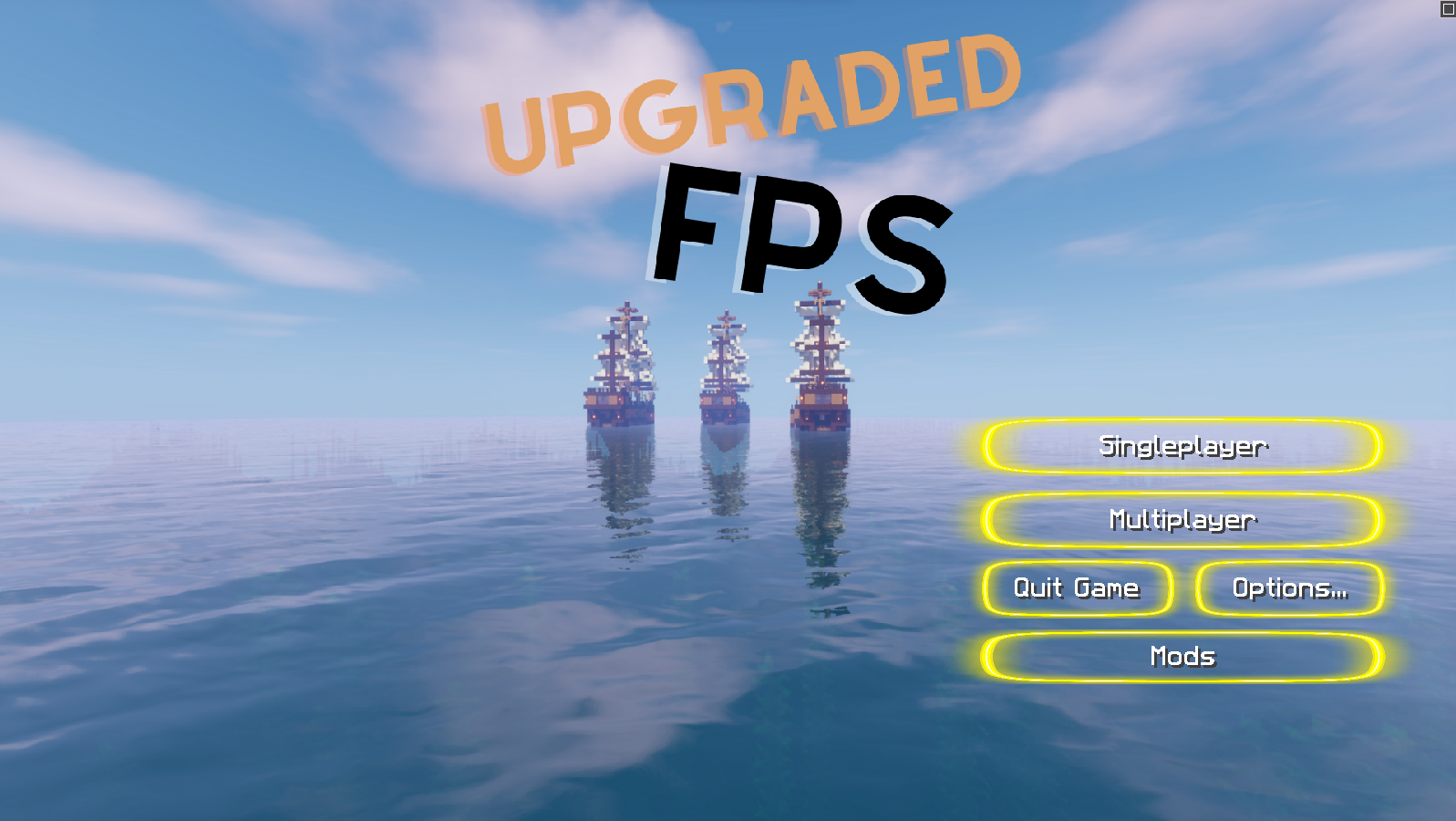
Some resource packs and shaders are already downloaded with the modpack, be sure to give them a try. I hope you enjoy the pack and if you have any suggestions or issues, you can tell me down below in the comments section.
This modpack's included features ( in 1.20.1 ) :
Custom resource packs textures : Animatica, CIT Respawn and Moremcmeta allow resource packs to give texture to more items, mobs, etc depending of many things. For example, New Default + ( which is pre-downloaded in the modpack ) gives custom textures for the enchanted books depending on their enchant.
Food and saturation tooltip : AppleSkin provides many features, including adding food value for each one with a tooltip and a visualisation of potential hunger, saturation and health restored for eating any food you're currently holding.
An auto-clicker : Auto-Clicker is a minecraft mod which, as you have guessed, adds an auto-clicker. It's useful if you build a farm that needs one to work and is completly client-side so you can use it on a server for a farm, if only it's allowed in the server's rule, otherwise it's called cheating and you might be banned.
Connected textures : Continuity provides a resource pack which enables connected textures for glass and a few other blocks, meaning that glass finally looks cool ! To activate it, you only need to put on this resource pack.
Singleplayer and multiplayer customization : customworldicon, as it is called, provides you with the possibility to put your own world icon fairly easely, without having the need for the icon to have the perfect size. Servercountryflags adds a flag to each server based on its irl location and the world map to see the exact location of the servers.
Custom menus : Fancymenu allows customization of the main menu, the singleplayer one and the multiplayer one. They're all custom, as you can see on the screenshot section. Dark loading screen allows for more diversity when launching the game by changing the color to a darker tone.
Revamped armor bar : DetailArmorBar shows in your armor bar the armor type you are wearing, for example if you're wearing half diamond half netherite armor, it will render diamonds armor's in blue and the netherite's one in black. It even shows if you're wearing elytras !
Brightness activator : fullbrightnesstoggle allows, by pressing the "g" button to set your gama level to 1500, making it like you have drinked night vision potions, and pressing "g" another time will put your gama level to where it was before.
Inventory showcase : InventoryHUD generates a tab, by default to the left, showing your armor, the item that you have in your hand and off-hand and also their durability. You can customize everything by pressing "o" by default to change the tab's position and to generate another one showing your entire inventory.
Shaders : Iris provides support for shaders without the need to add Optifine. Some shaderpacks are already present, you can try them out without having to search one on Internet.
Locking items : ItemLocks allows you to lock slots of your inventory by holding the "c" key by default ( which will not work because of conflicts, you should change it ) and left clicking the slots you want to lock.
ToolTip to see the block you're facing : Jade shows a Tooltip in the middle top position to see the block you are facing, the time left to break it, if you can collect it with your current tool, what does it contain ( if it's a chest or a barrel ) and even your reputation when looking at villagers with the mod Your Reputation.
Crafting recipes : Just Enough Items shows every block in the game when your inventory is opened at the right of the screen, and if you press "r" or left click over an item in the tab, you will be able to see its recipe, and if you press "u" what this item is used for crafting. JEP allows even for villager trades to count for a recipe.
Spawning zones : Light Overlay shows every block where mobs can spawn in a certain radius by pressing "F7". You can change the light level for the overlay to apply in the mod section if you need a specific one.
Schematic : Litematica, the new version of the old Schematica mod, shows an hologram of the build that you want to make, which is insanely useful if you are building a large construction. If you want to know more about this mods, you should watch a tutorial about it, because it's a little bit complicated.
Zoom : LogicalZoom allows you to zoom in a certain direction by pressing the "c" key, just like in Optifine.
Notes : If you press the "n" key, Notes will open a notepad for you to write stuff down like coordinates or a list of something that you fear to forget.
Pickup notifier : At the bottom right, you will see a tab were you can see all the items that you pickup thanks to the PickUp Notifier mod.
Shulker box preview : Shulkerboxtooltip allows you to see the inventory of a shulker box when it's in your inventory when your mouse goes over the shulker.
Minimap and map : Xaero's world map and minimap shows you a minimap and a fullscreen map when pressing "m" of your singleplayer world or the server that you're playing on. You can also put waypoints in your world so you will never be lost again !
Freecam : You can activate freecam by configurating a key in the Tweakeroo menu. When enabled, you will be able to see your world like you where in spectator mode while still being in survival.
Project description from CurseForge.
Mods in Upgraded FPS-1.21 (1)
Open any mod on Modpacks.ch to check its files and dependencies.
animatica-0.6.1+1.21.jar SHA-1
fd805fa03e25013b9fe824bf43f7d8a90f565c84 · CurseForge file 5426917 · Project link unavailable Client onlyauto-clicker-fabric-21.0.1.jar SHA-1
c74e69686d8340e5e17cb3de94132b877cc3f2e4 · CurseForge file 5458329 · Project link unavailable Side not labelledbetterfpsdist-fabric-1.21-4.3.jar SHA-1
949502c947bbc7ad287a08db8024908bbfa1b8dc · CurseForge file 5483334 · Project link unavailable Client onlybetterstats-3.11.3+fabric-1.21.jar SHA-1
035dc5c1976530c92adabdd7ea1e8c86aa322472 · CurseForge file 5486237 · Project link unavailable Side not labelledbobby-5.2.3+mc1.21.jar SHA-1
1e2a972ae807df35994b0c3c671e8f50fbaec8af · CurseForge file 5489283 · Project link unavailable Side not labelledcloth-config-15.0.127-fabric.jar SHA-1
d2cef696bbf70a07075b798e541e8c98c34ddd2d · CurseForge file 5424575 · Project link unavailable Side not labelledClumps-fabric-1.21-18.0.0.1.jar SHA-1
e3062ad0b43d667b85e2a1d3bc3ea2816645f7d1 · CurseForge file 5430024 · Project link unavailable Side not labelledcollective-1.21.0-7.70.jar SHA-1
8e6e63ee89011ef27be5cd69ff76d72954eecc63 · CurseForge file 5489169 · Project link unavailable Side not labelledcontinuity-3.0.0-beta.5+1.21.jar SHA-1
16d31a39e85dc10cdff4e06198a1bb26b4b82427 · CurseForge file 5425853 · Project link unavailable Client onlyControlling-fabric-1.21-18.0.1.jar SHA-1
21cc296533ba849cede9ad6cd07f7ea51a3828a4 · CurseForge file 5444002 · Project link unavailable Side not labelledcupboardfabric-1.21-2.7.jar SHA-1
79514292492914773ebf51e9559756cd41ae121e · CurseForge file 5477517 · Project link unavailable Side not labelleddarkglint-fabric-1.21-1.1.4.jar SHA-1
84c45a69a95c09dafb760cdaa5e13f356bbce899 · CurseForge file 5425490 · Project link unavailable Client onlyDetailArmorBar-2.6.3+1.21-fabric.jar SHA-1
3df7ada08111284541ec4892e2f37d84cf131b7a · CurseForge file 5424464 · Project link unavailable Client onlyenhancedblockentities-0.10.1+1.21.jar SHA-1
36045df5f1b3e7645a5dd450fa305a8134dd7c51 · CurseForge file 5425018 · Project link unavailable Client onlyentity_model_features_fabric_1.21-2.1.3.jar SHA-1
de8d74b91b9616923921dd0e25b01ca972d6ccf1 · CurseForge file 5500513 · Project link unavailable Client onlyentity_texture_features_fabric_1.21-6.1.3.jar SHA-1
f2c9e292b9582a02903f1886f8f9f0313299d91f · CurseForge file 5497959 · Project link unavailable Client onlyentityculling-fabric-1.6.6-mc1.21.jar SHA-1
cae57526503e6fff155d6168fd271c9f1f4d029b · CurseForge file 5429169 · Project link unavailable Side not labelledfabric-api-0.100.4+1.21.jar SHA-1
4bf00b19252fc7c2f618340c5c50be430a230d5e · CurseForge file 5473788 · Project link unavailable Side not labelledfabric-language-kotlin-1.11.0+kotlin.2.0.0.jar SHA-1
4f5b3f0d773c4cc9e79d2f5ede3a637e78737f6d · CurseForge file 5361341 · Project link unavailable Side not labelledfancymenu_fabric_3.2.5_MC_1.21.jar SHA-1
4b6d9269ff83e0ba70dc713a83a352ffbada437f · CurseForge file 5430758 · Project link unavailable Side not labelledferritecore-7.0.0-fabric.jar SHA-1
95b18b0f1673bbbe328812c3052cc1a921591f0f · CurseForge file 5434182 · Project link unavailable Side not labelledfreecam-fabric-1.3.0-beta1+mc1.21.jar SHA-1
499b192fe2be74ca0309d9b0b375334f8ac51746 · CurseForge file 5429228 · Project link unavailable Client onlyfullbrightnesstoggle-1.21.0-4.0.jar SHA-1
411d13cc02af16a4808de5c7305a2ef3841cf357 · CurseForge file 5426098 · Project link unavailable Side not labelledindium-1.0.34+mc1.21.jar SHA-1
cf4641206fde618f194dc0a1064b1294e385d679 · CurseForge file 5493212 · Project link unavailable Client onlyinventoryhud.fabric.1.21-3.4.22.jar SHA-1
1c57fe5d1ba01a5e0aa705fc4665fdddf29140b2 · CurseForge file 5438719 · Project link unavailable Client onlyInventoryProfilesNext-fabric-1.21-2.0.1.jar SHA-1
16018faa89d95204f9927509e2cbbf21b9d80004 · CurseForge file 5495413 · Project link unavailable Side not labellediris-1.7.3+mc1.21.jar SHA-1
1b4e44a74c850d407518bc5cbe33eec9577ad9e9 · CurseForge file 5490877 · Project link unavailable Client onlyJade-1.21-Fabric-15.1.3.jar SHA-1
5374cec74e374552d15ef2e4f7ab167f49d2c1c7 · CurseForge file 5493289 · Project link unavailable Side not labelledjei-1.21-fabric-19.1.1.18.jar SHA-1
31d235104935ed234cf377159f9ac83afe4a2851 · CurseForge file 5501831 · Project link unavailable Side not labelledjustenoughbreeding-fabric-1.21-1.2.4.jar SHA-1
d36aea76bc7a3ec2f0fe6068aeddb1de11d86c38 · CurseForge file 5457193 · Project link unavailable Side not labelledJustEnoughProfessions-fabric-1.21-4.0.0.jar SHA-1
73ed8af7c85f6134efca3b20437bdb86869c264e · CurseForge file 5438694 · Project link unavailable Side not labelledkonkrete_fabric_1.9.9_MC_1.21.jar SHA-1
c521e23a8be17a941f4f95a76feba9df5e3de5d0 · CurseForge file 5430434 · Project link unavailable Side not labelledlibIPN-fabric-1.21-5.0.2.jar SHA-1
af990e236848e490563ce47561ce2165006c91d4 · CurseForge file 5495328 · Project link unavailable Side not labelledlithium-fabric-mc1.21-0.12.7.jar SHA-1
028d8dde791e2283aa0d67decc8cbcd66400a38e · CurseForge file 5448487 · Project link unavailable Side not labelledmelody_fabric_1.0.10_MC_1.21.jar SHA-1
5624eea73f251c70a9489192d326f9b4aab3b13c · CurseForge file 5430438 · Project link unavailable Side not labelledmodernfix-fabric-5.18.5+mc1.21.jar SHA-1
95a0baee24767b7b343d948f1149bec6a56c31e3 · CurseForge file 5499595 · Project link unavailable Side not labelledmodmenu-11.0.1.jar SHA-1
e4ba66f6036a4902433bb517d55120c4237c512f · CurseForge file 5454251 · Project link unavailable Side not labelledMouseTweaks-fabric-mc1.21-2.26.jar SHA-1
ee81af33a5606ef2cd057e075833d7c69836c210 · CurseForge file 5437294 · Project link unavailable Client onlynoisium-fabric-2.2.1+mc1.21.jar SHA-1
f06c1a48013bb4ff1183348d4d6ab3a31988edd3 · CurseForge file 5501573 · Project link unavailable Side not labelledplaceholder-api-2.4.0+1.21.jar SHA-1
6ed0f7ccc9458f0c875a5cabefe15c2c699ec3bd · CurseForge file 5462921 · Project link unavailable Side not labelledreeses_sodium_options-1.7.2+mc1.21.jar SHA-1
cc4e16bba55547494667ec257349f66695e029de · CurseForge file 5424058 · Project link unavailable Client onlySearchables-fabric-1.21-1.0.1.jar SHA-1
23f9fb394ac985bcaf4bff4095672e287d430123 · CurseForge file 5430126 · Project link unavailable Side not labelledshulkerboxtooltip-fabric-5.0.2+1.21.jar SHA-1
90290e6d3d3ec0fb2a2e203572a8317c53fc4b4e · CurseForge file 5472985 · Project link unavailable Side not labelledsodium-extra-0.5.7+mc1.21.jar SHA-1
13a65186e5ba363e0ed3216303bc67a173c050fe · CurseForge file 5426339 · Project link unavailable Client onlysodium-fabric-0.5.11+mc1.21.jar SHA-1
d67e66ea4bb2409997b636dae4203d33764cdcc8 · CurseForge file 5485657 · Project link unavailable Client onlytcdcommons-3.12+fabric-1.21.jar SHA-1
7657c76aed62b37dfc5d9eaa1a7b3fa22d21e856 · CurseForge file 5498055 · Project link unavailable Side not labelledtia-1.21-1.2-fabric.jar SHA-1
0e67c3086468c10e021eace54fbdcc8f569f881b · CurseForge file 5437712 · Project link unavailable Client onlyXaeros_Minimap_24.2.1_Fabric_1.21.jar SHA-1
dc22cb21d9337addc6b68dee9aaeeef51ccc3c80 · CurseForge file 5437650 · Project link unavailable Side not labelledXaerosWorldMap_1.38.8_Fabric_1.21.jar SHA-1
25e8508f32f3ba067123b9f2e2ffcacf408961ef · CurseForge file 5437644 · Project link unavailable Side not labelledYetAnotherConfigLib-3.5.0+1.21-fabric.jar SHA-1
c58dab87a7b62d0b3812c97fa69381ae041a1439 · CurseForge file 5424169 · Project link unavailable Side not labelledyour-reputation-0.2.6+jade.1.21.jar SHA-1
a7166d59f86de987c5f7b1c64e5bf1f538626418 · CurseForge file 5434495 · Project link unavailable Side not labelledZoomify-2.14.0+1.21.jar SHA-1
7adcde4ce0861c6b573bc86615a19ccf17bec255 · CurseForge file 5439652 · Project link unavailable Side not labelledPick your setup
Upgraded FPS by Minecraft version and loader
Choose the version and loader you play, then open the matching release.
Minecraft version
1.20.4
1 loader buildMinecraft version
1.20.2
1 loader buildMinecraft version
1.20.1
1 loader buildMinecraft version
1.19
1 loader buildMinecraft version
1.18.1
1 loader buildMade local changes? Try them in a copied instance before touching a world you care about.
Recent files
Upgraded FPS versions and loaders
Fabric 0.15.111.218.0.312+7 release
Fabric1.20.4 release
Fabric1.20.4 release
1.20.2Fabric release
Fabric1.20.1 release
Fabric1.20.1 release
Fabric1.20.1 release
Fabric1.20.1 release
Fabric1.20.1 release
Fabric1.19 release
1.18.1Fabric release
Looking for an older file? The official CurseForge project page is in Resources.
 modpack
CurseForge · Minecraft
McDestined
An all-in-one Vanilla+ modpack featuring minecraftdestined's mods for smarter survival, faster crafting and trading, improved combat, easier travel, resource automation, and useful quality-of-life upgrades—while keeping Minecraft's familiar feel.
 modpack
CurseForge · Minecraft
Sparked - Simply Better
This modpack improves upon the vanilla game, without changing it in a way where it becomes a new game.
 modpack
Modrinth · Minecraft
Ekaii Plus
Optimization and QoL modpack designed to be used on Ekaii minecraft server