
Minecraft version
Back to modpacks 
CurseForge · Minecraft modpack
DeckyCraft
Play Minecraft on your Steam Deck
Choose a version Pick your version below, then grab the matching file.
Quick answer
Which DeckyCraft release matches 1.12.2 Forge?
alpha file Forge 1.12.2 (v. 23031 Alpha)
Game version 1.12.2
Loader Forge 14.23.5.2859
Forge 1.12.2 (v. 23031 Alpha) is a complete pack release for 1.12.2 with Forge 14.23.5.2859. Install it as its own launcher instance. If the creator publishes a separate server file, make sure it names this exact pack release. 11 mods in this pack file.
Pack setup
How should I set up DeckyCraft for players and a server?
Use Forge 1.12.2 (v. 23031 Alpha) as the pack version. Install the pack as its own launcher instance. The creator’s listing does not name a separate server file, so check the release notes before setting up a dedicated server. Do not upload the ordinary client folder blindly.
Client instance Install Forge 1.12.2 (v. 23031 Alpha)
Dedicated server setup Match Forge 1.12.2 (v. 23031 Alpha)
Pack loader Forge 14.23.5.2859
A pack is a matched client and server setup, not one mod with an install-side label. Keep its release, loader, manifest and overrides together.
Referenced mods 11
Client only 0
Server only 0
Not labelled 11
These numbers come from the pack file you chose. “Not labelled” means we don’t know which side it belongs on—not that it is safe everywhere. The file count is not a RAM estimate.
What are the server requirements for DeckyCraft?
Forge 1.12.2 (v. 23031 Alpha) on 1.12.2 Forge. The pack contents and setup notes below stay tied to that release.
The selected pack release is Forge 1.12.2 (v. 23031 Alpha). That file is for Minecraft 1.12.2 with Forge 14.23.5.2859. It contains 11 mod projects. The creator’s listing does not name a separate server file. Check their notes before using one, and do not upload an ordinary client folder or rebuild the pack mod by mod. A file count cannot tell us the right RAM, CPU or storage; size the server for the players and world you actually run.
About this project
What kind of pack is DeckyCraft?
PLAY MINECRAFT ON STEAM DECK
This pack has everything you need to play Minecraft on Valve's console.
PROJECT MOVED TO MODRINTH!!! (click here)
Features:
✔️ Play with thumbsticks and buttons or touch - MidnightControls mod adds support for games controllers and touchscreen, so you can play Minecraft like on every console or phone!
✔️ Share your world with friends without server - Essential mod adds support for hosting singleplayer worlds and inviting another people with this mod!
✔️ Proximity voice chat - Simple Voice Chat mod adds support for proximity voice chat to your Minecraft server* or Essential-shared world.
✔️ Optimization - Sodium is a free and open-source optimization mod for the Minecraft client that improves frame rates, reduces micro-stutter, and fixes graphical issues in Minecraft.
✔️ ...and much more!
*This mod requires special setup on the server to work. Please read the mod author's wiki for more information.
Installation
More detailed instructions can be found on the wiki.
First option (recommended):
- Run your Steam Deck in Desktop Mode.
- Download Prism Launcher from FlatHub.
- Open Prism Launcher.
- Click Add Instance.
- Choose Modrinth.
- Type DeckyCraft and press Search.
- Choose DeckyCraft from the list and select version.
- Press OK.
Second option:
- Run your Steam Deck in Desktop Mode.
- Download Prism Launcher from FlatHub.
- Download DeckyCraft from GitHub.
- Open Prism Launcher.
- Click Add Instance.
- Choose Import from zip.
- Click Browse and select zip with DeckyCraft.
- Press OK.
Now you can run DeckyCraft.
Setting additional features:
- Adding DeckyCraft to Gaming Mode
- Adding DeckyCraft controller configuration to Steam settings (soon!)
- Changing keybinds (soon!)
Disclaimer
I am affiliated neither with Valve Corporation, Mojang Studios, Prism Launcher, FlatHub or creators of mods included in modpack. "Steam", "Steam Deck" and "Valve" are trademarks of Valve Corporation. Minecraft is trademark of Mojang Synergies AB.
Project description from CurseForge.
Mods in Forge 1.12.2 (v. 23031 Alpha)
Open any mod on Modpacks.ch to check its files and dependencies.
controllable-0.11.2-1.12.2.jar SHA-1
f5c477226d2740951adb19aa739915bab173ed61 · CurseForge file 3222475 · Project link unavailable Side not labelledEssential-Forge-1.12.2.jar SHA-1
dd9bda3986334083cd3bc95cb616e3c4ac283f06 · CurseForge file 3545472 · Project link unavailable Side not labelledInventoryHUD-1.12.2.forge-3.4.4.jar SHA-1
b2ce2d6fdb0842139b892b27af08b3aaec7f2d19 · CurseForge file 3565980 · Project link unavailable Side not labelledjei_1.12.2-4.16.1.301.jar SHA-1
3045e8440ea44071d8b83c4e7b3c190348fdc527 · CurseForge file 3040523 · Project link unavailable Side not labelledphosphor-1.12.2-0.2.6+build50-universal.jar SHA-1
d4781f46fb18f0c6ed03893465244e7ec7dc8b8c · CurseForge file 2747710 · Project link unavailable Side not labelledPhosphorCrashFix-1.12.2-1.0.0.jar SHA-1
b5b17501af82828e106617b6f1694088f426494b · CurseForge file 4183001 · Project link unavailable Side not labelledvoicechat-forge-1.12.2-2.3.28.jar SHA-1
7434e8aa6ea0bf517f38b7f997b68c4147c26307 · CurseForge file 4372201 · Project link unavailable Side not labelledWorldEdit-CUI-FE3-1.12.2-3.0.9.jar SHA-1
8baccc05f51f757588575dc1d6fa160bd79f6a82 · CurseForge file 3191629 · Project link unavailable Side not labelledworldedit-forge-mc1.12.2-6.1.10-dist.jar SHA-1
17314bdab33678478af060d2156338ee34db8a09 · CurseForge file 2941712 · Project link unavailable Side not labelledXaeros_Minimap_23.3.0_Forge_1.12.jar SHA-1
efaead630af8a0a58f4b435be89c942fdae188ca · CurseForge file 4430571 · Project link unavailable Side not labelledXaerosWorldMap_1.29.3_Forge_1.12.jar SHA-1
e9f406d06878f8807c3bcc4b672ec024b8ae4f92 · CurseForge file 4436640 · Project link unavailable Side not labelledPick your setup
DeckyCraft by Minecraft version and loader
Choose the version and loader you play, then open the matching release.
Minecraft version
1.19
1 loader buildMinecraft version
1.18.2
1 loader buildMinecraft version
1.17.1
1 loader buildMinecraft version
1.12.2
1 loader buildMade local changes? Try them in a copied instance before touching a world you care about.
Recent files
DeckyCraft versions and loaders
Forge 14.23.5.28591.12.28.0.312+7 alpha
Looking for an older file? The official CurseForge project page is in Resources.
 modpack
CurseForge · Minecraft
And Thus Spake Herobrine
And when Steve gazed into the darkness, the darkness gazed also into Him.
 modpack
CurseForge · Minecraft
McDestined
An all-in-one Vanilla+ modpack featuring minecraftdestined's mods for smarter survival, faster crafting and trading, improved combat, easier travel, resource automation, and useful quality-of-life upgrades—while keeping Minecraft's familiar feel.
 modpack
CurseForge · Minecraft
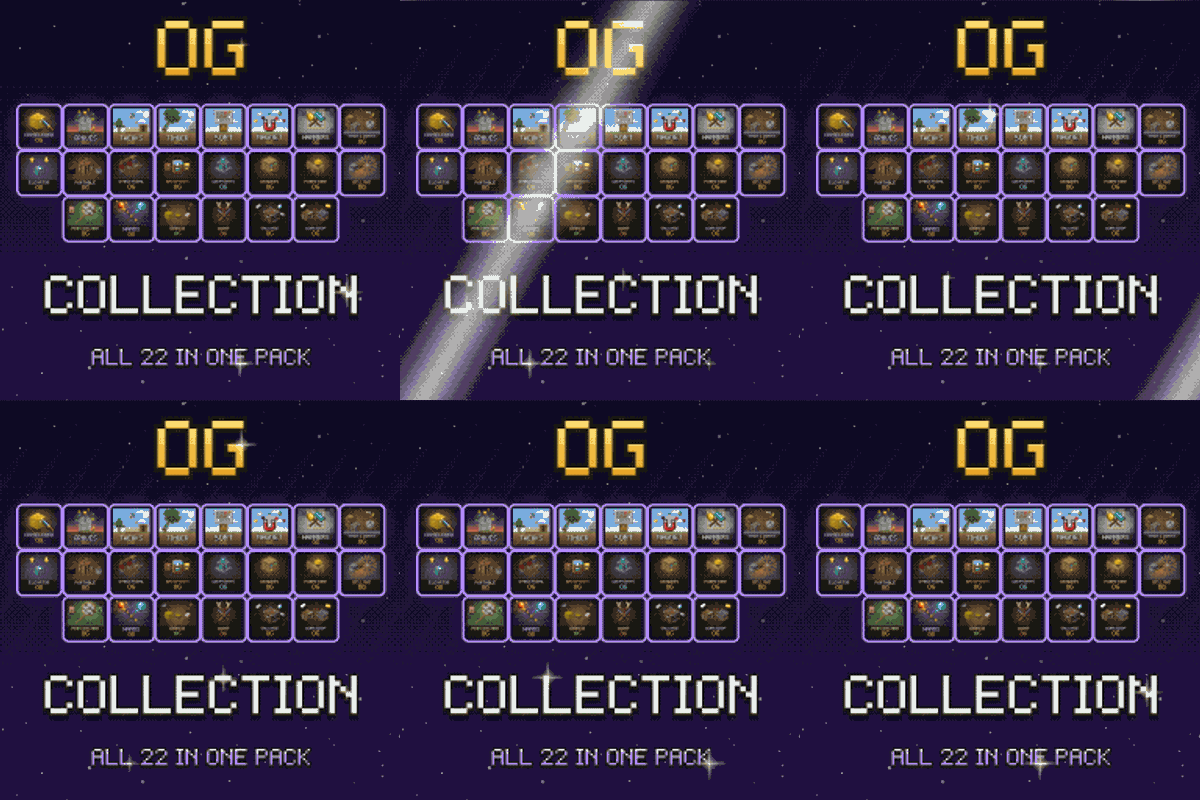
OG Collection
All twenty-two OG mods in one vanilla+ pack: chisel, graves, tweaks, timber, sorting, magnet, hammers, crates, elevators, workstations, physics, backpacks, waypoints, drawers, furniture, bellows, mob nets, wands, ranching, hunting, salvage, workshop.