Minecraft version
Back to modpacks 
CurseForge · Minecraft modpack
Boosted FPS (Performance Optimized) (QLT)
FPS Boosting Modpack Featuring Performance Mods! on Quilt 1.20+ Latest
Choose a version Pick your version below, then grab the matching file.
Quick answer
Which Boosted FPS (Performance Optimized) (QLT) release should I use?
Latest stable file Boosted FPS Quilt-1.20.1-1.0.5.zip
Game version 1.20.1
Loader Quilt 0.28.0
Boosted FPS Quilt-1.20.1-1.0.5.zip is a complete pack release for 1.20.1 with Quilt 0.28.0. Install it as its own launcher instance. If the creator publishes a separate server file, make sure it names this exact pack release. 17 mods in this pack file.
Pack setup
How should I set up Boosted FPS (Performance Optimized) (QLT) for players and a server?
Use Boosted FPS Quilt-1.20.1-1.0.5.zip as the pack version. Install the pack as its own launcher instance. The creator’s listing does not name a separate server file, so check the release notes before setting up a dedicated server. Do not upload the ordinary client folder blindly.
Client instance Install Boosted FPS Quilt-1.20.1-1.0.5.zip
Dedicated server setup Match Boosted FPS Quilt-1.20.1-1.0.5.zip
Pack loader Quilt 0.28.0
A pack is a matched client and server setup, not one mod with an install-side label. Keep its release, loader, manifest and overrides together.
Referenced mods 17
Client only 5
Server only 0
Not labelled 12
These numbers come from the pack file you chose. “Not labelled” means we don’t know which side it belongs on—not that it is safe everywhere. The file count is not a RAM estimate.
What are the server requirements for Boosted FPS (Performance Optimized) (QLT)?
Boosted FPS Quilt-1.20.1-1.0.5.zip. Change the pack release and its contents or setup may change too.
The selected pack release is Boosted FPS Quilt-1.20.1-1.0.5.zip. That file is for Minecraft 1.20.1 with Quilt 0.28.0. It contains 17 mod projects. The creator’s listing does not name a separate server file. Check their notes before using one, and do not upload an ordinary client folder or rebuild the pack mod by mod. A file count cannot tell us the right RAM, CPU or storage; size the server for the players and world you actually run.
About this project
What kind of pack is Boosted FPS (Performance Optimized) (QLT)?

Quilt Based Modpack featuring Performance Based Mods and Tweaks to make your Minecraft game run better and faster!
For the Fabric version go here - https://www.curseforge.com/minecraft/modpacks/boosted-fps
For the Forge version go here - https://www.curseforge.com/minecraft/modpacks/boosted-fps-forge
For the NeoForge version go here - https://www.curseforge.com/minecraft/modpacks/boosted-fps-neoforge
For the RPG version go here: https://www.curseforge.com/minecraft/modpacks/boosted-fps-rpg

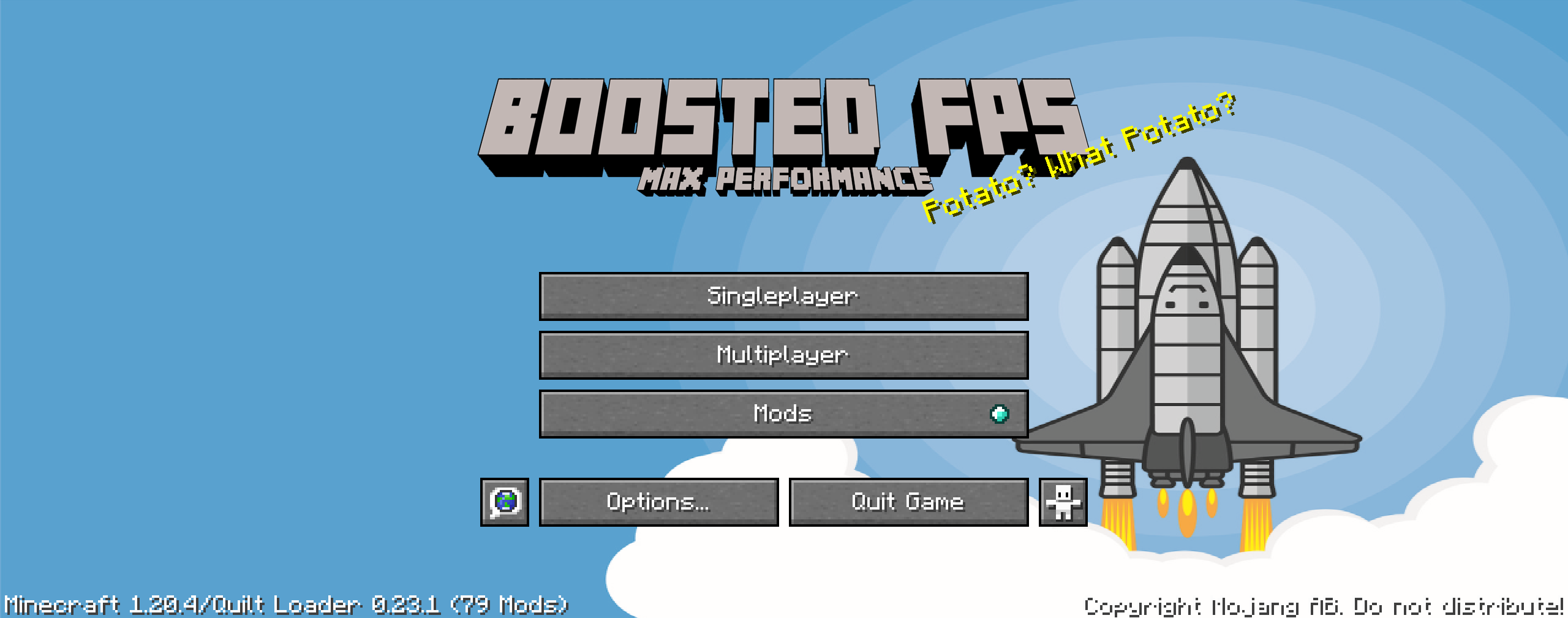

(Your Vanilla Experiences will be further improved thanks to the following features)
- Latest update - Enjoy the latest update with mods!
- FPS performance boosts thanks to Sodium and other performance enhancing mods. Most of the performance based mods are included in this pack.
- FPS Display - Shows your fps on the top left of the screen
- Iris Shaders - You can use shaders if your system allows!
- Hypixel Ready - Hypixel sever pre-loaded, just install and play!
Vanilla (No Mods) FPS:

Boosted FPS Modpack:


- Render Distance has been set to 5 to maximize FPS. Increase this to 8 or higher to see more distance. You can change this in Options / Video Settings / General / Render Distance.
- Animations have been disabled for more fps - Enable this in Options / Video Settings / Animations
- Particles have been disabled for more fps - Enable this in Options / Video Settings / Particles
- Check the Details section in Options / Video Settings to enable Rain/Snow and other options if your system can handle it.
- Getting higher FPS than your refresh rate or seeing screen tearing? Turn on VSync in Options / Video Settings / General
Get a server today and play with your friends! Click HERE or below banner & Use Code GAMERPOTION to get 25 off!



Project description from CurseForge.
Mods in Boosted FPS Quilt-1.20.1-1.0.5.zip
Open any mod on Modpacks.ch to check its files and dependencies.
chatsigninghider-fabric-1.20.1-1.0.5.jar SHA-1
92fdcfd7957db82a37d035c121f96ae8a4139612 · CurseForge file 5116951 · Project link unavailable Side not labelleddarkrtp-fabric-1.20.1-1.1.0.jar SHA-1
638fdd811daa7e5c9847cd4a15b13ff1f27594f2 · CurseForge file 5038148 · Project link unavailable Side not labelleddarktimer-fabric-1.20.1-1.1.0.jar SHA-1
cefa8a71face042117287b52bcc3a2f2136d688c · CurseForge file 5038045 · Project link unavailable Side not labelleddarkzoom-fabric-1.20.1-1.0.0.jar SHA-1
c9ee4c19c386298ecd1d55eaeb8fb9802269e73e · CurseForge file 5108856 · Project link unavailable Side not labelledfadeless-1.0.1.jar SHA-1
8a48f9abfa26e4abc06490c6e818f5cf6af1c280 · CurseForge file 4535395 · Project link unavailable Client onlyferritecore-6.0.1-fabric.jar SHA-1
8fa3b84fc5860dbc30fdf8cced02af68dffcf3fa · CurseForge file 4810977 · Project link unavailable Side not labelledFPS Stress Test.zip SHA-1
baec123c8518d72951a8e6e68be34af0a7dfebe8 · CurseForge file 3595582 · Project link unavailable Side not labelledFPS Test.zip SHA-1
2c4331bda3f63ae92e3e56cfabf6cd8c0b8465d2 · CurseForge file 3590460 · Project link unavailable Side not labelledFPS Winter Stress Test.zip SHA-1
a922fe2e8c5ff337a7703a8fbe83a578407c39ec · CurseForge file 3672594 · Project link unavailable Side not labelledFpsReducer2-fabric-1.20-2.5.jar SHA-1
4ab443f92814c5e75bbb775ad7f784ff16c8feee · CurseForge file 4578392 · Project link unavailable Side not labelledImmediatelyFast-Fabric-1.3.6+1.20.4.jar SHA-1
33950bbfb78baece760f37cb0361eb751d11da0c · CurseForge file 6264744 · Project link unavailable Client onlyiris-1.7.6+mc1.20.1.jar SHA-1
880c0b9ce38bb4997645793407c1801df83f4233 · CurseForge file 6258195 · Project link unavailable Client onlylithium-fabric-mc1.20.1-0.11.3.jar SHA-1
7dc706d892b4c7cff0f7648e6b6256a64c3abec2 · CurseForge file 6097158 · Project link unavailable Side not labelledmodmenu-7.2.2.jar SHA-1
099c68feeb74887cbbbd8ce9a27c6123804a2c5a · CurseForge file 5162837 · Project link unavailable Client onlyok_zoomer-fabric-5.4.0-beta.4.jar SHA-1
5c9cdf31b42053a738c24b1a8fbb30a28c27613a · CurseForge file 6121878 · Project link unavailable Side not labelledqfapi-7.7.0_qsl-6.3.0_fapi-0.92.2_mc-1.20.1.jar SHA-1
fa2868388b175e32e4d3310a5bf065593837bc5c · CurseForge file 5955603 · Project link unavailable Side not labelledsodium-fabric-0.5.13+mc1.20.1.jar SHA-1
bcdbf37d9494e405cba210d7a80ed58e756297b5 · CurseForge file 6260639 · Project link unavailable Client onlyPick your setup
Boosted FPS (Performance Optimized) (QLT) by Minecraft version and loader
Choose the version and loader you play, then open the matching release.
Made local changes? Try them in a copied instance before touching a world you care about.
Recent files
Boosted FPS (Performance Optimized) (QLT) versions and loaders
Quilt 0.28.01.20.18.0.312+7 release
1.20.1Quilt release
1.20.1Quilt release
1.20.1Quilt release
1.20.1Quilt release
1.20.1Quilt release
Looking for an older file? The official CurseForge project page is in Resources.
 modpack
 CurseForge · Minecraft
Gears Beyond the Horizon
Explore deep caves and ruins, build advanced machines and create your own magic in a focused adventure pack.
 modpack
 CurseForge · Minecraft
HORROR - Sound Of Despair - Siren Head - (horror)
A haunting survival experience with a wide variety of shaders pre installed, eerie forests, distant sounds, and unseen horrors make every journey unsettling.
 modpack
 CurseForge · Minecraft
Catastrophy RPG
✟ A hardcore, dark fantasy RPG built around strict linear boss progression. ✟