Minecraft version
Back to modpacks 
Modrinth · Minecraft modpack
Localy Optimized
A lightweight Fabric modpack featuring performance optimizations for low-end hardware, alongside useful client-side utility tools for builders.
Choose a version Pick your version below, then grab the matching file.
Quick answer
Which Localy Optimized release should I use?
Latest stable file Localy Optimized 1.0.15
Game version 26.2
Loader Fabric 0.19.3
Localy Optimized 1.0.15 is a complete pack release for 26.2 with Fabric 0.19.3. Install it as its own launcher instance. If the creator publishes a separate server file, make sure it names this exact pack release. 18 mods in this pack file.
Pack setup
How should I set up Localy Optimized for players and a server?
Use Localy Optimized 1.0.15 as the pack version. Install the pack as its own launcher instance. The creator’s listing does not name a separate server file, so check the release notes before setting up a dedicated server. Do not upload the ordinary client folder blindly.
Client instance Install Localy Optimized 1.0.15
Dedicated server setup Match Localy Optimized 1.0.15
Pack loader Fabric 0.19.3
A pack is a matched client and server setup, not one mod with an install-side label. Keep its release, loader, manifest and overrides together.
Referenced mods 18
Client only 8
Server only 0
Not labelled 10
These numbers come from the pack file you chose. “Not labelled” means we don’t know which side it belongs on—not that it is safe everywhere. The file count is not a RAM estimate.
What are the server requirements for Localy Optimized?
Localy Optimized 1.0.15. Change the pack release and its contents or setup may change too.
The selected pack release is Localy Optimized 1.0.15. That file is for Minecraft 26.2 with Fabric 0.19.3. It contains 18 mod projects. The creator’s listing does not name a separate server file. Check their notes before using one, and do not upload an ordinary client folder or rebuild the pack mod by mod. A file count cannot tell us the right RAM, CPU or storage; size the server for the players and world you actually run.
About this project
What kind of pack is Localy Optimized?
Localy Optimized is a Fabric-based modpack designed specifically for builders, bundling performance-focused client-side mods to maintain frame rate stability during builds alongside a selection of lightweight utility tools.
Tested on low-end hardware to ensure stable performance.
💡 Pro-Tip: Join multiplayer servers with this pack to get the absolute highest FPS and smoothest gameplay.
⚙️ Configuration Recommendations
The following in-game settings are suggested to reduce hardware strain:
- Framerate Limit: 60 FPS (or monitor refresh rate).
- VSync: Off.
- Graphics Quality: Fast.
- Leaves: Fast
- Clouds: Fast or Off
- Simulation Distance: 4-5 Chunks.
- Render Distance: 6-8 Chunks.
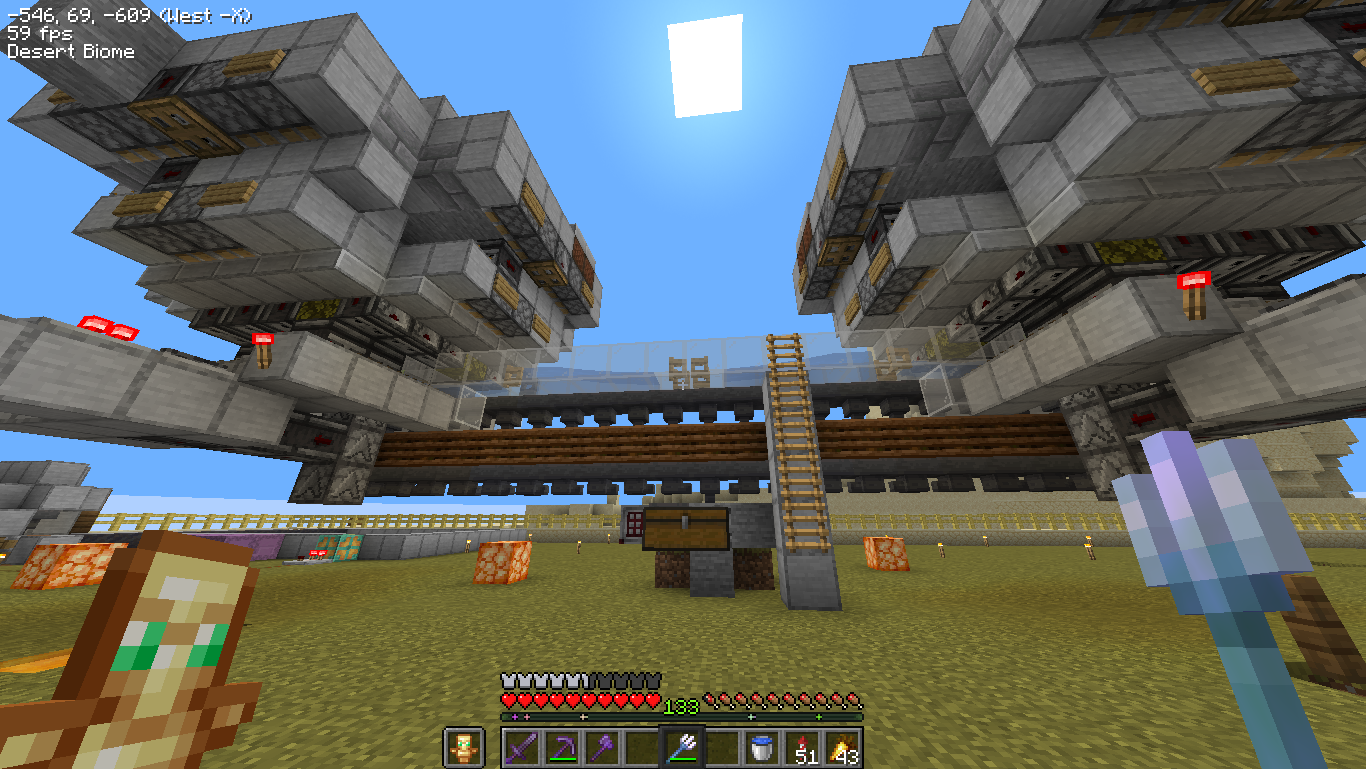
🛠️ Included Mod Functionality
Performance
- Sodium: Replaces the vanilla rendering engine with an optimized pipeline to reduce rendering overhead.
- Lithium: Provides general-purpose optimizations for game physics and entity AI.
- ImmediatelyFast: Optimizes the rendering of UI elements and text.
- FerriteCore: Reduces the RAM footprint of the game.
- ModernFix: Optimizes launch times and asset caching.
Utility
- Mouse Wheelie: Adds full inventory management and also adds Mouse Tweaks dragging mechanics, plus build-in middle-click sorting shortcut.
- Shulker Box Tooltip: Displays shulker box contents when hovering over the item.
- Simple HUD Enhanced: Displays status information on the HUD.
- WI Freecam: Provides a camera detachment tool for viewing builds.
- Disable Fog (No Fog): Removes the fog rendering layer.
🎨 Resource Pack Credits
This modpack includes the following resource packs with full credit to their original creators:
Project description from Modrinth.
Mods in Localy Optimized 1.0.15
Open any mod on Modpacks.ch to check its files and dependencies.
BadOptimizations-2.4.1-26.2-fabric.jar SHA-1
b36b001f869d04245523807d9ccb26a085f243b4 · Modrinth version JmPs4Wie · Project link unavailable Client onlycloth-config-26.2.155.jar SHA-1
babcf16dbd15e09d326e21ffe85ab3f7d843ef9e · Modrinth version Nv3xnWXd · Project link unavailable Side not labelleddisablefog-fabric-26.2-2.2.1.jar SHA-1
5bef138bc9ec78b239806aa96f4fdbab2a268713 · Modrinth version tfznPTW4 · Project link unavailable Client onlyentityculling-fabric-1.10.5-mc26.2.jar SHA-1
f66f9d8cbb1f76466aaf45e46fb11b18207e3aef · Modrinth version iiF6U3Ne · Project link unavailable Client onlyfabric-api-0.155.2+26.2.jar SHA-1
a2bf116a5beeb27245c1a36985aa05d729f78926 · Modrinth version lVXlbH4w · Project link unavailable Side not labelledferritecore-9.0.0-fabric.jar SHA-1
eac76ff0f3753422c61b2c44487d0d195d88d4bc · Modrinth version d5ddUdiB · Project link unavailable Side not labelledImmediatelyFast-Fabric-1.16.2+26.2.jar SHA-1
2d1cd27b0b570f908b665c02a35b49381b4c5ec1 · Modrinth version uJHxuQxy · Project link unavailable Client onlylithium-fabric-0.25.2+mc26.2.jar SHA-1
3bcc94183d7068395de08915fd5fce8d199aaa50 · Modrinth version UPNexAfy · Project link unavailable Side not labelledmodernfix-5.27.19-build.1.jar SHA-1
77b073d56b7be0d11cf915bd0e764463ee22dcea · Modrinth version TUWH6NZu · Project link unavailable Side not labelledmodmenu-20.0.1.jar SHA-1
8562dee49eae1a6bdd14b026be1b300aedb5ce0f · Modrinth version njXb639R · Project link unavailable Client onlymoreculling-fabric-26.2-1.8.0.jar SHA-1
6a2ae8fa02102f078657f02fd70b2d34c66ae898 · Modrinth version SYFaYeMK · Project link unavailable Client onlymouse-wheelie-1.16.3+mc26.2.jar SHA-1
058ada2b6ed0ebf53066889254980a45a9ceea14 · Modrinth version Vt8Qojph · Project link unavailable Side not labelledNoChatReports-FABRIC-26.2-v2.20.1.jar SHA-1
0c095e6ee699cb1f5c9732ef632cf93998b1d468 · Modrinth version uiY9tUaj · Project link unavailable Side not labelledplaceholder-api-3.1.0-beta.1+26.2.jar SHA-1
99b57ccc1d4323c4ef71887828dac25ce4ce2103 · Modrinth version NDqH16LT · Project link unavailable Side not labelledshulkerboxtooltip-fabric-5.4.0+26.2.jar SHA-1
e67f1fb26f5040118631ec900ffd0761de5282ec · Modrinth version IHUNStdu · Project link unavailable Side not labelledsimple-hud-enhanced+26.2-4.7.5-beta14.jar SHA-1
dd5990fe747974b2b8b8c35b3df490a1e3869000 · Modrinth version OcIdiQTG · Project link unavailable Client onlysodium-fabric-0.9.1+mc26.2.jar SHA-1
14f3388694fa77f870d28262f74562de67eabcbe · Modrinth version 2Yom1N68 · Project link unavailable Client onlyWI-Freecam-1.1.2-MC26.2.jar SHA-1
7235e5ae7606923be0037da226bbdf7a534de453 · Project link unavailable Side not labelledPick your setup
Localy Optimized by Minecraft version and loader
Choose the version and loader you play, then open the matching release.
Minecraft version
26.1.2
1 loader buildMinecraft version
26.1.1
1 loader buildMinecraft version
26.1
1 loader buildMinecraft version
1.21.11
1 loader buildMinecraft version
1.21.10
1 loader buildMinecraft version
1.21.9
1 loader buildMinecraft version
1.21.8
1 loader buildMade local changes? Try them in a copied instance before touching a world you care about.
Recent files
Localy Optimized versions and loaders
Fabric 0.19.326.28.0.312+7 release
Fabric1.21.8 release
Fabric1.21.9 release
Fabric1.21.10 release
Fabric1.21.11 release
Fabric26.1 release
Fabric26.1.1 release
Fabric26.1.2 release
Looking for an older file? The official Modrinth project page is in Resources.
 modpack
 CurseForge · Minecraft
modipeq
Exploration modpack focused on adventure, discovery, and progression. Includes new biomes, structures, dungeons, and quality-of-life mods to enhance the experience.
 modpack
 Modrinth · Minecraft
MyNameIsPen's Vanilla+
My personal vanilla+ modpack for use with friends. Visual overhaul, optimization, and multiplayer tweaks. Very basic.
 modpack
 CurseForge · Minecraft
Pisscord Server Pack
NeoForge 1.21.1 SMP pack with Origins RPG and magic (Iron’s Spellbooks, Ars Nouveau), extra dimensions, Create automation, MineColonies, and Farmer’s Delight cooking.