Minecraft version
Back to modpacks ![Alone Mod [The Found Footage] project artwork](https://cdn.modrinth.com/data/RwyOurA1/83735ee2d94f100b83aec6eb290840921ac8f6c0_96.webp)
Modrinth · Minecraft modpack
Alone Mod [The Found Footage]
I just make Mod Found Footage perfect and play with friends.
Choose a version Pick your version below, then grab the matching file.
Quick answer
Which Alone Mod [The Found Footage] release should I use?
Latest stable file Alone Mod [The Found Footage] 1.0
Game version 1.20.1
Loader Fabric 0.16.12
Alone Mod [The Found Footage] 1.0 is a complete pack release for 1.20.1 with Fabric 0.16.12. Install it as its own launcher instance. If the creator publishes a separate server file, make sure it names this exact pack release. 23 mods in this pack file.
Pack setup
How should I set up Alone Mod [The Found Footage] for players and a server?
Use Alone Mod [The Found Footage] 1.0 as the pack version. Install the pack as its own launcher instance. The creator’s listing does not name a separate server file, so check the release notes before setting up a dedicated server. Do not upload the ordinary client folder blindly.
Client instance Install Alone Mod [The Found Footage] 1.0
Dedicated server setup Match Alone Mod [The Found Footage] 1.0
Pack loader Fabric 0.16.12
A pack is a matched client and server setup, not one mod with an install-side label. Keep its release, loader, manifest and overrides together.
Referenced mods 23
Client only 8
Server only 0
Not labelled 15
These numbers come from the pack file you chose. “Not labelled” means we don’t know which side it belongs on—not that it is safe everywhere. The file count is not a RAM estimate.
What are the server requirements for Alone Mod [The Found Footage]?
Alone Mod [The Found Footage] 1.0. Change the pack release and its contents or setup may change too.
The selected pack release is Alone Mod [The Found Footage] 1.0. That file is for Minecraft 1.20.1 with Fabric 0.16.12. It contains 23 mod projects. The creator’s listing does not name a separate server file. Check their notes before using one, and do not upload an ordinary client folder or rebuild the pack mod by mod. A file count cannot tell us the right RAM, CPU or storage; size the server for the players and world you actually run.
About this project
What kind of pack is Alone Mod [The Found Footage]?
I tried to make the modpack look good and playable with friends. There are some minor UI and settings tweaks.
How to play
To enter the Backroom world, once you create a world, you have to find a way to get buried, such as dropping blocks, sand, or gravel on yourself. Then you will be sent to the Backroom immediately.
Not recommended
You should not find items or food before entering the Backroom because once you enter, all your items will be gone.
Basic Controls
- Shift - Run
- Ctrl - Sneak
- F - flashlight
- Middle mouse - Ping
- C - Zoom
- B - Set up Voice Chat
Project description from Modrinth.
Mods in Alone Mod [The Found Footage] 1.0
Open any mod on Modpacks.ch to check its files and dependencies.
[1.20.1][Fabric] RPG-HUD-3.10.jar SHA-1
0e53df3e59834f78901e0fec3945711fd416cd7a · Modrinth version 6pb8tE3E · Project link unavailable Client onlyBetterThirdPerson-Fabric-1.20-1.9.0.jar SHA-1
affb7193218d896c0bd7459ecae31fb98b3b6b23 · Modrinth version 1yJzEpzh · Project link unavailable Client onlyborderless-mining-1.1.8+1.20.1.jar SHA-1
dbdb8a0600679f3c76480ae5d0995e2334773ce3 · Modrinth version lhrW53q7 · Project link unavailable Client onlycloth-config-11.1.106-fabric.jar SHA-1
a05e176326365f2b8e377a35be52a5671491bcfd · Modrinth version s7VTKfLA · Project link unavailable Side not labelledCreativeCore_FABRIC_v2.12.32_mc1.20.1.jar SHA-1
b966573f2a2cf5bc138cf5711596f18d7922ab32 · Modrinth version U6SxVSt9 · Project link unavailable Side not labelleddynamic-fps-3.9.2+minecraft-1.20.0-fabric.jar SHA-1
38686dfc19057717963c91502c7528bcf1a908f0 · Modrinth version erlU9rKk · Project link unavailable Client onlyEnhancedVisuals_FABRIC_v1.8.2_mc1.20.1.jar SHA-1
5cd260b32fe7bdb445766a767b7d1e038b4c54f1 · Modrinth version xuNOlNeS · Project link unavailable Side not labelledessential_1-3-5-11_fabric_1-20-1.jar SHA-1
778d8bbc19144143c00b9455b56056d04d732306 · Modrinth version dULP8xVi · Project link unavailable Client onlyfabric-api-0.92.5+1.20.1.jar SHA-1
3687efabc473ea26b3bf745e89aaaf413b639eb1 · Modrinth version PB9Kjpo3 · Project link unavailable Side not labelledfabric-language-kotlin-1.10.8+kotlin.1.9.0.jar SHA-1
06a973a9e97b6dc673dfc1c519f2118dcb068690 · Modrinth version s10JMAtS · Project link unavailable Side not labelledfancymenu_fabric_3.4.6_MC_1.20.1.jar SHA-1
f332d27b7ad81cfb109fe4dff0c3e9d6f82c17f6 · Modrinth version YNdTCPyn · Project link unavailable Side not labelledfast-ip-ping-v1.0.5-mc1.20.4-fabric.jar SHA-1
6ecb46248a4b2520a1166a6fd57d0da0b089430d · Modrinth version G8gwjTTP · Project link unavailable Client onlyFpsReducer2-fabric-1.20-2.5.jar SHA-1
4ab443f92814c5e75bbb775ad7f784ff16c8feee · Modrinth version i4klNdvx · Project link unavailable Client onlygeckolib-fabric-1.20.1-4.7.1.2.jar SHA-1
93f08f388cc2278e301a5efd2423f6751fc522e8 · Modrinth version ytGMpRks · Project link unavailable Side not labelledhunger-remover-1.0.7.jar SHA-1
0d71212e88f6757ca3ef32e66f1336532163cd84 · Modrinth version B4bwwVAn · Project link unavailable Side not labelledInvMove-0.9.0+1.20.1-Fabric.jar SHA-1
4a9bbd2e8d3170aed5931d1ec8f485dccb592e64 · Modrinth version d0UU2F0u · Project link unavailable Client onlykonkrete_fabric_1.8.1_MC_1.20.1.jar SHA-1
38d3201d95a08bdeb12a8cd3687c6d0b8f5e7f3d · Modrinth version RlBGFlWp · Project link unavailable Side not labelledlazydfu-0.1.3.jar SHA-1
0dfa8b03ed408fb7fdada29e01cfebba02af1049 · Modrinth version 4SHylIO9 · Project link unavailable Side not labelledmelody_fabric_1.0.4_MC_1.20.1-1.20.4.jar SHA-1
15eeff0c0fd8b4734492915c656077592b2d9e67 · Modrinth version 2o0oW8Yv · Project link unavailable Side not labelledPing-Wheel-1.10.2-fabric-1.20.1.jar SHA-1
72a7dd4df114b8c6ec956da22b67cec8c89c9f16 · Modrinth version nvVFG3Uc · Project link unavailable Side not labelledsound-physics-remastered-fabric-1.20.1-1.4.10.jar SHA-1
13a1683e6d6e0b98bff791b95dfc712598d5e342 · Modrinth version e5jXJ6q4 · Project link unavailable Side not labelledspb-revamped-1.20.1-1.0.3.jar SHA-1
ba6b509e71d27b6ad02bd49742b114869a65bf7c · Modrinth version RIIirU4X · Project link unavailable Side not labelledvoicechat-fabric-1.20.1-2.4.32.jar SHA-1
53a7432e35ec894441d31418c01190e2ebe8933e · Modrinth version r5GmfR2B · Project link unavailable Side not labelledPick your setup
Alone Mod [The Found Footage] by Minecraft version and loader
Choose the version and loader you play, then open the matching release.
Made local changes? Try them in a copied instance before touching a world you care about.
Recent files
Alone Mod [The Found Footage] versions and loaders
Fabric 0.16.121.20.18.0.312+7 release
Fabric1.20.1 beta
Looking for an older file? The official Modrinth project page is in Resources.
 modpack
 CurseForge · Minecraft
Conquest of Dragons - A New Dragons Adventure | QUESTS UPDATE!
Embark on a new adventure filled with dragons and countless quests!
 modpack
 CurseForge · Minecraft
Chestnut Vale
From crisp autumn mornings beneath copper-coloured trees, to frosty winter rides, fresh spring pastures and long summer evenings, Chestnut Vale is designed to feel alive throughout the year.
 modpack
 CurseForge · Minecraft
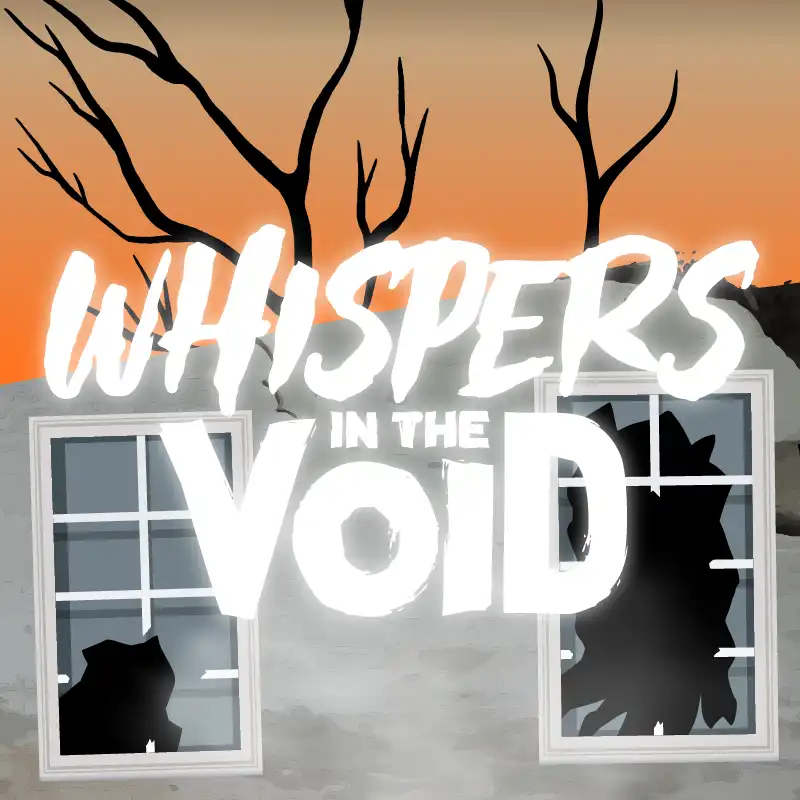
Whispers in the Void - A Horror Adventure & Quests | Horror Mobs!
Whispers in the Void is a horror modpack (with Quests) that turns Minecraft into a tense, atmospheric nightmare. With famous mods such as Herobrine, Cave Dweller, Arthropod Phobia, and much more.