Minecraft version
Back to modpacks 
Modrinth · Minecraft modpack
Distantly Optimized
26.1.2 NeoForge + Fabric Distant Horizons, Optimized.
Choose a version Pick your version below, then grab the matching file.
Quick answer
Which Distantly Optimized release matches 1.21?
Best match for your filters Distantly Optimized v6.1.1-1.21neo
Game version 1.21
Loader NeoForge 21.0.167
Distantly Optimized v6.1.1-1.21neo is a complete pack release for 1.21 with NeoForge 21.0.167. Install it as its own launcher instance. If the creator publishes a separate server file, make sure it names this exact pack release. For this loader, use Java 21. 20 mods in this pack file.
Pack setup
How should I set up Distantly Optimized for players and a server?
Use Distantly Optimized v6.1.1-1.21neo as the pack version. Install the pack as its own launcher instance. The creator’s listing does not name a separate server file, so check the release notes before setting up a dedicated server. Do not upload the ordinary client folder blindly.
Client instance Install Distantly Optimized v6.1.1-1.21neo
Dedicated server setup Match Distantly Optimized v6.1.1-1.21neo
Pack loader NeoForge 21.0.167
Java version Java 21
A pack is a matched client and server setup, not one mod with an install-side label. Keep its release, loader, manifest and overrides together.
Referenced mods 20
Client only 7
Server only 1
Not labelled 12
These numbers come from the pack file you chose. “Not labelled” means we don’t know which side it belongs on—not that it is safe everywhere. The file count is not a RAM estimate.
What are the server requirements for Distantly Optimized?
Distantly Optimized v6.1.1-1.21neo on 1.21. The pack contents and setup notes below stay tied to that release.
The selected pack release is Distantly Optimized v6.1.1-1.21neo. That file is for Minecraft 1.21 with NeoForge 21.0.167. This NeoForge setup needs Java 21. It contains 20 mod projects. The creator’s listing does not name a separate server file. Check their notes before using one, and do not upload an ordinary client folder or rebuild the pack mod by mod. A file count cannot tell us the right RAM, CPU or storage; size the server for the players and world you actually run.
About this project
What kind of pack is Distantly Optimized?
Updated to 26.1.2!


Hey!
You may want to configure your Minecraft instance to use the ZGC garbage collector. The default Minecraft uses, G1GC, can cause lag spikes with Distant Horizons. To change it, find the launch arguments section for your launcher, and paste "-XX:+UseZGC". This should help eliminate some lag spikes when using DH.
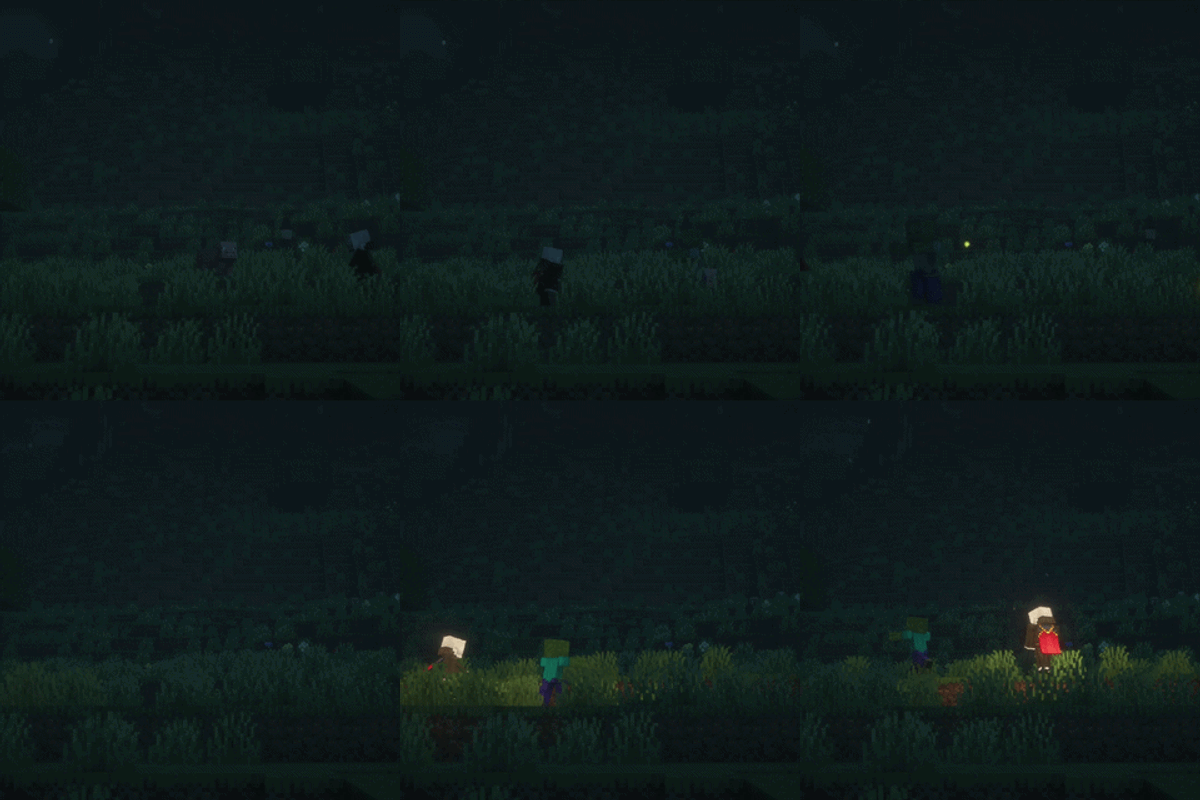
Distantly Optimized is a modpack featuring Distant Horizions 3.0 and Iris, letting you see really, really far, as well as a few shaderpacks that support Distant Horizons, incredible worldgen powered by Tectonic, and some utility mods.
It is designed to be lightweight, work on any server, and update faster than anyone else.
Best part is, it works right out of the box! The only settings you need to worry about are in the main menu of Distant Horizon's settings, accessed by the button to the right of the FOV slider, in the options menu.
What about framerate?
With the settings and specs listed below, I had a stable 70 FPS.
You actually dont need a powerful PC to run this, plus you can turn down Distant Horizons quality and render distance settings, as well as shaders.
Settings and Specs
Distant Horizions Settings
Quality: High
CPU Load: Balanced + thread tweaks
LoD Render Distance: 300
Minecraft settings:
Resoulution: 1920x1080
Shadow Distance: 12
Render Distance: 12
Simulation Distance: 5
Shader: Bliss
Specs:
6800 MB RAM allocated
Intel i5-9400F at 2.90 GHz
Nvidia GTX 1660 Ti
Windows 11
Extra Features
Tectonic, the worldgen mod included in this modpack, adds amazing world generation to Minecraft, using only vanilla blocks. No extra setup required.
To get a better view of your surroundings, press Z(rebindable as "Toggle Perspective"). Hold K and scroll to zoom out or in, and press Z twice to go back to normal view.
Hold C and scroll to zoom in.
To play with friends, pause the game and open a LAN world. Then look in chat for a IP you can give to your friends to join your world!
Thanks to X0nk for adding Distant Horizions support to Bliss, one of my favorite shader packs! You can find the version included here, which supports Distant Horizons on his Github and CurseForge pages:
Project description from Modrinth.
Mods in Distantly Optimized v6.1.1-1.21neo
Open any mod on Modpacks.ch to check its files and dependencies.
appleskin-neoforge-mc1.21-3.0.5.jar SHA-1
057b483076431549ca8257095e498e42321abb60 · Modrinth version oy4bhPTN · Project link unavailable Side not labelledChunky-1.4.16.jar SHA-1
f6999e2929aa4b72173afd26b8e087770cf3a5f5 · Modrinth version Bq6sxES5 · Project link unavailable Side not labelledcloth-config-15.0.140-neoforge.jar SHA-1
c3e5733ba4503b102589a026000fd5ce0212f6f2 · Modrinth version izKINKFg · Project link unavailable Side not labelledDistantHorizons-2.2.1-a-1.21.1-neo-fabric.jar SHA-1
302ad0271f1b3d9029361c94cd5cf753a60960e5 · Modrinth version pEvLEY5E · Project link unavailable Side not labelleddynamic-fps-3.9.0+minecraft-1.21.0-neoforge.jar SHA-1
3fa241feab0b791b94e8f272f22095e85109137d · Modrinth version Igrnds8m · Project link unavailable Client onlye4mc_minecraft-neoforge-5.3.0.jar SHA-1
0d0f8ba104b62b85c1f9bf5052a8f9eab51dc3bc · Modrinth version TgCDc1rC · Project link unavailable Side not labelledembeddium-1.0.7+mc1.21.jar SHA-1
32121189cd5ed0520b6106576afe5588a756a95d · Modrinth version Na1PoLYF · Project link unavailable Client onlyentityculling-neoforge-1.7.3-mc1.21.jar SHA-1
82484a6f4a92818826ca53e472624311ecdcd954 · Modrinth version 4HW5j3ty · Project link unavailable Client onlyferritecore-7.0.0-neoforge.jar SHA-1
b82ff769aca2b8c542ce09b633bfa4ffd03c06d8 · Modrinth version BkJB5PPB · Project link unavailable Side not labelledkonkrete_neoforge_1.9.9_MC_1.21.jar SHA-1
97771eb287d5ac7fe667d1df9493d5e54c8ca1fa · Modrinth version stJDU839 · Project link unavailable Side not labelledlithium-neoforge-0.14.8+mc1.21.1.jar SHA-1
d6bbbdae2d8e94551606c32e75fded04605811ee · Modrinth version ccgnTSUG · Project link unavailable Side not labelledmelody_neoforge_1.0.10_MC_1.21.jar SHA-1
e83052a92c4ca0016bcfe7f0207273983dc84698 · Modrinth version efcdRVZP · Project link unavailable Side not labelledmodelfix-1.21-1.10.jar SHA-1
9608b1bff92e075ad8c2feb07f7ef095f6887117 · Modrinth version X2U8ceG9 · Project link unavailable Client onlymodernfix-neoforge-5.19.1+mc1.21.jar SHA-1
dcc30684651a7b1a8c7e2f595569b339bee59691 · Modrinth version HFaBErrM · Project link unavailable Side not labellednoisium-neoforge-2.3.0+mc1.21-1.21.1.jar SHA-1
1bea6b61378ba80f038256c4345d9ff3b67928c4 · Modrinth version nJBE6tif · Project link unavailable Server onlyObsidianUI-neoforge-0.2.9+mc1.21.1.jar SHA-1
0fc75757e7976e2b2c6fd8d048e6cec71d5aa787 · Modrinth version UzYZy4w6 · Project link unavailable Client onlyRyoamicLights-neoforge-0.2.11+mc1.21.1.jar SHA-1
3f3e1b737d0f5b3388475f7cef8157a43f972e9c · Modrinth version tApwsw9C · Project link unavailable Client onlyvoicechat-neoforge-1.21.1-2.5.28.jar SHA-1
96d2477f3795fded69c357208782aad516ba360c · Modrinth version YTRNLDqy · Project link unavailable Side not labelledyeetusexperimentus-neoforge-87.0.0.jar SHA-1
7132c346103d75a7c84da64b35b92e3a6f1ce3da · Modrinth version Pp0TjcvD · Project link unavailable Client onlyyet_another_config_lib_v3-3.6.3+1.21.1-neoforge.jar SHA-1
9fa636b6d5bfb40d781736955b4f06ae70232cd9 · Modrinth version 5APbkNF6 · Project link unavailable Side not labelledPick your setup
Distantly Optimized by Minecraft version and loader
Choose the version and loader you play, then open the matching release.
Minecraft version
1.21.11
2 loader buildsMinecraft version
1.21.4
2 loader buildsMinecraft version
1.21.1
2 loader buildsMinecraft version
1.21
2 loader buildsMinecraft version
1.20.4
1 loader buildMinecraft version
1.20.1
1 loader buildMade local changes? Try them in a copied instance before touching a world you care about.
Recent files
Distantly Optimized versions and loaders
NeoForge 21.0.1671.218.0.312+7 release
Fabric1.21 release
Looking for an older file? The official Modrinth project page is in Resources.
 modpack
Modrinth · Minecraft
Performized
Performized aims to improve Minecraft's performance to the best of its ability. (1.21.3-26.3)
 modpack
CurseForge · Minecraft
Cobblemon Plus+ The Top Pokemon Adventure in Cobblemon - Cobblemon 1.8.4 - Mega Cobblemon - Legendary Cobblemon - All Pokemon
Pokemon in Minecraft, the #1 Cobblemon experience in Minecraft.
 modpack
CurseForge · Minecraft
Walz Qol Collection
All of the Walzayza's Qol Mods.