Minecraft version
Back to modpacks 
Modrinth · Minecraft modpack
Bonobocraft
Touch controls designed for real Bonobo/Apes at ApeInitiative research centre.
Choose a version Pick your version below, then grab the matching file.
Quick answer
Which Bonobocraft release should I use?
Latest stable file I Taught An Ape How to Beat the Ender Dragon (Part 2)
Game version 1.20.1
Loader Fabric 0.15.3
I Taught An Ape How to Beat the Ender Dragon (Part 2) is a complete pack release for 1.20.1 with Fabric 0.15.3. Install it as its own launcher instance. If the creator publishes a separate server file, make sure it names this exact pack release. 30 mods in this pack file.
Pack setup
How should I set up Bonobocraft for players and a server?
Use I Taught An Ape How to Beat the Ender Dragon (Part 2) as the pack version. Install the pack as its own launcher instance. The creator’s listing does not name a separate server file, so check the release notes before setting up a dedicated server. Do not upload the ordinary client folder blindly.
Client instance Install I Taught An Ape How to Beat the Ender Dragon (Part 2)
Dedicated server setup Match I Taught An Ape How to Beat the Ender Dragon (Part 2)
Pack loader Fabric 0.15.3
A pack is a matched client and server setup, not one mod with an install-side label. Keep its release, loader, manifest and overrides together.
Referenced mods 30
Client only 0
Server only 0
Not labelled 30
These numbers come from the pack file you chose. “Not labelled” means we don’t know which side it belongs on—not that it is safe everywhere. The file count is not a RAM estimate.
What are the server requirements for Bonobocraft?
I Taught An Ape How to Beat the Ender Dragon (Part 2). Change the pack release and its contents or setup may change too.
The selected pack release is I Taught An Ape How to Beat the Ender Dragon (Part 2). That file is for Minecraft 1.20.1 with Fabric 0.15.3. It contains 30 mod projects. The creator’s listing does not name a separate server file. Check their notes before using one, and do not upload an ordinary client folder or rebuild the pack mod by mod. A file count cannot tell us the right RAM, CPU or storage; size the server for the players and world you actually run.
About this project
What kind of pack is Bonobocraft?
Bonobocraft
"Bonobocraft" is a project which involves teaching Bonobos (a type of Ape) to play Minecraft.
I was responsible for developing a mod that allows the Bonobos to play Minecraft with specialised touch
controls designed specifically for them. You can see Teco, one of the apes, playing another research game with
the same type of controls here.
You can download and use the mod that the Bonobos used on Modrinth.
The mod was not the only part of Bonobocraft. Spiralio played a significant role in making this happen, being
the map developer who made all of the levels that the Bonobos played on. He made really cool stuff with datapacks
including auto-generating cave pieces with structure blocks and lots of texture modelling work.
The main point of Bonobocraft is to make YouTube video's for Chris.
:YoutubeCarousel{:videos='["", "UKpFoYqN9-0", ""]' :itemsToShow='3'}
- The first video made by me, featuring Spiralio, the map developer. We talk about the development side that led to
the two other videos made by ChrisDaCow, the youtuber who made it all possible. - Part 1, Kanzi the Bonobo plays Minecraft with my touch controls.
- Part 2, where Kanzi and Teco team up to beat the Ender Dragon in Minecraft.
This was all made possible by the non-profit, ApeInitiative,
who looks after the Apes seen in this videos.
Please donate to them to help improve their
facilities and allow the Bonobos to have more experiences like this.
What is this modpack?
You can use this modpack to try out the mods and worlds that the actual Bonobos used in the videos.
Download either Part 1, which is about the first video, or part 2, which is about the second video and try it out by hitting singleplayer!
Table of Contents
A technical deep-dive
Bonobocraft is quite a simple mod at its roots: it enables the mouse whilst in-game and implements some simple touch-zones that you can click on. But as you dive deeper, a lot more is going on behind the scenes to make the experience truely intuitive for the bonobos.
Input
Touch Look
8 touch zones around the edge of the screen move the player camera in each direction.
| Up+Left | Up | Up+Right |
|---|---|---|
| Left | --- | Right |
| Down+Left | Down | Down+Right |
This behaviour is almost what the Bonobos expect. Their primitive brains just touch what they want to look at. I could have implemented this, but the researchers decided it would be more cognitively challenging if they were to learn these more basic controls.
After a certain period of time, the pitch of the player is re-centered to something just below straight forward (to avoid looking into Enderman's eyes). This is to help the Bonobos in case they get stuck looking up, it also makes the video more interesting.
Touch Walk
The middle sector of the screen is used for walking forward. Upon pressing, the 'W' key will be emulated for a second or so.
This behaviour is already familiar to the Bonobos, who have done screen tasks like this in the past.
Button Row
At the top center of the screen, a row of buttons (or lexigrams) are visible which do various actions.
Throughout the development of Bonobocraft, many buttons have been made, but at it's final state, only 3 are ever shown/enabled:
| Button | Action | Lexigram | Narration |
|---|---|---|---|
| Eat | Auto player task: Eat |  |
"eat" |
| Share | Auto player task: Share |  |
"share" |
| Clutch | Auto player task: Clutch |  |
"clutch" |
Touch Entity
Systems
There are many internal systems that make up the Bonobocraft mod, some obvious, some not.
Auto Player Task
An API responsible for stringing together simple player tasks, creating more complex tasks.
For example, if you want a player to eat something, you split this action up into individual actions like:
- Finding a food item
- Switching to the food item
- Using the food item
- Switching back to the previous slot
In a sense this is almost like the AI system that are attached to mobs where they have separate goals, but only
one action can take place at a time.
Whilst a task is in progress, all input is blocked to prevent the Bonobos from interfering with whatever is going
on.
These actions are either triggered through a button or through a touch of an entity.
Animation System
Behind the scenes, an animation system exists that handles the various smooth movements and animations.
For example, using the touch look input triggers an animation that powers the smooth looking
animation, or using the /indicate command to get the spinning and zooming.
Animator.INSTANCE.play(
    new Animator.AnimationInstance(durationTicks, t -> t)
        .addConsumer(x -> setX(x), start, end)
);
Here is an example of the animation system.
Project description from Modrinth.
Mods in I Taught An Ape How to Beat the Ender Dragon (Part 2)
Open any mod on Modpacks.ch to check its files and dependencies.
animatica-0.6+1.20.jar SHA-1
3bcb19c759f313e69d3f7848b03c48f15167b88d · Modrinth version uNgEPb10 · Project link unavailable Side not labelledCITResewn-1.1.3+1.20.jar SHA-1
53f036ebe51d7d97afaf44d541775c92c4470dad · Modrinth version c7Lo4vij · Project link unavailable Side not labelledcloth-config-11.1.118-fabric.jar SHA-1
f669f899d707b9e9acf1c239b0ae6b2c8be95361 · Modrinth version J3FLptsi · Project link unavailable Side not labelledcontinuity-3.0.0-beta.4+1.20.1.jar SHA-1
b662fd625ba1f06c6e4958eac373856047d0d2a9 · Modrinth version Z9FJWLMt · Project link unavailable Side not labelledDebugify-1.20.1+2.0.jar SHA-1
ca859180ad2b57856fbcc8db4995c1871a7d556c · Modrinth version 6XDJoCks · Project link unavailable Side not labelleddynamic-fps-3.3.1+minecraft-1.20.0.jar SHA-1
e357bcf2e63a4c02bd50c1ba9974cc2a395bc9c4 · Modrinth version tBXQeb6B · Project link unavailable Side not labelledenhancedblockentities-0.9+1.20.jar SHA-1
61cfe50f69f8ef9e3640c0269ef158870f5b0410 · Modrinth version i3v1Skck · Project link unavailable Side not labelledentity_model_features_fabric_1.20.1-1.2.jar SHA-1
c2908b26000fd5ab8f4b0687f6880b338105f4f4 · Modrinth version fbZGMUWW · Project link unavailable Side not labelledentity_texture_features_fabric_1.20.1-5.0.jar SHA-1
c50df6a6209263099d3470eee2bbc441080a24e0 · Modrinth version XWSoEIYq · Project link unavailable Side not labelledfabric-api-0.91.0+1.20.1.jar SHA-1
7ffc72573fb45e172cbc28a71b05481ca7f049d1 · Modrinth version YblXfKtI · Project link unavailable Side not labelledfabricskyboxes-0.7.3+mc1.20.1.jar SHA-1
31a13b9ca0a500b4caad993ec42e1199142d86d1 · Modrinth version cezLH6eB · Project link unavailable Side not labelledferritecore-6.0.1-fabric.jar SHA-1
8fa3b84fc5860dbc30fdf8cced02af68dffcf3fa · Modrinth version unerR5MN · Project link unavailable Side not labelledfsb-interop-1.3.6+mc1.20.1-build.50.jar SHA-1
4ead20a0528788f36d4a7e38d1ebfec35218387e · Modrinth version JRvZ5VhS · Project link unavailable Side not labelledImmediatelyFast-Fabric-1.2.8+1.20.4.jar SHA-1
6777e5b7071410d9257af181ac6367324d28854a · Modrinth version 3EgIBnht · Project link unavailable Side not labelledindium-1.0.27+mc1.20.1.jar SHA-1
8c8e6b96243155b41f2f9d29d5940ee895bcb141 · Modrinth version Lue6O9z9 · Project link unavailable Side not labelledkrypton-0.2.3.jar SHA-1
4d499819effd8afe811e5d93952fcc46765a00df · Modrinth version jiDwS0W1 · Project link unavailable Side not labelledlambdynamiclights-2.3.2+1.20.1.jar SHA-1
71b636fa74744e51ba2d248c81a38bdbfad5d43b · Modrinth version mYl4RvKg · Project link unavailable Side not labelledlazydfu-0.1.3.jar SHA-1
0dfa8b03ed408fb7fdada29e01cfebba02af1049 · Modrinth version 4SHylIO9 · Project link unavailable Side not labelledlithium-fabric-mc1.20.1-0.11.2.jar SHA-1
8f4642147e60827f728badac7a819d1a9f3b25d5 · Modrinth version ZSNsJrPI · Project link unavailable Side not labelledmemoryleakfix-fabric-1.17+-1.1.2.jar SHA-1
b0eecb140bd124c781469aa0f48bc888072b4ac5 · Modrinth version dGlflhb6 · Project link unavailable Side not labelledmixintrace-1.1.1+1.17.jar SHA-1
7fbb0130db0e427ee7180d304dfa65c46f0e3b69 · Modrinth version LGYOH4RN · Project link unavailable Side not labelledmodelfix-1.14-fabric.jar SHA-1
7c6a38565820d9c1941eb9d1aadaae75cb11ed8b · Modrinth version r6uVoUxU · Project link unavailable Side not labelledmodernfix-fabric-5.11.1+mc1.20.1.jar SHA-1
63b6a8cc3a298259b5d336f3178d70cefa65e446 · Modrinth version 1FrMon6Q · Project link unavailable Side not labelledmodmenu-7.2.2.jar SHA-1
099c68feeb74887cbbbd8ce9a27c6123804a2c5a · Modrinth version lEkperf6 · Project link unavailable Side not labelledmoreculling-1.20.1-0.19.0.jar SHA-1
2b781b5ec7aa1b13f49a5fcc761a6b3f57c1e05f · Modrinth version Bu5pCvCn · Project link unavailable Side not labelledreeses_sodium_options-1.6.5+mc1.20.1-build.95.jar SHA-1
49c68b22b9b4db4e1d3eaa3bdb6fdedd1faeba29 · Modrinth version hCsMUZLa · Project link unavailable Side not labelledsodium-extra-0.5.1+mc1.20.1-build.112.jar SHA-1
74b6dce1ede645ffdecf1185fa05701cef68840d · Modrinth version 80a0J5Cn · Project link unavailable Side not labelledsodium-fabric-mc1.20.1-0.5.3.jar SHA-1
74784e6deb72e8cdb4e3788ac3a3cfd88fc77acf · Modrinth version 4OZL6q9h · Project link unavailable Side not labelledstarlight-1.1.2+fabric.dbc156f.jar SHA-1
a03102cab439cbab5a1d7d72cd7c2b4976ddd421 · Modrinth version XGIsoVGT · Project link unavailable Side not labelledyet-another-config-lib-fabric-3.2.1+1.20.jar SHA-1
68ed6a69b22da12916cec79043011110e93ae900 · Modrinth version 3hsIB5yP · Project link unavailable Side not labelledPick your setup
Bonobocraft by Minecraft version and loader
Choose the version and loader you play, then open the matching release.
Minecraft version
1.19.4
1 loader buildMade local changes? Try them in a copied instance before touching a world you care about.
Recent files
Bonobocraft versions and loaders
Fabric 0.15.31.20.18.0.312+7 release
Fabric1.19.4 release
Looking for an older file? The official Modrinth project page is in Resources.
 modpack
 CurseForge · Minecraft
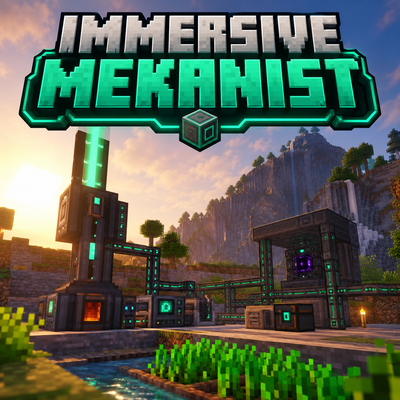
immersive Mekanist
It is a small Modpack with a primary focus on Immersive Engineering, but also designed for exploration with Ice and Fire.
 modpack
 CurseForge · Minecraft
ourbz's Horror Experience
A combination of horror mods and other great mods. Inspired by the Dread Modpack, and JalenSYD's Horror Mod videos. (The Modpack's icon is irrelevant, I didn't know what icon to put)
 modpack
 CurseForge · Minecraft
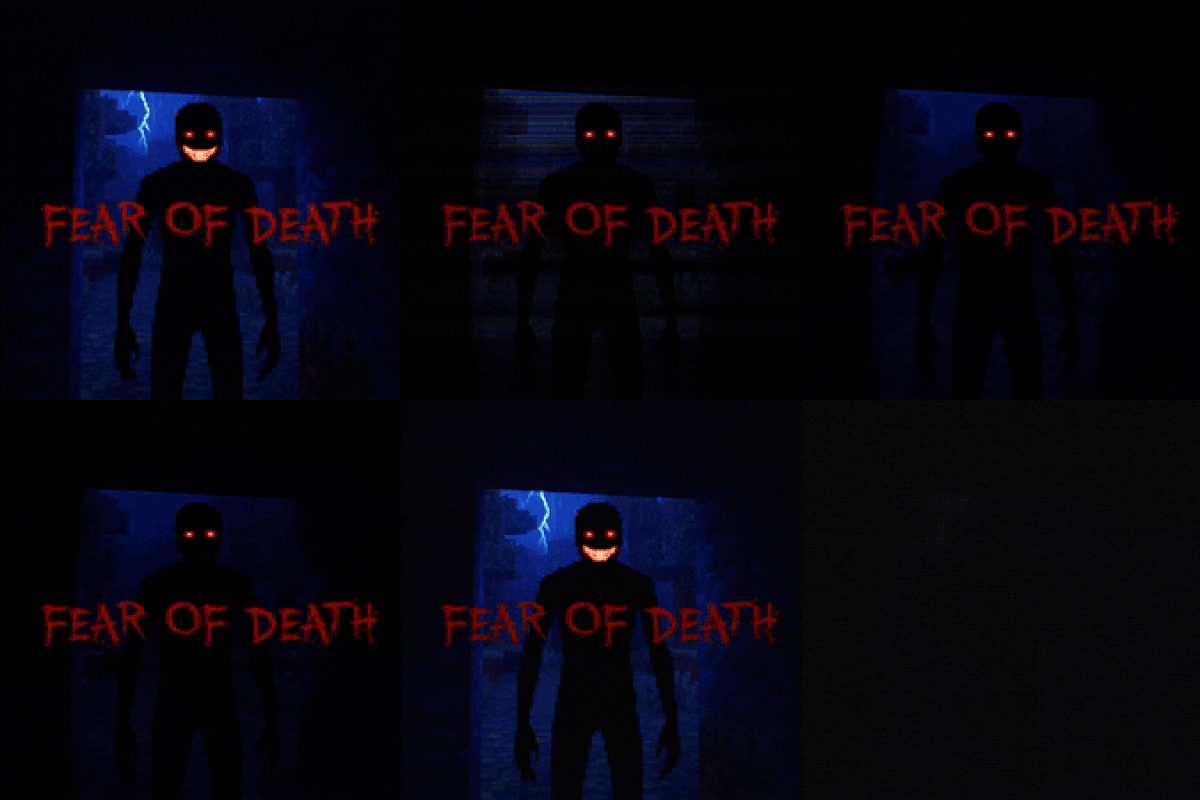
FEAR 0F DEATH
A̸͎͚R͏͓̪E͇̫͢N̴͉͉’̷̡̲T̸̪̪ ̶̫̞Y̶̞͇O̢͍͜U̘̘͟ ̢͍͝S̸̙͚C̫̘͟A̶͓̻R̴̟̙E͍͙͜D̷̞͜ ͏̙͙O̵̺̞F͚͉͝ ̫͓͢M̞̹͞I̵̻̫N̷͉͓E̶̝̞C̪͜͞R̨͓̤A̵̛̞F̘̟͡T̷̻̝? A horror game designed for those who say they are not scared !