Minecraft version
Back to modpacks 
Modrinth · Minecraft modpack
FPS BOOST
A simple way to BOOST Minecraft's performance without changing gameplay.
Choose a version Pick your version below, then grab the matching file.
Quick answer
Which FPS BOOST release matches 1.21.10 Forge?
beta file FPS BOOST 1.21.10
Game version 1.21.10
Loader Forge 60.1.8
FPS BOOST 1.21.10 is a complete pack release for 1.21.10 with Forge 60.1.8. Install it as its own launcher instance. If the creator publishes a separate server file, make sure it names this exact pack release. 5 mods in this pack file.
Pack setup
How should I set up FPS BOOST for players and a server?
Use FPS BOOST 1.21.10 as the pack version. Install the pack as its own launcher instance. The creator’s listing does not name a separate server file, so check the release notes before setting up a dedicated server. Do not upload the ordinary client folder blindly.
Client instance Install FPS BOOST 1.21.10
Dedicated server setup Match FPS BOOST 1.21.10
Pack loader Forge 60.1.8
A pack is a matched client and server setup, not one mod with an install-side label. Keep its release, loader, manifest and overrides together.
Referenced mods 5
Client only 2
Server only 0
Not labelled 3
These numbers come from the pack file you chose. “Not labelled” means we don’t know which side it belongs on—not that it is safe everywhere. The file count is not a RAM estimate.
What are the server requirements for FPS BOOST?
FPS BOOST 1.21.10 on 1.21.10 Forge. The pack contents and setup notes below stay tied to that release.
The selected pack release is FPS BOOST 1.21.10. That file is for Minecraft 1.21.10 with Forge 60.1.8. It contains 5 mod projects. The creator’s listing does not name a separate server file. Check their notes before using one, and do not upload an ordinary client folder or rebuild the pack mod by mod. A file count cannot tell us the right RAM, CPU or storage; size the server for the players and world you actually run.
About this project
What kind of pack is FPS BOOST?

FPS BOOST
FPS BOOST is a lightweight Minecraft modpack focused on improving performance while keeping the original gameplay experience. It uses a selection of optimisation mods to increase, FPS, reduce stuttering and improve loading times. It's designed to work on a range of hardeare, from onlder laptops to gaming PCs.
BENCHMARK TEST SYSTEM
| Component | Specification |
|---|---|
| Processor | AMD Ryzen 7 5800H |
| Graphics | AMD Radeon Integrated Graphics |
| RAM | 32 GB DDR4 (3200 MT/s) |
| Storage | 1 TB NVMe SSD |
| Operating System | Windows 11 (64-bit) |
BEFORE — VANILLA MINECRAFT

AFTER — FPS BOOST

Project description from Modrinth.
Mods in FPS BOOST 1.21.10
Open any mod on Modpacks.ch to check its files and dependencies.
Chunky-Forge-1.4.52.jar SHA-1
989c732b1c45c6e4e12a91f09ec10a1263bb6544 · Modrinth version H3srFKFo · Project link unavailable Side not labelledClumps-forge-1.21.10-28.0.0.1.jar SHA-1
de6cf996017af881833d8a31c8884373c8471f75 · Modrinth version JuJMwQAP · Project link unavailable Side not labelledentityculling-forge-1.9.5-mc1.21.10.jar SHA-1
e97ebb2e60dae4490df58e9031f064e3bc34ac5b · Modrinth version 9cQQMuK5 · Project link unavailable Client onlyfast-ip-ping-v1.0.8-mc1.21.10-forge.jar SHA-1
ca421d28d1f82e88222032baaad1780280866ec8 · Modrinth version Heo4M3DU · Project link unavailable Client onlySmoothBoot-FORGE+1.21.10-1.0.0.jar SHA-1
23697ab62e2b634e25211a56a0846e52862b175a · Modrinth version dByl1L2X · Project link unavailable Side not labelledPick your setup
FPS BOOST by Minecraft version and loader
Choose the version and loader you play, then open the matching release.
Minecraft version
26.2
1 loader buildMinecraft version
26.1.2
1 loader buildMinecraft version
26.1.1
1 loader buildMinecraft version
26.1
1 loader buildMinecraft version
1.21.11
1 loader buildMinecraft version
1.21.10
2 loader buildsMinecraft version
1.21.9
1 loader buildMinecraft version
1.21.8
1 loader buildMinecraft version
1.21.7
1 loader buildMinecraft version
1.21.6
1 loader buildMinecraft version
1.21.5
1 loader buildShowing the newest 12 of 19 game versions. Older files are in the list below.
Made local changes? Try them in a copied instance before touching a world you care about.
Recent files
FPS BOOST versions and loaders
Forge 60.1.81.21.108.0.312+7 beta
Looking for an older file? The official Modrinth project page is in Resources.
 modpack
CurseForge · Minecraft
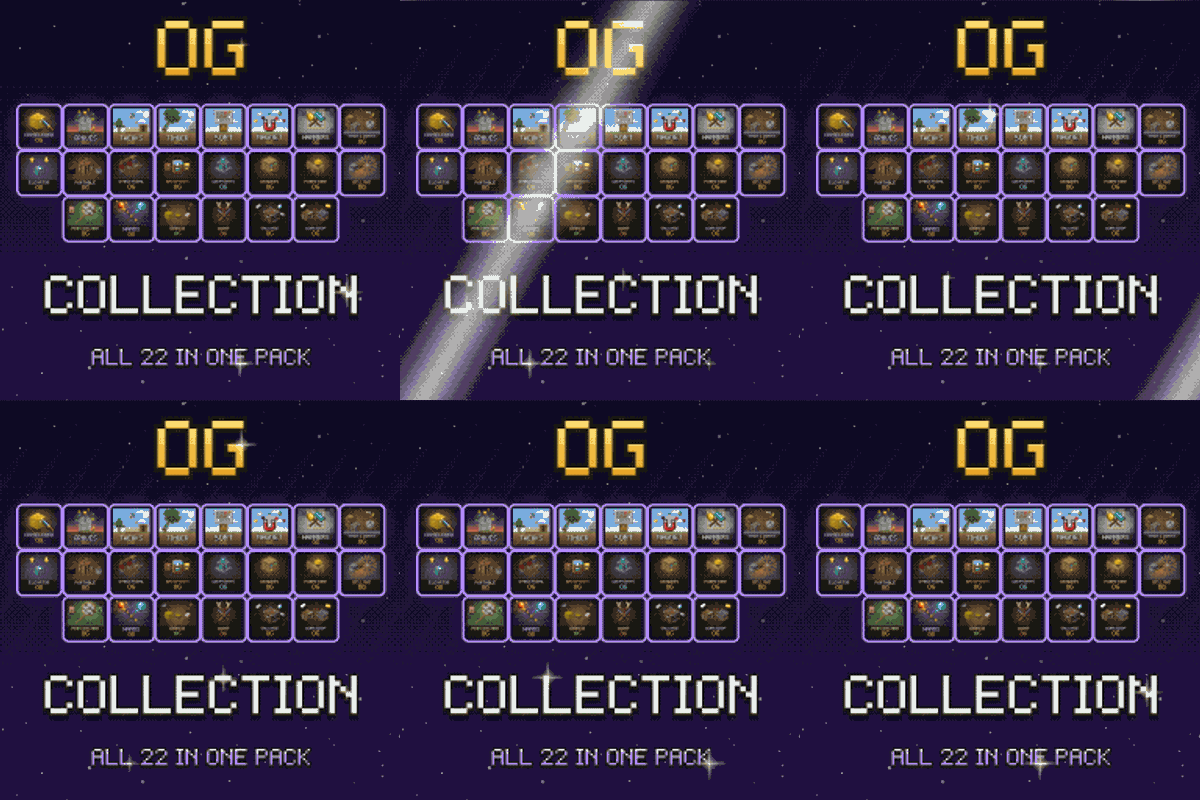
OG Collection
All twenty-two OG mods in one vanilla+ pack: chisel, graves, tweaks, timber, sorting, magnet, hammers, crates, elevators, workstations, physics, backpacks, waypoints, drawers, furniture, bellows, mob nets, wands, ranching, hunting, salvage, workshop.
 modpack
Modrinth · Minecraft
Fastly Optimised
A modpack to enhance the performance of Pojavlauncher, MojoLauncher, Amethyst Launcher, Pojav Zenith Horizon (Zalith Launcher), Zalith Launcher2, Hello Launcher, FoldCraft Launcher, SolCraft Launcher and Low-End-PCs.
 modpack
CurseForge · Minecraft
Simple voice chat + Sound Physics Remastered (Modpack)
This modpack is for major modded versions 1.19 - 26.2