Hytale version
Back to mods 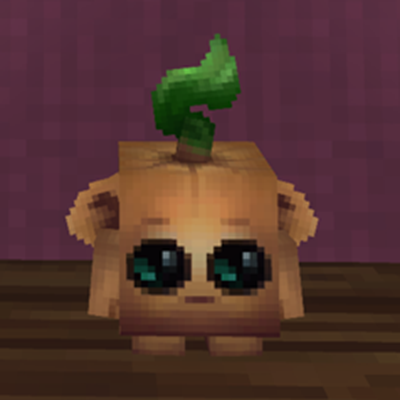
CurseForge · Hytale mod
HayHay's Tiny Plushies
Adds 70+ tiny plushies of Hytale mobs to craft and display on your shelves!
Choose a version Pick your version below, then grab the matching file.
Quick answer
Which HayHay's Tiny Plushies release should I use?
Latest stable file HayHays_Tiny_Plushies-2.0.0.zip
Game version 0.7
Mod system Built-in Hytale mod system
HayHay's Tiny Plushies HayHays_Tiny_Plushies-2.0.0.zip targets 0.7. Do not install it as a separate client mod. Enable it on the world host—the local server in singleplayer or the dedicated server in multiplayer. No required dependencies listed for this file.
Where it goes
Where should HayHay's Tiny Plushies be installed in Hytale?
Do not install it as a separate client mod. Enable it on the world host—the local server in singleplayer or the dedicated server in multiplayer.
Separate client mod Not supported
World host / dedicated server Required
Mod system for this release Built-in Hytale mod system
Required install it here Optional supported, not mandatory Not supported do not install here Source doesn’t say do not assume
Put Hytale mods on the world host or dedicated server. Singleplayer runs a local server too; Hytale does not use separate client mods.
What else does HayHay's Tiny Plushies HayHays_Tiny_Plushies-2.0.0.zip need?
HayHays_Tiny_Plushies-2.0.0.zip. Change the file and its required mods may change too.
This file does not list any required mods. Do not add a library just because a different file uses it.
This file does not list any required or optional project dependencies. Check the creator notes before changing an existing world.
Before you install it
Add HayHay's Tiny Plushies without breaking your instance.
Built for HayHay's Tiny Plushies HayHays_Tiny_Plushies-2.0.0.zip. Pick another file and the loader, install side or required mods may change.
- 01
Stick to this file
Use HayHays_Tiny_Plushies-2.0.0.zip. It targets 0.7; another release may target a different game build or dependency set.
- 02
Bring the mods it needs
This file does not list any required mods. Do not add a library just because a different file uses it.
- 03
Enable it on the world host
Do not install it as a separate client mod. Enable it on the world host—the local server in singleplayer or the dedicated server in multiplayer.
- 04
Pick the file you checked
Use the “Get this file” button beside HayHays_Tiny_Plushies-2.0.0.zip. It opens that exact file at the source.
About this project
What does HayHay's Tiny Plushies add?
Adds 70+ tiny plushies of Hytale mobs to craft and display on your shelves!
Features
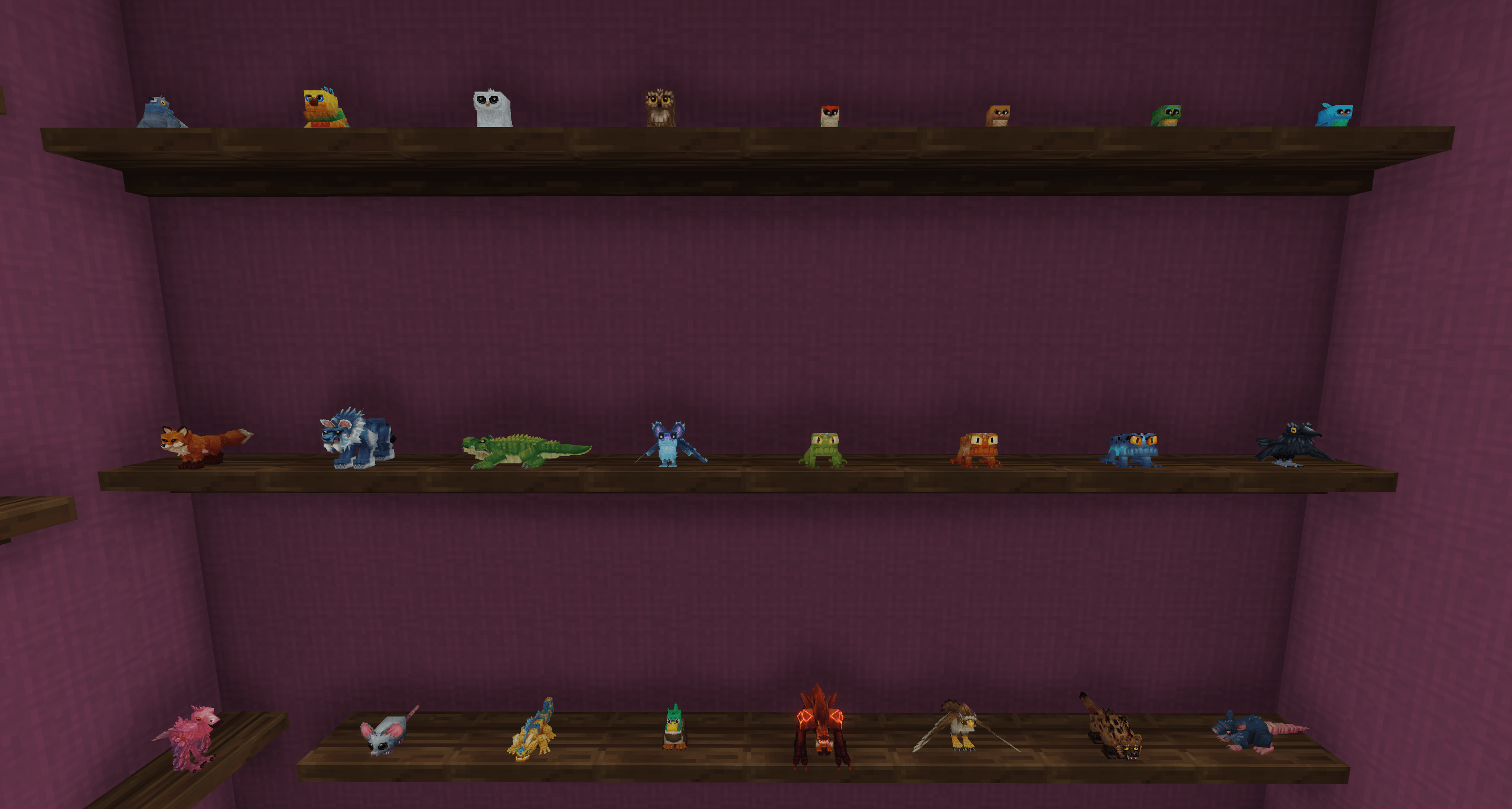
- Adds 70+ tiny plushies of Hytale mobs.
- Adds plushies to the Furniture Workbench as well as the Violet's Plushie Workbench if you have that mod installed.
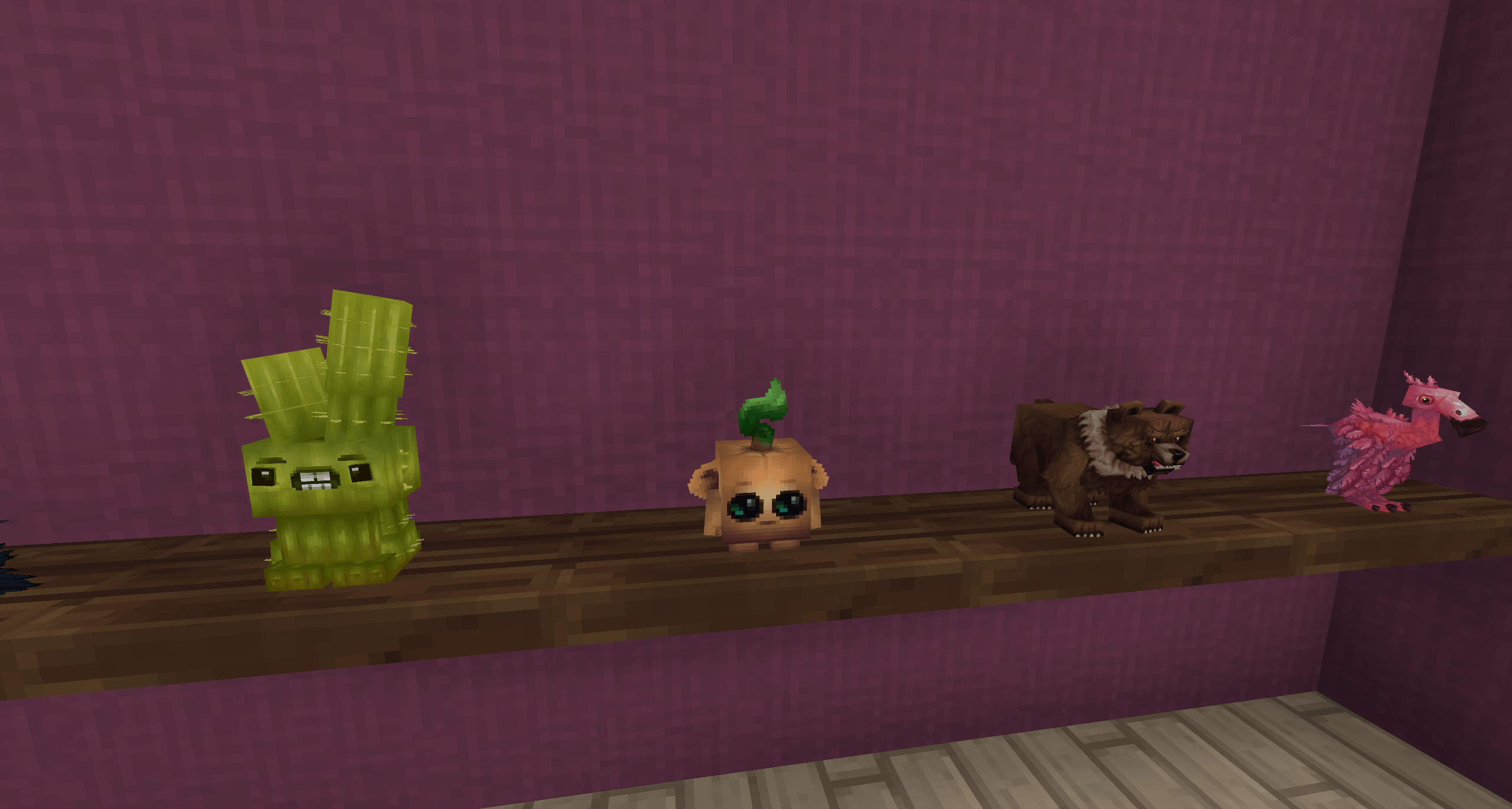
- The tiny plushies will be centered on shelves but not centered on blocks. These tiny plushies were made to be displayed on shelves. :)
List of tiny plushies:
- Tiny Bear Plushie
- Tiny Bison Plushie
- Tiny Black Wolf Plushie
- Tiny Blue Bird Plushie
- Tiny Blue Shell Camel Plushie
- Tiny Boar Plushie
- Tiny Brown Owl Plushie
- Tiny Cactee Plushie
- Tiny Cave Raptor Plushie
- Tiny Cave Rex Plushie
- Tiny Chicken Plushie
- Tiny Cow Plushie
- Tiny Crow Plushie
- Tiny Crocodile Plushie
- Tiny Desert Chicken Plushie
- Tiny Duck Plushie
- Tiny Emberwulf Plushie
- Tiny Flamingo Plushie
- Tiny Fox Plushie
- Tiny Goat Plushie
- Tiny Green Shell Camel Plushie
- Tiny Greenfinch Plushie
- Tiny Hawk Plushie
- Tiny Horse Plushie
- Tiny Hyena Plushie
- Tiny Larva Silk Plushie
- Tiny Molerat Plushie
- Tiny Mouflon Plushie
- Tiny Orange Shell Camel Plushie
- Tiny Parrot Plushie
- Tiny Pigeon Plushie
- Tiny Polar Bear Plushie
- Tiny Purple Shell Camel Plushie
- Tiny Rat Plushie
- Tiny Raven Plushie
- Tiny Red Shell Camel Plushie
- Tiny Sand Lizard Plushie
- Tiny Scarak Broodmother Plushies
- Tiny Scarak Defender Plushie
- Tiny Scarak Fighter Plushie
- Tiny Scarak Louse Plushie
- Tiny Scorpion Plushie
- Tiny Snow Leopard Plushies
- Tiny Snowy Owl Plushie
- Tiny Trork Wolf Plushie
- Tiny Void Larva Plushie
- Tiny White Wolf Plushie
- Tiny Woodpecker Plushie
- Tiny Yellow Shell Camel Plushie
- Tiny Blue Frog Plushie
- Tiny Blue Shell Camel Calf Plushie
- Tiny Chick Plushie
- Tiny Desert Chick Plushie
- Tiny Green Frog Plushie
- Tiny Green Shell Camel Calf Plushie
- Tiny Grooble Plushie
- Tiny Lamb Plushie
- Tiny Mouse Plushie
- Tiny Mushee Plushie
- Tiny Orange Frog Plushie
- Tiny Orange Shell Camel Calf Plushie
- Tiny Purple Shell Camel Calf Plushie
- Tiny Red Shell Camel Calf Plushie
- Tiny Squirrel Plushie
- Tiny Yellow Shell Camel Calf Plushie
- Tiny Bunny Plushie
- Tiny Kweebec Seedling Plushie
- Tiny Bat Plushie
- Tiny Bison Calf Plushie
- Tiny Boar Piglet Plushie
- Tiny Calf Plushie
- Tiny Goat Kid Plushie
- Tiny Horse Foal Plushie
- Tiny Ice Bat Plushie
- Tiny Mouflon Lamb Plushie
Recommended Mod
Place Items Inside Simple Shelf - This mod allows you to add the tiny plushies inside the Simple Wooden Shelf which looks pretty nice.
Installation
Step 1:
Use the Curseforge Launcher to easily download and install or manually add the zip file to the mods folder Hytale\UserData\Mods
Step 2:
After that, right-click on your world to go to the settings and enable it. If you are starting a new world, make sure to enable it in the settings when creating the new world.
Project description from CurseForge.
Pick your setup
HayHay's Tiny Plushies releases for each Hytale build.
Choose the version and loader you play, then open the matching release.
Check the dependencies, then try the file in a copied instance before changing a world you care about.
Recent files
HayHay's Tiny Plushies releases and Hytale builds
HayHays_Tiny_Plushies-2.0.0.zip
13 Oct 2026
Client Not supported Server Required Dependencies No extras listed Listed on Project page
Check the 0.7 setup 0.7 release
Looking for an older file? The official CurseForge project page is in Resources.