Hytale version
Back to mods 
CurseForge · Hytale mod
Loot Respawn System
This plugin Respawns world-generated chests loot and highlights unopened/refilled chests with particles.
Choose a version Pick your version below, then grab the matching file.
Quick answer
Which Loot Respawn System release should I use?
Latest stable file LootRespawn-1.0.1.jar
Game version 0.5
Mod system Built-in Hytale mod system
Loot Respawn System LootRespawn-1.0.1.jar targets 0.5. Do not install it as a separate client mod. Enable it on the world host—the local server in singleplayer or the dedicated server in multiplayer. No required dependencies listed for this file.
Where it goes
Where should Loot Respawn System be installed in Hytale?
Do not install it as a separate client mod. Enable it on the world host—the local server in singleplayer or the dedicated server in multiplayer.
Separate client mod Not supported
World host / dedicated server Required
Mod system for this release Built-in Hytale mod system
Required install it here Optional supported, not mandatory Not supported do not install here Source doesn’t say do not assume
Put Hytale mods on the world host or dedicated server. Singleplayer runs a local server too; Hytale does not use separate client mods.
What else does Loot Respawn System LootRespawn-1.0.1.jar need?
LootRespawn-1.0.1.jar. Change the file and its required mods may change too.
This file does not list any required mods. Do not add a library just because a different file uses it.
This file does not list any required or optional project dependencies. Check the creator notes before changing an existing world.
Before you install it
Add Loot Respawn System without breaking your instance.
Built for Loot Respawn System LootRespawn-1.0.1.jar. Pick another file and the loader, install side or required mods may change.
- 01
Stick to this file
Use LootRespawn-1.0.1.jar. It targets 0.5; another release may target a different game build or dependency set.
- 02
Bring the mods it needs
This file does not list any required mods. Do not add a library just because a different file uses it.
- 03
Enable it on the world host
Do not install it as a separate client mod. Enable it on the world host—the local server in singleplayer or the dedicated server in multiplayer.
- 04
Pick the file you checked
Use the “Get this file” button beside LootRespawn-1.0.1.jar. It opens that exact file at the source.
About this project
What does Loot Respawn System add?
Loot Respawn System (0.5.6+)
Bring exploration back to life by giving adventurers a reason to revisit dungeons, ruins, camps, and other points of interest across the Hytale world.
LootRespawn plugin restores emptied world-generated chest loot after a configurable delay, using Hytale's original randomized loot tables. Every refill respects the chest's intended zone and tier, so rewards remain consistent with vanilla world generation.
Features
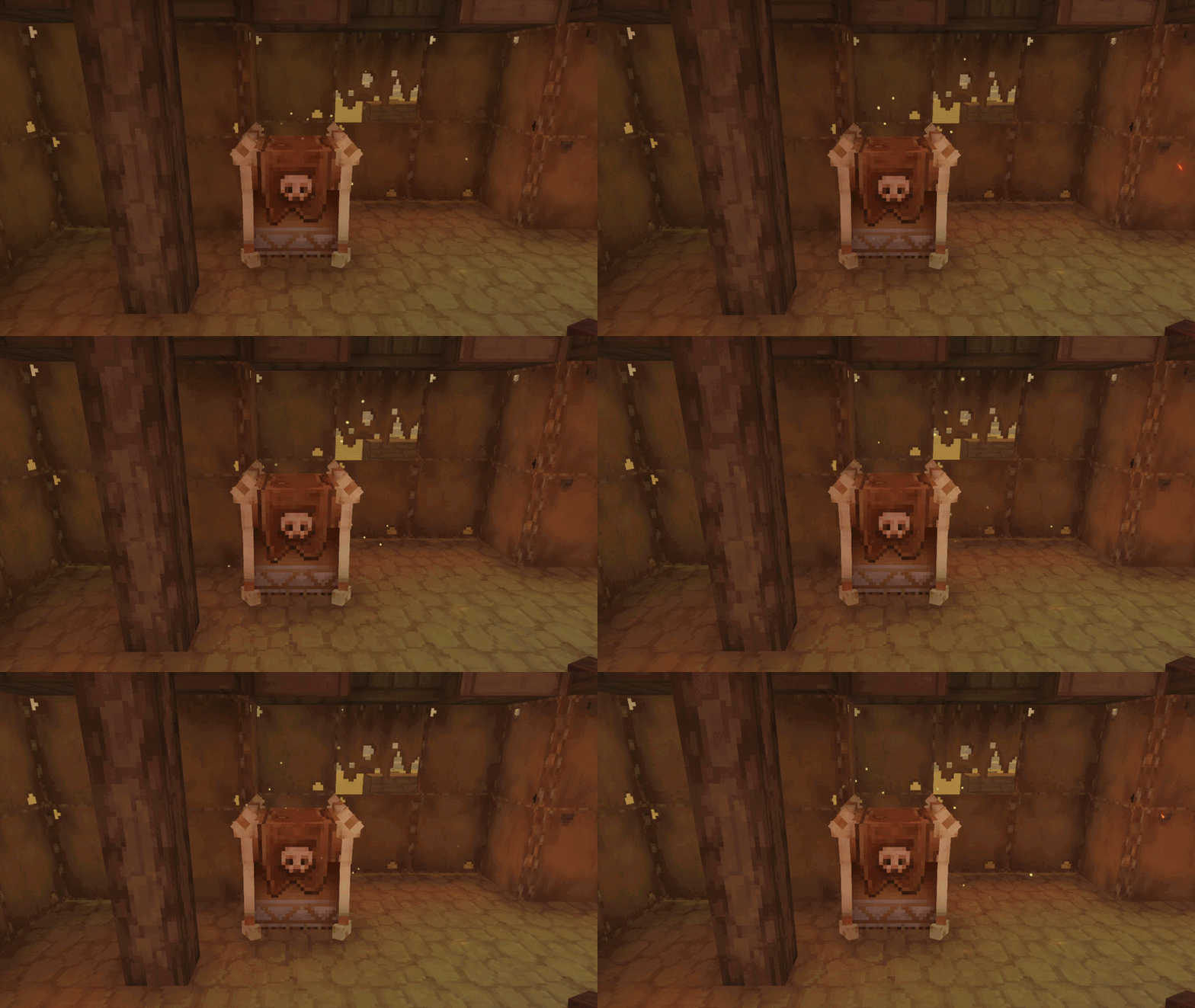
- Particle effects to unopened and regenerated loot chests.
- Added a world allowlist, so the system only affects the worlds you choose.
- Chests refill with fresh randomized vanilla loot every respawn.
- Keeps the original zone and tier loot tables.
- Each chest has its own independent respawn timer.
- Respawn delay is fully configurable, with a 8-hour default.
- Timers persist through server restarts.
- Optimized for performance with no forced chunk loading.
- Player-placed storage is ignored.
Safe Empty-Chest Refills
A respawn timer starts only after a world-generated chest has been completely emptied.
Partially looted chests remain unchanged, and existing contents are never replaced. If someone places an item inside an empty chest while its refill is pending, the refill is cancelled so player-added items are not deleted.
How It Works
- Players discover and loot a new loot chest.
- The timer starts when the last item is removed.
- The chest's chunk must unload at least once.
- After the configured delay, fresh loot is generated when the chunk loads again.
LootRespawn uses Hytale's native loot generation system instead of copying previous contents or maintaining custom item lists.
Configuration
The default delay is eight hours:
{
  "respawnTimeSeconds": 18000,
  "ShowParticles": true,
  "enabledWorlds": [
    "default"
  ]
}
Change respawnTimeSeconds to the desired duration and restart the server. The minimum value is one second.
Installation
- Place
LootRespawn-1.0.1.jarin your server's mods directory. - Start the server to generate the plugin configuration.
- Adjust
respawnTimeSecondsif needed in theconfig.jsonfile. - Restart the server after changing the configuration.
Important
Install LootRespawn before exploring new chunks so it can identify newly generated loot chests. Chests emptied before the plugin was installed cannot be reconstructed because Hytale no longer retains their original loot table
Compatibility
Built for the Hytale 0.5.6 server API.
Servers using my mod

Project description from CurseForge.
Pick your setup
Loot Respawn System releases for each Hytale build.
Choose the version and loader you play, then open the matching release.
Check the dependencies, then try the file in a copied instance before changing a world you care about.
Recent files
Loot Respawn System releases and Hytale builds
LootRespawn-1.0.1.jar
5 Jul 2026
Client Not supported Server Required Dependencies No extras listed Listed on Project page
Check the 0.5 setup 0.5 release
LootRespawn-1.0.0.jar
5 Jul 2026
Client Not supported Server Required Dependencies No extras listed Listed on Project page
Check the 0.5 setup 0.5 release
Looking for an older file? The official CurseForge project page is in Resources.