Hytale version
Back to mods 
CurseForge · Hytale mod
Mob Battle
Make any mobs fight: duels, all-vs-one, battle royales and team battles with 12 wands, arenas, cameras and an in-game settings panel.
Choose a version Pick your version below, then grab the matching file.
Quick answer
Which Mob Battle release should I use?
Latest stable file Mob Battle 1.1.0
Game version 0.7
Mod system Built-in Hytale mod system
Mob Battle 1.1.0 targets 0.7. Do not install it as a separate client mod. Enable it on the world host—the local server in singleplayer or the dedicated server in multiplayer. No required dependencies listed for this file.
Where it goes
Where should Mob Battle be installed in Hytale?
Do not install it as a separate client mod. Enable it on the world host—the local server in singleplayer or the dedicated server in multiplayer.
Separate client mod Not supported
World host / dedicated server Required
Mod system for this release Built-in Hytale mod system
Required install it here Optional supported, not mandatory Not supported do not install here Source doesn’t say do not assume
Put Hytale mods on the world host or dedicated server. Singleplayer runs a local server too; Hytale does not use separate client mods.
What else does Mob Battle 1.1.0 need?
Mob Battle 1.1.0. Change the file and its required mods may change too.
This file does not list any required mods. Do not add a library just because a different file uses it.
This file does not list any required or optional project dependencies. Check the creator notes before changing an existing world.
Before you install it
Add Mob Battle without breaking your instance.
Built for Mob Battle 1.1.0. Pick another file and the loader, install side or required mods may change.
- 01
Stick to this file
Use Mob Battle 1.1.0. It targets 0.7; another release may target a different game build or dependency set.
- 02
Bring the mods it needs
This file does not list any required mods. Do not add a library just because a different file uses it.
- 03
Enable it on the world host
Do not install it as a separate client mod. Enable it on the world host—the local server in singleplayer or the dedicated server in multiplayer.
- 04
Pick the file you checked
Use the “Get this file” button beside Mob Battle 1.1.0. It opens that exact file at the source.
About this project
What does Mob Battle add?
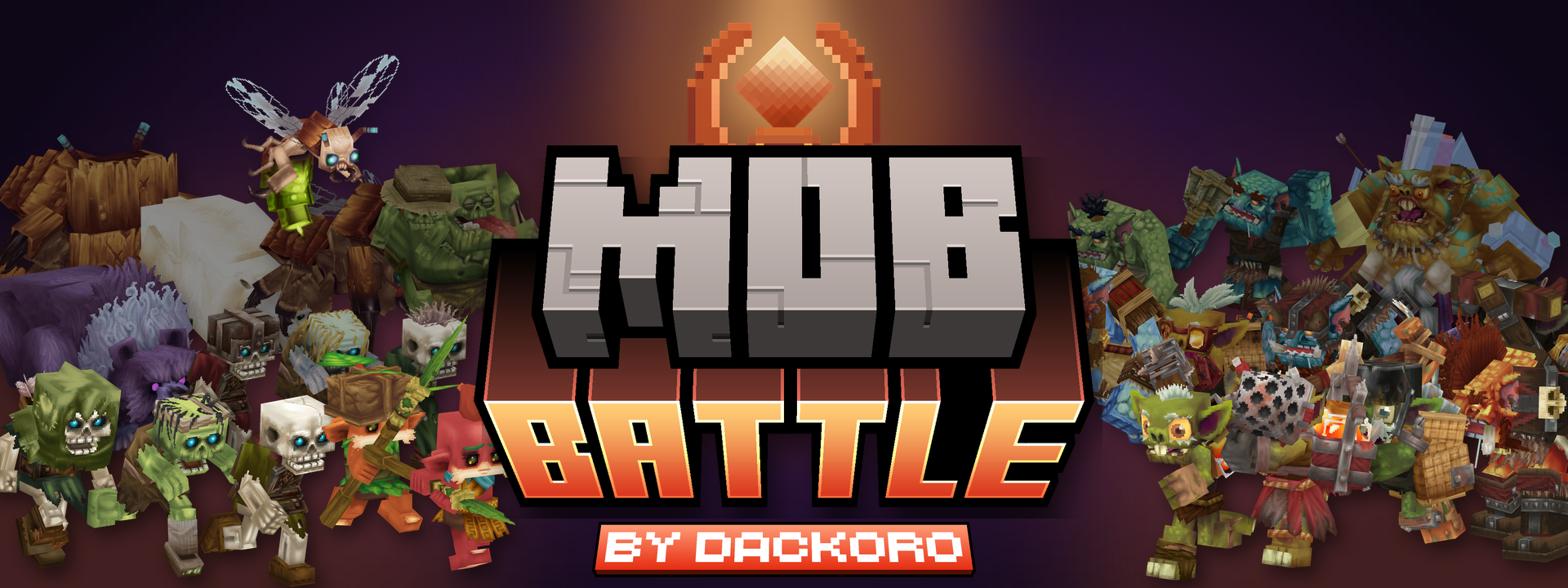
MOB BATTLE turns the mobs already in your world against each other.
Duels, everyone vs one, battle royales and team battles, driven by the mobs' own AI and real attacks.
12 wands, arenas, cameras and an in-game settings panel. Players can join the fight too.
🆕 New in 1.1
Hold the click on the Heal, Cleanse, Effect and Morph wands: you slam the ground and the wave hits everyone around you.
Land, air and water: fish stay in the water, walkers don't drown chasing them, and archers shoot down fliers.
Armies for anyone: recruit mobs for a friend, or for a leader mob that leads its own army.
Random battles: /mobbattle summon fill picks mobs that fight, of similar strength, in balanced teams if you like.
Real size buffs for players, a speed buff, the Morph Wand copies player looks, an all vs one card, smarter mobs in big battles, and the whole mod in Spanish.
Full changelog
Battle Wand
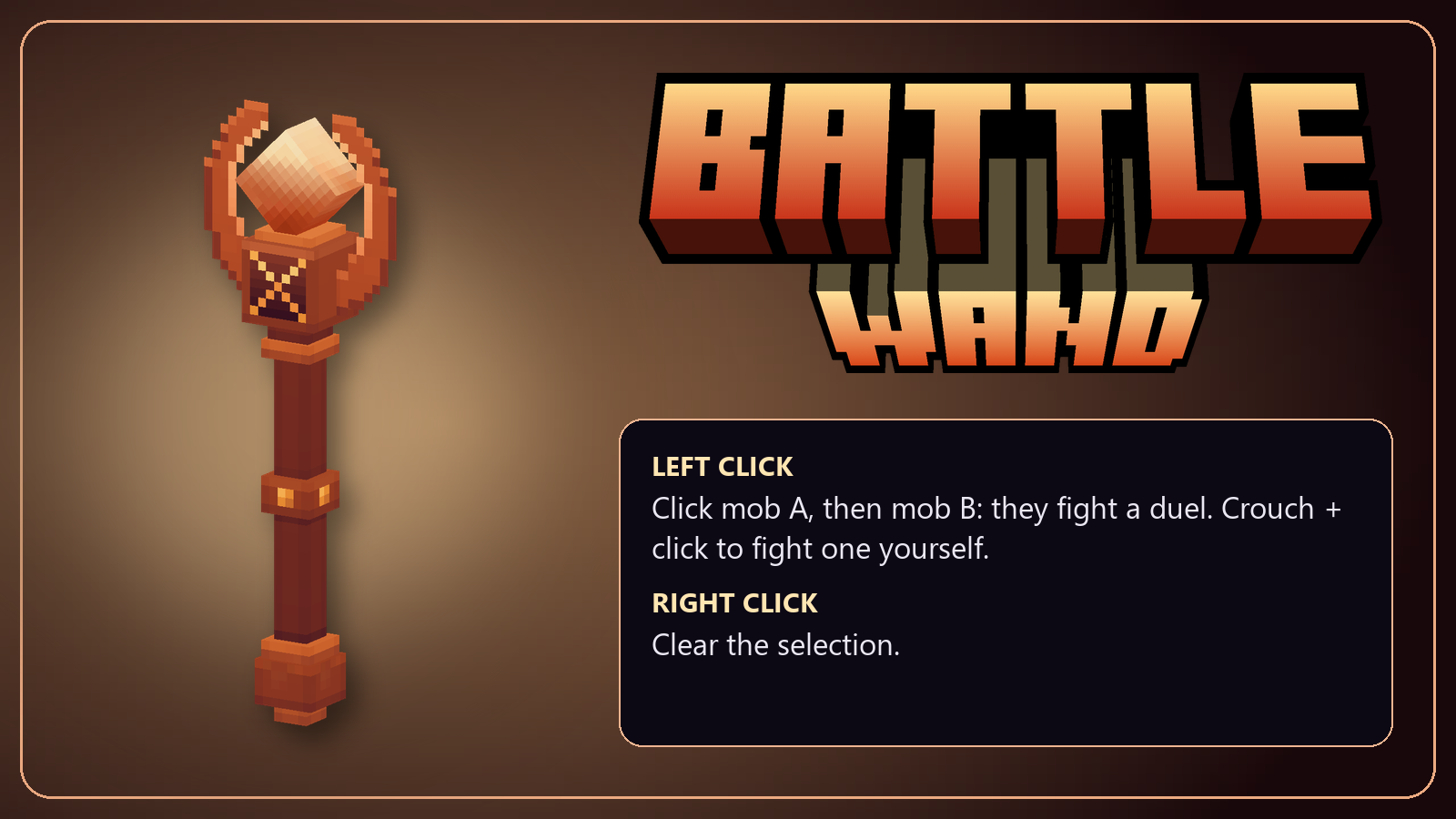
Left click a mob, then another: they fight a duel until one falls.
Crouch and click a mob to fight it yourself. Right click clears the selection or cancels a duel before it starts.
Add a countdown, an intro camera, arena walls, a timer and a card with both fighters' stats.
Chaos Wand
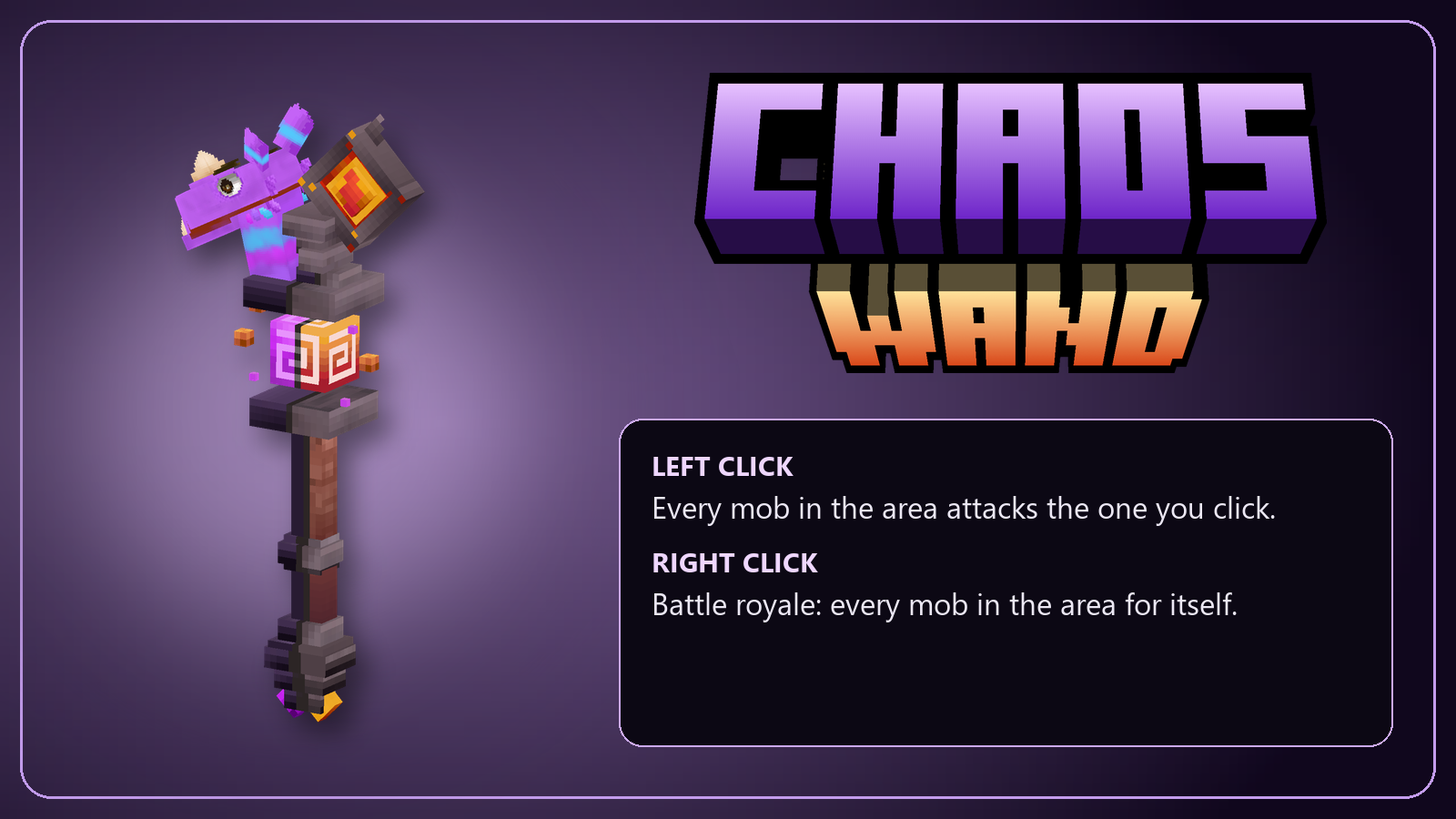
Left click a mob: every mob around attacks it, and the lone target wears a crown.
Right click: a battle royale, every mob for itself, inside a zone that closes in.
Choose the area size, how many mobs join, how far up and down it reaches, and how the area looks.
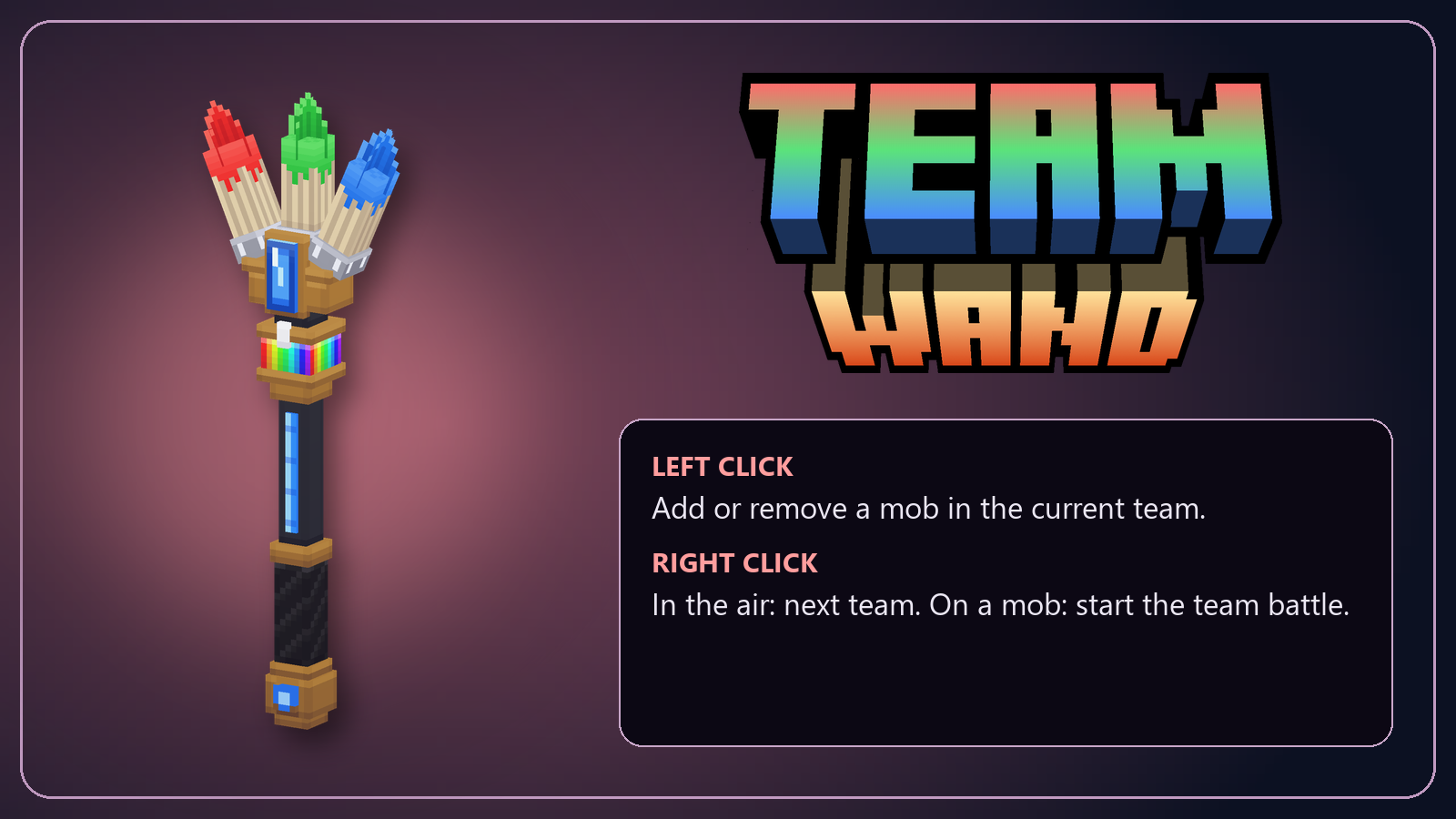
Team Wand
Left click mobs to put them in the current team: they take the team's color.
Right click the air to switch teams, right click a mob to start the battle.
Fill a team with every mob of one type in a single click, and name and color your teams in the settings panel.
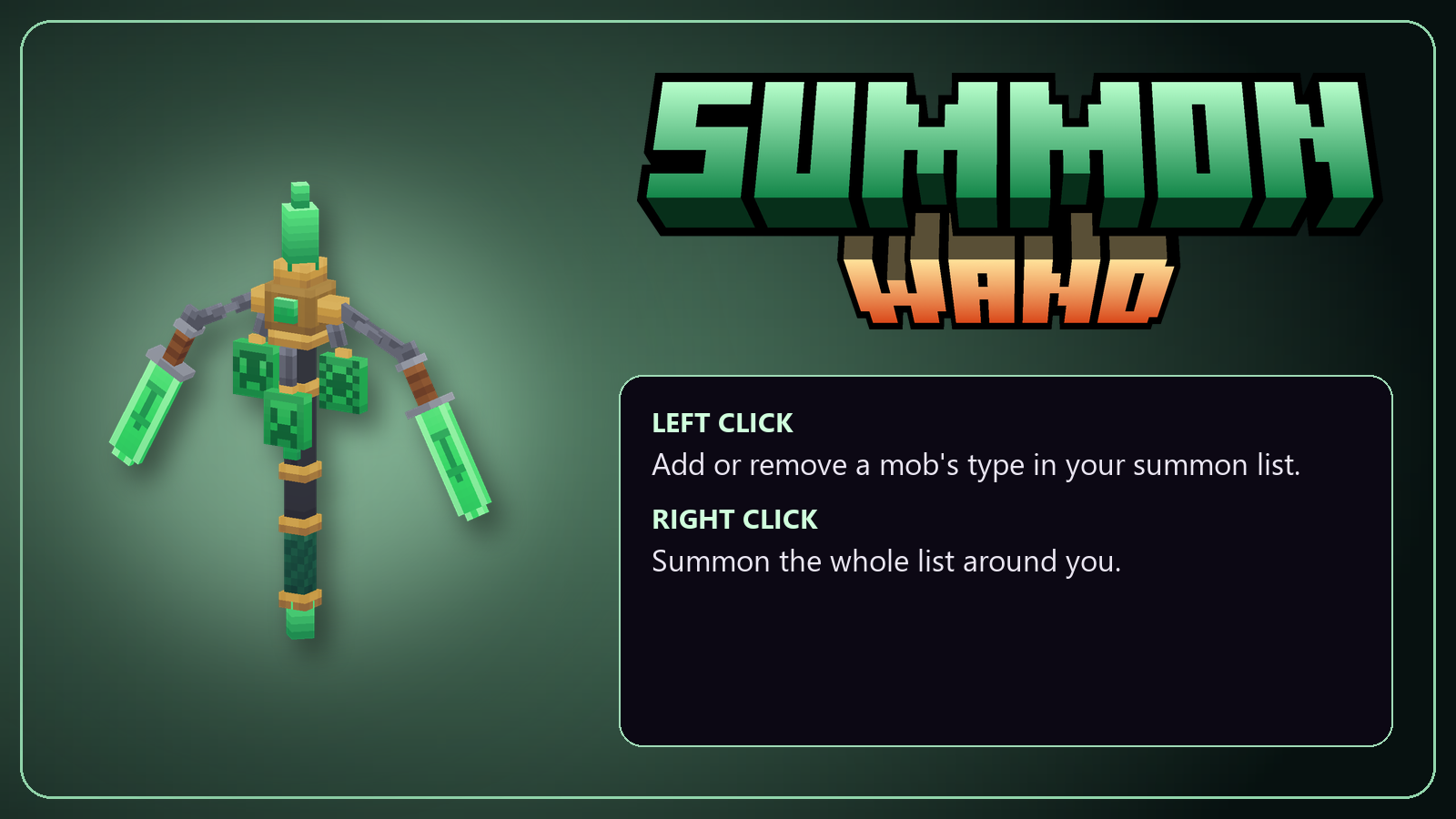
Summon Wand
Left click a mob to add its type to your summon list, then right click to summon the whole list around you.
Set how many of each, random ranges and teams in the settings panel, or let summon fill pick random mobs of similar strength for you.
Summons can arrive with a special look, stay calm until a battle, join your army, or leave after a battle or a timer.
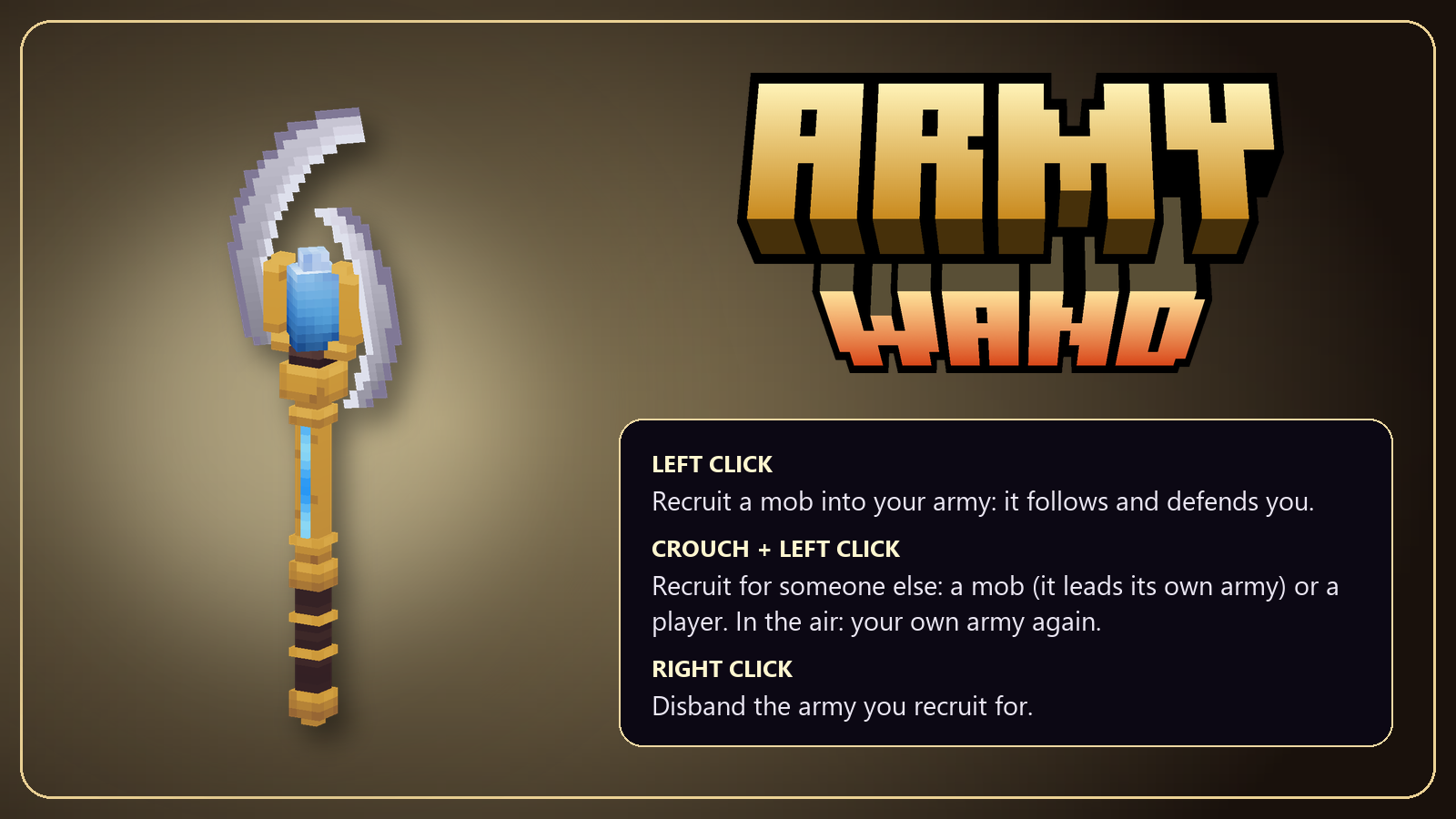
Army Wand
Left click mobs to recruit them: they follow you, defend you and attack whatever you hit.
They catch up with you if they fall behind. Right click disbands the army.
Crouch + click a mob to recruit for it: it leads its own army, which guards it and attacks what it attacks. Crouch + click a player to recruit for them.
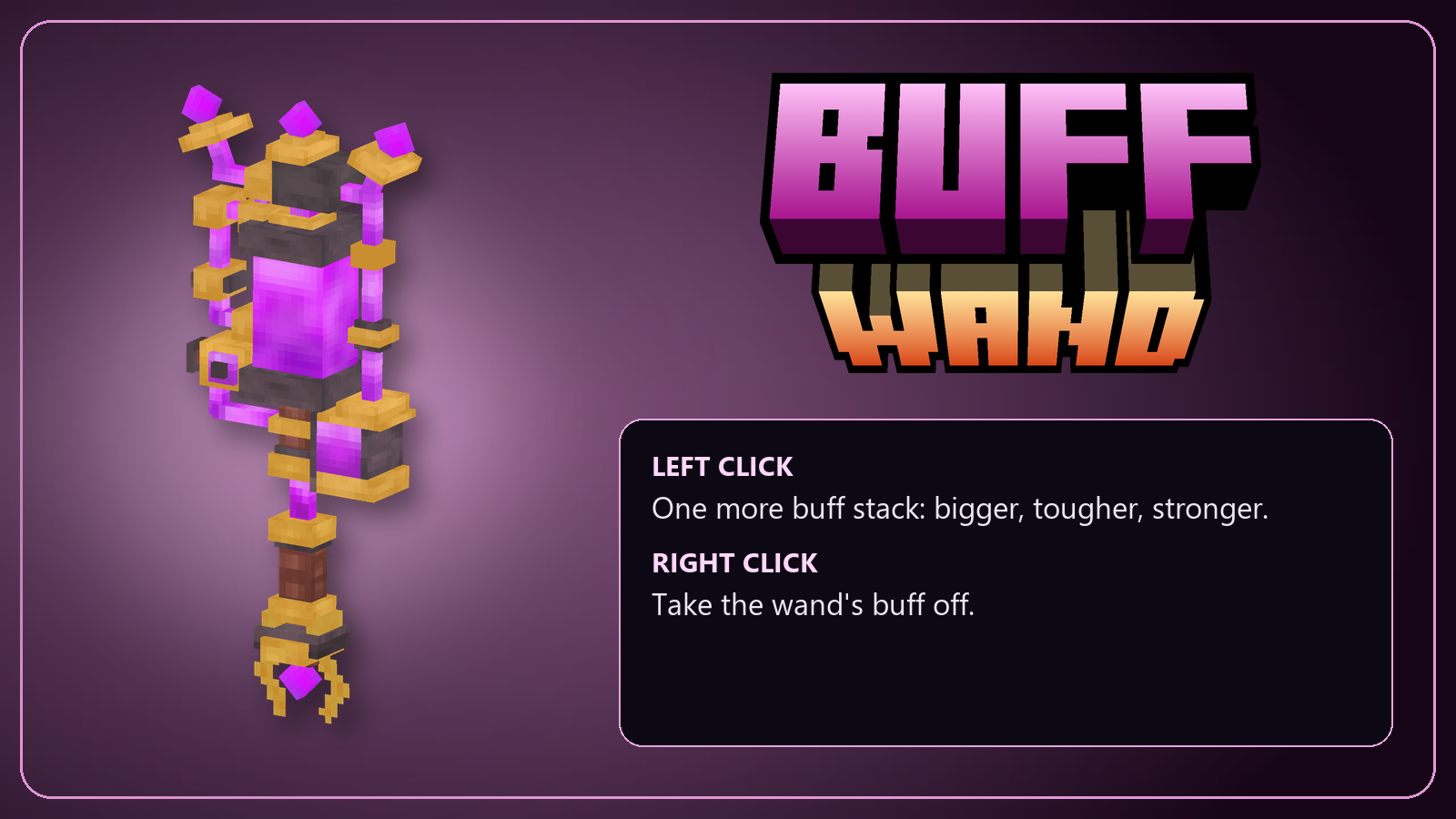
Buff Wand
Each click drops a light on the mob or player and adds one stack: bigger, more health, more damage, more defense, faster.
Big players get a bigger camera, jump higher and run faster. Values as percent or multipliers (x2). Buffed mobs glow in your color. Right click takes the wand's buff off.
Battles can buff the lone target, kill streaks and champions too.
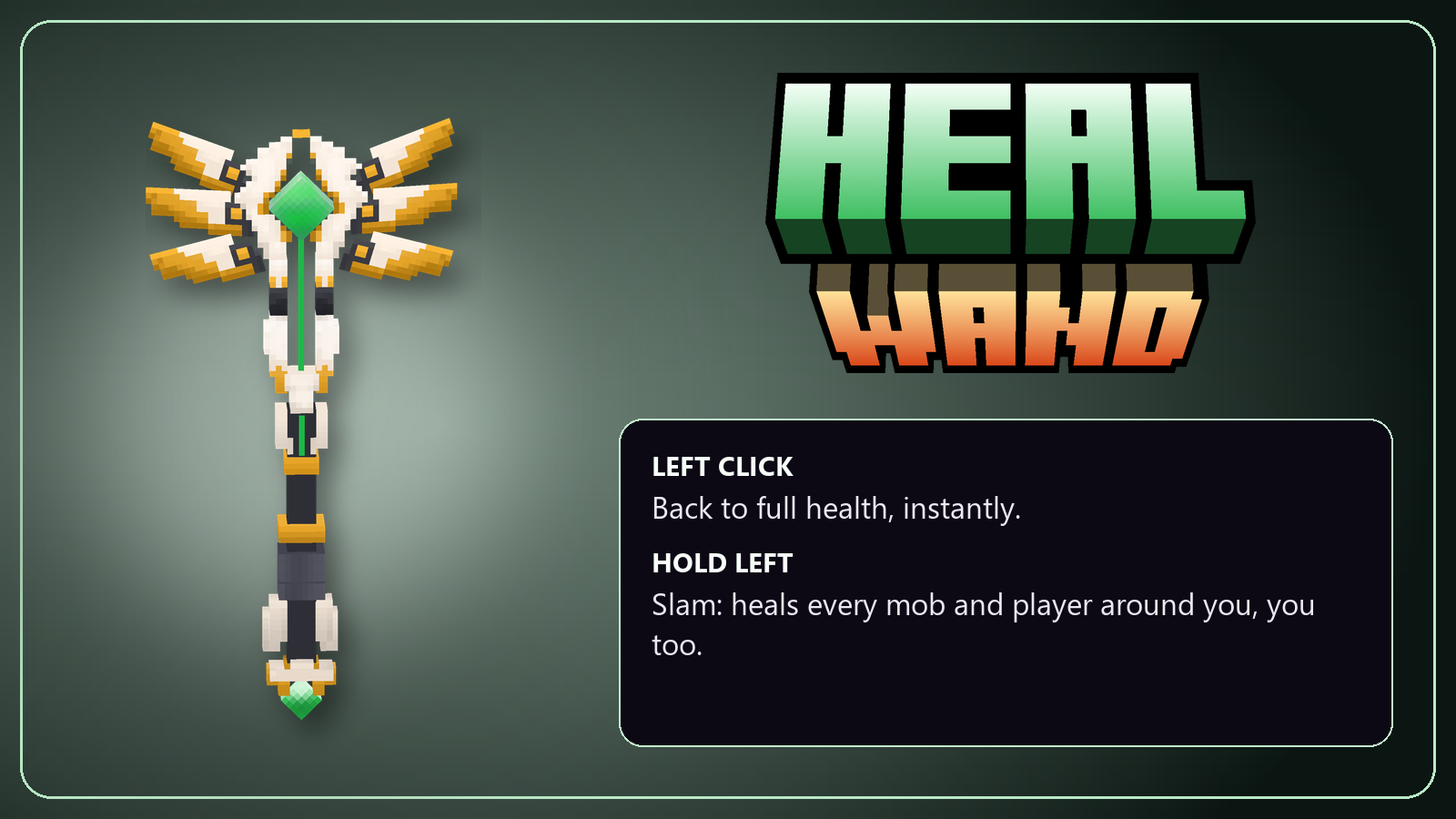
Heal Wand
A green light comes down and heals the mob or player to full health.
Hold the click and let go: you slam the ground and heal everyone around you.
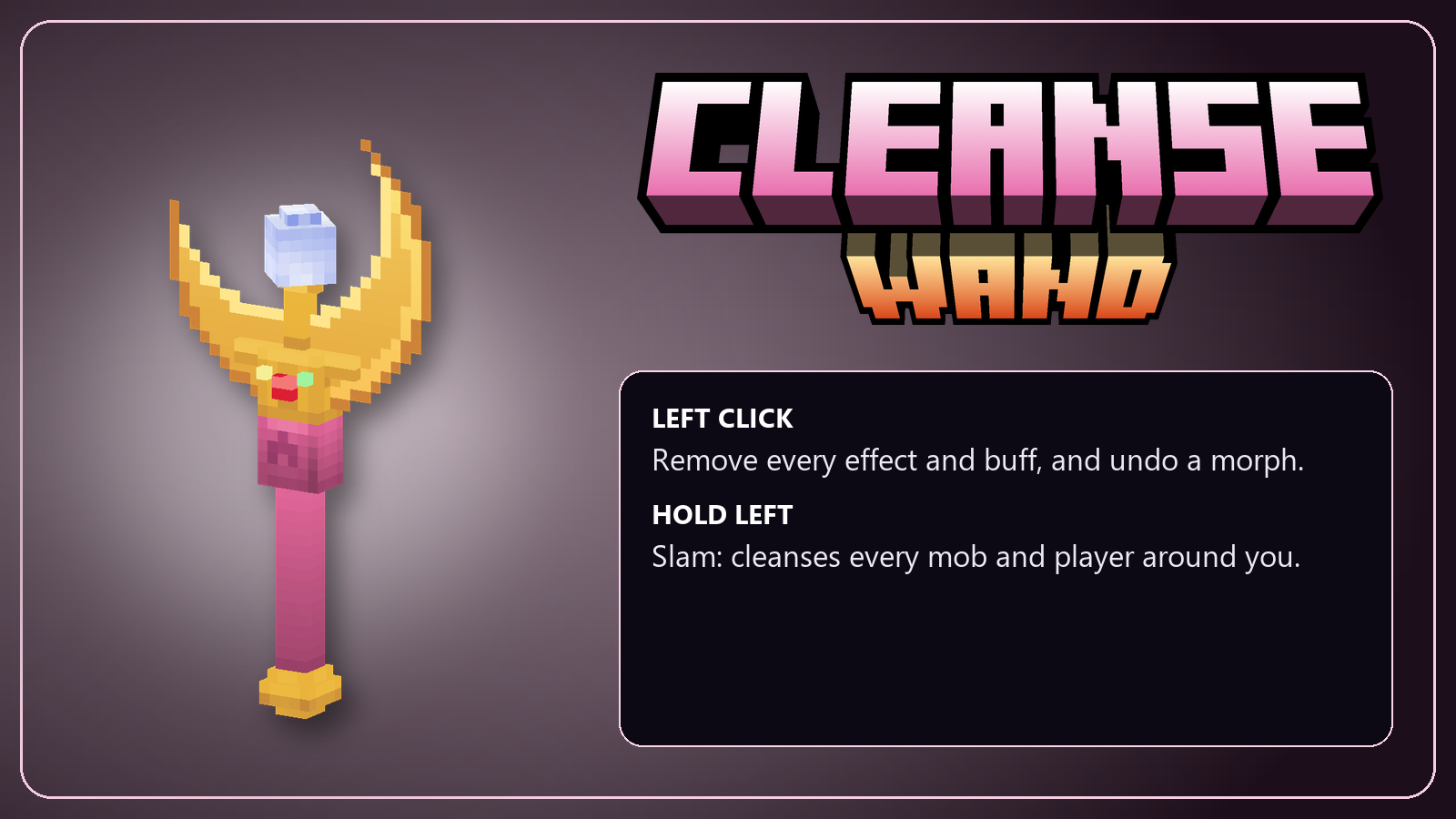
Cleanse Wand
A light comes down and removes every effect and buff from the mob,
and gives a morphed mob its own model back. Hold the click to cleanse everyone around you.
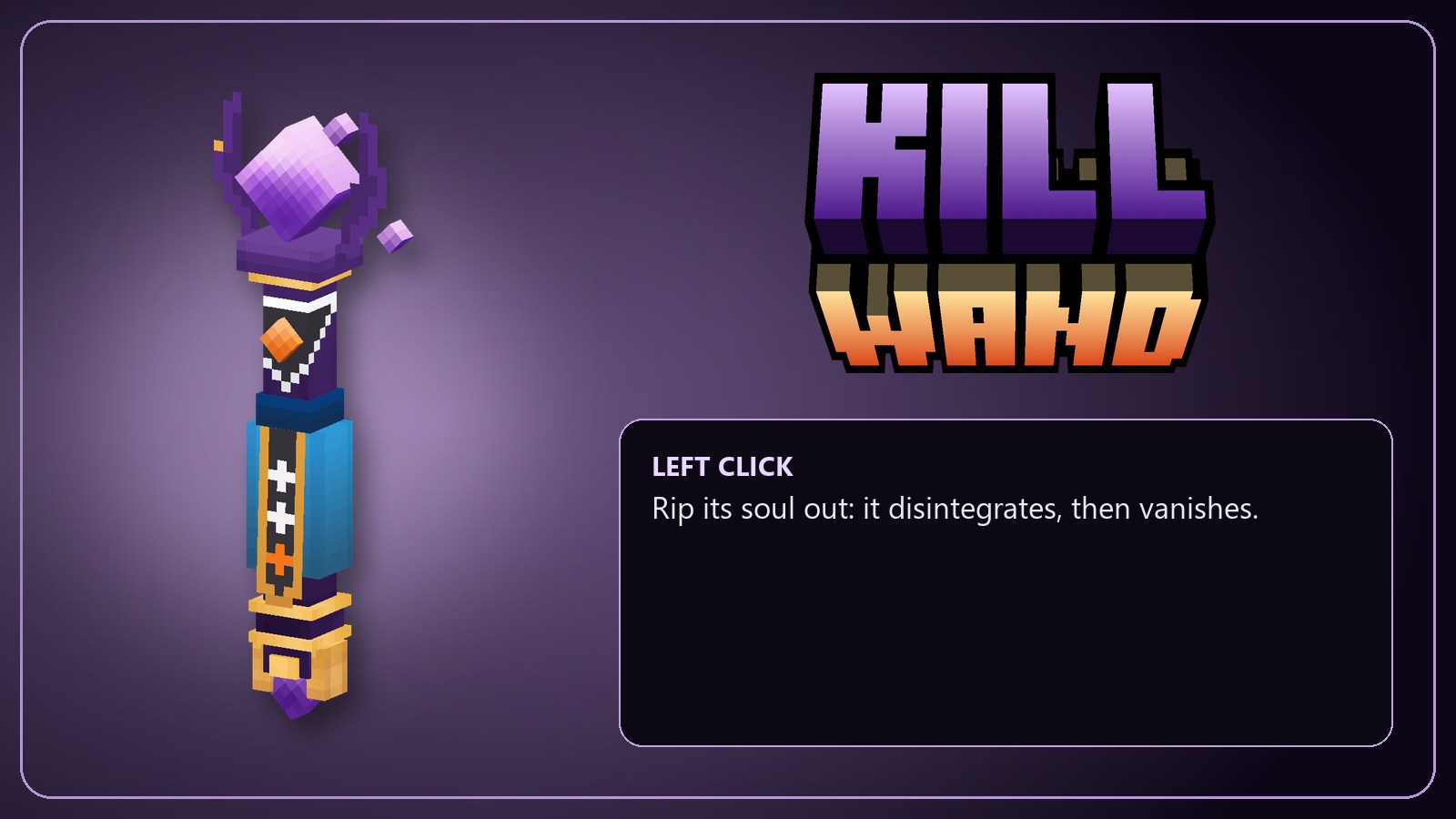
Kill Wand
Rips the mob's soul out: it disintegrates, then vanishes, and can drop its loot.
Mobs with a special look shatter or burst in their own color.
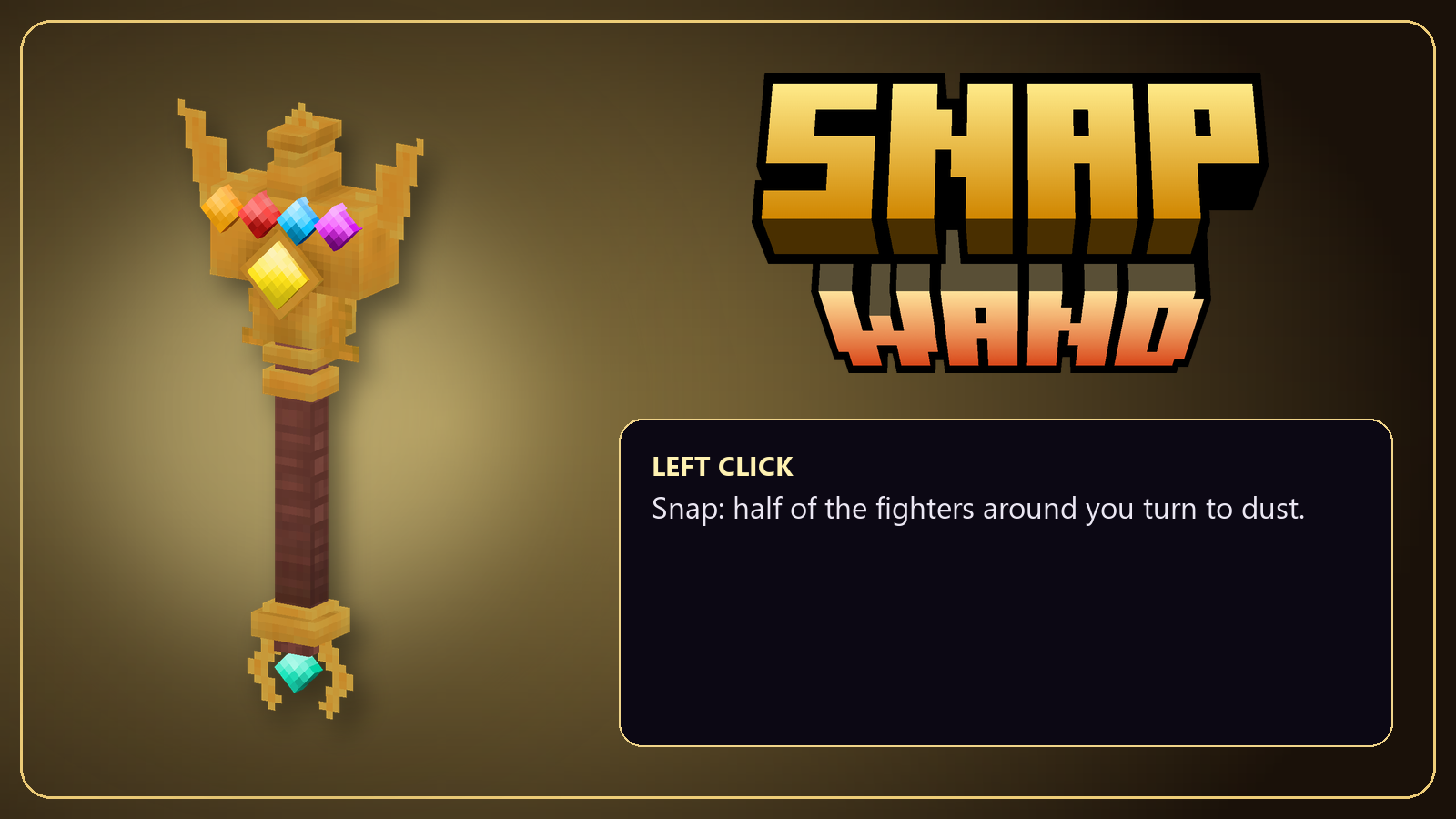
Snap Wand
Slam the ground: half of the fighters around, picked at random, turn to dust.
Snap everyone around, or half of each team.
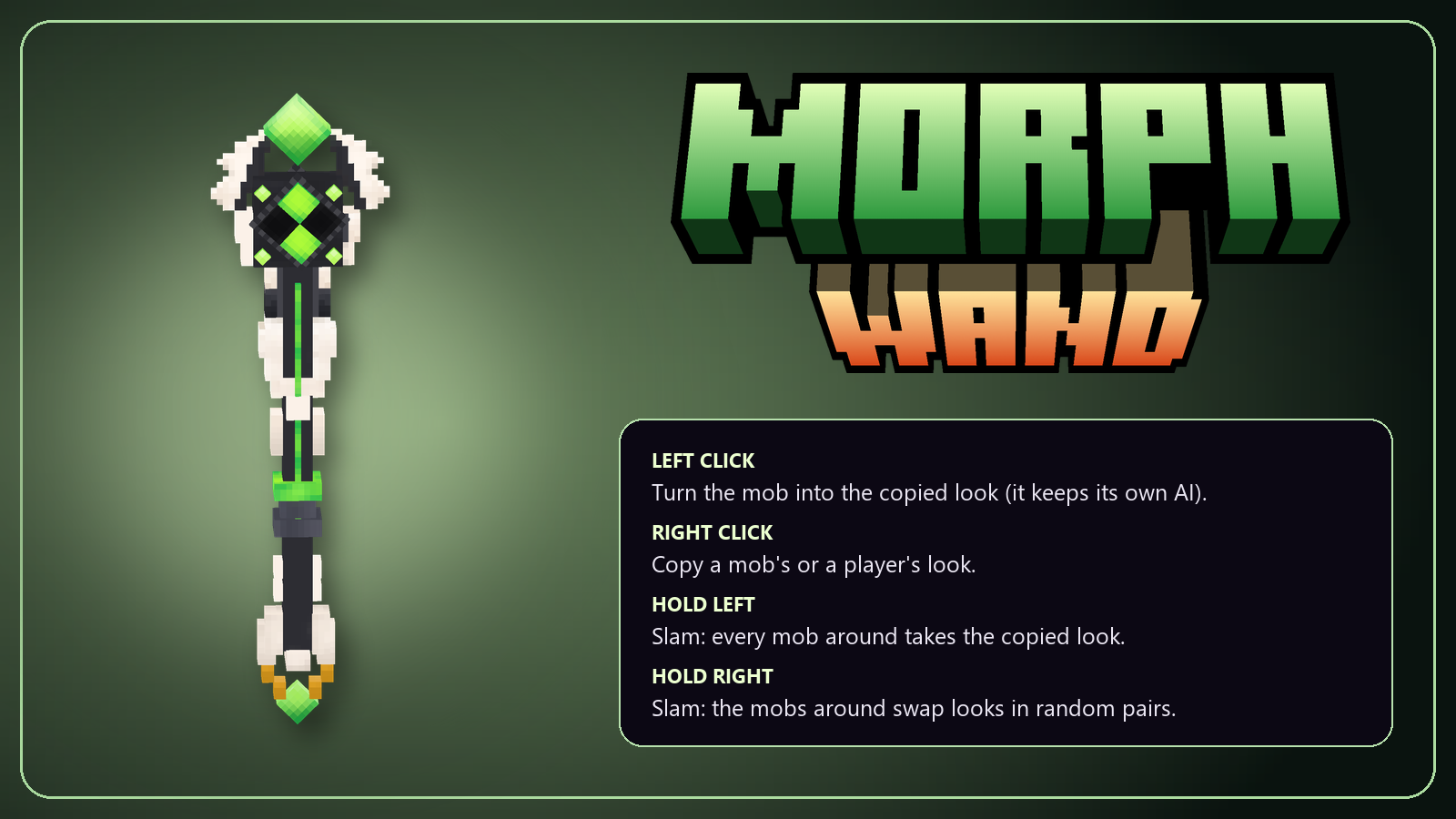
Morph Wand
Right click copies a mob's model or a player's look, left click gives it to another mob or player.
It keeps its own AI, attacks and health: a trork that looks like a chicken still fights like a trork.
Hold left: every mob around takes the look. Hold right: the mobs around swap looks. The Cleanse Wand turns them back.
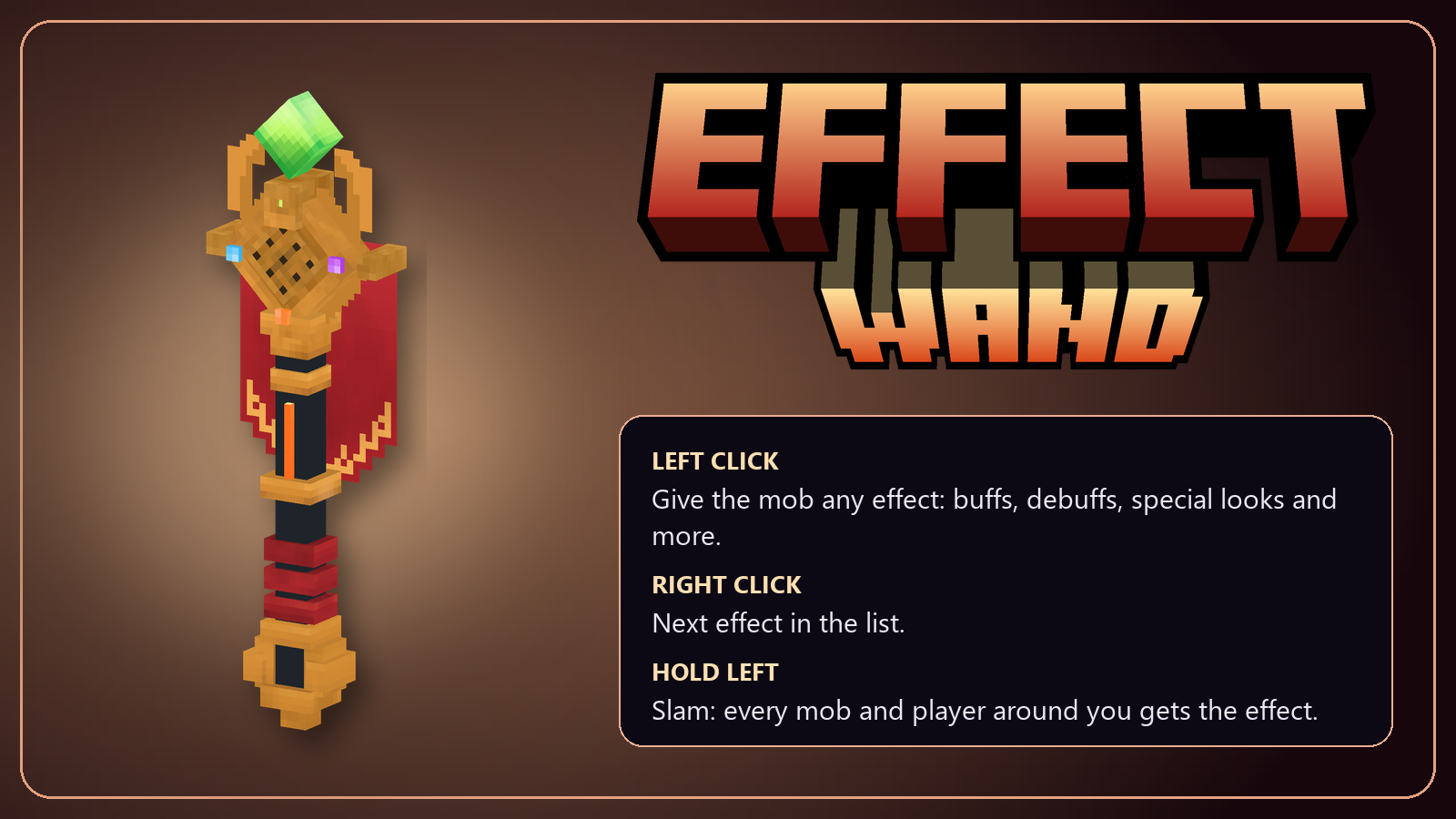
Effect Wand
Give any effect in the game to a mob or player. Right click picks the next one. Hold the click to give it to everyone around you.
It also has special glowing looks in 14 colors that stay on the mob until you cleanse it.
✨ Special looks in every color
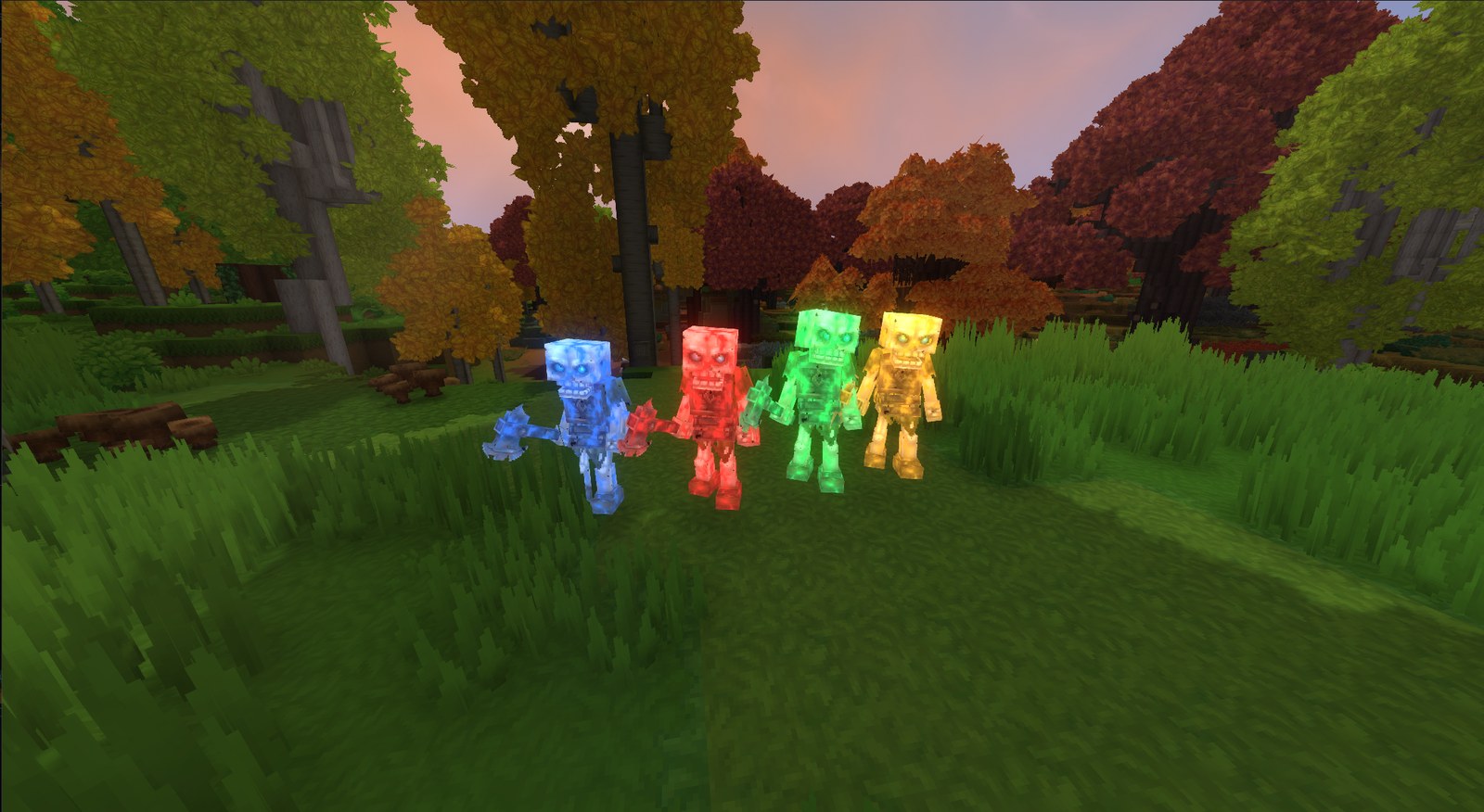
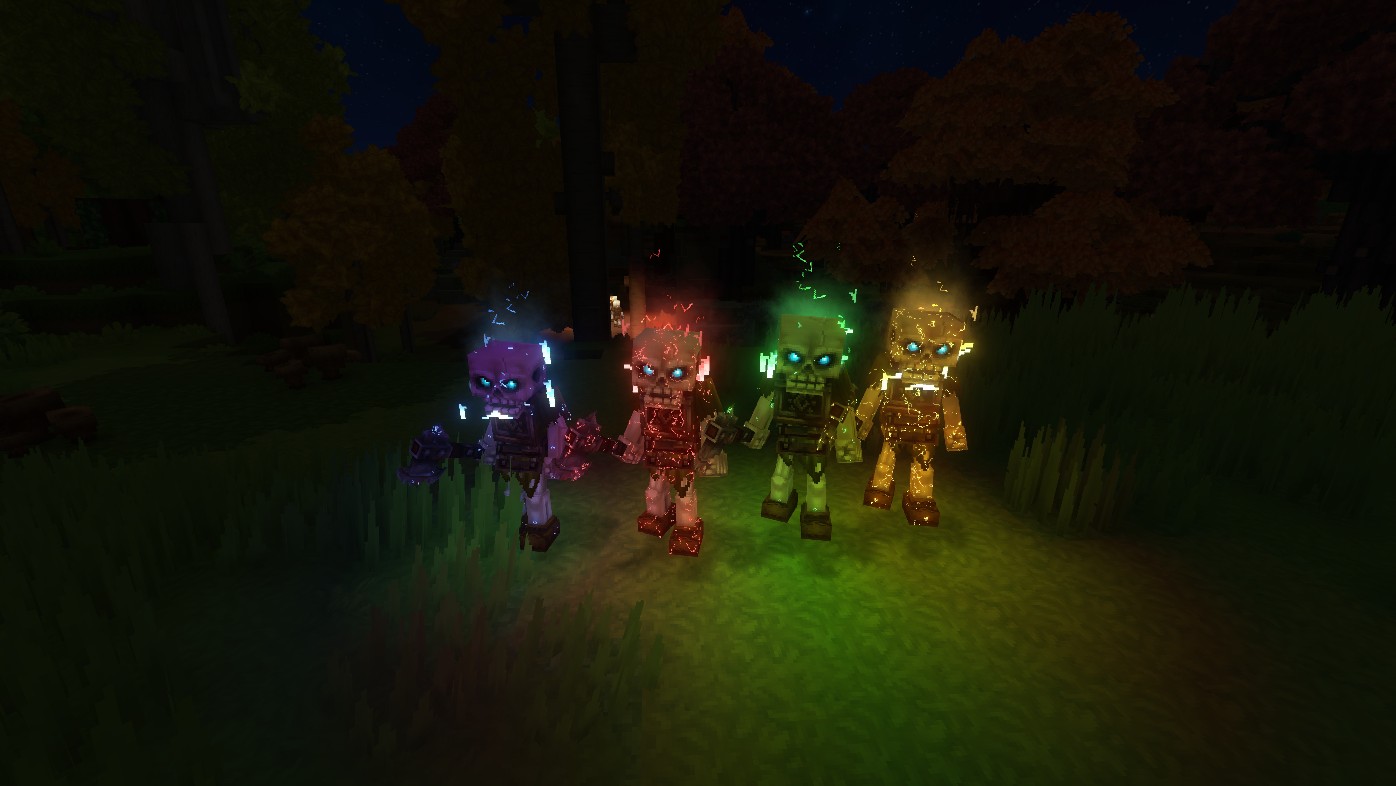 Mobs with a special look shatter or burst in their own color when they die.
🎬 The show
Countdowns, big start and winner titles, battle music.
Intro and end cameras, and a spectator mode to watch any fighter.
Arenas with walls, closing royale zones, timers, scoreboards, and duel and all vs one cards.
Cameras step back for bosses and giants; the drone flies low between the fighters.
⚙️ Everything is configurable
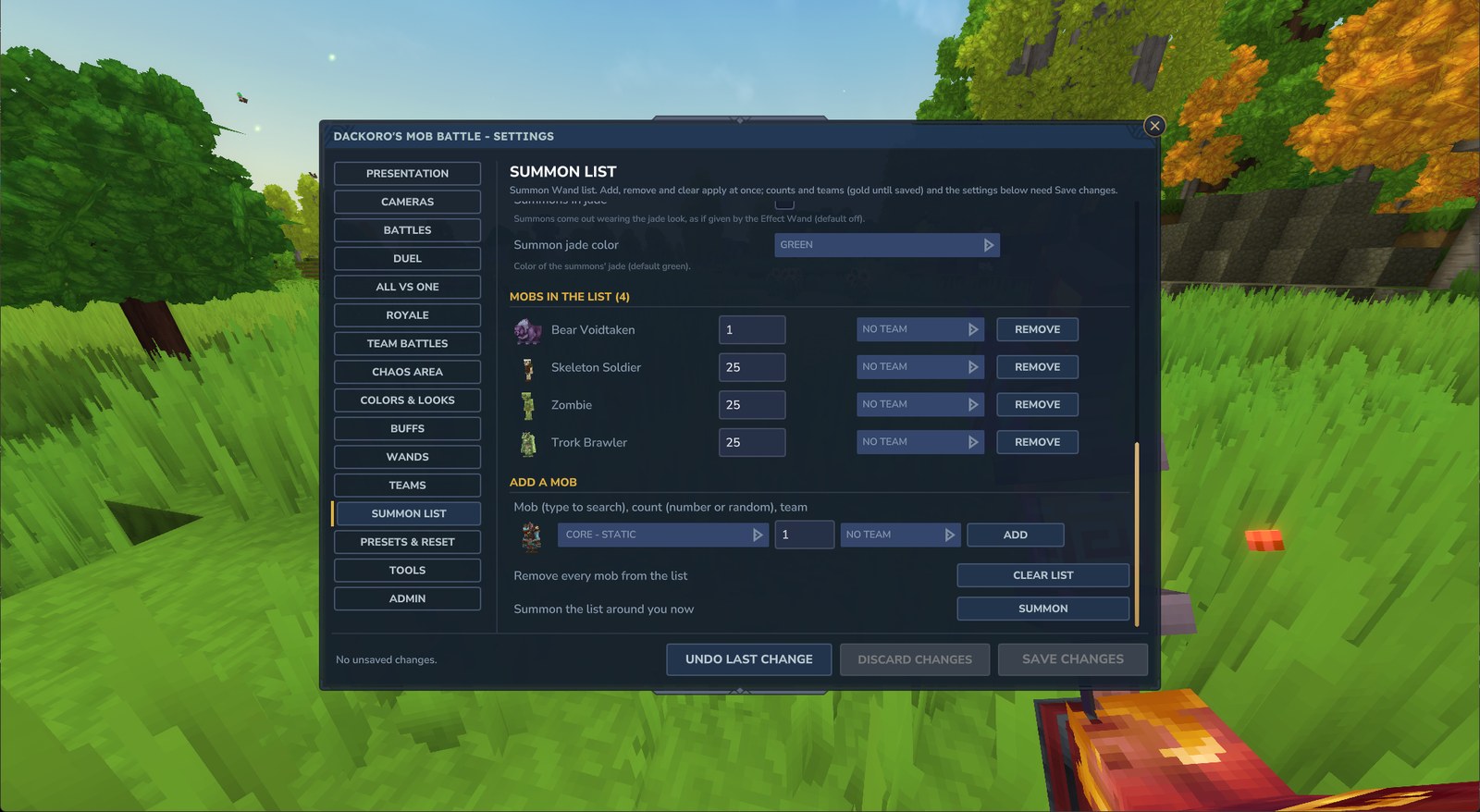
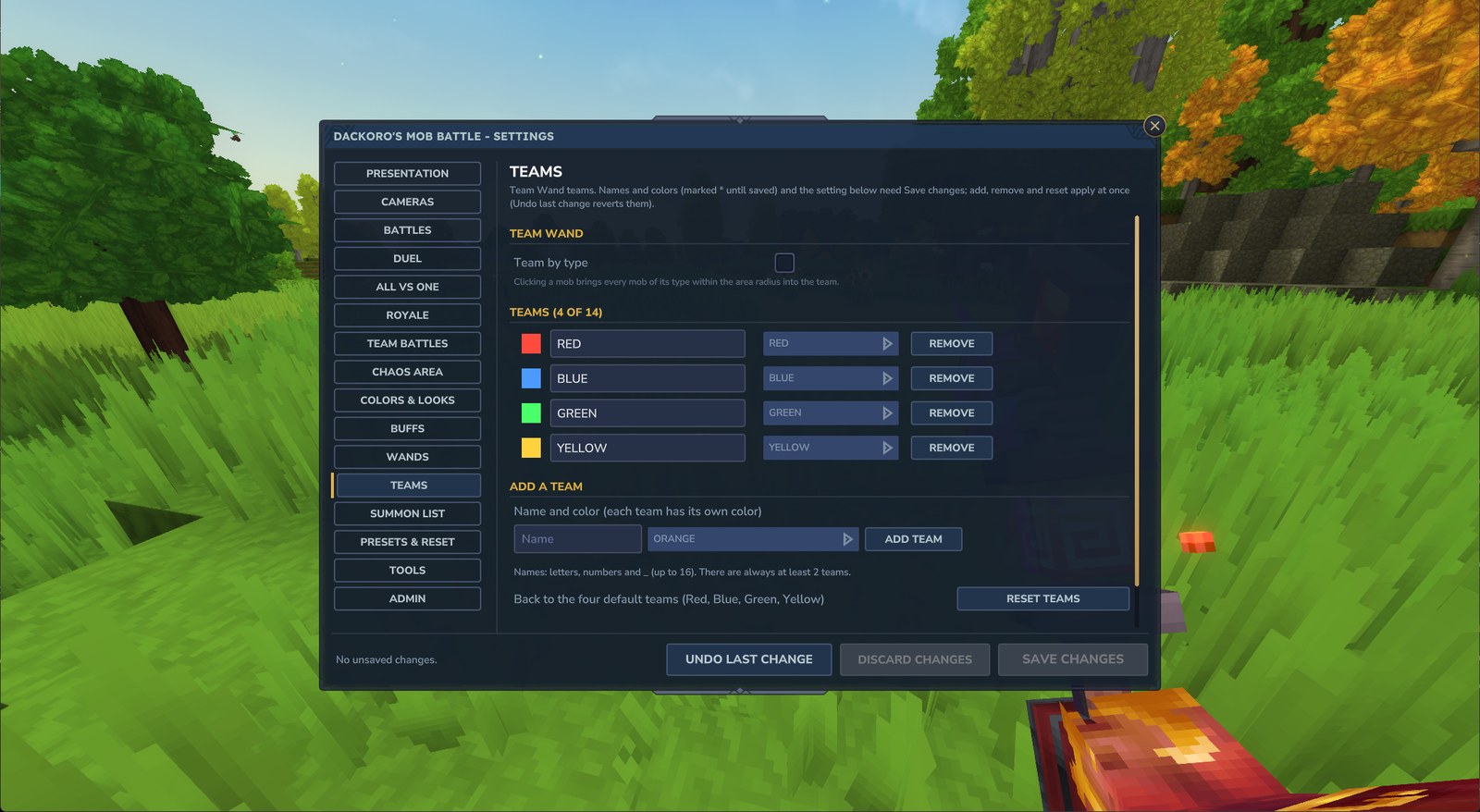 `/mobbattle give` gives you every wand · `/mobbattle config` opens the settings panel
Presets (fight, effects, debug, cinematic), undo, settings saved per world.
Server owners get permission modes, wand actions by command and test tools; plugin developers get a public API.
`/mobbattle give` gives you every wand · `/mobbattle config` opens the settings panel
Presets (fight, effects, debug, cinematic), undo, settings saved per world.
Server owners get permission modes, wand actions by command and test tools; plugin developers get a public API.🎞️ All the clips
▶ Open the playlist on YouTube
🗡️ Check out my other mod:
Adventure Time: the swords from the Land of Ooo, each with its own trail and effects.
💬 Feedback & Bugs
Mob Battle keeps growing. Ideas, bug reports and mobs that don't fight the way they should are all welcome: leave a comment here.
📜 Open Source
Mob Battle is open source under the MIT License.
Use it on your server, put it in your modpack, show it in videos, and use its code, effects, particles and models in your own Hytale mods.
Just keep the copyright notice; a credit or a link back to this page is appreciated.
🛠️ Contribute
The source code, docs and every setting are on GitHub: dackoro/mob-battle
Bug reports, ideas and pull requests are welcome there too.
🌐 Languages
🇺🇸 English (everything)
🇪🇸 Spanish (Español, everything: chat, titles, HUDs, commands, help and the settings panel)
Project description from CurseForge.
Pick your setup
Mob Battle releases for each Hytale build.
Choose the version and loader you play, then open the matching release.
Check the dependencies, then try the file in a copied instance before changing a world you care about.
Recent files
Mob Battle releases and Hytale builds
Mob Battle 1.1.0
14 Oct 2026
Client Not supported Server Required Dependencies No extras listed Listed on Project page
Check the 0.7 setup 0.7 release
Mob Battle 1.0.0
12 Oct 2026
Client Not supported Server Required Dependencies No extras listed Listed on Project page
Check the 0.7 setup 0.7 release
Looking for an older file? The official CurseForge project page is in Resources.