YetAnotherConfigLib Needed by Health Indicators HealthIndicators-21.11.1.jar
requiredMatching file found Matched file: 3.8.2 for neoforge 1.21.11
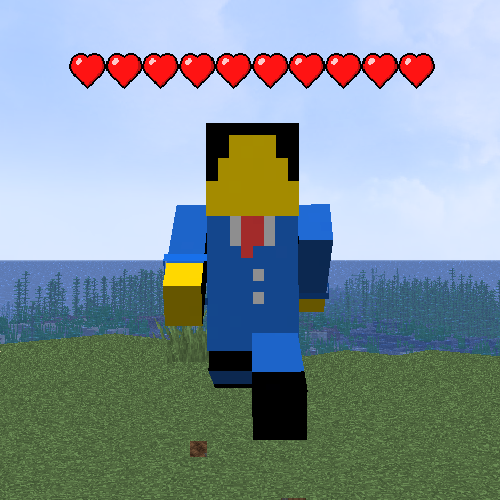
CurseForge · Minecraft mod
Simple damage indicator mod that shows a floating health bar (or number) above entities. Additional features includes an attack direction indicator
Quick answer
Health Indicators HealthIndicators-21.11.1.jar targets 1.21.11 with Fabric, NeoForge. The project page does not say whether this file belongs on the client, dedicated server, or both. All 4 required mods have matching files.
Where it goes
The project page does not say whether this file belongs on the client, dedicated server, or both.
The source does not explicitly classify this release as client-only or server-only.
HealthIndicators-21.11.1.jar. Change the file and its required mods may change too.
Install YetAnotherConfigLib, Fabric API, Architectury API, YetAnotherConfigLib (YACL) first. We found matching files for this game-version and loader setup. 2 come through another mod in the chain.
2 extra mods were pulled in by other dependencies. Indented rows show who needs each one. We only count dependency files that match this setup. A file for another loader does not fill the gap.
Before you install it
Built for Health Indicators HealthIndicators-21.11.1.jar. Pick another file and the loader, install side or required mods may change.
Use HealthIndicators-21.11.1.jar. It targets 1.21.11 with Fabric, NeoForge; another release may have different loader, side or dependency requirements.
Install YetAnotherConfigLib, Fabric API, Architectury API, YetAnotherConfigLib (YACL) first. We found matching files for this game-version and loader setup. 2 come through another mod in the chain.
The project page does not say whether this file belongs on the client, dedicated server, or both.
Use the “Get this file” button beside HealthIndicators-21.11.1.jar. It opens that exact file at the source.
About this project
This mod displays other Players and Entities' health above them in the form of a health bar.
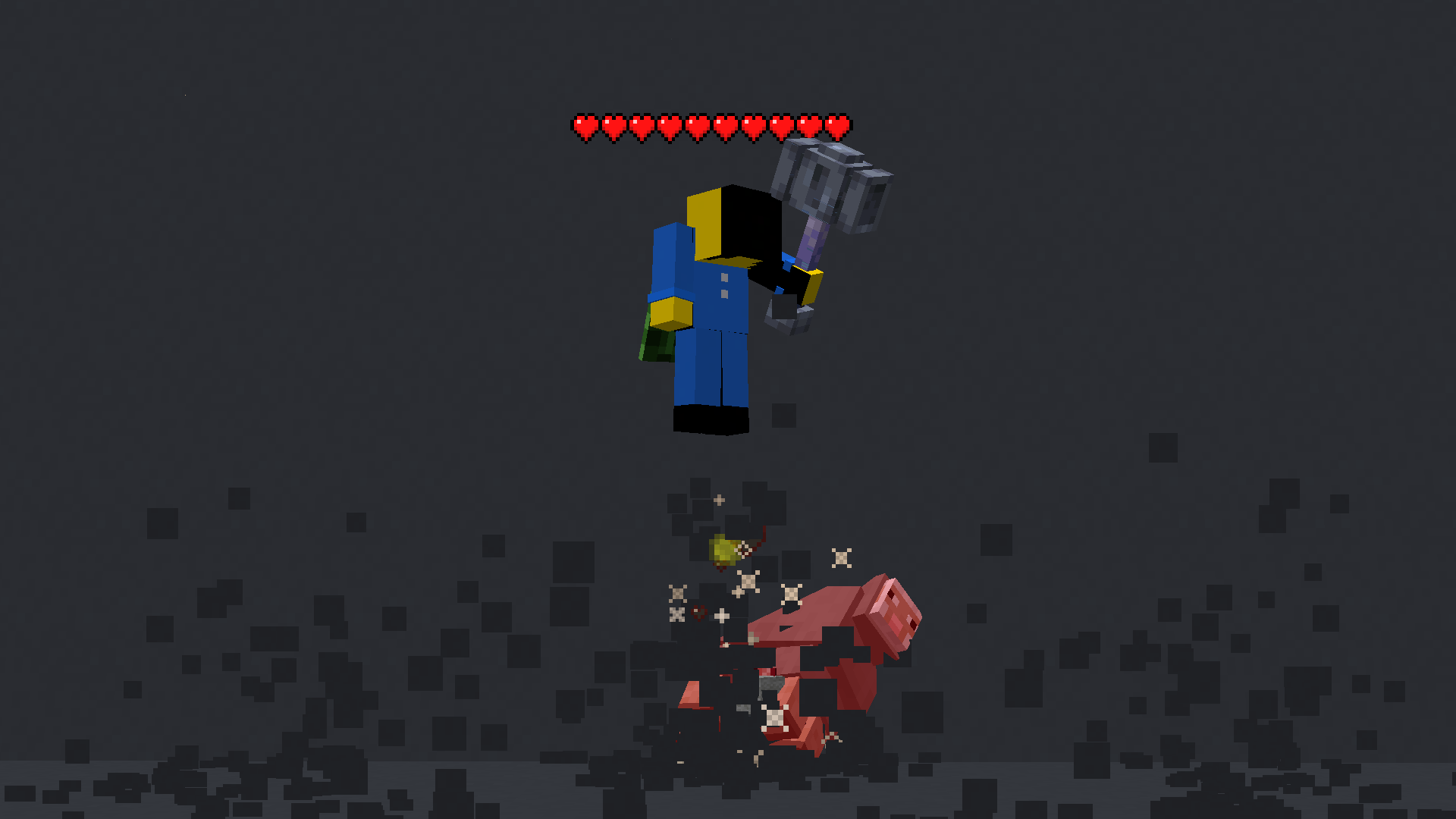
This mod displays a highly-configurable health indicator (and optional armor indicator) above all entities that corresponds to their healths. The indicators have the following toggles, where you can enable/disable visibility based on:
minecraft:pig or aether:aerbunny)You can also adjust the
The indicator changes texture and appearance based on the effects the entity has, just like vanilla. The indicator will
All the above can be disabled in the config if you don't like it.
Note: These are all default keybinds. They can be modified like any other keybind: by going into Options > Controls > Keybinds
Left ArrowUp ArrowDown ArrowRight ArrowRight ShiftProject description from CurseForge.
Pick your setup
Choose the version and loader you play, then open the matching release.
Showing the newest 12 of 19 game versions. Older files are in the list below.
Check the dependencies, then try the file in a copied instance before changing a world you care about.
Recent files
HealthIndicators-neoforge-26.1.0.0-beta.jar
20 Jun 2026
HealthIndicators-fabric-26.1.0.0-beta.jar
20 Jun 2026
14 Jan 2026
25 Dec 2025
HealthIndicators-21.9.2-beta.jar
23 Oct 2025
HealthIndicators-21.9.1-beta.jar
20 Oct 2025
11 Oct 2025
4 Jul 2025
13 May 2025
HealthIndicators-21.5.1.jar
12 May 2025
30 Apr 2025
21 Feb 2025
Looking for an older file? The official CurseForge project page is in Resources.
 mod
modA client-side Fabric HUD for analyzing ender pearl and wind-charge trajectories, with P1/P2 tracking, recommended angles, and configurable visual guides.
 mod
modA psychological horror mod where the world remembers, imitates, and slowly replaces the player.
 mod
modBetter FireFlies (BFF) is a client-side mod that add ambiant Fireflies.