GeckoLib Needed by Slender The Haunted Forest SlenderTheHauntedForest-V1.0.2-1.19.2.jar
requiredMatching file found Matched file: geckolib-forge-1.19-3.1.40.jar
CurseForge · Minecraft mod
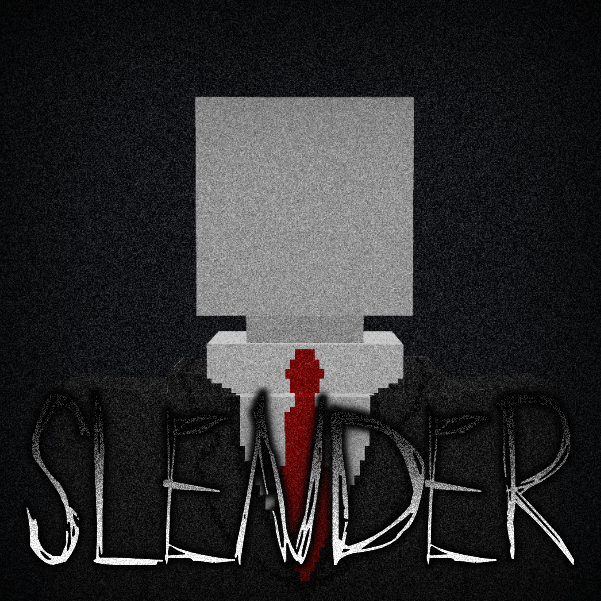
This mod adds in the Slenderman game into Minecraft
Quick answer
Slender The Haunted Forest SlenderTheHauntedForest-V1.0.2-1.19.2.jar targets 1.19.2 with Forge. The project page does not say whether this file belongs on the client, dedicated server, or both. All 1 required mods have matching files.
Where it goes
The project page does not say whether this file belongs on the client, dedicated server, or both.
The source does not explicitly classify this release as client-only or server-only.
SlenderTheHauntedForest-V1.0.2-1.19.2.jar. Change the file and its required mods may change too.
Install GeckoLib first. We found matching files for this game-version and loader setup.
We only count dependency files that match this setup. A file for another loader does not fill the gap.
Before you install it
Built for Slender The Haunted Forest SlenderTheHauntedForest-V1.0.2-1.19.2.jar. Pick another file and the loader, install side or required mods may change.
Use SlenderTheHauntedForest-V1.0.2-1.19.2.jar. It targets 1.19.2 with Forge; another release may have different loader, side or dependency requirements.
Install GeckoLib first. We found matching files for this game-version and loader setup.
The project page does not say whether this file belongs on the client, dedicated server, or both.
Use the “Get this file” button beside SlenderTheHauntedForest-V1.0.2-1.19.2.jar. It opens that exact file at the source.
About this project
This mod adds in the Slender the Eight Pages game into Minecraft. This is not your standard Minecraft mod. This mod adds in a Slender gamemode that is completely seperate from the standard Minecraft experience.
To play Slenderman in Minecraft you must create a new world and go into the gamerule options and turn on the slenderman gamemode option. Then you can simply create the world and the mod will do the rest!
You will be brought into the slenderman game. Your goal is to collect 8 pages. Right click on a page to collect it. Pages are located on the various structures that would be seen in the Slender game. Pages do not respawn so creating a brand new world on death is recommended (otherwise you will have to travel really far to find any pages).
Upon collecting the first page Slenderman will now be active. Do not look at Slenderman for too long or get too close, because otherwise you will meet your fate. Every time you collect a page, Slenderman will become more aggressive and harder to avoid.
Upon collecting the 8th page you will win the game and be transported into the vanilla Minecraft world, having escaped Slenderman's game.
Have fun and let me know if you find any bugs!
Project description from CurseForge.
Pick your setup
Choose the version and loader you play, then open the matching release.
Check the dependencies, then try the file in a copied instance before changing a world you care about.
Recent files
14 May 2024
Looking for an older file? The official CurseForge project page is in Resources.
 mod
Disguise yourself from zombies by covering yourself in their flesh!
 mod
Massive Exploration Content Overhaul Mod With Bosses
 mod
A WW1-based server structure/instant structure Mod