Minecraft version
Back to mods 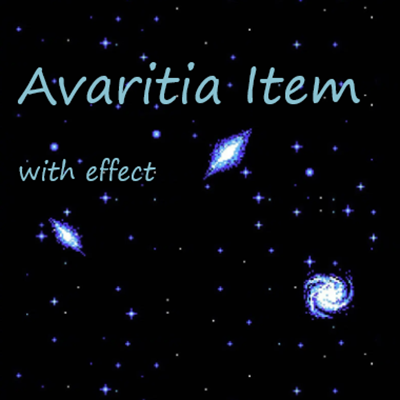
CurseForge · Minecraft mod
Avaritia Item
a mod help you create items with effects like avaritia
Choose a version Pick your version below, then grab the matching file.
Quick answer
Which Avaritia Item release should I use?
Latest stable file AvaritiaItem-1.0.3-beta.jar
Game version 1.12.2
Loader Forge
Avaritia Item AvaritiaItem-1.0.3-beta.jar targets 1.12.2 with Forge. The project page does not say whether this file belongs on the client, dedicated server, or both. No extra mods listed for this file.
Where it goes
Is Avaritia Item required on the client, server, or both?
The project page does not say whether this file belongs on the client, dedicated server, or both.
Client Source doesn’t say
Dedicated server Source doesn’t say
Loader for this release Forge
Required install it here Optional supported, not mandatory Not supported do not install here Source doesn’t say do not assume
The source does not explicitly classify this release as client-only or server-only.
What else does Avaritia Item AvaritiaItem-1.0.3-beta.jar need?
AvaritiaItem-1.0.3-beta.jar. Change the file and its required mods may change too.
This file does not list any required mods. Do not add a library just because a different file uses it.
This file does not list any required or optional mods.
Before you install it
Add Avaritia Item without breaking your instance.
Built for Avaritia Item AvaritiaItem-1.0.3-beta.jar. Pick another file and the loader, install side or required mods may change.
- 01
Stick to this file
Use AvaritiaItem-1.0.3-beta.jar. It targets 1.12.2 with Forge; another release may have different loader, side or dependency requirements.
- 02
Bring the mods it needs
This file does not list any required mods. Do not add a library just because a different file uses it.
- 03
Put it on the correct side
The project page does not say whether this file belongs on the client, dedicated server, or both.
- 04
Pick the file you checked
Use the “Get this file” button beside AvaritiaItem-1.0.3-beta.jar. It opens that exact file at the source.
About this project
What does Avaritia Item add?
Avaritia Item



Language
- 简体中文
- English
简体中文
- 这是一个可以像ContentTweaker一样让你添加自定义物品的mod
- 同时可以添加 无尽贪婪 mod 的物品特效到你添加的物品上
物品新增
支持的特效有:
- 无尽宇宙背景
- 物品光环
- 光环颜色自定义
- 光环图片自定义
- 物品边缘脉冲跳动
- 动态炫彩字体
需要前置MOD
#loader avaritiaitem reloadable

import mods.avaritiaitem.AvaritiaItemBuilder;
import mods.avaritiaitem.ItemPrimer;

AvaritiaItemBuilder.registerItem("data_card", 64, "data_card")
    // 通过以下方式添加的特效可自由搭配, 自己决定哪个特效需要, 哪个不需要
    .shouldDrawHalo(true) // 是否显示光环
    .haloSize(8) // 显示光环是必填 光环大小(1-16)
    .haloColour("808080") // 显示光环时选填 光环颜色 为十六进制颜色
    .haloTextures("halo_image") // 显示光环时选填 光环自定义图片, 只需输入名称不需要后缀, 透明度需要自己使用图片编辑器修改, 如果不设置此项将显示原版无尽的光环 同样需要放到 ./minecraft/resources/avaritiaitem/textures/items 文件夹内
    .shouldDrawCosmic(true) // 是否渲染宇宙背景
    .mask("data_card_mask") // 上方为true时必填 渲染宇宙背景区域的图片,放置位置同上方光环图片, 必须完全覆盖原图且不需要显示的区域使用全黑像素覆盖(#000000), 需要显示区域使用灰色覆盖(即图片编辑器的颜色选择器中rgb色盘的最左边一列的颜色)
    .maskOpacity(1.0f) // 宇宙背景透明度 推荐值 1.0f
    .shouldDrawPulse(true) // 是否显示脉冲特效(即无尽催化剂的抖动效果)
    .colorfulName(true) // 是否为物品名称添加炫彩动态效果
    .addTooltip("§a这是第一条tooltip") // 添加物品 tooltip
    .addTooltip("这是第二条tooltip", true) // 添加物品 tooltip 同时设置为炫彩效果
    .create();
English
- This mod allows you to add custom items similar to how ContentTweaker does.
- Additionally, it enables you to add special effects from the Avaritia mod to the items you create.
New Item Effects
Supported effects include:
- Infinite Universe Background
- Item Halo
- Customizable halo color
- Customizable halo image
- Edge Pulsating Effect
- Dynamic Rainbow Text
Required Mods
#loader avaritiaitem reloadable

import mods.avaritiaitem.AvaritiaItemBuilder;
import mods.avaritiaitem.ItemPrimer;

AvaritiaItemBuilder.registerItem("data_card", 64, "data_card")
    // The following effects can be freely combined; you decide which effects are needed and which are not
    .shouldDrawHalo(true) // Whether to display the halo
    .haloSize(8) // Required if shouldDrawHalo. Halo size (1-16)
    .haloColour("808080") // Optional if displaying halo. Halo color in hexadecimal
    .haloTextures("halo_image") // Optional if displaying halo. Custom halo image, only the name without suffix is needed. The transparency needs to be adjusted using an image editor. If not set, the default Avaritia halo will be used. Place the image in the ./minecraft/resources/avaritiaitem/textures/items folder.
    .shouldDrawCosmic(true) // Whether to render the cosmic background
    .mask("data_card_mask") // Required if the above is true. Image for the area to render the cosmic background. Place it in the same folder as the halo image. Must completely cover the original image, with black pixels (#000000) covering the areas not to be displayed and gray pixels (the leftmost column in the RGB color picker in an image editor) covering the areas to be displayed.
    .maskOpacity(1.0f) // Cosmic background opacity. Recommended value is 1.0f
    .shouldDrawPulse(true) // Whether to display the pulse effect (i.e., the shaking effect of the Infinity Catalyst)
    .colorfulName(true) // Whether to add a dynamic rainbow effect to the item name
    .addTooltip("§aThis is the first tooltip") // Add an item tooltip
    .addTooltip("This is the second tooltip", true) // Add an item tooltip with a rainbow effect
    .create();
Project description from CurseForge.
Pick your setup
Avaritia Item by Minecraft version and loader
Choose the version and loader you play, then open the matching release.
Check the dependencies, then try the file in a copied instance before changing a world you care about.
Recent files
Avaritia Item versions and loaders
AvaritiaItem-1.0.3-beta.jar
19 May 2024
Client Source doesn’t say Server Source doesn’t say Dependencies No extras listed Listed on Release listing
Check the 1.12.2 · Forge setup Forge1.12.2 release
AvaritiaItem-1.0.2-beta.jar
18 May 2024
Client Source doesn’t say Server Source doesn’t say Dependencies No extras listed Listed on Release listing
Check the 1.12.2 · Forge setup Forge1.12.2 beta
AvaritiaItem-1.0.1-beta.jar
17 May 2024
Client Source doesn’t say Server Source doesn’t say Dependencies No extras listed Listed on Release listing
Check the 1.12.2 · Forge setup Forge1.12.2 beta
AvaritiaItem-1.0.0-beta.jar
17 May 2024
Client Source doesn’t say Server Source doesn’t say Dependencies 3 required · 3 unchecked Listed on Release listing
Check the 1.12.2 · Forge setup Forge1.12.2 beta
Looking for an older file? The official CurseForge project page is in Resources.
 mod
mod CurseForge · Minecraft
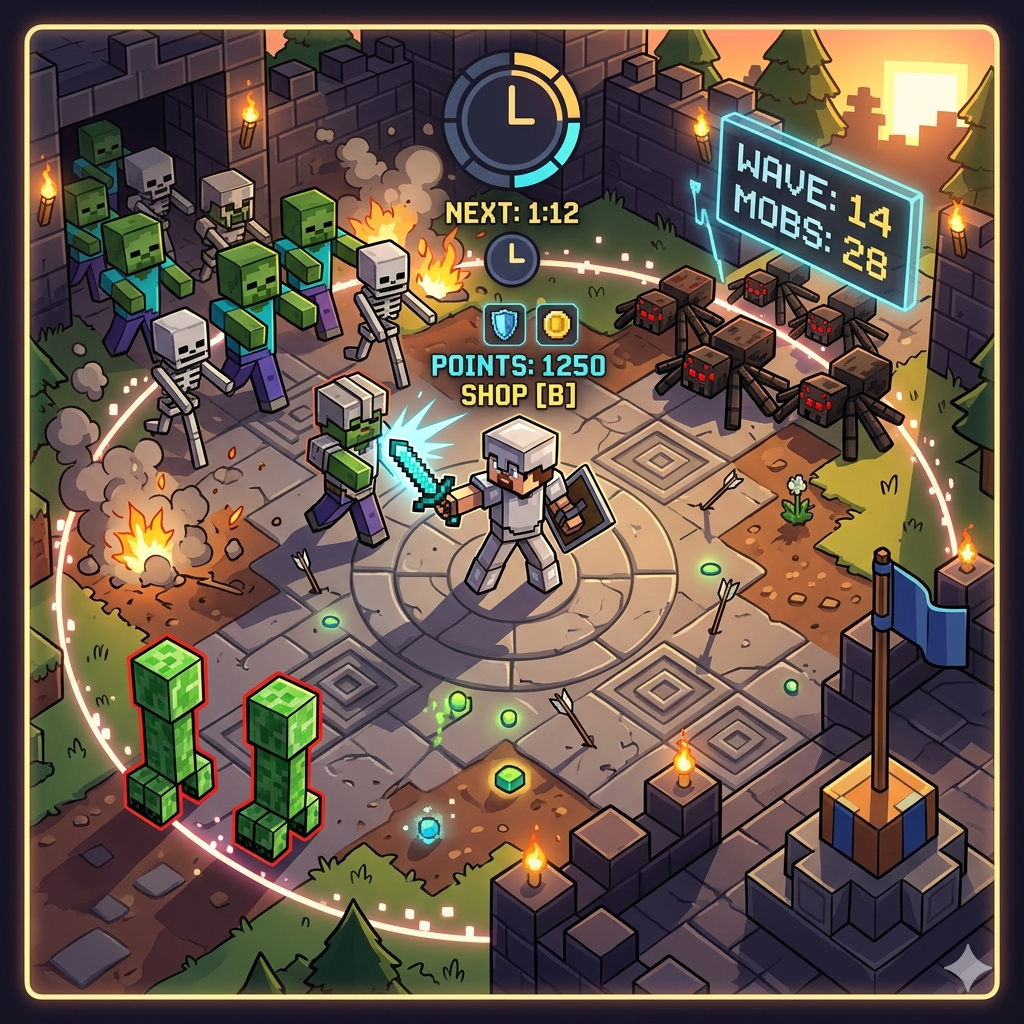
Wave Defense
A versatile PvE and PvP engine featuring wave defense, customizable shops, and three competitive game modes for Minecraft
 mod
mod CurseForge + Modrinth · Minecraft
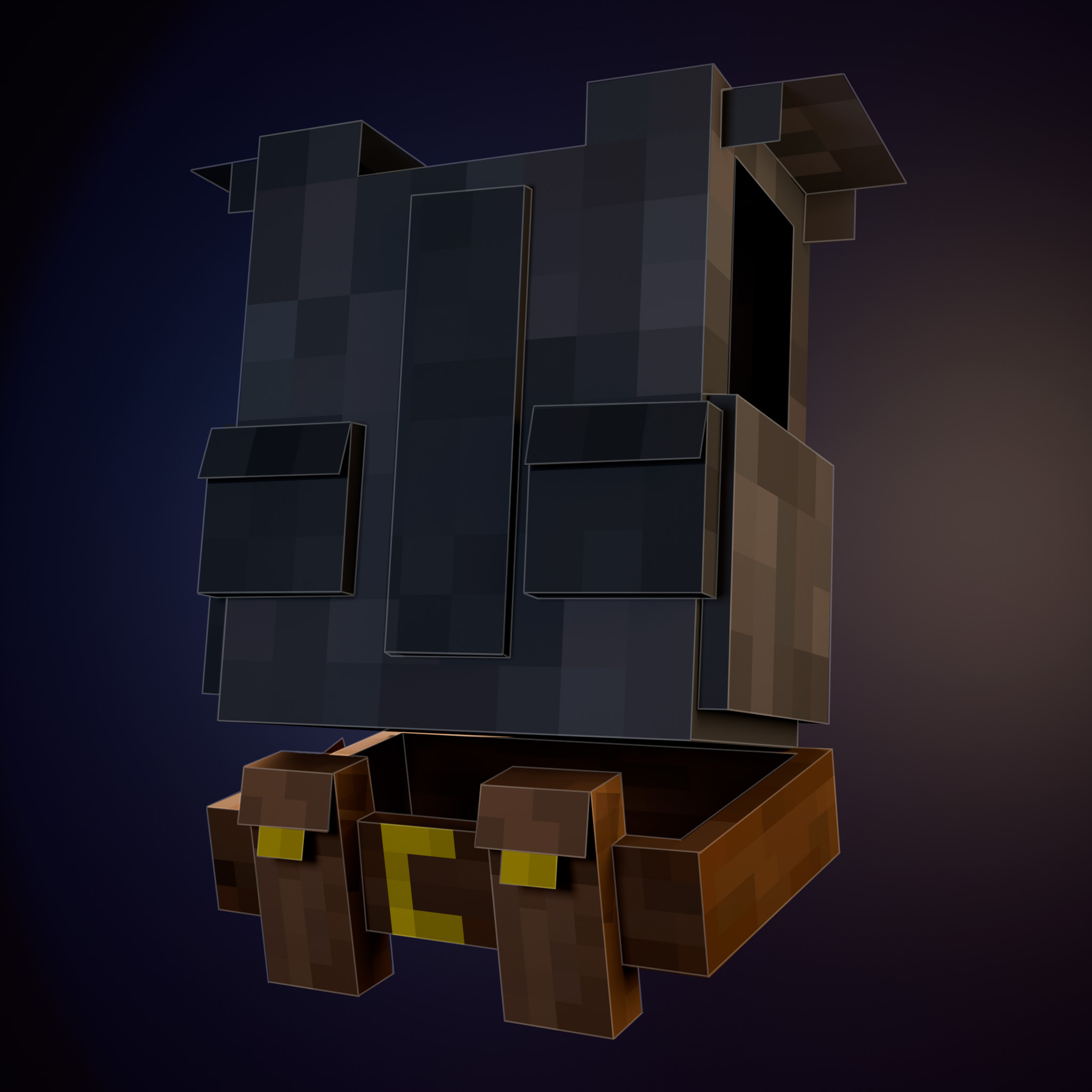
Atelier
A mod that adds a variety of customizable clothing and accessories
 mod
mod CurseForge + Modrinth · Minecraft
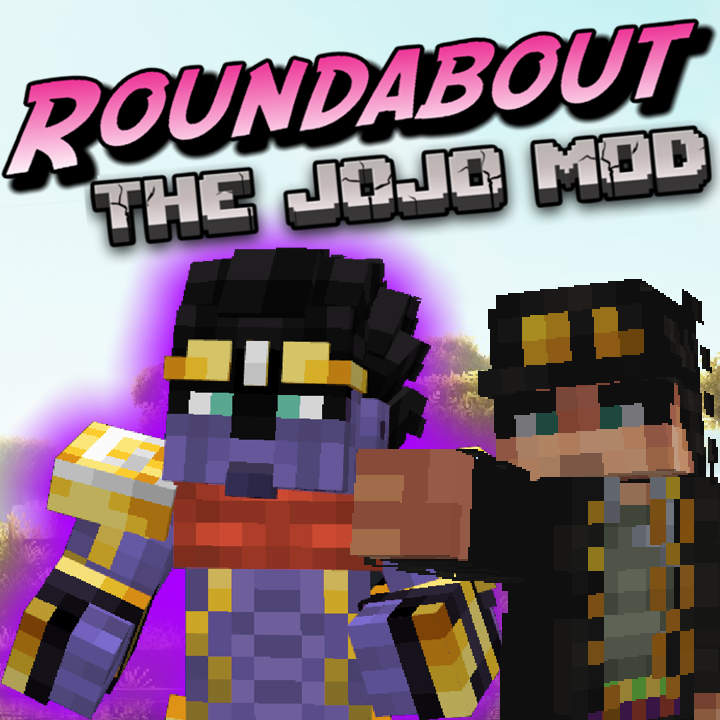
Roundabout: The JoJo Mod
A Jojo's Bizarre Adventure mod that interprets the world and power system of the anime into the world of Minecraft. ( JJBA )