Mod Menu Needed by Client Sort v3.104.1+26.3-Fabric
requiredMatching file found Matched file: v21.0.1 for 26.3

CurseForge · Minecraft mod
Versatile and easy inventory sorting.
Quick answer
Client Sort v3.104.1+26.3-Fabric targets 26.3 with Fabric. The project page does not say whether this file belongs on the client, dedicated server, or both. 1 required mod needs a matching file.
Where it goes
The project page does not say whether this file belongs on the client, dedicated server, or both.
The source does not explicitly classify this release as client-only or server-only.
v3.104.1+26.3-Fabric on 26.3 Fabric. Every mod below is checked against that same setup.
Install Mod Menu, Cloth Config API (Fabric/Forge/NeoForge), Text Placeholder API, Fabric API first, but 1 required mod has no matching file for this setup. Do not mix loader builds to force a match. 2 come through another mod in the chain.
2 extra mods were pulled in by other dependencies. Indented rows show who needs each one. We only count dependency files that match this setup. A file for another loader does not fill the gap.
Before you install it
Built for Client Sort v3.104.1+26.3-Fabric on 26.3 Fabric. Pick another file and the loader, install side or required mods may change.
Use v3.104.1+26.3-Fabric. It targets 26.3 with Fabric; another release may have different loader, side or dependency requirements.
Install Mod Menu, Cloth Config API (Fabric/Forge/NeoForge), Text Placeholder API, Fabric API first, but 1 required mod has no matching file for this setup. Do not mix loader builds to force a match. 2 come through another mod in the chain.
The project page does not say whether this file belongs on the client, dedicated server, or both.
Use the “Get this file” button beside v3.104.1+26.3-Fabric. It opens that exact file at the source.
About this project
Versatile and easy inventory sorting.
 Sort
button, or hover over the inventory with your mouse and press the keybind (default: middle mouse button).Shift - descending order of quantity.Control - alphabetical order.Alt - ascending order of item ID. Fill Stacks
button, or hover over the inventory that you want to move items out of and press the keybind (default: unbound). Transfer Matching
button, or hover over the inventory that you want to move items out of and press the keybind (default: unbound). Transfer
button, or hover over the inventory that you want to move items out of and press the keybind (default: unbound).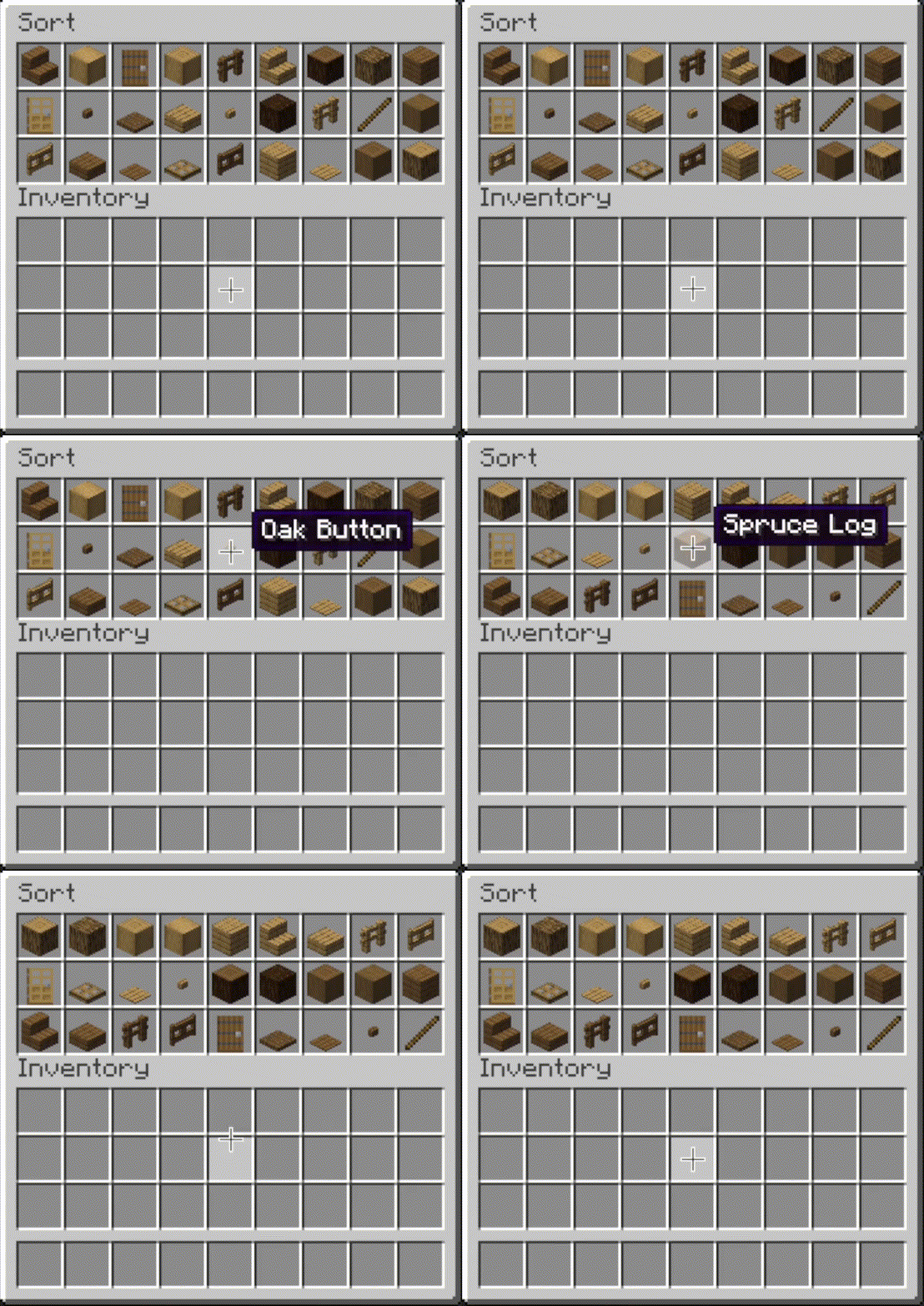 |
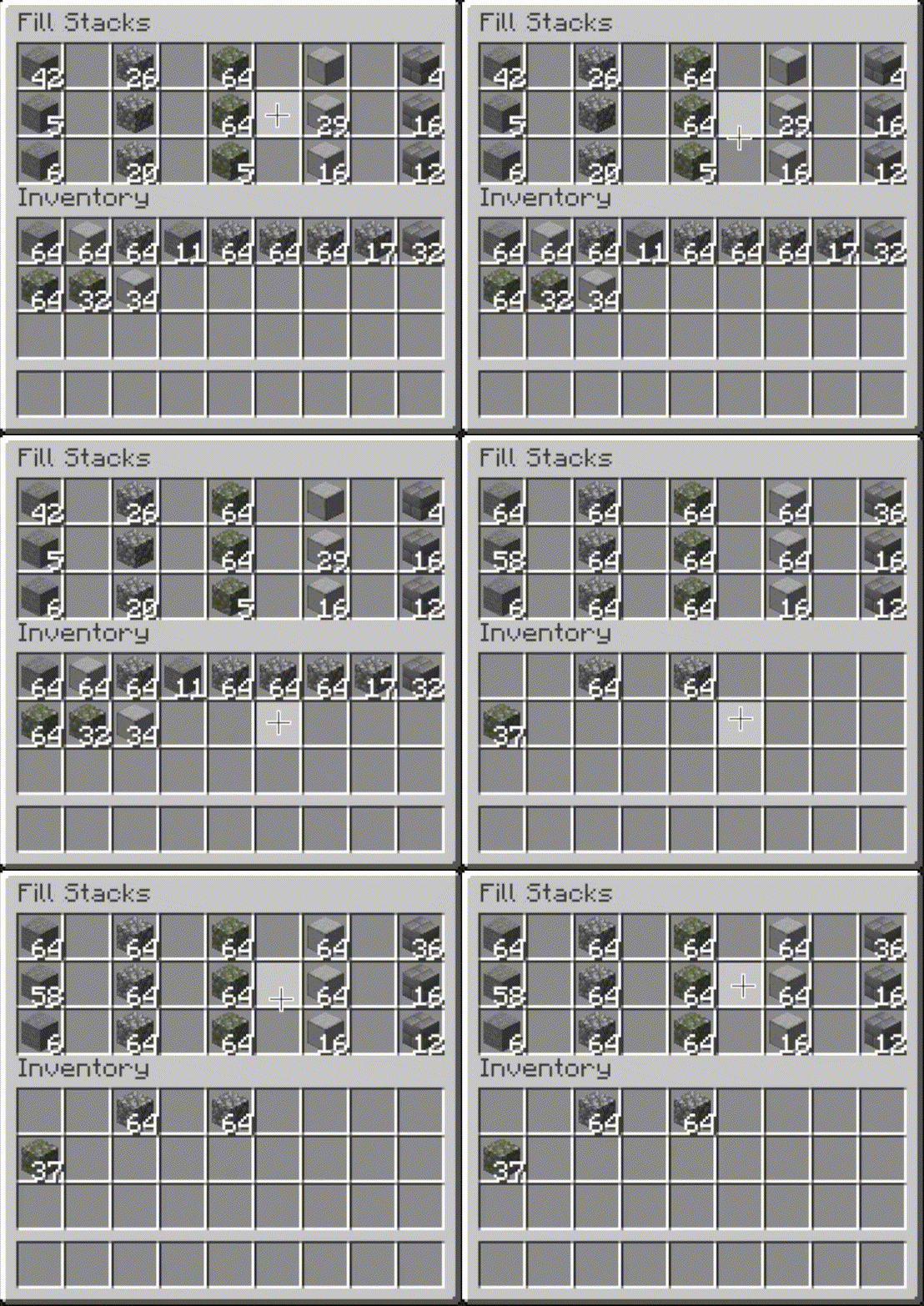 |
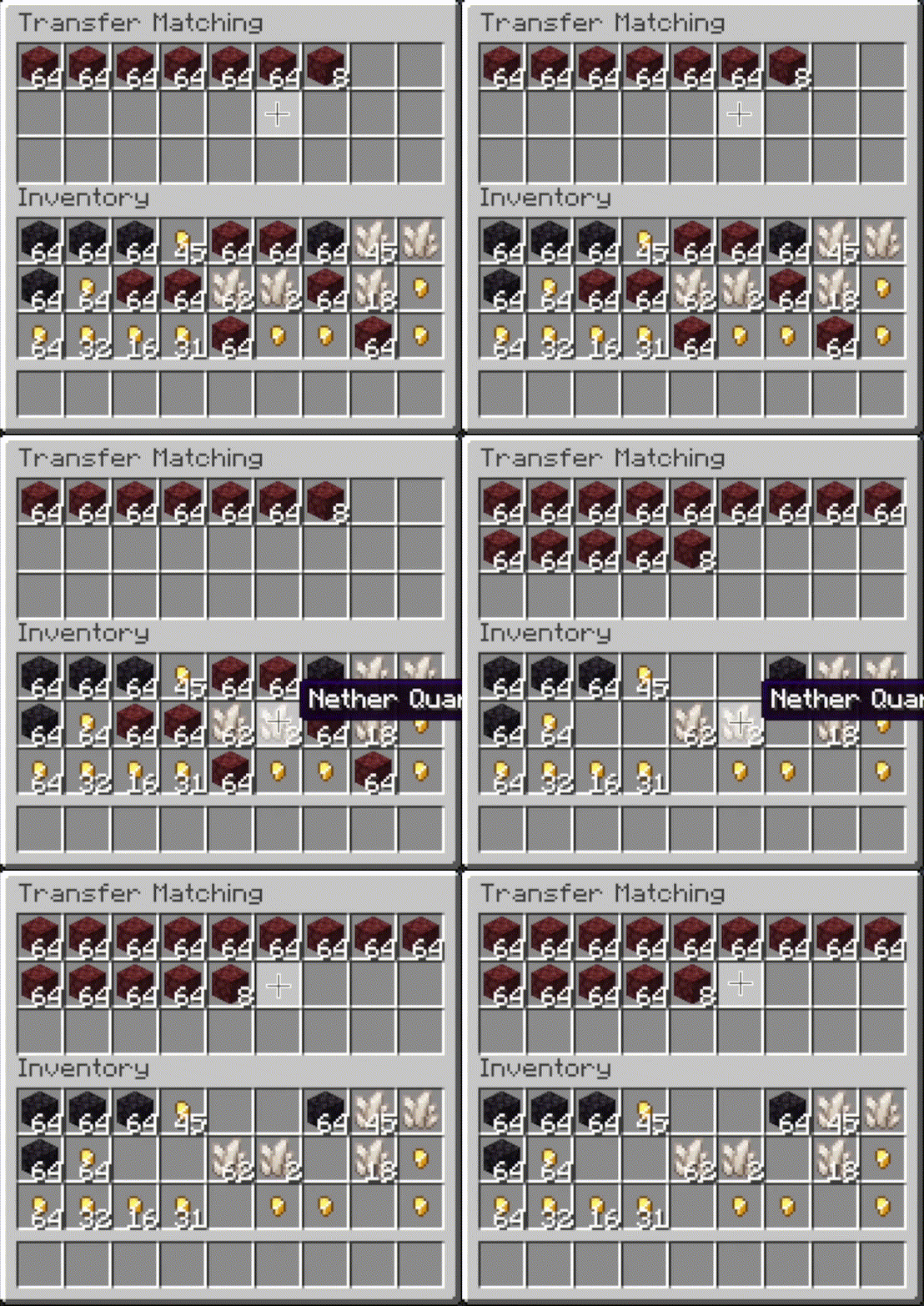 |
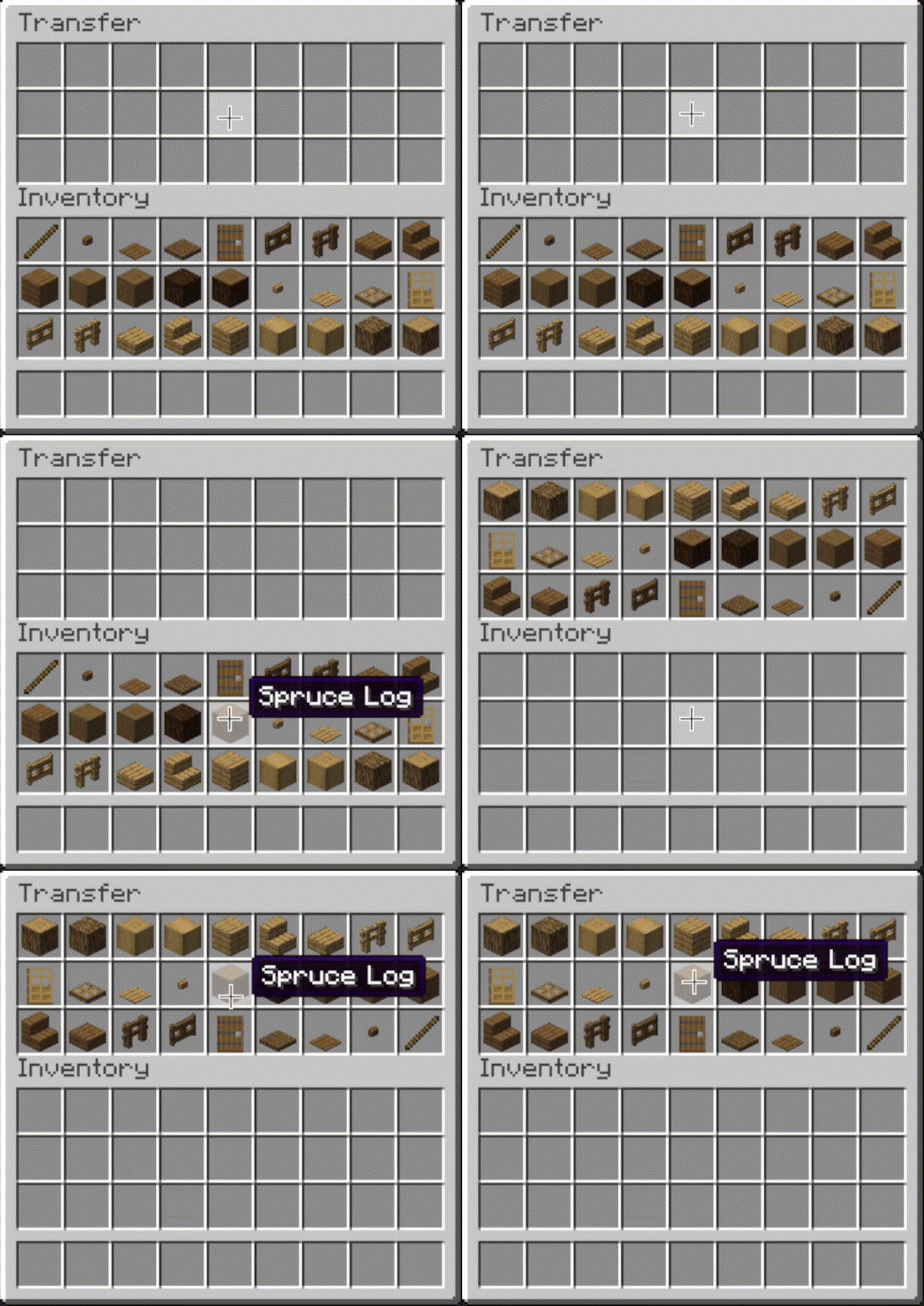 |
|---|
Editor
Open Editor keybind (unbound by default) and press it while viewing an inventory.Instructions for more information.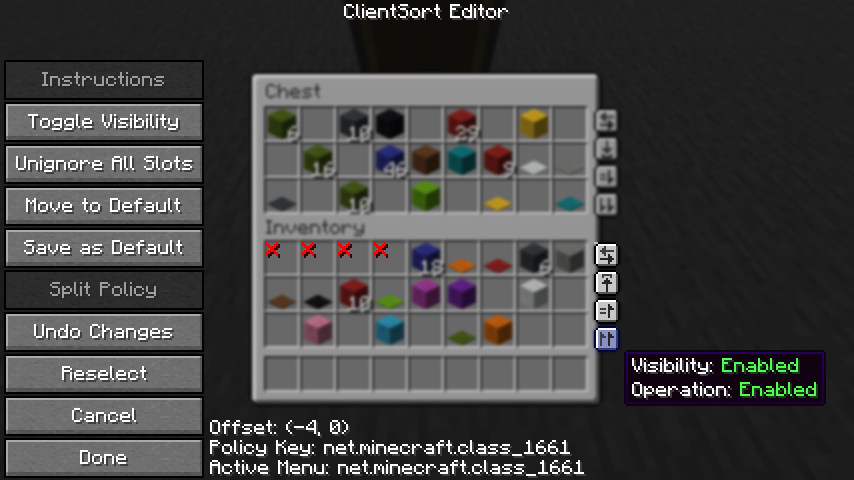
Client-Side Policies
Policies tab of the mod options.Server-Side Policies
clientsort-server.json config file, which can be manually edited and reloaded using the /clientsort reload command.Serverside policies are not synced to clients, so if a client attempts to perform a server-accelerated operation that the server does not allow, a warning message will be shown to the client. The player can then opt to add a client-side policy to disable the operation entirely, disable server acceleration, or enable automatically falling back to client operations.
Serverside Config File
{
  "options": {
    // Whether validation and automatic blacklisting should be enabled when the mod is used on a
    // dedicated server.
    "validationActiveServer": true,

    // Whether inventories should be blacklisted when the wrong type of item is found in a slot.
    "validateItemType": true,

    // Whether inventories should be blacklisted when the wrong number of items is found in a slot.
    "validateStackSize": true,
    // The minimum difference between expected and actual which should be considered invalid.
    "validateStackSizeThreshold": 32,

    // Whether to always log a message when the result is not exactly as expected (even if
    // validation is disabled, the difference is less than the threshold, etc.)
    "alwaysLogUnexpectedResults": true,

    // The list of policies for different inventory and container types.
    "classPolicies": {
      // An example entry.
      "com.simibubi.create.content.equipment.toolbox.ToolboxMenu": {
        "className": "com.simibubi.create.content.equipment.toolbox.ToolboxMenu",
        "sortEnabled": false,
        "stackFillEnabled": true,
        "transferEnabled": true,
        // Updated automatically when an inventory is blacklisted.
        "lastAutoEditTime": "2025-09-20T14:58:41.1620876+08:00",
        "lastAutoEditReason": "Sort operation failed at slot mapping 12->5: Expected '2 minecraft:spruce_slab' in destination after set, got '0 minecraft:air'!"
      }
    }
  }
}
As the name suggests, ClientSort is fully functional when it is only installed on the client. However, if it is also installed on a server, connected clients with the mod will be able to use server-accelerated (near-instant) operations instead of the normal rate-limited operations.
Fabric: Fabric API, ModMenu, Cloth Config API
Neo/Forge: Cloth Config API
ClientSort uses code from the following mods, in both modified and unmodified form, in accordance with their respective licenses.
Mouse Wheelie by Siphalor (Apache-2.0 license)
Inventory Management by Roundaround (MIT license)
Project description from CurseForge.
Pick your setup
Choose the version and loader you play, then open the matching release.
Check the dependencies, then try the file in a copied instance before changing a world you care about.
Recent files
clientsort-fabric-3.104.1+26.3.jar
26 Sept 2026
clientsort-fabric-3.104.0+26.3.jar
15 Sept 2026
Looking for an older file? The official CurseForge project page is in Resources.
 mod
A fake player mod for developers, creators and builders that actually works.
 mod
A minimap and world map drawn at an angle, like a model of your world on a table. Towers stand up, cliffs have faces and trees cast shadows.
 mod
One recipe viewer for everything: EMI's interface, JEI's plugins, and where every item really comes from.


