Minecraft version
Back to mods 
CurseForge · Minecraft mod
IP Security Suite
Protect your server from IP ban evasion via VPNs, and protect operators from account compromise by IP locking
Choose a version Pick your version below, then grab the matching file.
Quick answer
Which IP Security Suite release should I use?
Latest stable file IP Security Suite 1.3
Game version 1.21
Loader Fabric
IP Security Suite 1.3 targets 1.21 with Fabric. The project page does not say whether this file belongs on the client, dedicated server, or both. No extra mods listed for this file.
Where it goes
Is IP Security Suite required on the client, server, or both?
The project page does not say whether this file belongs on the client, dedicated server, or both.
Client Source doesn’t say
Dedicated server Source doesn’t say
Loader for this release Fabric
Required install it here Optional supported, not mandatory Not supported do not install here Source doesn’t say do not assume
The source does not explicitly classify this release as client-only or server-only.
What else does IP Security Suite 1.3 need?
IP Security Suite 1.3. Change the file and its required mods may change too.
This file does not list any required mods. Do not add a library just because a different file uses it.
This file does not list any required or optional mods.
Before you install it
Add IP Security Suite without breaking your instance.
Built for IP Security Suite 1.3. Pick another file and the loader, install side or required mods may change.
- 01
Stick to this file
Use IP Security Suite 1.3. It targets 1.21 with Fabric; another release may have different loader, side or dependency requirements.
- 02
Bring the mods it needs
This file does not list any required mods. Do not add a library just because a different file uses it.
- 03
Put it on the correct side
The project page does not say whether this file belongs on the client, dedicated server, or both.
- 04
Pick the file you checked
Use the “Get this file” button beside IP Security Suite 1.3. It opens that exact file at the source.
About this project
What does IP Security Suite add?
IP Security Suite -- Your one-stop-shop for all things relating to IP filtration!
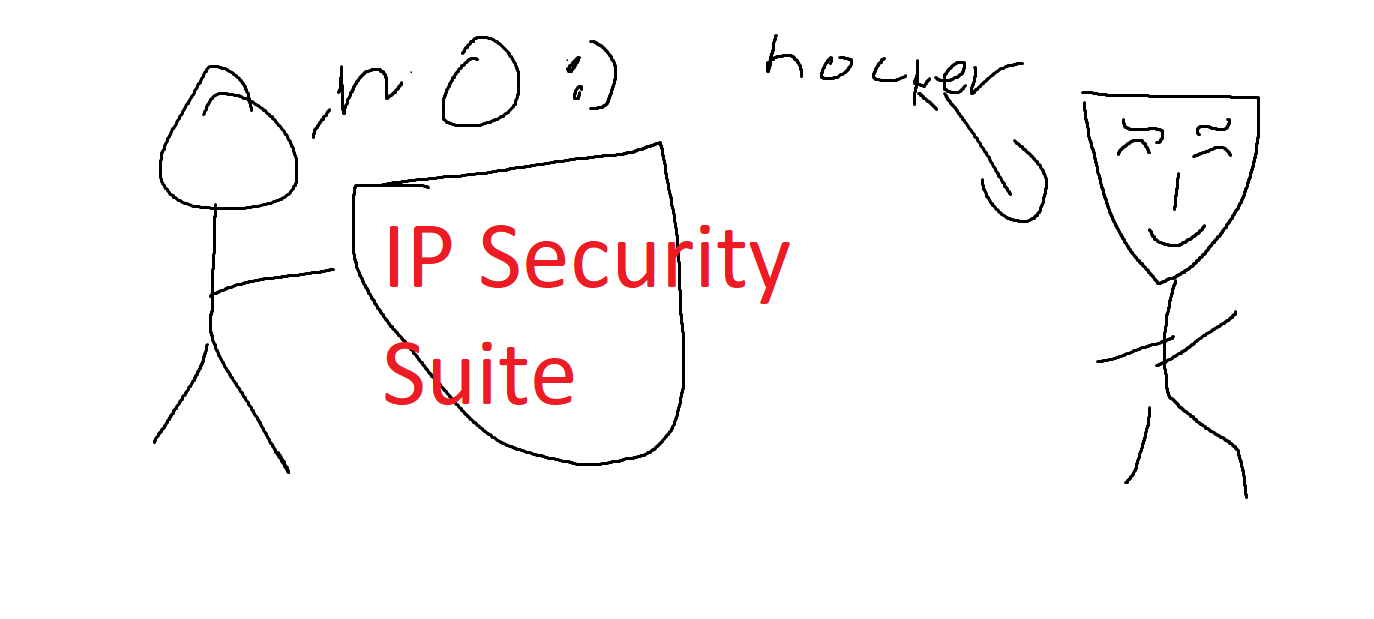
Important Note: On servers where this mod is installed, there is an option to reveal players' IPs to operators. This works great for smaller, personal servers, but it can potentially lead to doxxing on larger ones. Stay safe!
The core of IP Security Suite -- /ipss
All IP Security Suite subcommands are implemented under the /ipss command.
Set up VPN blocking
To set up VPN blocking, you will need to use the API provided for free by https://vpnapi.io and make an account.
After creating an account, you will be given an API key. Add it to your server by running /ipss vpn api <YOUR API KEY>. Also make sure to do /ipss config set vpn false.
IP-Lock players
You might want to IP-lock an operator on a server to make sure that they can only log in from one IP address.
/ipss locklocks your own account to an IP. An account can be locked to multiple IPs simultaneously./ipss lock other <other_player>locks another player to an IP/ipss lock erase <other_player>erases all IP locks/ipss lock last <other_player>adds a lock for the last attempted IP login.
When you first lock your account, all future logins from other locations are blocked. If you want to access your account from another location, then first, try connecting to the server. The mod will remember the IP with which you connected. Then, from the server terminal, type /ipss lock last <your_username> -- this will add the new IP and allow you to log on.
Configuration settings
Strict mode
By default, the server will allow anyone without an IP-lock to log on freely from any location. Strict mode disables this behaviour, so if a player is not registered at all, they cannot log on, essentially acting like a whitelist.
VPN Logons
By default, the server will allow anyone with a VPN or proxy to log on, even when an API key is set up. To block users with VPNs from logging on, then do /ipss config set vpn false and set up an API key as outlined above.
Apply a lock to yourself without operator
By default, the server will you to lock only your own IP if you don't have operator, but by doing /ipss config set self-lock false disables this behavior, so only operators can set up IP locks for players.
Project description from CurseForge.
Pick your setup
IP Security Suite by Minecraft version and loader
Choose the version and loader you play, then open the matching release.
Check the dependencies, then try the file in a copied instance before changing a world you care about.
Recent files
IP Security Suite versions and loaders
IP Security Suite 1.3
ip_security_suite-1.3.jar
27 Jun 2024
Client Source doesn’t say Server Source doesn’t say Dependencies No extras listed Listed on Release listing
Check the 1.21 · Fabric setup 1.21Fabric release
Looking for an older file? The official CurseForge project page is in Resources.
 mod
CurseForge + Modrinth · Minecraft
RedFX (blood particle)
Spice up combat by adding blood effects!
 mod
CurseForge · Minecraft
Asgard Shield: Reloaded
Sword -N- Board -Action- ⚔️🛡️ A Hexxit combat mod remake with giant swords and shields
 mod
CurseForge · Minecraft
Lunch Essentials
A flexible essentials mod that brings powerful tools and useful features to your Minecraft server.