Cloth Config API (Fabric/Forge/NeoForge) Needed by Enhanced Boss Bars enhancedbossbars-1.0.0.jar
requiredMatching file found Matched file: [NeoForge 1.21] v15.0.140
CurseForge · Minecraft mod
New improved boss bars!
Quick answer
Enhanced Boss Bars enhancedbossbars-1.0.0.jar targets 1.21.1 with NeoForge. The project page does not say whether this file belongs on the client, dedicated server, or both. All 1 required mods have matching files.
Where it goes
The project page does not say whether this file belongs on the client, dedicated server, or both.
The source does not explicitly classify this release as client-only or server-only.
enhancedbossbars-1.0.0.jar. Change the file and its required mods may change too.
Install Cloth Config API (Fabric/Forge/NeoForge) first. We found matching files for this game-version and loader setup.
We only count dependency files that match this setup. A file for another loader does not fill the gap.
Before you install it
Built for Enhanced Boss Bars enhancedbossbars-1.0.0.jar. Pick another file and the loader, install side or required mods may change.
Use enhancedbossbars-1.0.0.jar. It targets 1.21.1 with NeoForge; another release may have different loader, side or dependency requirements.
Install Cloth Config API (Fabric/Forge/NeoForge) first. We found matching files for this game-version and loader setup.
The project page does not say whether this file belongs on the client, dedicated server, or both.
Use the “Get this file” button beside enhancedbossbars-1.0.0.jar. It opens that exact file at the source.
About this project
Fabric version soon
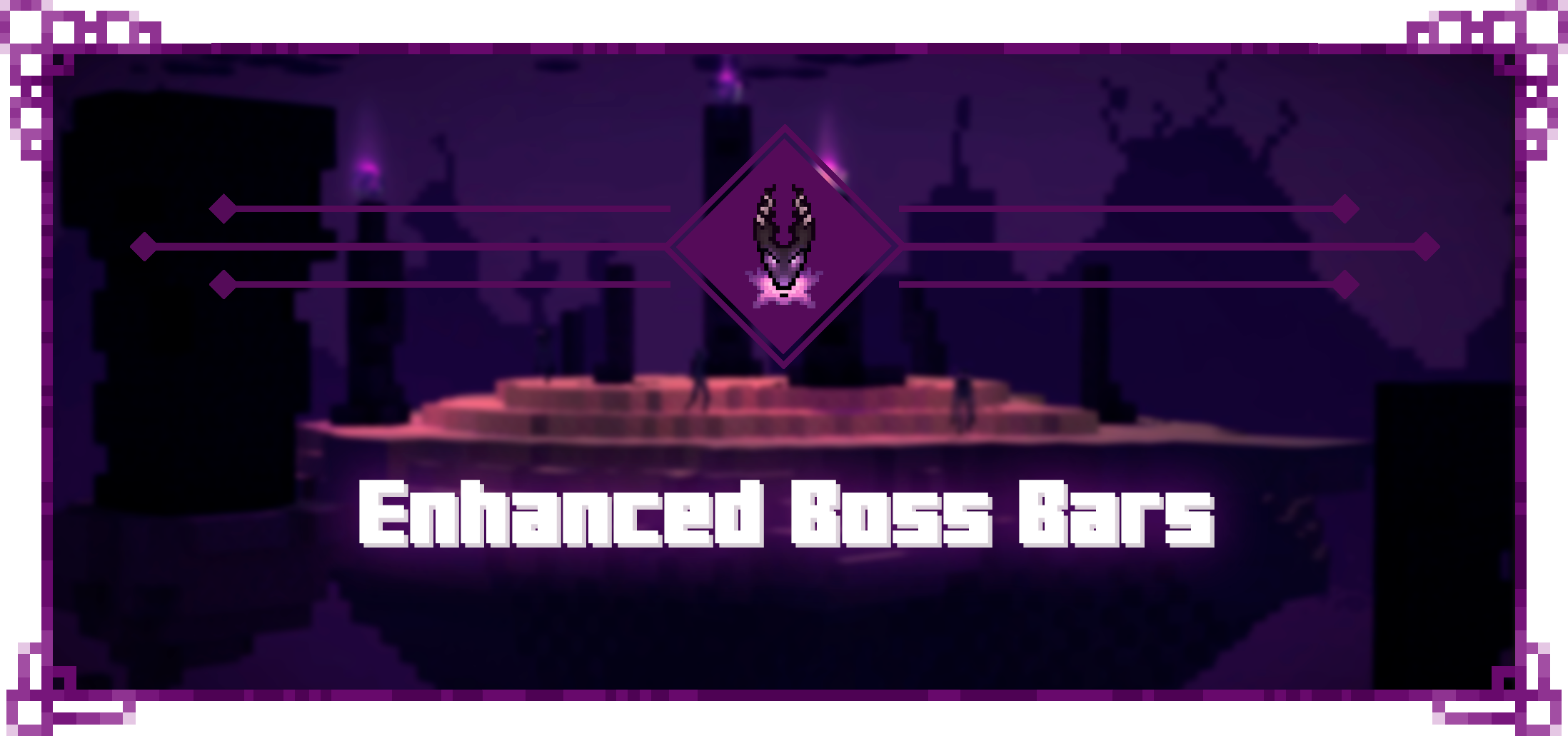
Enhanced Boss Bars is a project that aims to improve all the boss bars so that there is a better immersion in the amazing world of minecraft, since the default bars are very uncreative. If you have any suggestions for a mod boss, please comment and I'll put it on the mod list.
I hope you enjoy it and thank you very much for watching.


In the next update, I'll be adding options to set where you want the boss bars, but for now if you're using the upcoming mods, you'll need to do these things:
Jade
You can set where you want to see Jade HUD by modifying Horizontal Ratio and Vertical Ratio or you can turning it off by doing the following:
1.19.2 and older versions:
1.20.1 and new versions:
RPG-HUD

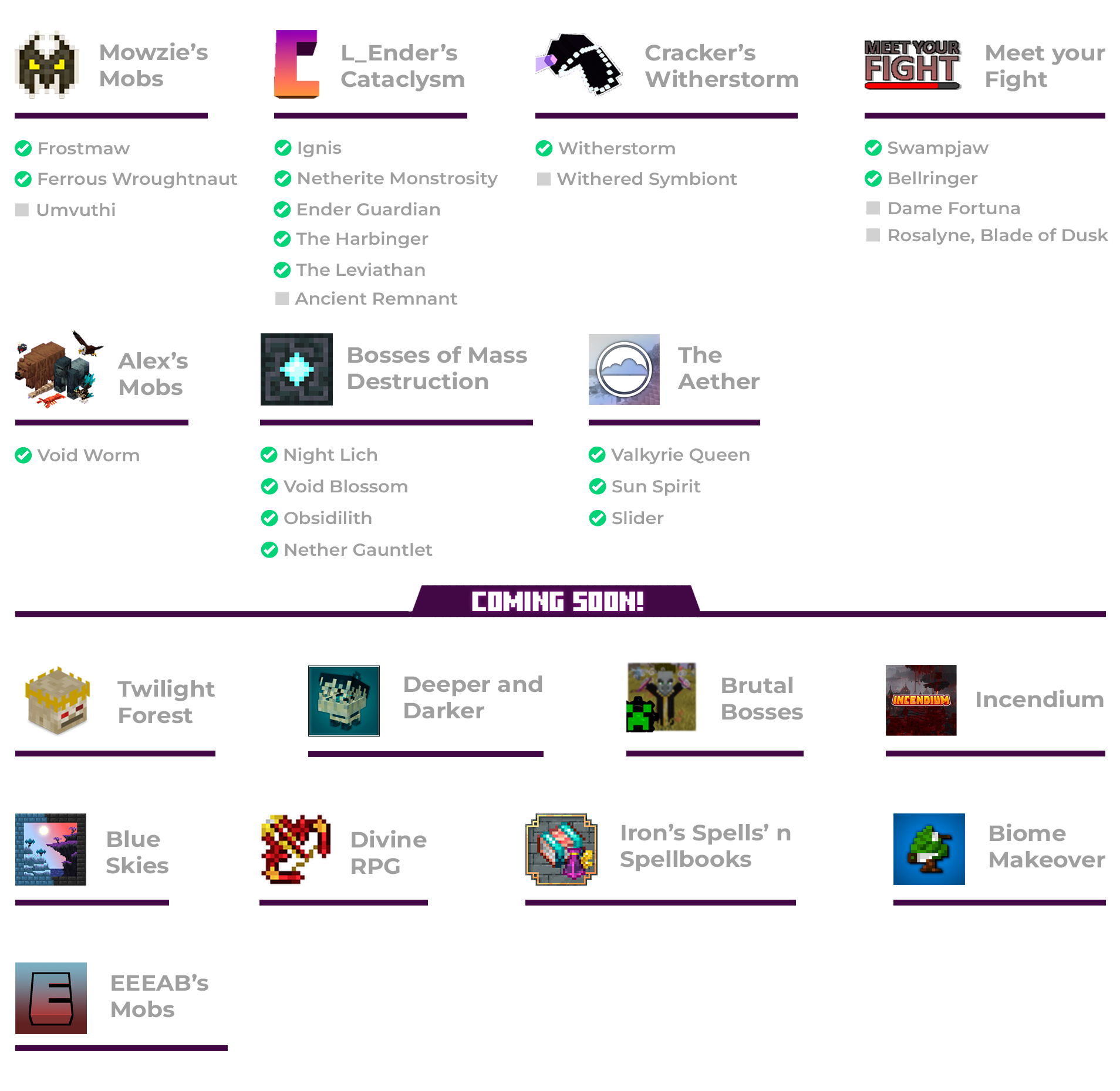

Hey! As some of you probably know, there are mods that are incompatible in the texture pack version of Enhanced Boss Bars, so I made this mod to make them compatible. These mods were L_Ender's Cataclysm and The Aether. Both of them works now and these are the boss bars:
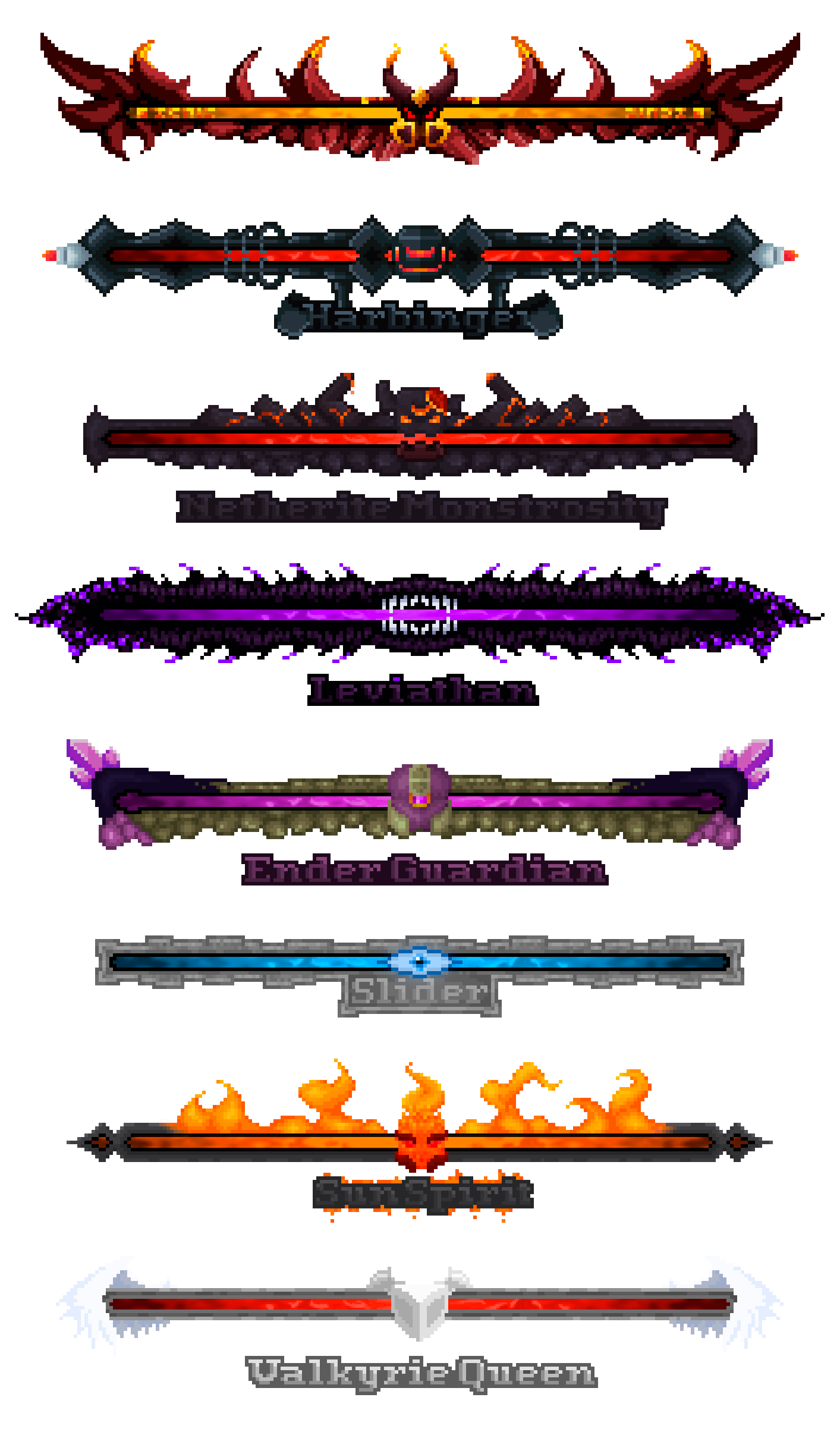
Project description from CurseForge.
Pick your setup
Choose the version and loader you play, then open the matching release.
Check the dependencies, then try the file in a copied instance before changing a world you care about.
Recent files
29 Jan 2026
13 Jul 2024
13 Jul 2024
13 Jul 2024
13 Jul 2024
Looking for an older file? The official CurseForge project page is in Resources.