Minecraft version
Back to mods 
CurseForge · Minecraft mod
Frozify
The temperature system in minecraft!
Choose a version Pick your version below, then grab the matching file.
Quick answer
Which Frozify release matches 1.18.2?
Best match for your filters frozify-1.2.3-forge-1.18.2.jar
Game version 1.18.2
Loader Forge
frozify-1.2.3-forge-1.18.2.jar targets 1.18.2 with Forge. The project page does not say whether this file belongs on the client, dedicated server, or both. No extra mods listed for this file.
Where it goes
Is Frozify required on the client, server, or both?
The project page does not say whether this file belongs on the client, dedicated server, or both.
Client Source doesn’t say
Dedicated server Source doesn’t say
Loader for this release Forge
Required install it here Optional supported, not mandatory Not supported do not install here Source doesn’t say do not assume
The source does not explicitly classify this release as client-only or server-only.
What else does frozify-1.2.3-forge-1.18.2.jar need?
frozify-1.2.3-forge-1.18.2.jar on 1.18.2. Every mod below is checked against that same setup.
This file does not list any required mods. Do not add a library just because a different file uses it.
This file does not list any required or optional mods.
Before you install it
Add Frozify without breaking your instance.
Built for frozify-1.2.3-forge-1.18.2.jar on 1.18.2. Pick another file and the loader, install side or required mods may change.
- 01
Stick to this file
Use frozify-1.2.3-forge-1.18.2.jar. It targets 1.18.2 with Forge; another release may have different loader, side or dependency requirements.
- 02
Bring the mods it needs
This file does not list any required mods. Do not add a library just because a different file uses it.
- 03
Put it on the correct side
The project page does not say whether this file belongs on the client, dedicated server, or both.
- 04
Pick the file you checked
Use the “Get this file” button beside frozify-1.2.3-forge-1.18.2.jar. It opens that exact file at the source.
About this project
What does Frozify add?
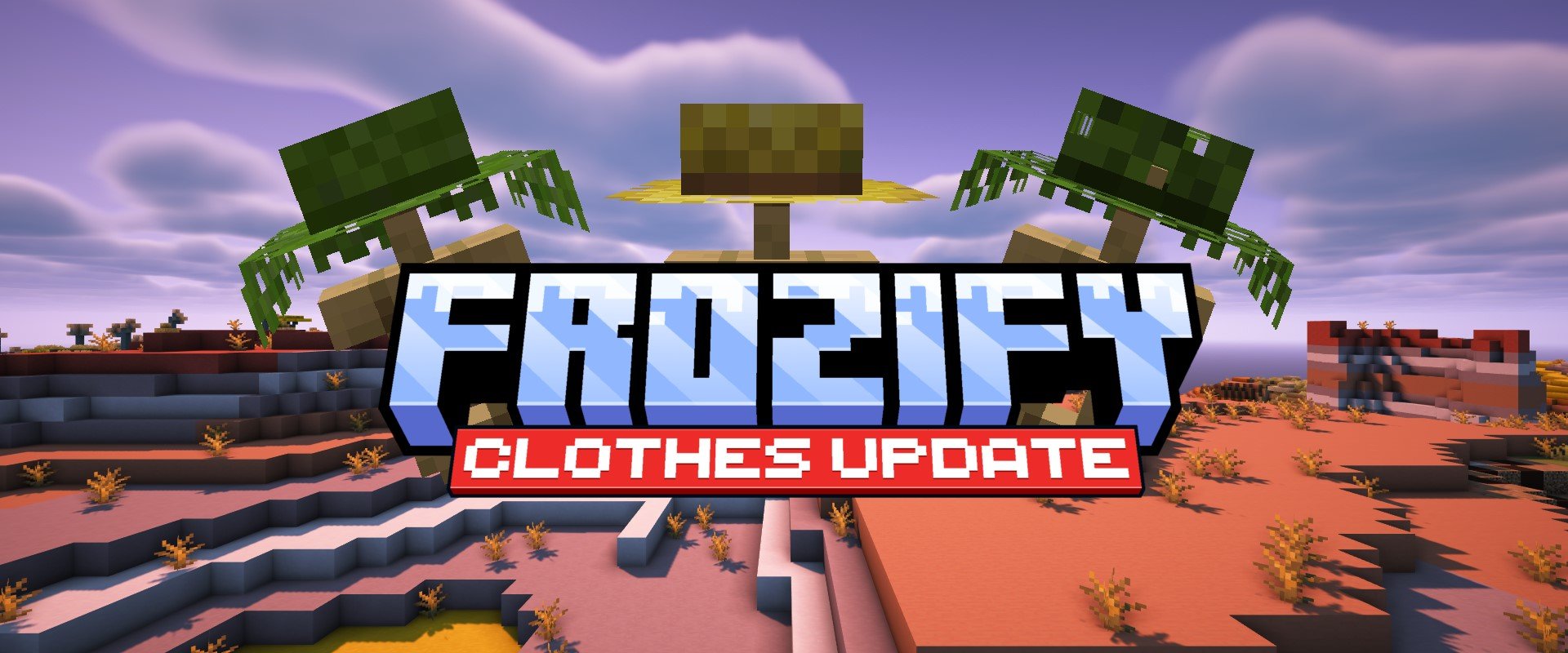 Frozify is a mod for Minecraft that adds a temperature system and new mechanics to Minecraft. The main mechanics of the mod is a temperature system that affects the character's life. Players need to keep an eye on their temperature to survive in this cold world.
Temperature system
In Frozify, the mechanics of temperature are very important. Each player has a temperature level that varies depending on the environment. When you are near cold blocks, such as ice or snow, your temperature drops rapidly. And if you are near warm blocks, such as lava or bonfires, it rises. The complexity of the surrounding world will affect the player's freezing rate. It will be very cold in the water, during rain, or near cold blocks. If the temperature drops too low, you will start losing health. Therefore, it is important to keep an eye on where you are and use shelters and clothing to keep warm.
Clothes
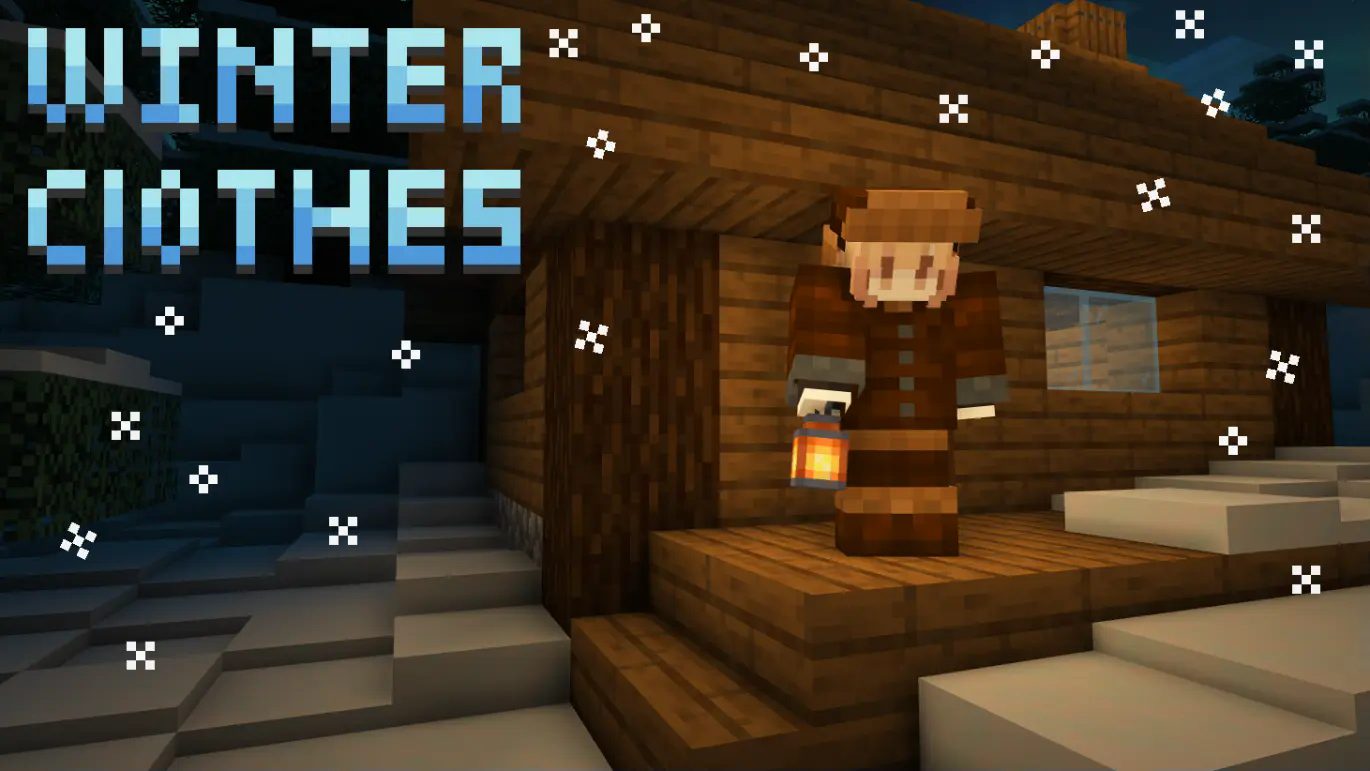
There are many clothing options in this fashion that will help you stay warm. To travel through the cold biomes, you'll need to create winter clothes that are made from leather armor, wool, and thread. Leather armor also protects from the cold, but less effectively. The better and warmer the clothes, the easier it is for you to survive in the cold. The more warm clothes you wear, the longer you can stay in the cold and not freeze.
Armor insulation
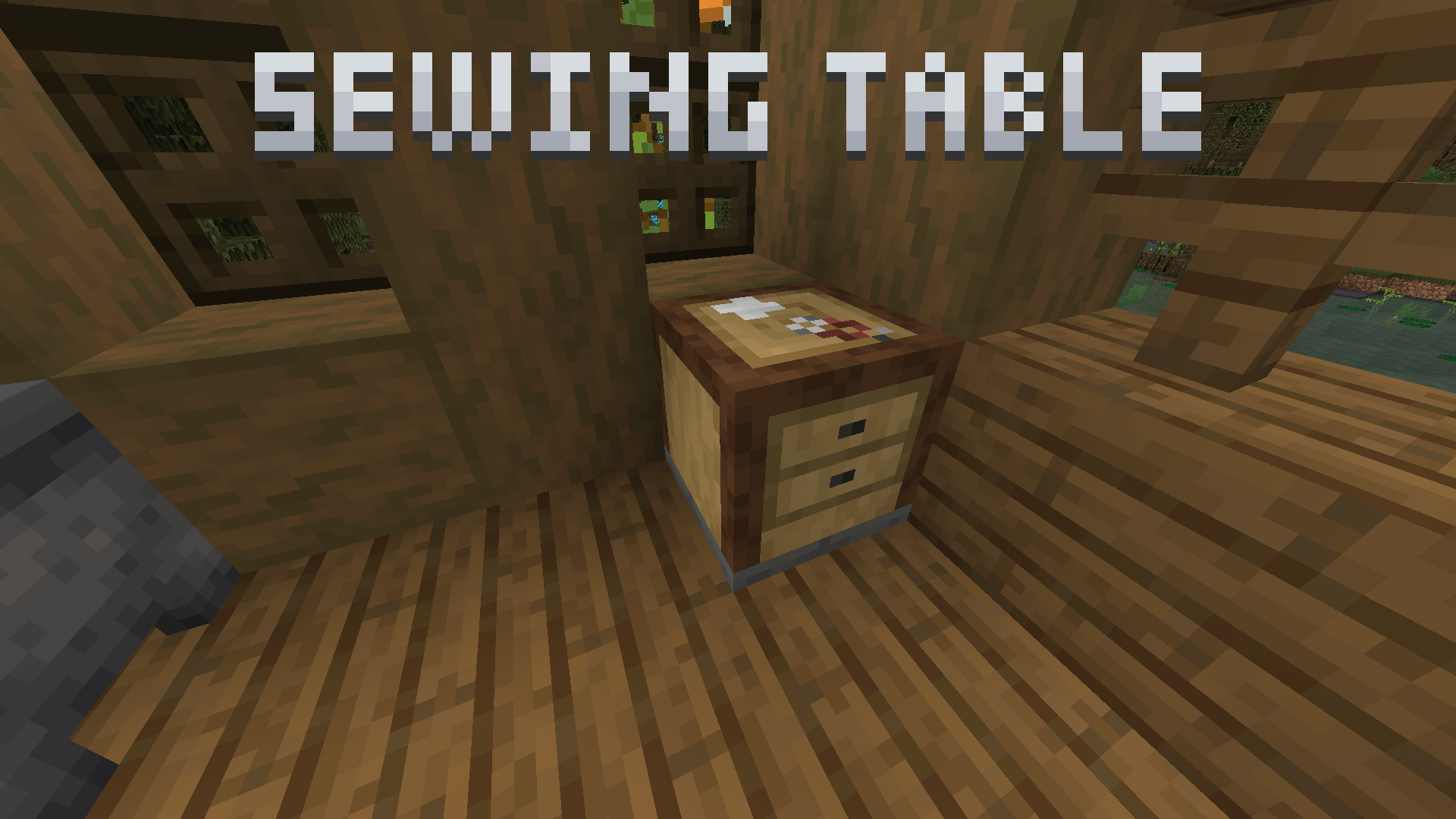 You can insulate any armor from minecraft and from some mods. To do this, you need a Sewing Table. Put armor, Sewing Kit, and leather in it, and you'll get insulated armor. There are 5 levels of insulation. Each level will cost more than the previous one.
To protect against the heat, the mod adds 3 new armor elements:
Hay hat 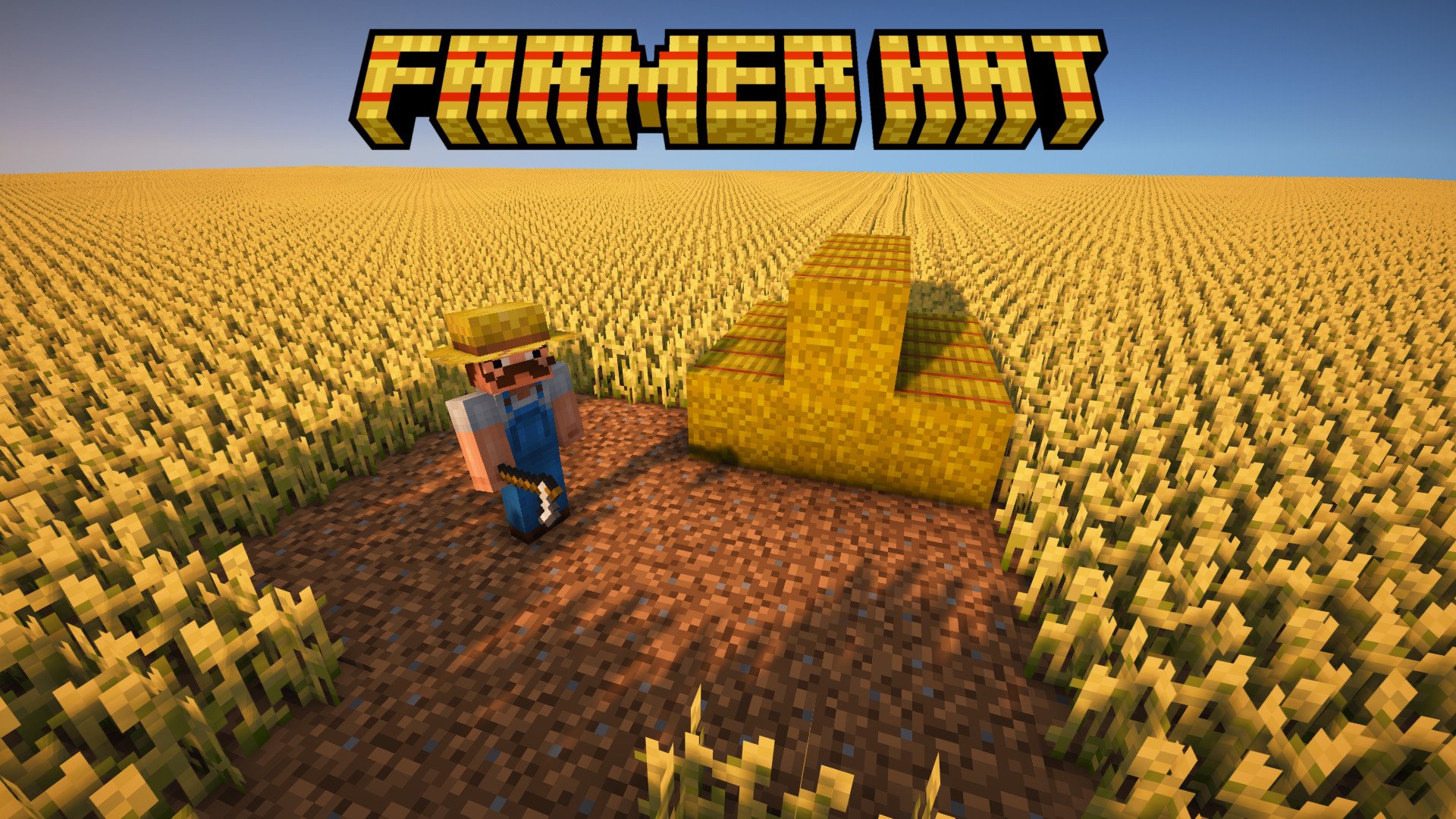
Leaf Hat 
Bamboo hat 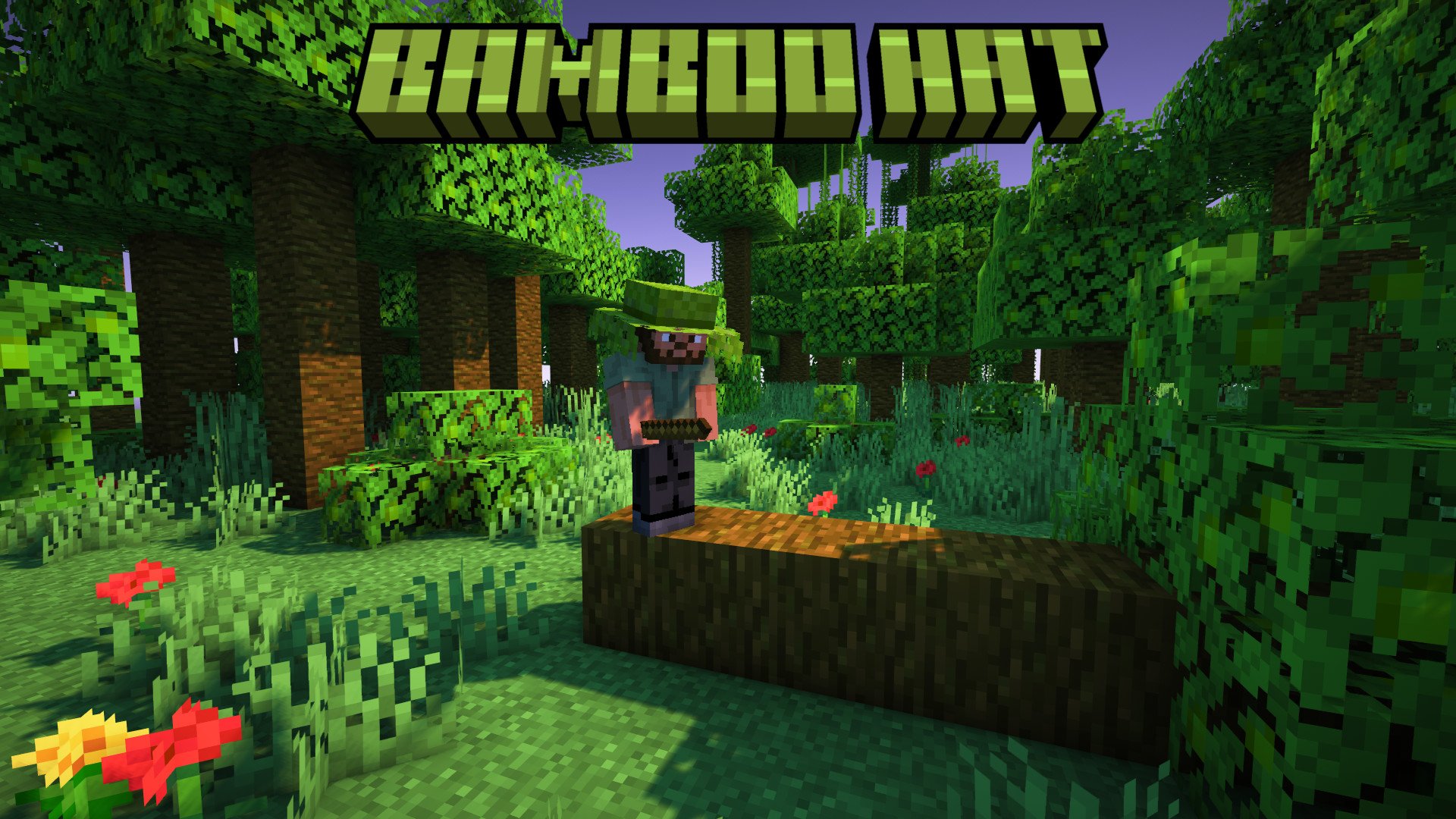
They protect the player from the heat and allow them to travel through deserts and other hot biomes.
Cotton Clothes
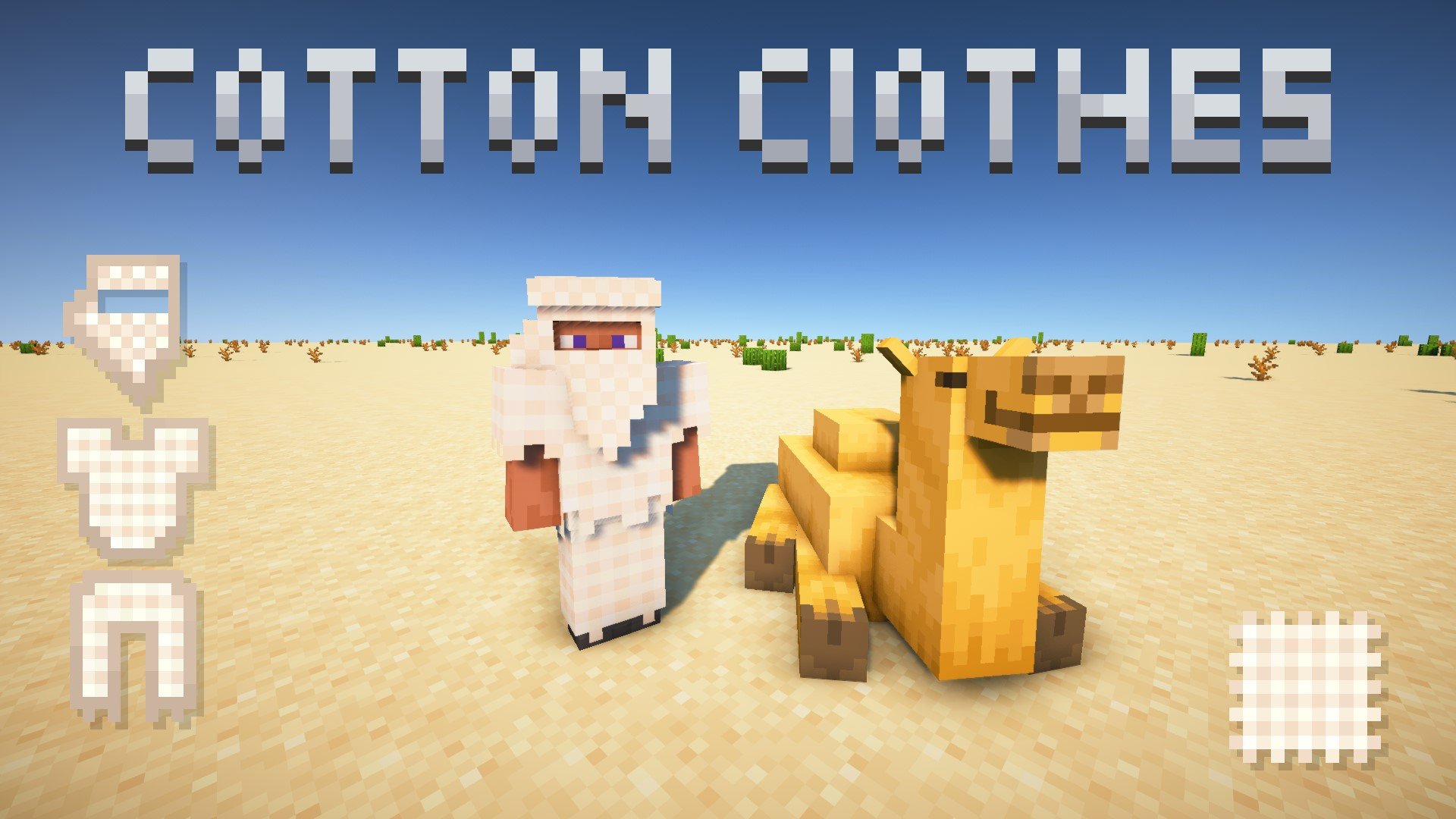 You can make fabric from their cotton, and new cotton clothes from the fabric. It protects the player from the heat and allows him to explore hot biomes.
Cotton
Cotton is a new plant that Frozify adds. It grows only in hot biomes and in sunlight. Cotton does not grow in cold biomes. It can be found in the savannah and other hot biomes.
Cold Resistance Potion
The mod adds a potion of cold resistance. After drinking it, the player's temperature will not drop below the "comfortable" values (15C). To create a cold resistance potion, you need a hellish growth and ice. 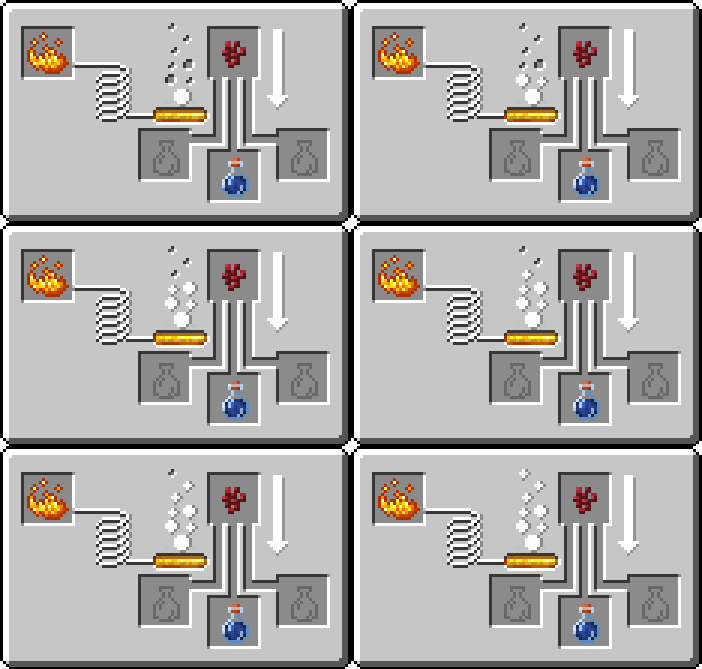
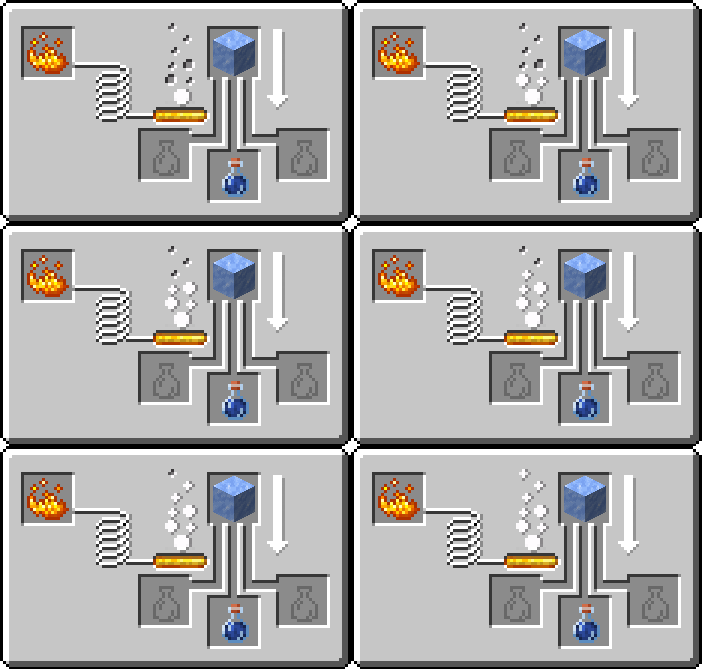
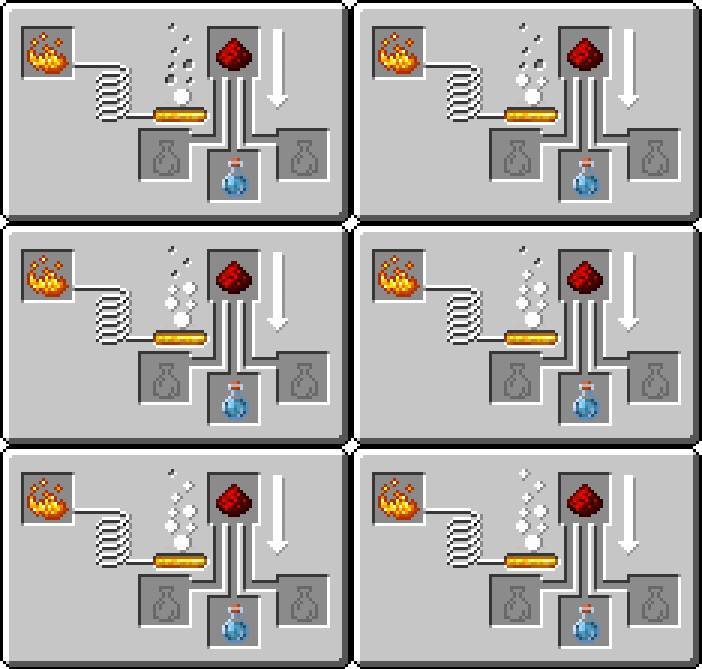
Fire Resistance Potion
After drinking it, the player's temperature will not rise 25C. These potions can save your life in critical situations.
Thermometer
The mod adds a new item, a thermometer. To find out your temperature, hover over the thermometer in your inventory and press Shift.
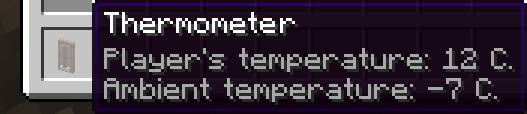
Wall thermometer
A wall thermometer is a unit that shows the ambient temperature. By pointing at it, you will see the temperature value. Depending on the ambient temperature, the unit varies. 
The temperature system only works in the upper world, it is disabled in hell and the end.
Versions below 1.19.2 are stripped down and do not contain the full functionality of the mod.
Attention!
The mod will work with Optifine, but I highly recommend not playing with it because of the bugs with the armor. When playing with Optifine, the mod will use "simplified" armor models.
The mod only works with the following versions of fabric api
0.92.1
0.92.0
0.91.1
0.91.0
Version 0.95.3 and 0.92.2 are not supported. The other versions have not been tested.
If you have any questions about the mod, please join my Discord server.
Project description from CurseForge.
Pick your setup
Frozify by Minecraft version and loader
Choose the version and loader you play, then open the matching release.
Minecraft version
1.21.5
1 loader buildMinecraft version
1.21.4
1 loader buildMinecraft version
1.21.3
1 loader buildMinecraft version
1.21.2
1 loader buildMinecraft version
1.21.1
1 loader buildMinecraft version
1.20.6
1 loader buildMinecraft version
1.20.4
1 loader buildMinecraft version
1.20.1
1 loader buildMinecraft version
1.19.2
1 loader buildMinecraft version
1.18.2
1 loader buildMinecraft version
1.16.5
1 loader buildCheck the dependencies, then try the file in a copied instance before changing a world you care about.
Recent files
Frozify versions and loaders
frozify-1.2.3-forge-1.18.2.jar
14 Jan 2025
Client Source doesn’t say Server Source doesn’t say Dependencies No extras listed Listed on Release listing
Check the 1.18.2 · Forge setup 1.18.2Forge release
frozify-1.2.2-forge-1.18.2.jar
10 Jan 2025
Client Source doesn’t say Server Source doesn’t say Dependencies No extras listed Listed on Release listing
Check the 1.18.2 · Forge setup 1.18.2Forge release
frozify-1.2.1-forge-1.18.2.jar
20 Dec 2024
Client Source doesn’t say Server Source doesn’t say Dependencies No extras listed Listed on Release listing
Check the 1.18.2 · Forge setup 1.18.2Forge release
frozify-1.2.0-forge-1.18.2.jar
6 Dec 2024
Client Source doesn’t say Server Source doesn’t say Dependencies No extras listed Listed on Release listing
Check the 1.18.2 · Forge setup 1.18.2Forge release
frozify-1.1.0c-forge-1.18.2.jar
28 Nov 2024
Client Source doesn’t say Server Source doesn’t say Dependencies No extras listed Listed on Release listing
Check the 1.18.2 · Forge setup 1.18.2Forge release
frozify-1.1.0-forge-1.18.2.jar
8 Nov 2024
Client Source doesn’t say Server Source doesn’t say Dependencies No extras listed Listed on Release listing
Check the 1.18.2 · Forge setup 1.18.2Forge release
frozify-1.0.5-forge-1.18.2.jar
2 Nov 2024
Client Source doesn’t say Server Source doesn’t say Dependencies No extras listed Listed on Release listing
Check the 1.18.2 · Forge setup 1.18.2Forge release
frozify-1.0.4b-forge-1.18.2.jar
22 Oct 2024
Client Source doesn’t say Server Source doesn’t say Dependencies No extras listed Listed on Release listing
Check the 1.18.2 · Forge setup 1.18.2Forge release
frozify-1.0.3-forge-1.18.2.jar
8 Oct 2024
Client Source doesn’t say Server Source doesn’t say Dependencies No extras listed Listed on Release listing
Check the 1.18.2 · Forge setup 1.18.2Forge release
Looking for an older file? The official CurseForge project page is in Resources.
 mod
CurseForge + Modrinth · Minecraft
TofuCraftReload
This mod is a remake of Old Mod TofuCraft made by tsuteto. add soybean As a new all-purpose food!
 mod
CurseForge · Minecraft
Minekea (Fabric/NeoForge)
Bookshelves, crates, secret doors, and more! Simple, functional, decorative blocks for all your building and storage needs (some assembly required)
 mod
CurseForge · Minecraft
Create Toy Factory
Allows you to make toys for your toy factory