Collective Needed by Daily Quests [Fabric/Forge/Neo] 26.1.2-4.0 | Daily Quests
requiredMatching file found Matched file: [Fabric/Forge/Neo] 26.1.2-8.88 | Collective

CurseForge · Minecraft mod
🧭 Complete randomly generated quests each day for experience and loot!
Quick answer
Daily Quests [Fabric/Forge/Neo] 26.1.2-4.0 | Daily Quests targets 26.1.2 with Fabric, Forge, NeoForge. The project page does not say whether this file belongs on the client, dedicated server, or both. All 1 required mods have matching files.
Where it goes
The project page does not say whether this file belongs on the client, dedicated server, or both.
The source does not explicitly classify this release as client-only or server-only.
[Fabric/Forge/Neo] 26.1.2-4.0 | Daily Quests. Change the file and its required mods may change too.
Install Collective first. We found matching files for this game-version and loader setup.
We only count dependency files that match this setup. A file for another loader does not fill the gap.
Before you install it
Built for Daily Quests [Fabric/Forge/Neo] 26.1.2-4.0 | Daily Quests. Pick another file and the loader, install side or required mods may change.
Use [Fabric/Forge/Neo] 26.1.2-4.0 | Daily Quests. It targets 26.1.2 with Fabric, Forge, NeoForge; another release may have different loader, side or dependency requirements.
Install Collective first. We found matching files for this game-version and loader setup.
The project page does not say whether this file belongs on the client, dedicated server, or both.
Use the “Get this file” button beside [Fabric/Forge/Neo] 26.1.2-4.0 | Daily Quests. It opens that exact file at the source.
About this project


Daily Quests is a mod made for the CurseForge Modding Madness Modjam. It adds 21 randomly generated quest types which players can complete for item and experience rewards. Every in-game morning, completed quests are refreshed. It's also possible to re-roll one quest per in-game day. When a player logs in for the first time, the quest list is used as an introduction screen. Then the next in-game morning, quests are generated.
The mod is highly configurable. Each quest type can be individually enabled/disabled, change when and how many quests are generated, choose whether messages should be broadcast and change how the quest list looks in the GUI. The item rewards can be changed via a datapack with loot table files. And the introduction quest list can be disabled as well. Compatible with other mods, as it uses the registries to look up quest targets.
Visit new places with the Explore Biome quest! Find new mobs with the Breed Mob quest! Go into battle and fight mobs with the Slay Mob and Block Arrow quest! Or maybe complete your first village raid? The mod adds lots of new challenges, both for a singleplayer world or together with your friends. See below for the full quest type list!


All available config options:
newQuestGenerateTimeInTicks default 20, min 0, max 24000
At what time new quests should generate. Default is day, at 1000 ticks.
defaultTotalQuestCount default 3, min 1, max 5
How many daily quests should be generated for a player.
maximumQuestReRollsPerDay default 1, min 0, max 1000
The maximum amount of quest re-rolls a player has each day. Resets during 'newQuestGenerateTimeInTicks'.
allowReRollingCompletedQuests default false
If completed quests should be able to be re-rolled.
useQuestCompletionItemLootTables default true
If the dailyquest loot tables '1th_quest', '10th_quest', '50th_quest' and '100th_quest' should be used.
giveExperienceOnQuestCompletion default true
Whether experience should be given to the player upon completing a quest, based on the task difficulty.
questCompletionExperienceModifier default 1.0, min 0, max 100.0
Can be used to decrease/increase the amount of experience given when completing quests.
sendSummaryToPlayerOnQuestCompletion default true
If a summary should be sent to the player upon quest completion, containing information about the reward and how many quests completed.
broadcastMessageOnCompletion default true
Whether a message should be broadcasted whenever a player completes a quest.
broadcastMessageColourIndex default 6, min 0, max 15
0: black, 1: dark_blue, 2: dark_green, 3: dark_aqua, 4: dark_red, 5: dark_purple, 6: gold, 7: gray, 8: dark_gray, 9: blue, 10: green, 11: aqua, 12: red, 13: light_purple, 14: yellow, 15: white
spawnFireworksOnQuestCompletion default true
Whether fireworks should be set off at a players location when a quest is completed.
disableGUIQuestListEntirely default false
Disabled by default. Can be used to disable all GUI elements. Instead, you can use the /dailyquests or /dq commands.
showQuestIntroductionScreenFirstLogin default true
If an introduction to daily quests should be shown in the quest list area on the first day.
questListDrawTextShadow default true
If the quest list text displayed should have a shadow drawn below it.
questListVerticalOffset default 5, min 0, max 3000
The vertical (y) offset of the quest list.
questListHorizontalOffset default 0, min -3000, max 3000
The horizontal (x) offset of the quest list.
lowerQuestListWhenPlayerHasEffects default true
Whether the quest list in the GUI should be lowered when the player has potion effects to prevent overlap.
lowerQuestListWhenBedrockifyModSaves default true
Whether the quest list in the GUI should be lowered when bedrockify is installed and the game is saving.
Enable/Disable specific quest types:
enableBlockArrowQuests default true
Whether the quests with the type BlockArrow should be randomly chosen.
enableBreedMobQuests default true
Whether the quests with the type BreedMob should be randomly chosen.
enableBrewPotionQuests default true
Whether the quests with the type BrewPotion should be randomly chosen.
enableCatchFishQuests default true
Whether the quests with the type CatchFish should be randomly chosen.
enableCollectHoneyQuests default true
Whether the quests with the type CollectHoney should be randomly chosen.
enableCompleteRaidQuests default true
Whether the quests with the type CompleteRaid should be randomly chosen.
enableCraftItemQuests default true
Whether the quests with the type CraftItem should be randomly chosen.
enableEnchantItemQuests default true
Whether the quests with the type EnchantItem should be randomly chosen.
enableExploreBiomeQuests default true
Whether the quests with the type ExploreBiome should be randomly chosen.
enableGainLevelQuests default true
Whether the quests with the type GainLevel should be randomly chosen.
enableHarvestBlockQuests default true
Whether the quests with the type HarvestBlock should be randomly chosen.
enableHarvestCropQuests default true
Whether the quests with the type HarvestCrop should be randomly chosen.
enableIgniteCreeperQuests default true
Whether the quests with the type IgniteCreeper should be randomly chosen.
enableReflectGhastQuests default true
Whether the quests with the type ReflectGhast should be randomly chosen.
enableShearSheepQuests default true
Whether the quests with the type ShearSheep should be randomly chosen.
enableSlayMobQuests default true
Whether the quests with the type SlayMob should be randomly chosen.
enableSmeltItemQuests default true
Whether the quests with the type SmeltItem should be randomly chosen.
enableTameAnimalQuests default true
Whether the quests with the type TameAnimal should be randomly chosen.
enableTradeVillagerQuests default true
Whether the quests with the type TradeVillager should be randomly chosen.
enableTravelDistanceQuests default true
Whether the quests with the type TravelDistance should be randomly chosen.
enableUseItemQuests default true
Whether the quests with the type UseItem should be randomly chosen.
Edit quest item rewards:
Daily Quests uses four loot table files to determine which items are given upon quest completion.
Loot table files:
1nth_quest
Used as a reward if it's not the 10/20/50/60/100th etc quest.
10nth_quest
Used as a reward if it's the 10/20/30th but not the 50/100th quest.
50nth_quest
Used as a reward if it's the 50/150/250th but not the 100/200th quest
100nth_quest
Used as a reward if it's the 100/200/300th quest.
The loot table files can be found within the source:
https://github.com/Serilum/Daily-Quests/tree/1.21.1/Common/src/main/resources/data/dailyquests/loot_table
You can overwrite these with a simple datapack.

Either /dailyquests or /dq can be used.
/dq info - Shows how many quests you've completed
/dq quests - Shows your active quests in chat.
Debug commands:
/dq debug <player> complete <number> - Force completes a quest.
/dq debug <player> generate <count> - Generates new quests.
/dq debug <player> resetrerolls - Resets a players' re-rolls.
/dq debug <player> questscompleted <amount> - Sets the total quests completed.
/dq debug <player> setquest <number> <type> <identifier> - Replaces a player's quest with the input data.

The first time a player logs in, an introduction screen is shown:
First quests are received the next in-game morning. The functionality can be disabled entirely via the config.
Compatible with other mods that have GUI elements!
Use the 'questListVerticalOffset' config option to lower the quest list.
An example of completing a quest!
Taming is the easy part, finding the actual animal to tame is where the challenge is.

Not happy with one of the quests? Use a re-roll!
When in the pause menu, re-roll buttons appear next to the quest titles. By default one per in-game day, refreshed each morning.

Every morning, completed quests are refreshed.
The default time this happens is at 20 ticks.

Quest list too big on the screen? Use the collapse hotkey!
Example of the smooth quest list collapse:

Every 10-nth, 50-nth and 100-nth quest there is a bigger reward!
And more fireworks :)


There are currently 21 quest types:
Block Arrow, Breed Mob, Brew Potion, Catch Fish, Collect Honey, Complete Raid, Craft Item, Enchant Item, Explore Biome, Gain Level, Harvest Block, Harvest Crop, Ignite Creeper, Reflect Ghast, Shear Sheep, Slay Mob, Smelt Item, Tame Animal, Trade Villager, Travel Blocks and Use Item.
There's a teaser video! :)

You may freely use this mod in any modpack, as long as the download remains hosted within the CurseForge or Modrinth ecosystem.
Serilum.com contains an overview and more information on all mods available.
Comments are disabled as I'm unable to keep track of them across so many separate mod pages.
For issues, ideas, suggestions or anything else there is the Github repo. Thanks!
Project description from CurseForge.
Pick your setup
Choose the version and loader you play, then open the matching release.
Showing the newest 12 of 17 game versions. Older files are in the list below.
Check the dependencies, then try the file in a copied instance before changing a world you care about.
Recent files
dailyquests-26.1.2-4.0.jar
28 Oct 2026
dailyquests-26.3.0-4.0.jar
10 Oct 2026
dailyquests-26.2.0-4.0.jar
10 Oct 2026
dailyquests-1.21.1-4.0.jar
10 Oct 2026
dailyquests-26.3.0-3.1.jar
2 Oct 2026
dailyquests-26.2.0-3.1.jar
2 Oct 2026
dailyquests-1.21.1-3.1.jar
2 Oct 2026
dailyquests-26.3.0-3.0.jar
27 Sept 2026
dailyquests-26.2.0-3.0.jar
27 Sept 2026
dailyquests-1.21.1-3.0.jar
27 Sept 2026
dailyquests-26.3.0-2.9.jar
21 Sept 2026
dailyquests-26.2.0-2.9.jar
21 Sept 2026
Looking for an older file? The official CurseForge project page is in Resources.
 mod
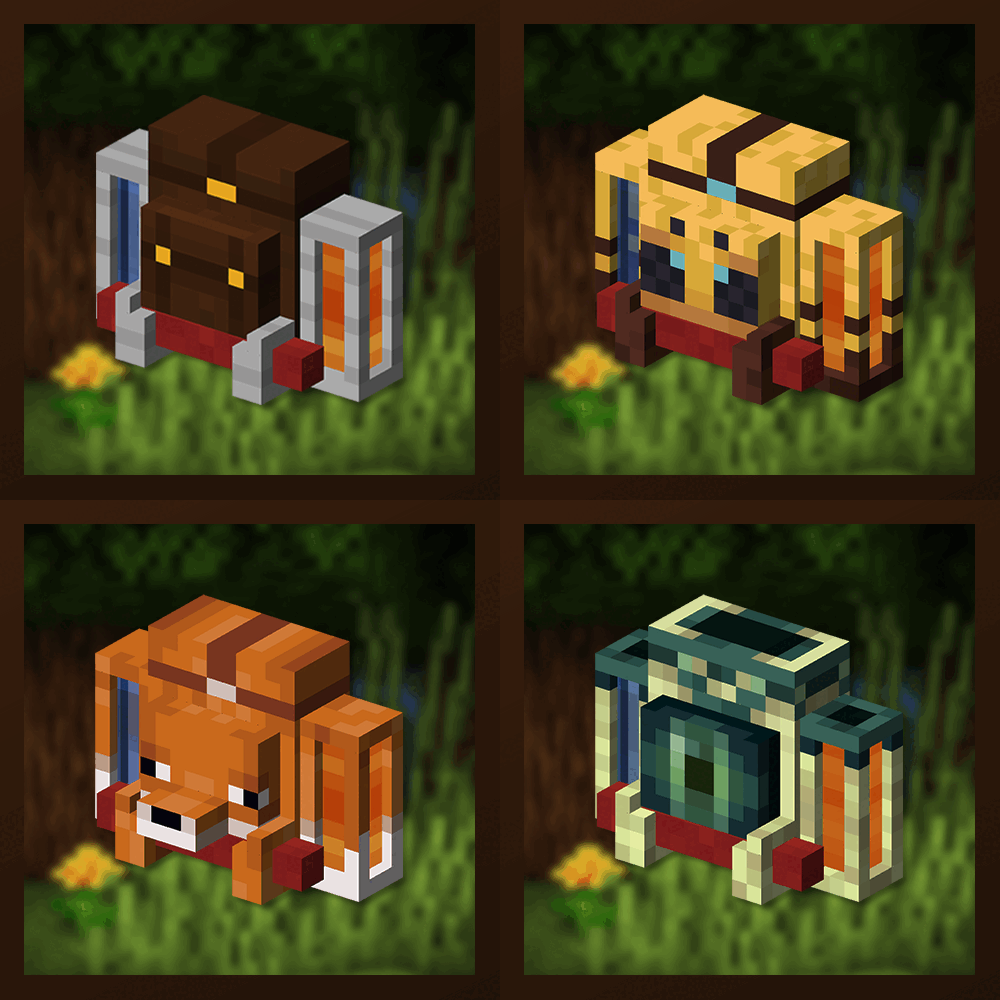
Unique and upgradeable backpacks with customisation, Curios API/Trinkets integration and more!
 mod
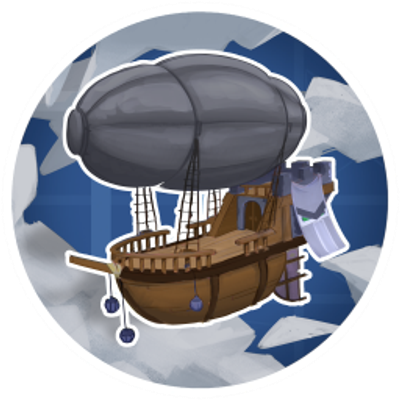
Pillager themed airship raids!
 mod
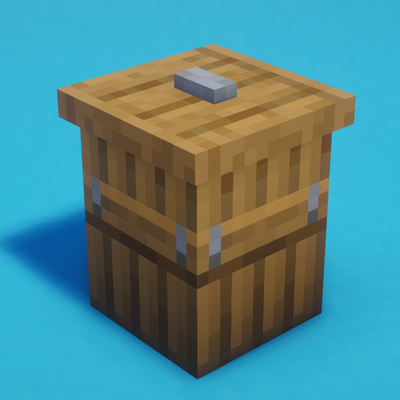
Artisan Machines straight out of your favorite farming-dating simulator