GeckoLib Optional for Particle Storm neoforge-1.21.1-1.5.5
optionalMatching file found Matched file: NeoForge 1.21.1 4.9.3
CurseForge · Minecraft mod
Uses a Bedrock Edition JSON format for particle effects.
Quick answer
Particle Storm neoforge-1.21.1-1.5.5 targets 1.21.1 with NeoForge. The project page does not say whether this file belongs on the client, dedicated server, or both. No extra mods listed for this file.
Where it goes
The project page does not say whether this file belongs on the client, dedicated server, or both.
The source does not explicitly classify this release as client-only or server-only.
neoforge-1.21.1-1.5.5. Change the file and its required mods may change too.
This file does not list any required mods. Do not add a library just because a different file uses it.
We only count dependency files that match this setup. A file for another loader does not fill the gap.
Before you install it
Built for Particle Storm neoforge-1.21.1-1.5.5. Pick another file and the loader, install side or required mods may change.
Use neoforge-1.21.1-1.5.5. It targets 1.21.1 with NeoForge; another release may have different loader, side or dependency requirements.
This file does not list any required mods. Do not add a library just because a different file uses it.
The project page does not say whether this file belongs on the client, dedicated server, or both.
Use the “Get this file” button beside neoforge-1.21.1-1.5.5. It opens that exact file at the source.
About this project
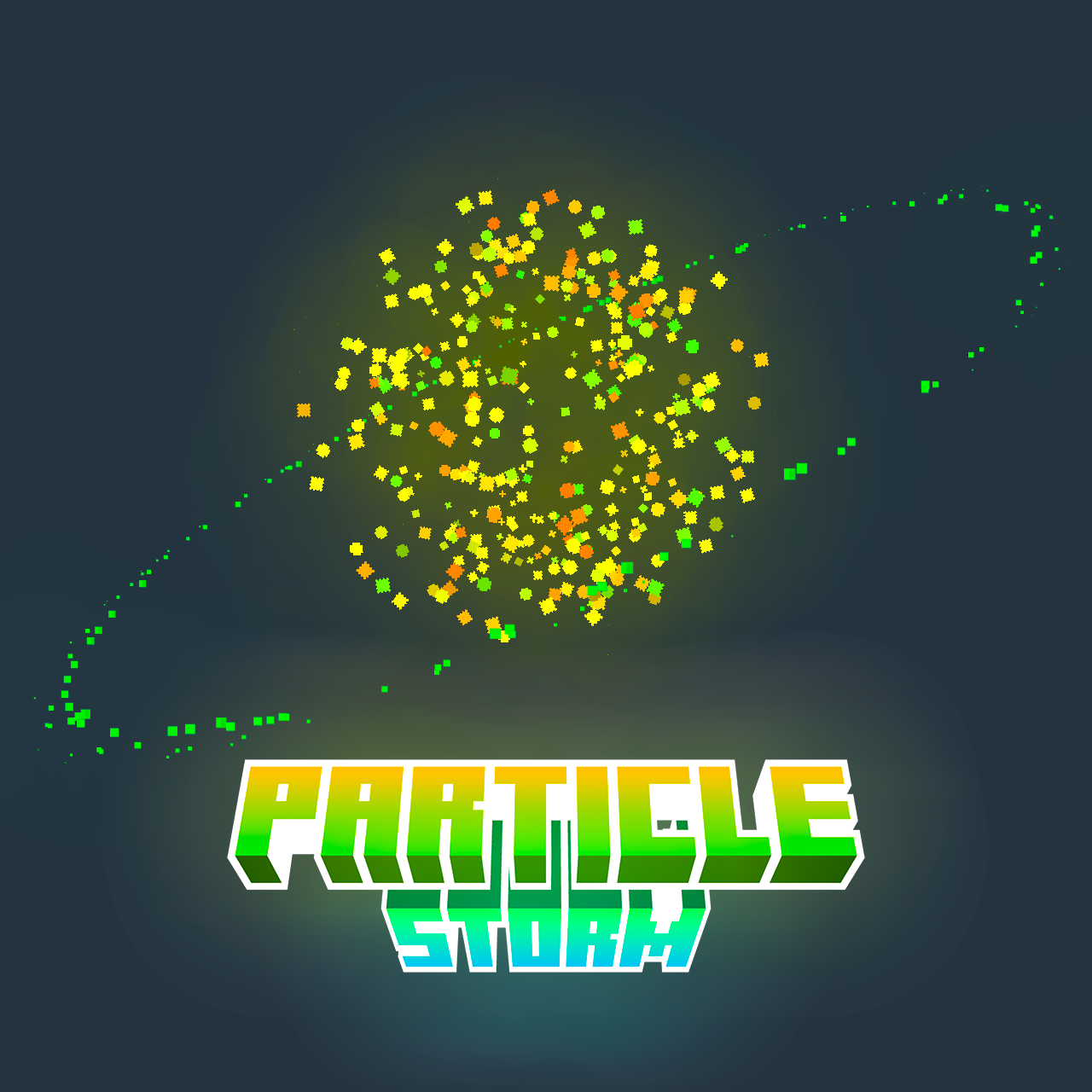
Particle effects are one of the unsung heroes of Minecraft. From smoke effects to magic spells, from falling leaves to bubbles coming out of a fish's mouth… all of these effects are possible thanks to the magic of particles.
Particle Storm refactores most of the particle functions of Bedrock Edition. Now you can easily create particle effects by resource pack.
You can check details at here, or create your particles at here.
Also notes that there are some difference between Bedrock Edition and Java Edition, so you should check them at Wiki.
There's also a compatibility with GeckoLib, if you defined any locators in your model, and used them in your animation, the particle will add to world and bounding to your entity/block
maven {
    name "magicTeam MavenReleases"
    url "https://maven.confluence.ink/releases"
}

implementation "org.mesdag:ParticleStorm:<version>"
Project description from CurseForge.
Pick your setup
Choose the version and loader you play, then open the matching release.
Check the dependencies, then try the file in a copied instance before changing a world you care about.
Recent files
ParticleStorm-neoforge-1.21.1-1.5.5.jar
15 Nov 2026
ParticleStorm-forge-1.20.1-1.5.5.jar
15 Nov 2026
ParticleStorm-forge-1.20.1-1.4.3.1.jar
24 Sept 2026
ParticleStorm-fabric-26.2-1.4.3.1.jar
24 Sept 2026
ParticleStorm-fabric-26.1.2-1.4.3.1.jar
24 Sept 2026
ParticleStorm-fabric-1.21.1-1.4.3.1.jar
24 Sept 2026
ParticleStorm-fabric-1.20.1-1.4.3.1.jar
24 Sept 2026
ParticleStorm-neoforge-26.2.0-1.4.3.1.jar
24 Sept 2026
ParticleStorm-neoforge-26.1.2-1.4.3.1.jar
24 Sept 2026
ParticleStorm-neoforge-1.21.1-1.4.3.1.jar
24 Sept 2026
particlestorm-1.3.1-forge.jar
3 Jun 2026
particlestorm-1.3.0.jar
27 May 2026
Looking for an older file? The official CurseForge project page is in Resources.
 mod
Adds ambient waves to beaches,oceans and rivers!
 mod
Add 88 PianoNotes For Disc Jockey Plus. 为 Disc Jockey Plus 添加了 88 个钢琴音符。
 mod
Hang a lantern on your belt: it lights your way hands-free with smooth moving light and swings as you move. Works client-only on any server.