YetAnotherConfigLib Needed by ModpackUtils 1.2.0+neoforge.1.21.1
requiredMatching file found Matched file: 3.8.2 for neoforge 1.21.1

CurseForge · Minecraft mod
Various utilities for modpacks!
Quick answer
ModpackUtils 1.2.0+neoforge.1.21.1 targets 1.21, 1.21.1 with NeoForge. The project page does not say whether this file belongs on the client, dedicated server, or both. All 1 required mods have matching files.
Where it goes
The project page does not say whether this file belongs on the client, dedicated server, or both.
The source does not explicitly classify this release as client-only or server-only.
ModpackUtils 1.2.0+neoforge.1.21.1 on 1.21 NeoForge. Every mod below is checked against that same setup.
Install YetAnotherConfigLib first. We found matching files for this game-version and loader setup.
We only count dependency files that match this setup. A file for another loader does not fill the gap.
Before you install it
Built for ModpackUtils 1.2.0+neoforge.1.21.1 on 1.21 NeoForge. Pick another file and the loader, install side or required mods may change.
Use ModpackUtils 1.2.0+neoforge.1.21.1. It targets 1.21, 1.21.1 with NeoForge; another release may have different loader, side or dependency requirements.
Install YetAnotherConfigLib first. We found matching files for this game-version and loader setup.
The project page does not say whether this file belongs on the client, dedicated server, or both.
Use the “Get this file” button beside ModpackUtils 1.2.0+neoforge.1.21.1. It opens that exact file at the source.
About this project
Various utilities for modpacks!
ModpackUtils is a highly-customizeable mod for modpack developers to curate their modpacks for their users. The mod is completely open-source, and has a detailed wiki (⚠️Under Construction), for all its features. Need help? Join our Discord server.

Chat Messages are sent everytime the user joins a world.
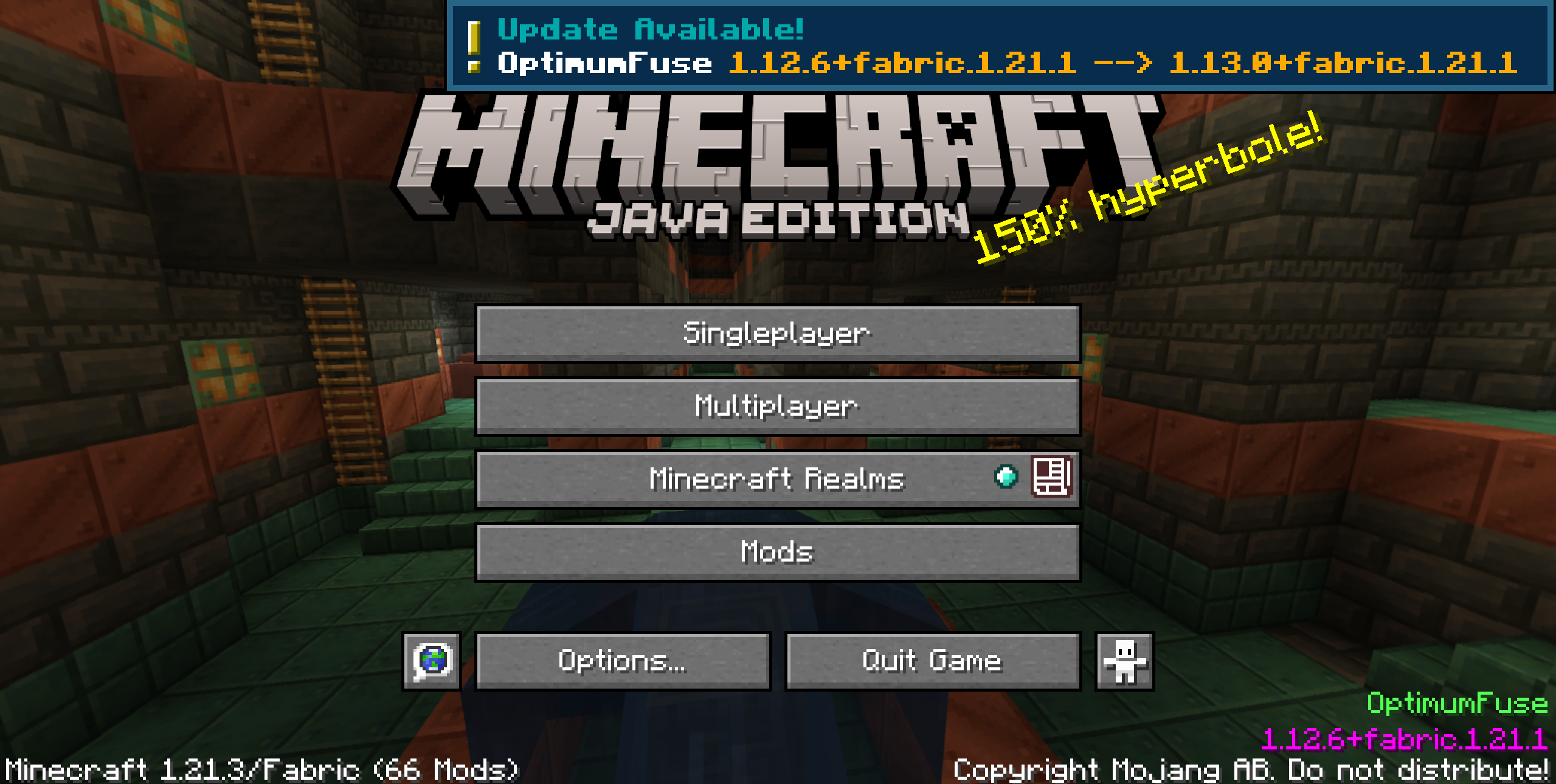
Toast notifications appear once on the Title Screen, just after loading the game.


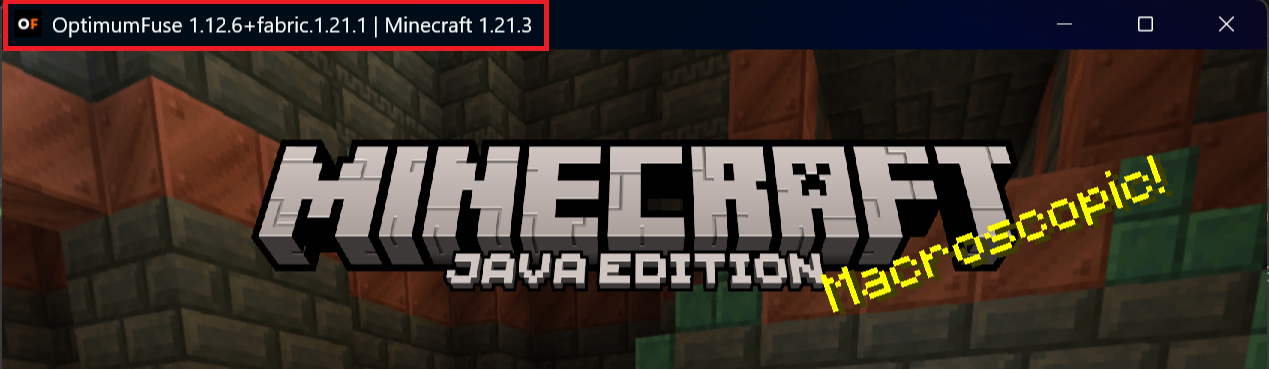
config/mutils/icons folder.
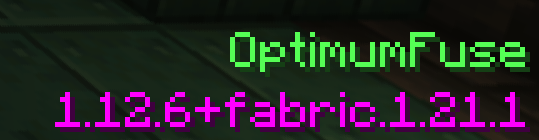
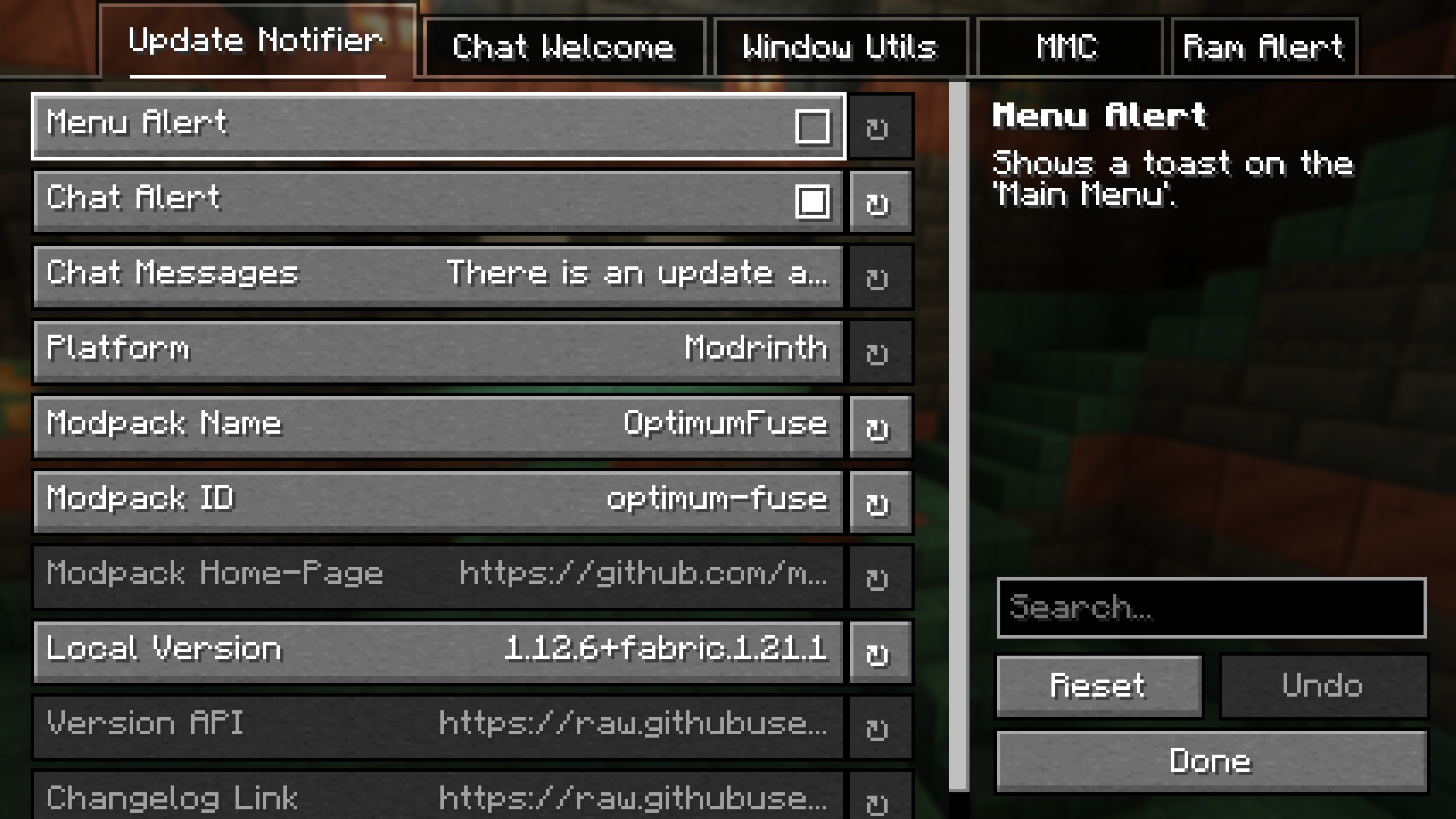


Project description from CurseForge.
Pick your setup
Choose the version and loader you play, then open the matching release.
Check the dependencies, then try the file in a copied instance before changing a world you care about.
Recent files
ModpackUtils-1.2.0+neoforge.1.21.1.jar
10 May 2025
ModpackUtils-1.2.0+neoforge.1.21.4.jar
10 May 2025
ModpackUtils-1.1.0+neo.1.21.3.jar
29 Nov 2024
ModpackUtils-1.0.0+neo.1.21.3.jar
8 Nov 2024
Looking for an older file? The official CurseForge project page is in Resources.