GeckoLib Needed by Jewel-Craft jewelcraft-1.2.2-neoforge-1.21.1.jar
requiredMatching file found Matched file: NeoForge 1.21.1 4.9.3
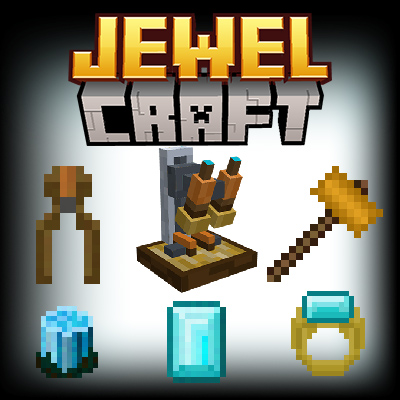
CurseForge · Minecraft mod
Mine for Gems, make Magic Jewelry... and oh so much more!
Quick answer
Jewel-Craft jewelcraft-1.2.2-neoforge-1.21.1.jar targets 1.21.1 with NeoForge. The project page does not say whether this file belongs on the client, dedicated server, or both. All 1 required mods have matching files.
Where it goes
The project page does not say whether this file belongs on the client, dedicated server, or both.
The source does not explicitly classify this release as client-only or server-only.
jewelcraft-1.2.2-neoforge-1.21.1.jar. Change the file and its required mods may change too.
Install GeckoLib first. We found matching files for this game-version and loader setup.
We only count dependency files that match this setup. A file for another loader does not fill the gap.
Before you install it
Built for Jewel-Craft jewelcraft-1.2.2-neoforge-1.21.1.jar. Pick another file and the loader, install side or required mods may change.
Use jewelcraft-1.2.2-neoforge-1.21.1.jar. It targets 1.21.1 with NeoForge; another release may have different loader, side or dependency requirements.
Install GeckoLib first. We found matching files for this game-version and loader setup.
The project page does not say whether this file belongs on the client, dedicated server, or both.
Use the “Get this file” button beside jewelcraft-1.2.2-neoforge-1.21.1.jar. It opens that exact file at the source.
About this project

Jewel-Craft is an in-depth mod which aims to add realism to the art of crafting jewelry in Minecraft. Embark on a journey throughout the overworld to gather rough gems added throughout your world. It's back to the Mines! These ores are only found via exploration and mining. Each one mimics a real-world gem (such as opal, peridot, sapphire, etc...) and is found in a biome similar to where it would be found in the real world. You'll now have a reason to explore each biome beyond the vanilla structures and woods. Gemstone Ores are now also rendered in 3d! You'll literally find crystals popping out of the rock. Once you find a gem, you'll need to craft a faceting table and polish the gem in order to use it in a ring or magic staff. This includes vanilla diamonds. Emeralds are not altered and are used simply as currency in the game. This new mechanic will slow down the pace of the game, but should fit in seamlessly into your minecraft experience as a way to enhance your game.
Metal ores also now drop from a randomized loot table so you'll recieve either nuigests, raw ore or gravel. This can be improved by using fortune or luck potions (or the newly added luck ring!)
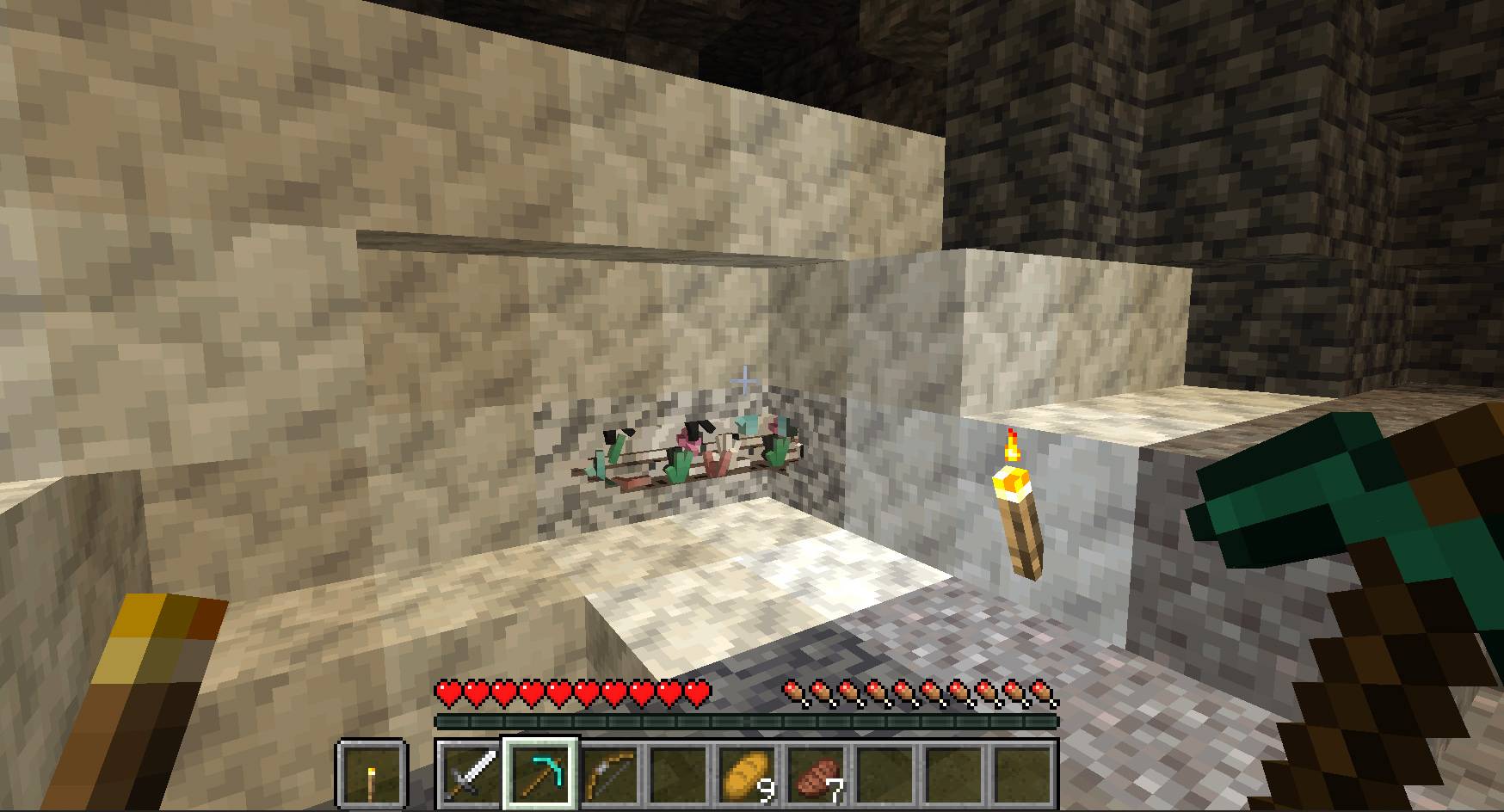
There are 5 new crafting stations used to facet your gems, create jewelry ingredients, craft magic rings, mount stones and carve Jade. Jade will be a powerful tool in your late game adventures.

A new Jeweler Villager will buy your extra items, or sell you difficult to find treasures.
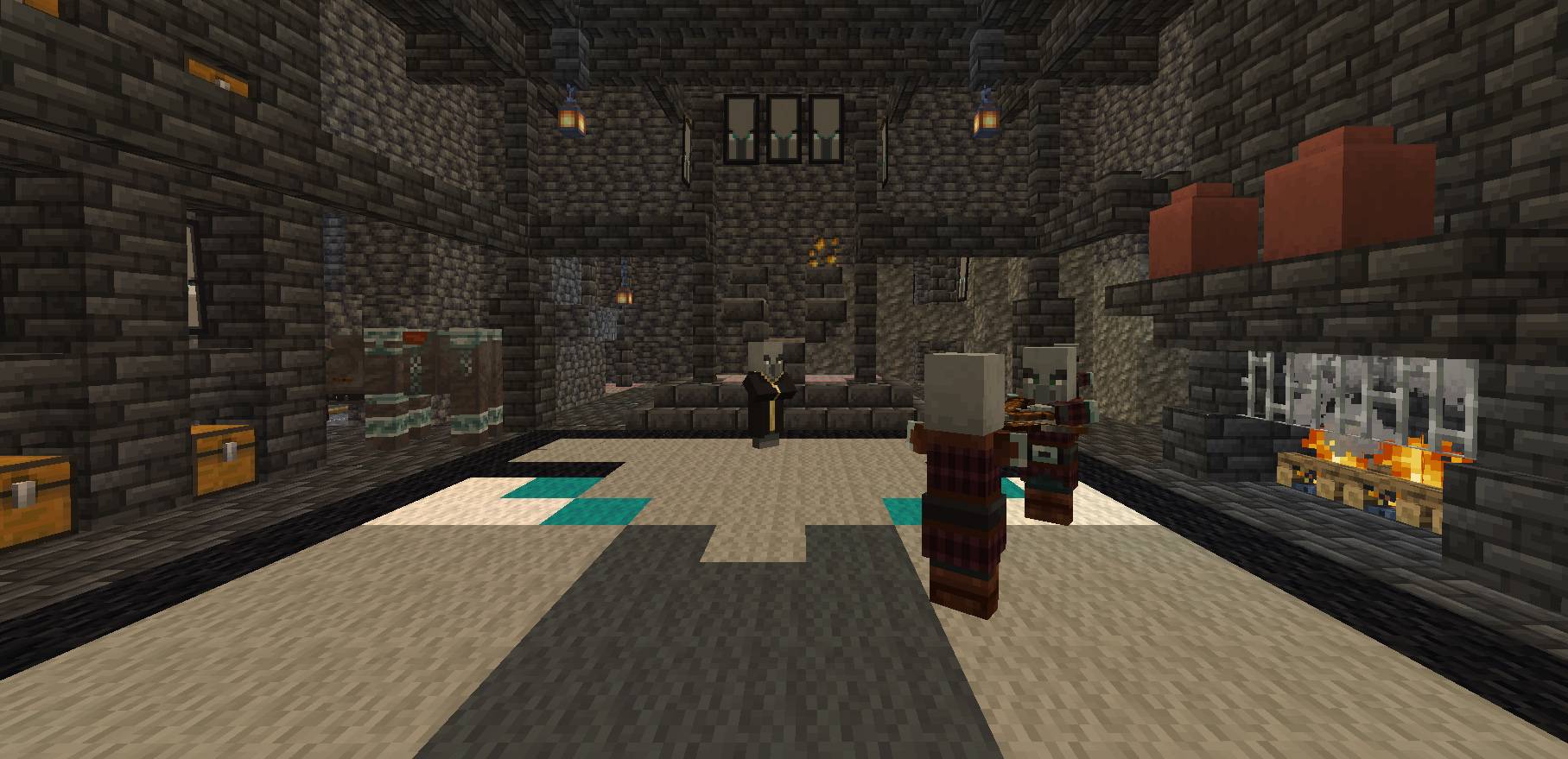
New underground structures can bring riches, adventure or death. An extensive "Pillagers Hold" is located deep underground and is designed similar to a stronghold with procedurally generated rooms.
An extensive guidebook can be crafted in-game to help guide you on your journey.
(one gold nugget and one book)
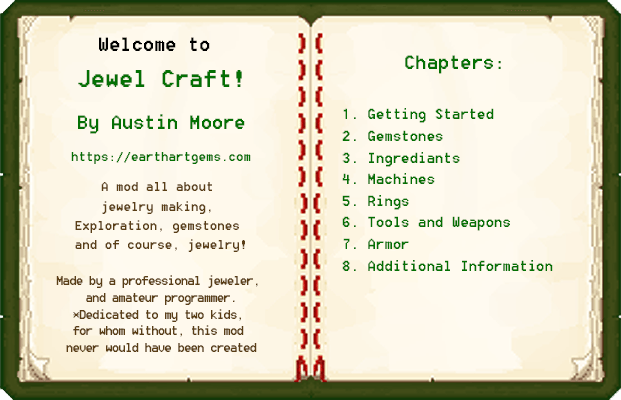
The guide will provide all needed recipes to the player and teach them how to use the crafting machines, and how and where to find differnet gemstones.
A set of Advancements is also part of this mod to guide the player along.
Game content will vary slightly in the 1.20.1 version but is almost identical.
Please Report Bugs! Doing so helps to make the game better for everyone.
Mild gameplay spoiler below
This mod also overhauls the vanilla game play in some new ways to create a more realistic experience.
All ores will now drop less resources
Heavy armors will slow down the player, but this can be countered by adding the new Lightweight Enchantment.
Additional game rule allows the player to keep, or drop, their rings at death.
Vanilla Loots chests will provide a differnet set of loot than standard vanilla games.
Diamonds are very rarely found in chests, only mined as a rough diamond and must be polished into a standard diamond.
Players will need to visit almost every biome in order to locate each gem.
The game also adds in steel armor and steel tools which are a good replacement for netherite but will take very large amounts of iron and coal to produce a full set. Steel armor is not consiered a heavy armor.
Also added are several Jade tools. These tools and weapons each have a built-in buff to better aid the user.
Changelog: Previously the game did not allow the player to punch a tree or use any non-axe tool or item to cut down a tree. This has been removed from the mod. But if you want to add it back in, I have this as a seporate "No tree Punch" mod.
Inspiration
Inspiration for this mod comes from my own life. I have been a full-time professional jeweler since 2009 and crafting jewelry is not just my job but my passion. But this mod would also not be possible if it were not for my kids. We've played countless hours of Minecraft together, from small vanilla private servers, to large mega modpacks like DawnCraft or Skyblock.
One day, while eating dinner, I posed the question: Wouldn't it be amazing if we could design our own mods and add something, even if it was just a texture, or a block or a single little tree, to the world of Minecraft? Someway to give back to the community that has provide countless hours of fun, adventure and play. This mod is my contribution.
Special thanks to my kids, for helping to come up with ideas, beta testing and for just being kids.
Also, a thank you to everyone at Ruzdin Studios for their help in troubleshooting.
~A Map Mod will help greatly unless you enjoy the cartography aspect of vanilla Play.
~Natures compass can help you to locate biomes.
~My "More Tree Sizes" mod is compatible with this mod as are my other biome/holiday mods.
~My "Combat structures" mod for some added challenging structures to enrichen your world.
Yes! You may add this to your modpack
This mod has no relation to any other mod of the same, or similar name. I chose this name without looking to see if it was already in use.
PS: You can check out my full time work as a jeweler here:
Project description from CurseForge.
Pick your setup
Choose the version and loader you play, then open the matching release.
Check the dependencies, then try the file in a copied instance before changing a world you care about.
Recent files
25 Apr 2025
25 Apr 2025
15 Dec 2024
15 Dec 2024
11 Dec 2024
11 Dec 2024
5 Dec 2024
5 Dec 2024
26 Nov 2024
26 Nov 2024
Looking for an older file? The official CurseForge project page is in Resources.