Forestry: CE Needed by Forestry: Worktable Display 1.21.1-1.0.0-a7.jar
requiredMatching file found Matched file: Forestry: CE 1.21.1-3.0.0-alpha8
CurseForge · Minecraft mod
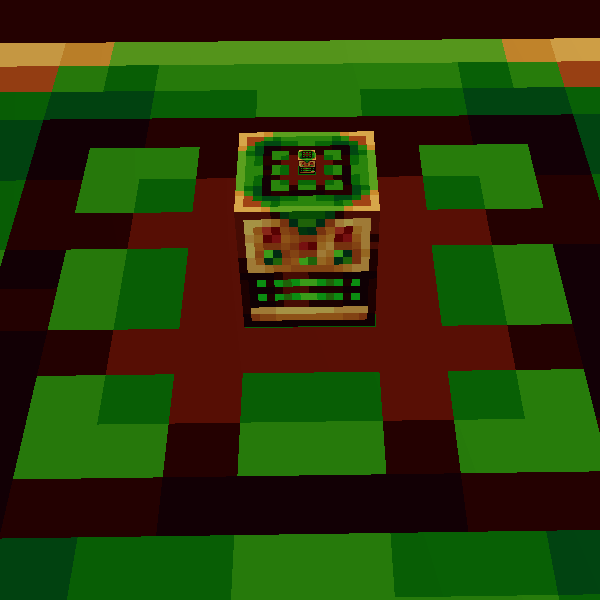
Adds item display for Forestry Worktable's Memorized Recipes
Quick answer
Forestry: Worktable Display 1.21.1-1.0.0-a7.jar targets 1.21.1 with NeoForge. The project page does not say whether this file belongs on the client, dedicated server, or both. All 2 required mods have matching files.
Where it goes
The project page does not say whether this file belongs on the client, dedicated server, or both.
The source does not explicitly classify this release as client-only or server-only.
1.21.1-1.0.0-a7.jar. Change the file and its required mods may change too.
Install Forestry: CE, Patchouli first. We found matching files for this game-version and loader setup. 1 comes through another mod in the chain.
1 extra mod was pulled in by another dependency. Indented rows show who needs each one. We only count dependency files that match this setup. A file for another loader does not fill the gap.
Before you install it
Built for Forestry: Worktable Display 1.21.1-1.0.0-a7.jar. Pick another file and the loader, install side or required mods may change.
Use 1.21.1-1.0.0-a7.jar. It targets 1.21.1 with NeoForge; another release may have different loader, side or dependency requirements.
Install Forestry: CE, Patchouli first. We found matching files for this game-version and loader setup. 1 comes through another mod in the chain.
The project page does not say whether this file belongs on the client, dedicated server, or both.
Use the “Get this file” button beside 1.21.1-1.0.0-a7.jar. It opens that exact file at the source.
About this project
Simplify your crafting routine!
This mod provides an easy way to see your memorized recipes in a 3x3 grid, making your crafting process smoother and more efficient.
Features:
→ Memorized Recipes Display: View your stored recipes in a 3x3 grid on the Forestry Worktable;
→ Seamless Integration: Works smoothly with existing Forestry Worktables;
→ Better Crafting Experience: Quickly find and use your recipes, saving time (especially when playing with GregTech).
Enhance your Worktable with Forestry: Worktable Display and enjoy a more organized and efficient crafting setup!
Requires:
[+] Forestry: Community Edition - version 2.1.3 or higher
Project description from CurseForge.
Pick your setup
Choose the version and loader you play, then open the matching release.
Check the dependencies, then try the file in a copied instance before changing a world you care about.
Recent files
forestryworktabledisplay-1.21.1-1.0.0-a7.jar
27 Aug 2026
forestryworktabledisplay-1.21.1-1.0.0.jar
21 Aug 2026
forestryworktabledisplay-1.20.1-1.0.0.jar
3 Jan 2025
Looking for an older file? The official CurseForge project page is in Resources.
 mod
modJEI/REI/EMI plugin that displays information on all potion and status effects
 mod
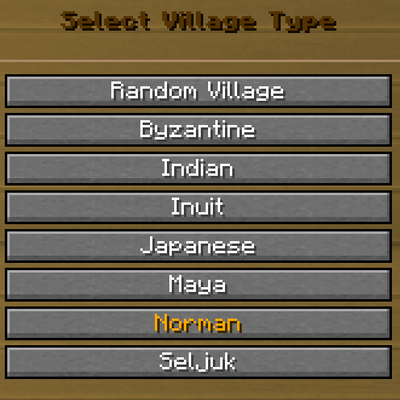
modA client and server mod that overhauls Millenaire's village creation screen into a 3-tier navigation with customizable center buildings.
 mod
modAE2 Virtual Battle introduces generative Virtual Battle Storage Cells to Applied Energistics 2.