Titanium Needed by Transfer Labels transfer_labels-0.1.8.jar
requiredMatching file found Matched file: titanium-1.21-4.0.43.jar
CurseForge · Minecraft mod
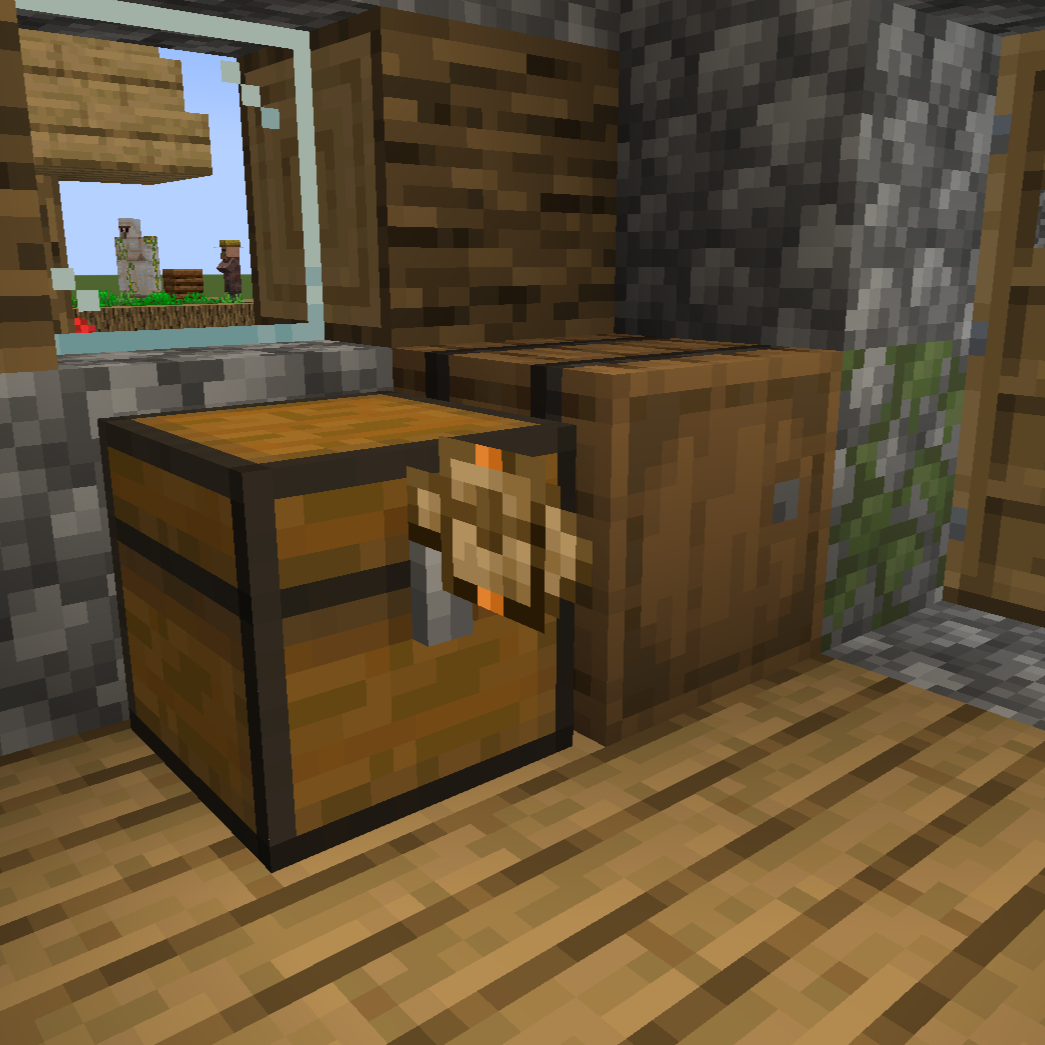
Place labels between blocks to transfer items & fluids
Quick answer
Transfer Labels transfer_labels-0.1.8.jar targets 1.21.1 with NeoForge. The project page does not say whether this file belongs on the client, dedicated server, or both. All 1 required mods have matching files.
Where it goes
The project page does not say whether this file belongs on the client, dedicated server, or both.
The source does not explicitly classify this release as client-only or server-only.
transfer_labels-0.1.8.jar. Change the file and its required mods may change too.
Install Titanium first. We found matching files for this game-version and loader setup.
We only count dependency files that match this setup. A file for another loader does not fill the gap.
Before you install it
Built for Transfer Labels transfer_labels-0.1.8.jar. Pick another file and the loader, install side or required mods may change.
Use transfer_labels-0.1.8.jar. It targets 1.21.1 with NeoForge; another release may have different loader, side or dependency requirements.
Install Titanium first. We found matching files for this game-version and loader setup.
The project page does not say whether this file belongs on the client, dedicated server, or both.
Use the “Get this file” button beside transfer_labels-0.1.8.jar. It opens that exact file at the source.
About this project

Transfer Labels is a mod that allows you to transfer items/fluids between blocks that are right next to each other.
You can access labels through blocks using the label accessor
When opening the label GUI you can filter with different filter types like regulating, exact count, mod and tag.
For the filter that have an amount, you can change how much while scrolling while holding Shift/Alt/Ctrl and any combination of those keys
You can accelerate the labels by adding the same item label in the amount or speed slots.
Project description from CurseForge.
Pick your setup
Choose the version and loader you play, then open the matching release.
Check the dependencies, then try the file in a copied instance before changing a world you care about.
Recent files
3 Aug 2026
28 Jun 2026
2 Oct 2025
15 Jul 2025
3 Jul 2025
24 Jun 2025
21 May 2025
19 May 2025
19 May 2025
17 May 2025
Looking for an older file? The official CurseForge project page is in Resources.
 mod
modAdds some new ways to craft items, as well as extra crafting items and utilities.
 mod
modAn addon for Mystical Agriculture, adding new mechanics, seeds and essences — new resource crops, essence blocks, growth accelerators and Botany Pots support.
 mod
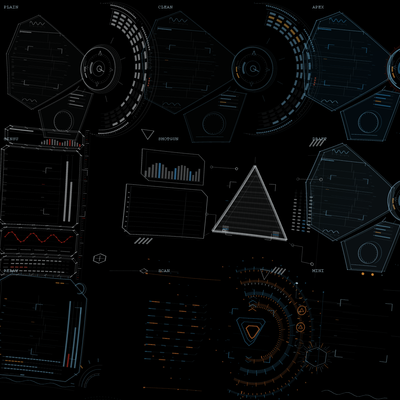
modA cinematic, fully vector-drawn HUD: holographic terrain map, flight instruments, threat alerts, and ten switchable themes. Every element is geometry, not a texture.