Minecraft version
Back to mods 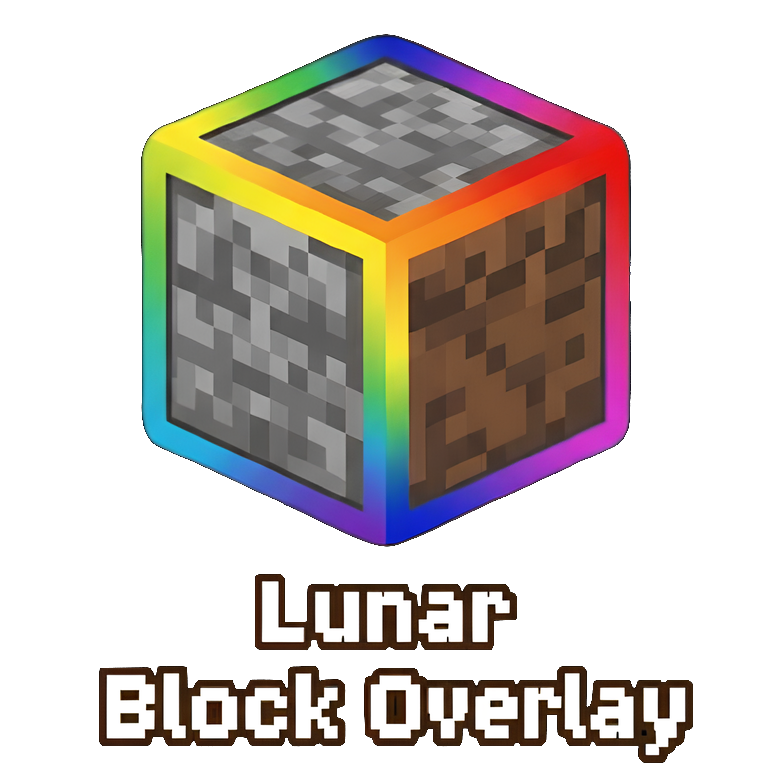
CurseForge · Minecraft mod
Lunar Block Overlay
Lunar Block Overlay is a mod that enhances block selection by allowing players to customize the overlay color and thickness.🚀
Choose a version Pick your version below, then grab the matching file.
Quick answer
Which Lunar Block Overlay release should I use?
Latest stable file [1.8.9] Lunar Block Overlay V2.1.jar
Game version 1.8.9
Loader Forge
Lunar Block Overlay [1.8.9] Lunar Block Overlay V2.1.jar targets 1.8.9 with Forge. The project page does not say whether this file belongs on the client, dedicated server, or both. No extra mods listed for this file.
Where it goes
Is Lunar Block Overlay required on the client, server, or both?
The project page does not say whether this file belongs on the client, dedicated server, or both.
Client Source doesn’t say
Dedicated server Source doesn’t say
Loader for this release Forge
Required install it here Optional supported, not mandatory Not supported do not install here Source doesn’t say do not assume
The source does not explicitly classify this release as client-only or server-only.
What else does Lunar Block Overlay [1.8.9] Lunar Block Overlay V2.1.jar need?
[1.8.9] Lunar Block Overlay V2.1.jar. Change the file and its required mods may change too.
This file does not list any required mods. Do not add a library just because a different file uses it.
This file does not list any required or optional mods.
Before you install it
Add Lunar Block Overlay without breaking your instance.
Built for Lunar Block Overlay [1.8.9] Lunar Block Overlay V2.1.jar. Pick another file and the loader, install side or required mods may change.
- 01
Stick to this file
Use [1.8.9] Lunar Block Overlay V2.1.jar. It targets 1.8.9 with Forge; another release may have different loader, side or dependency requirements.
- 02
Bring the mods it needs
This file does not list any required mods. Do not add a library just because a different file uses it.
- 03
Put it on the correct side
The project page does not say whether this file belongs on the client, dedicated server, or both.
- 04
Pick the file you checked
Use the “Get this file” button beside [1.8.9] Lunar Block Overlay V2.1.jar. It opens that exact file at the source.
About this project
What does Lunar Block Overlay add?
Lunar Block Overlay
If you don't want to read then watch this
If you can't understand what to do then read this
📝 Description:
Lunar Block Overlay is a mod that enhances the block selection outline with customizable colors and adjustable thickness. This mod is perfect for builders, PvPers, and anyone who wants a clearer visual when selecting blocks.
🎮 How to Use:
Change Overlay Color: Press \ to cycle through Colors.
**Adjust Thickness:** Press + to increase and - to decrease.
**Chat Notifications:** Each change is displayed in chat, with the color name appearing in its respective color.
**Change key bindings:** All key bindings can be changed through the Minecraft control menu.
For more help, you can contact me on my discord server or DM me worst_boy
Project description from CurseForge.
Pick your setup
Lunar Block Overlay by Minecraft version and loader
Choose the version and loader you play, then open the matching release.
Check the dependencies, then try the file in a copied instance before changing a world you care about.
Recent files
Lunar Block Overlay versions and loaders
[1.8.9] Lunar Block Overlay V2.1.jar
[1.8.9] Lunar Block Overlay-2.1.jar
1 Nov 2025
Client Source doesn’t say Server Source doesn’t say Dependencies No extras listed Listed on Release listing
Check the 1.8.9 · Forge setup Forge1.8.9 release
[1.8.9] Lunar Block Overlay V2.jar
[1.8.9] Lunar Block Overlay-2.0.0.jar
2 Apr 2025
Client Source doesn’t say Server Source doesn’t say Dependencies No extras listed Listed on Release listing
Check the 1.8.9 · Forge setup Forge1.8.9 release
[1.8.9] Lunar Block Overlay v1.jar
31 Jan 2025
Client Source doesn’t say Server Source doesn’t say Dependencies No extras listed Listed on Release listing
Check the 1.8.9 · Forge setup Forge1.8.9 release
Looking for an older file? The official CurseForge project page is in Resources.
 mod
CurseForge · Minecraft
[YM!] Veil Iris Lights Compat (VILC)
Veil light rendering for Iris shaderpacks
 mod
CurseForge · Minecraft
Life-saving experience
A challenge mod where you have to beat the game without hunger or health, using only experience. Experience now controls your health and hunger: running or taking damage consumes your experience. The main thing is to make sure it doesn't reach 0.
 mod
CurseForge · Minecraft
Unyielding
Companion mod for Cobblemon Unyielding: ranks, gym leader tags, a spawn leaderboard with a dancing podium, a Tome of Souls, and giant items