MixinBooter Needed by fluxloading-1.4.1.jar
requiredMatching file found Matched file: 000mixinbooter-12.3.jar

CurseForge · Minecraft mod
A mod for seamless world loading screen
Quick answer
fluxloading-1.4.1.jar targets 1.12.2 with Forge. The project page does not say whether this file belongs on the client, dedicated server, or both. All 1 required mods have matching files.
Where it goes
The project page does not say whether this file belongs on the client, dedicated server, or both.
The source does not explicitly classify this release as client-only or server-only.
fluxloading-1.4.1.jar. Change the file and its required mods may change too.
Install MixinBooter first. We found matching files for this game-version and loader setup. 8 come through another mod in the chain.
8 extra mods were pulled in by other dependencies. Indented rows show who needs each one. We only count dependency files that match this setup. A file for another loader does not fill the gap.
Before you install it
Built for fluxloading-1.4.1.jar. Pick another file and the loader, install side or required mods may change.
Use fluxloading-1.4.1.jar. It targets 1.12.2 with Forge; another release may have different loader, side or dependency requirements.
Install MixinBooter first. We found matching files for this game-version and loader setup. 8 come through another mod in the chain.
The project page does not say whether this file belongs on the client, dedicated server, or both.
Use the “Get this file” button beside fluxloading-1.4.1.jar. It opens that exact file at the source.
About this project
FluxLoading provides a seamless world loading screen.
Please report issues/crashes to github repo
FluxLoading is a mod that enhances immersion by capturing a screenshot of the logout screen and displaying it when you reload your world. When you rejoin, you'll see the exact scene from where you left off, smoothly fading out into real-time gameplay.
What it does visually is as follows.
Before (world loading screen) 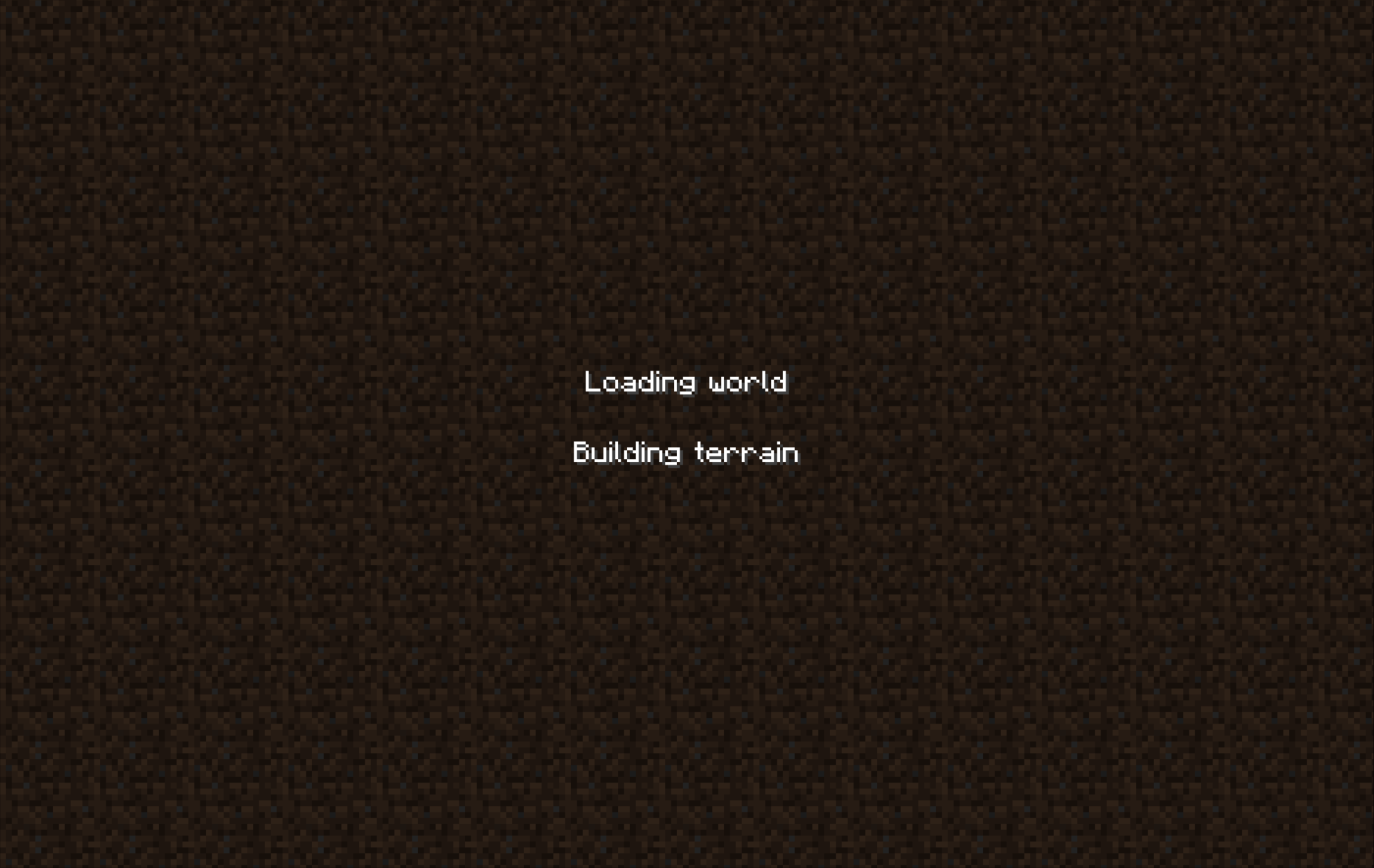
After (world loading screen) 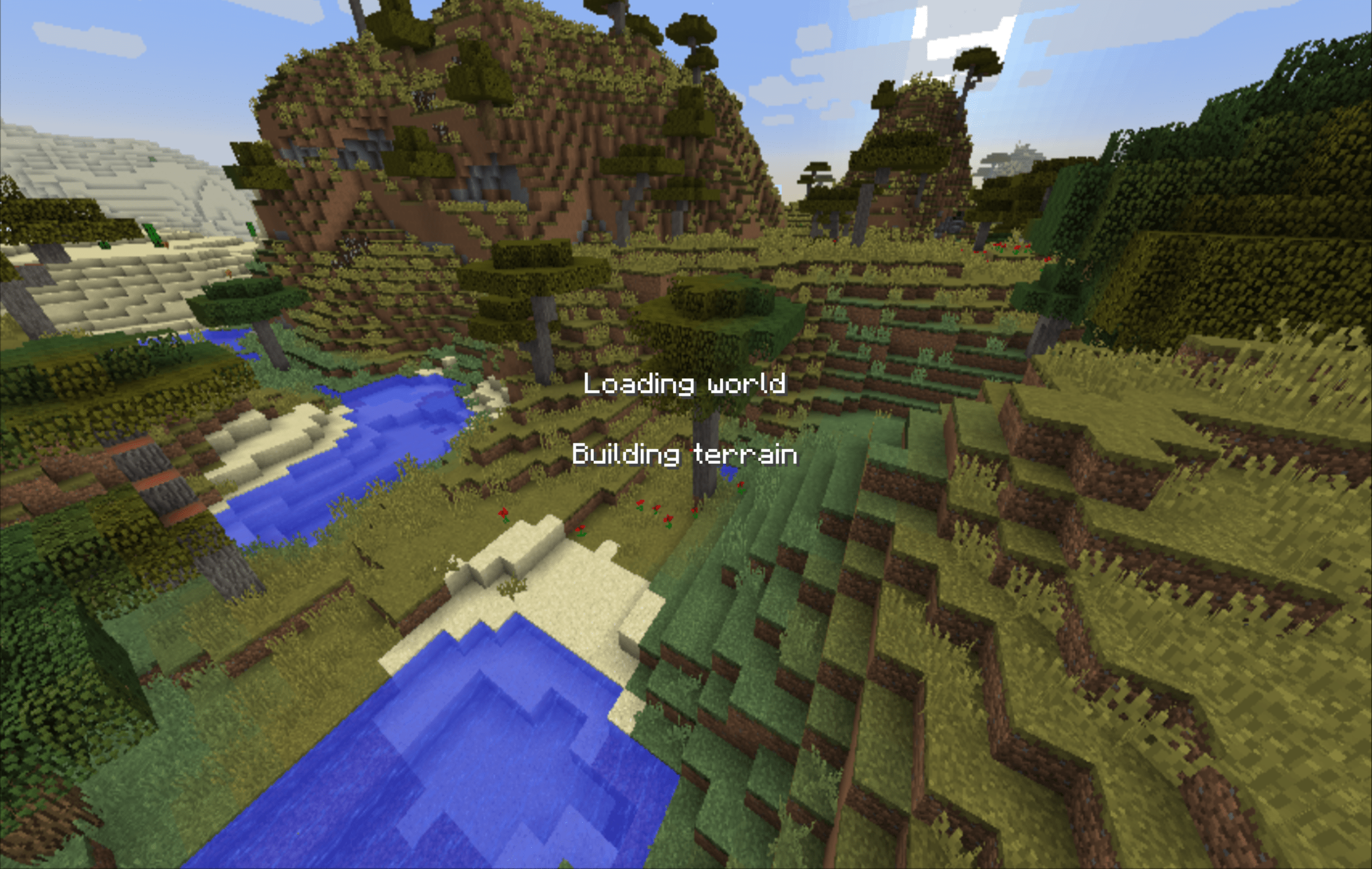
FluxLoading does exactly the same thing as Seamless Loading Screen, a mod on higher versions. However, unlike Seamless Loading Screen, FluxLoading handles finer details, such as waiting for chunk generation before fade out instead of using a fixed delay.
Project description from CurseForge.
Pick your setup
Choose the version and loader you play, then open the matching release.
Check the dependencies, then try the file in a copied instance before changing a world you care about.
Recent files
9 Feb 2026
5 Jan 2026
31 Jul 2025
25 Jul 2025
22 Jul 2025
17 Jul 2025
14 Jul 2025
14 Jul 2025
13 Jul 2025
11 Jul 2025
10 Jul 2025
18 Apr 2025
Looking for an older file? The official CurseForge project page is in Resources.
 mod
A mod that customizes Gregtech: New Horizons to my personal preferences. Fully customizable!
 mod
Server-side AI game assistant with various and extensible features.
 mod
Adds a suite of simple building materials.