Puzzles Lib Needed by Fast Item Frames [NEOFORGE] [26.2.x] v26.2.0
requiredMatching file found Matched file: [NEOFORGE] [26.2.x] v26.2.3

CurseForge · Minecraft mod
Supercharged item frames! Less lag, better performance, and now they can change color and vanish!
Quick answer
Fast Item Frames [NEOFORGE] [26.2.x] v26.2.0 targets 26.2 with NeoForge. The project page does not say whether this file belongs on the client, dedicated server, or both. All 1 required mods have matching files.
Where it goes
The project page does not say whether this file belongs on the client, dedicated server, or both.
The source does not explicitly classify this release as client-only or server-only.
[NEOFORGE] [26.2.x] v26.2.0. Change the file and its required mods may change too.
Install Puzzles Lib first. We found matching files for this game-version and loader setup.
We only count dependency files that match this setup. A file for another loader does not fill the gap.
Before you install it
Built for Fast Item Frames [NEOFORGE] [26.2.x] v26.2.0. Pick another file and the loader, install side or required mods may change.
Use [NEOFORGE] [26.2.x] v26.2.0. It targets 26.2 with NeoForge; another release may have different loader, side or dependency requirements.
Install Puzzles Lib first. We found matching files for this game-version and loader setup.
The project page does not say whether this file belongs on the client, dedicated server, or both.
Use the “Get this file” button beside [NEOFORGE] [26.2.x] v26.2.0. It opens that exact file at the source.
About this project








Fast Item Frames completely redesigns item frames to make them faster, more responsive, and more useful than ever before. 🚀
Instead of relying on entities, item frames become lightweight blocks that perform significantly better, especially in builds containing large numbers of frames. They react instantly to world changes, support proper block interactions, and include several quality of life improvements that vanilla item frames are missing. ⚡
Beyond performance, this mod adds powerful customization options. Dye frames in millions of colors 🎨, hide the frame itself to showcase only the item 🫥, wax frames to prevent accidental changes 🍯, and fine tune the appearance of invisible frames to perfectly fit your builds and resource packs. ✨

/setblock.


⏩ INSTALLATION REQUIRED ON CLIENT & REQUIRED ON SERVER
⏩ REQUIRES PUZZLES LIB TO BE INSTALLED (FABRIC & NEOFORGE)
⏩ REQUIRES FABRIC API TO BE INSTALLED (FABRIC)
⏩ REQUIRES FORGE CONFIG API PORT TO BE INSTALLED (FABRIC)

If available for a mod, configuration is possible directly from in-game using the mod menu (requires Mod Menu by Prospector to be installed on Fabric).
For manual configuration using an external text editor all files are found at .minecraft/config, named as MOD_ID-client.toml, MOD_ID-common.toml, or MOD_ID-server.toml, depending on the type of config. Not all types might exist for a mod, if any at all.

🌟 Thanks to MehVahdJukaar for inspiring this project with their Fast Paintings mod.
 |
 |
|
|---|---|---|
 |
 |
|
 |
 |
|
 |
 |
|
 |
 |
|

Project description from CurseForge.
Pick your setup
Choose the version and loader you play, then open the matching release.
Showing the newest 12 of 16 game versions. Older files are in the list below.
Check the dependencies, then try the file in a copied instance before changing a world you care about.
Recent files
FastItemFrames-v26.2.0-mc26.2.x-NeoForge.jar
19 Jun 2026
FastItemFrames-v26.2.0-mc26.2.x-Fabric.jar
19 Jun 2026
FastItemFrames-v26.1.0-mc26.1.x-Fabric.jar
26 Apr 2026
FastItemFrames-v26.1.0-mc26.1.x-NeoForge.jar
26 Apr 2026
FastItemFrames-v21.11.1-mc1.21.11-NeoForge.jar
27 Dec 2025
FastItemFrames-v21.11.1-mc1.21.11-Fabric.jar
27 Dec 2025
FastItemFrames-v21.11.0-mc1.21.11-Fabric.jar
17 Dec 2025
FastItemFrames-v21.11.0-mc1.21.11-NeoForge.jar
17 Dec 2025
FastItemFrames-v21.10.0+mc1.21.10-Fabric.jar
8 Oct 2025
FastItemFrames-v21.10.0+mc1.21.10-NeoForge.jar
8 Oct 2025
FastItemFrames-v21.9.0+mc1.21.9-Fabric.jar
6 Oct 2025
FastItemFrames-v21.9.0+mc1.21.9-NeoForge.jar
6 Oct 2025
Looking for an older file? The official CurseForge project page is in Resources.
 mod
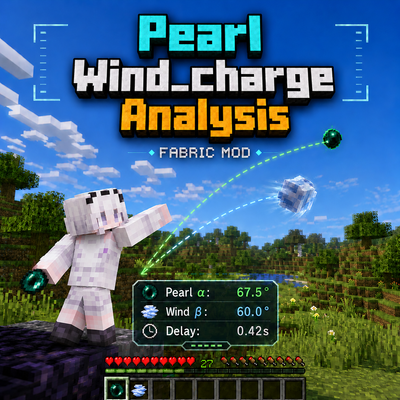
modA client-side Fabric HUD for analyzing ender pearl and wind-charge trajectories, with P1/P2 tracking, recommended angles, and configurable visual guides.
 mod
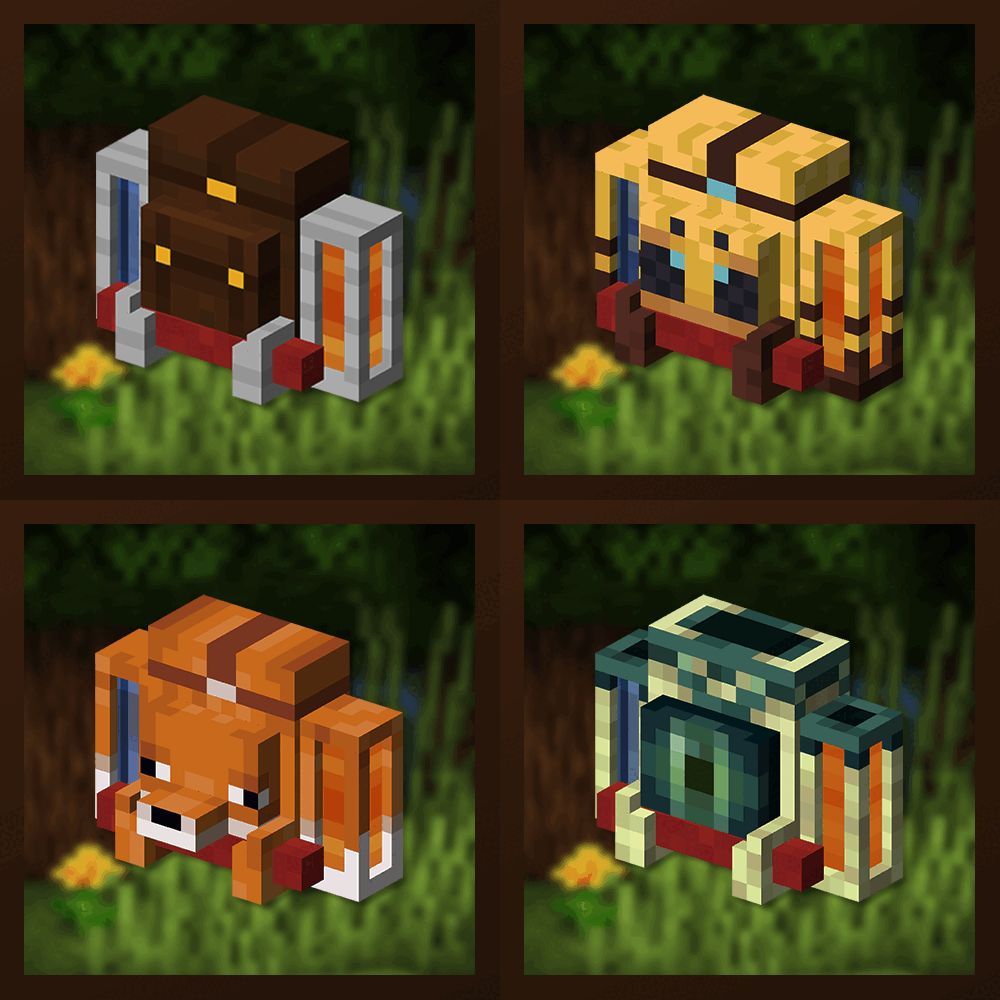
modUnique and upgradeable backpacks with customisation, Curios API/Trinkets integration and more!
 mod
modSingleplayer-only debug companion for PearlWind_chargeAnalysis, with P1/P2 camera locking, deterministic projectile-spread testing, and optional diagnostic logs.
