EMI Optional for Reforge Stone reforge_stone-1.2.3-1.20.1-forge.jar
optionalMatching file found Matched file: emi-1.1.24+1.20.1+forge
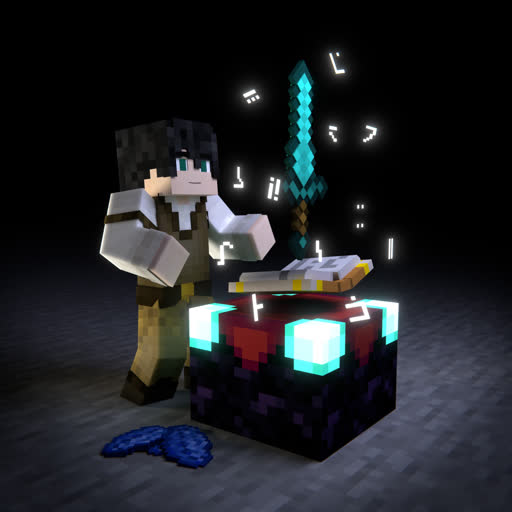
CurseForge · Minecraft mod
Add data-driven reforge stone system
Quick answer
Reforge Stone reforge_stone-1.2.3-1.20.1-forge.jar targets 1.20.1 with NeoForge, Forge. The project page does not say whether this file belongs on the client, dedicated server, or both. No extra mods listed for this file.
Where it goes
The project page does not say whether this file belongs on the client, dedicated server, or both.
The source does not explicitly classify this release as client-only or server-only.
reforge_stone-1.2.3-1.20.1-forge.jar. Change the file and its required mods may change too.
This file does not list any required mods. Do not add a library just because a different file uses it.
We only count dependency files that match this setup. A file for another loader does not fill the gap.
Before you install it
Built for Reforge Stone reforge_stone-1.2.3-1.20.1-forge.jar. Pick another file and the loader, install side or required mods may change.
Use reforge_stone-1.2.3-1.20.1-forge.jar. It targets 1.20.1 with NeoForge, Forge; another release may have different loader, side or dependency requirements.
This file does not list any required mods. Do not add a library just because a different file uses it.
The project page does not say whether this file belongs on the client, dedicated server, or both.
Use the “Get this file” button beside reforge_stone-1.2.3-1.20.1-forge.jar. It opens that exact file at the source.
About this project
This is a mod to add reforge stones, which can combine with other items and improve values.
By default, this mod don't add any reforge stones, you need to define by yourself.
Create a file in data/<datapack id>/reforge_stone/stone_type/ folder, then write following contents:
{
  //Translate in tooltip
  "translate": "block.minecraft.tnt",
  //combine with which item in anvil to obtain
  "ingredients": [
    //item or tag
    "minecraft:tnt"
  ],
  //which item can obtain this
  "targets": [
    //item or tag
    "#minecraft:enchantable/sharp_weapon"
  ],
  //the effects after obtain this
  "modifiers": [
    //modifiers, see below
  ]
}
{
  "type": "reforge_stone:attribute",
  //target attribute
  "attribute": "minecraft:generic.movement_speed",
  //modify value
  "value": "1",
  "operation": "ADDITION / MULTIPLY_BASE / MULTIPLY_TOTAL"
}
{
  "type": "reforge_stone:glint",
  //color, current available: red, yellow, blue, orange, green, purple, white, pink ,aqua
  "color": "red",
  //(optional) always show or only enchanted
  "always": true,
}
{
  "type": "reforge_stone:max_damage",
  //durability increment
  "color": "addition"
}
{
  "type": "reforge_stone:name",
  //(optional) predix of item name
  "prefix": "",
  //(optional) suffix of item name
  "suffix": "",
  //(optional) color of item name in 0xAARRGGBB format
  "color": -1
}
There are 2 keys to control glint rendering.
reforge_stone:glint: Control the color. Available colors: GlintManager.javareforge_stone:glint_always: Whether it should always render glintFor example,a diamond sword with red glint: /give @s diamond_sword{"reforge_stone:glint":"red","reforge_stone:glint_always":true}
Project description from CurseForge.
Pick your setup
Choose the version and loader you play, then open the matching release.
Check the dependencies, then try the file in a copied instance before changing a world you care about.
Recent files
26 May 2025
26 May 2025
24 May 2025
24 May 2025
23 May 2025
23 May 2025
23 May 2025
23 May 2025
3 Apr 2025
3 Apr 2025
13 Mar 2025
13 Mar 2025
Looking for an older file? The official CurseForge project page is in Resources.
 mod
A lightweight mod that collects all dropped items and unnecessary entities for optimization.
 mod
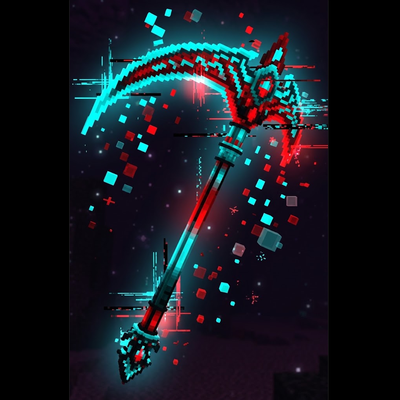
Adds a 3D Scythe with Epic Fight compatibility that banishes even Creative players to the Nether sky at 1000 blocks/s and features a Freeze Grimoire GUI.
 mod
Replace the enchanting system with a rune system. Find runes in the world and apply them to items