Minecraft version
Back to mods 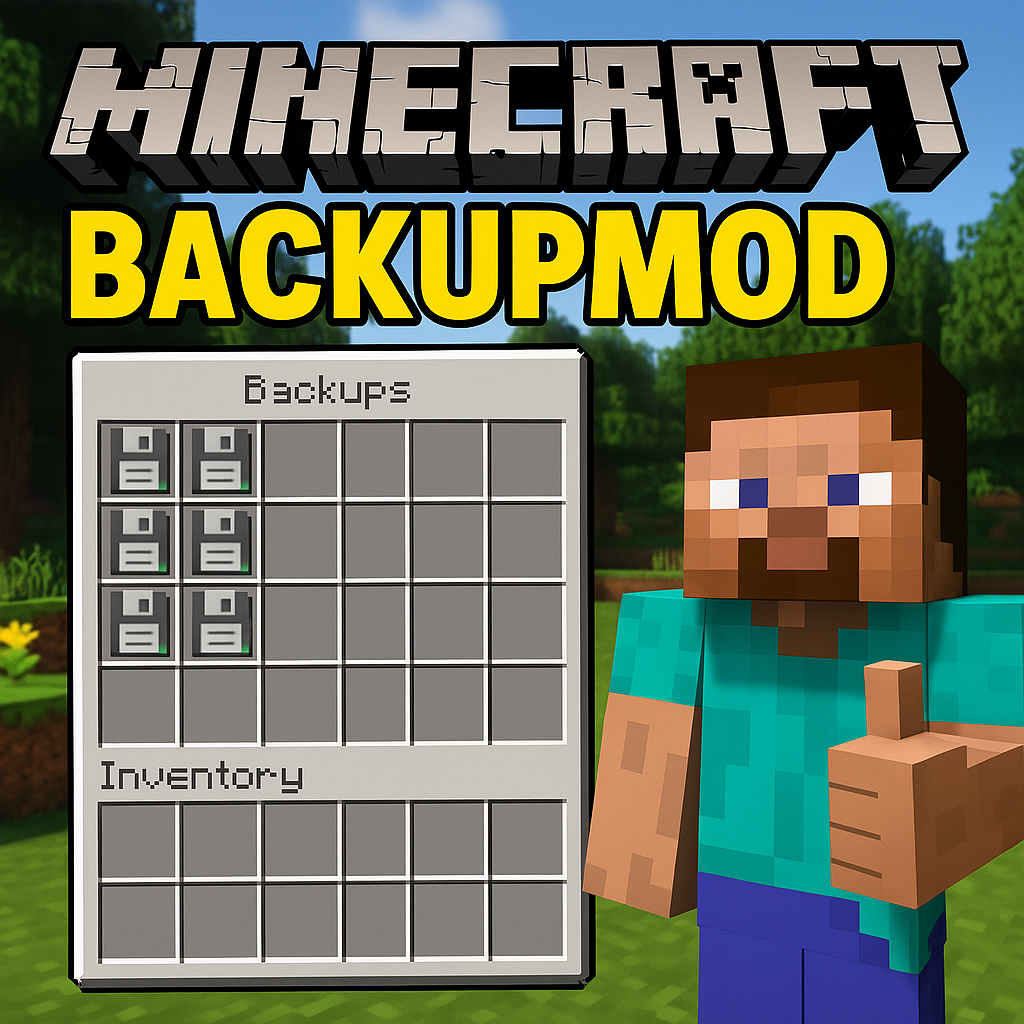
CurseForge · Minecraft mod
BACKUP - CHECKPOINT
A simple mod that adds automatic or manual Backup and Checkpoints into the game, highly configurable
Choose a version Pick your version below, then grab the matching file.
Quick answer
Which BACKUP - CHECKPOINT release should I use?
Latest stable file BackUpMod-1.0.1.jar
Game version 1.21.4
Loader Forge
BACKUP - CHECKPOINT BackUpMod-1.0.1.jar targets 1.21.4 with Forge. The project page does not say whether this file belongs on the client, dedicated server, or both. No extra mods listed for this file.
Where it goes
Is BACKUP - CHECKPOINT required on the client, server, or both?
The project page does not say whether this file belongs on the client, dedicated server, or both.
Client Source doesn’t say
Dedicated server Source doesn’t say
Loader for this release Forge
Required install it here Optional supported, not mandatory Not supported do not install here Source doesn’t say do not assume
The source does not explicitly classify this release as client-only or server-only.
What else does BACKUP - CHECKPOINT BackUpMod-1.0.1.jar need?
BackUpMod-1.0.1.jar. Change the file and its required mods may change too.
This file does not list any required mods. Do not add a library just because a different file uses it.
This file does not list any required or optional mods.
Before you install it
Add BACKUP - CHECKPOINT without breaking your instance.
Built for BACKUP - CHECKPOINT BackUpMod-1.0.1.jar. Pick another file and the loader, install side or required mods may change.
- 01
Stick to this file
Use BackUpMod-1.0.1.jar. It targets 1.21.4 with Forge; another release may have different loader, side or dependency requirements.
- 02
Bring the mods it needs
This file does not list any required mods. Do not add a library just because a different file uses it.
- 03
Put it on the correct side
The project page does not say whether this file belongs on the client, dedicated server, or both.
- 04
Pick the file you checked
Use the “Get this file” button beside BackUpMod-1.0.1.jar. It opens that exact file at the source.
About this project
What does BACKUP - CHECKPOINT add?
NEW VERSION AVAILABLE 1.0.1 !!!!
🔄 BackupMod - Never lose progress again! 🛡️
📋 Description
**BackupMod** is your personal checkpoint system for Minecraft 1.21.4! Automatically save your progress and restore your worlds in case of accidents, unexpected deaths, or simply when you want to return to a previous moment of your adventure.
⚠️⚠️⚠️ WARNING: WAIT 5 SECONDS BEFORE RE-ENTERING THE WORLD AFTER BACKUP!! ⚠️⚠️⚠️
✨ Main Features
🔄 Automatic Backups
- ⏱️ Creates backups of your world every 5 minutes (customizable interval)
- 📦 Keeps up to 10 backups per world (customizable limit)
- 🛡️ Complete protection against crashes, accidental deaths, and errors
🖐️ Manual Controls
- 🆕 Create manual backups whenever you want
- 📂 Manage your backups with an intuitive interface
- 📝 Rename backups to identify them easily
- 🗑️ Delete unnecessary backups
- 🔄 Overwrite existing backups
⌨️ Keyboard Shortcuts
- **F6**: Opens the main backup menu
- **F7+B**: Instantly creates a backup (works even without cheats!)
- **F7+R**: Activates the restoration screen (like dying, but without losing progress)
💀 Post-death Restoration
- When you die, you can choose to restore a backup instead of losing your items!
- Options to return to the latest backup or choose from a list
🛠️ How to Use the Mod
First Installation
- Install Forge for Minecraft 1.21.4
- Insert the mod file into the
modsfolder - Start Minecraft
Default Settings
- ✅ Automatic backups: **Enabled**
- ⏱️ Backup interval: **5 minutes**
- 📊 Maximum backups per world: **10**
Main Menu (F6 key)
- **Create Backup**: Save the current state of the world
- **Load Backup**: Choose a backup to restore
- **Rename Backup**: Assign custom names to your saves
- **Delete Backup**: Remove unnecessary backups
- **Overwrite Backup**: Update an existing backup with the current state
- **Settings**: Customize the mod's behavior
Quick Shortcuts
- Press **F7+B** to create an instant backup
- Press **F7+R** to open the restoration screen
After Death
- A custom screen will appear
- Choose between "Normal Respawn", "Restore from backup" or "Return to menu"
- If you choose to restore, you can select which backup to use
⚙️ Advanced Configuration
Customizing Settings
- Press **F6** to open the main menu
- Select "Backup Settings"
- Modify:
- ✅/❌ Enable/disable automatic backups
- ⏱️ Interval between backups (in minutes)
- 🔢 Maximum number of backups per world
Commands (in cheat mode)
- **/backup**: Create a manual backup
- **/restore**: Activate the restoration procedure
💡 Useful Tips
- Wait at least one minute after entering a world before creating a backup
- Rename important backups to find them easily
- Create a manual backup before risky constructions or explorations
- Use F7+B before facing the final boss!
🔍 Troubleshooting
- Backups are saved in the
.minecraft/minecraft_backups/folder - Each world has its own subfolder with all its backups
- The mod requires a minimum of 1 minute from entering the world to create the first backup
*Never lose your progress again with BackupMod - your personal checkpoint in Minecraft!* 🎮
📺 Video Tutorial
For a complete guide, watch the tutorial on YouTube: MINECRAFT CHECKPOINT / BACKUP MOD 1.21.4
Project description from CurseForge.
Pick your setup
BACKUP - CHECKPOINT by Minecraft version and loader
Choose the version and loader you play, then open the matching release.
Check the dependencies, then try the file in a copied instance before changing a world you care about.
Recent files
BACKUP - CHECKPOINT versions and loaders
BackUpMod-1.0.1.jar
30 Mar 2025
Client Source doesn’t say Server Source doesn’t say Dependencies No extras listed Listed on Release listing
Check the 1.21.4 · Forge setup 1.21.4Forge release
BackUpMod-1.0.0.jar
27 Mar 2025
Client Source doesn’t say Server Source doesn’t say Dependencies No extras listed Listed on Release listing
Check the 1.21.4 · Forge setup 1.21.4Forge release
Looking for an older file? The official CurseForge project page is in Resources.
 mod
CurseForge · Minecraft
Vive Interactive (Vivecraft Addon)
Grab, throw, and catch items in VR, bat blocks midair, climb walls with craftable gloves, and recall enchanted weapons with a flick of your wrist. Built for Vivecraft on Fabric 1.21.1, with seated play and multiplayer support.
 mod
CurseForge · Minecraft
Fletching Works
This mod gives vanilla's fletching table a real GUI and nine new arrow types — explosive, lightning-calling, teleporting and more — crafted from a tip, a stick and a feather. For Fabric on Minecraft 1.21.11.
 mod
CurseForge · Minecraft
OG'S Backpacks
Backpack mod on all versions