Minecraft version
Back to mods 
CurseForge · Minecraft mod
Resolution control++
Allows you to set render resolutions and take large screenshots.
Choose a version Pick your version below, then grab the matching file.
Quick answer
Which Resolution control++ release matches Fabric?
Best match for your filters resolution-control-plus-1.20.4-3.0.0
Game version 1.20.2, 1.20.3, 1.20.4
Loader Fabric
Resolution control++ resolution-control-plus-1.20.4-3.0.0 targets 1.20.2, 1.20.3, 1.20.4 with Fabric. The project page does not say whether this file belongs on the client, dedicated server, or both. No extra mods listed for this file.
Where it goes
Is Resolution control++ required on the client, server, or both?
The project page does not say whether this file belongs on the client, dedicated server, or both.
Client Source doesn’t say
Dedicated server Source doesn’t say
Loader for this release Fabric
Required install it here Optional supported, not mandatory Not supported do not install here Source doesn’t say do not assume
The source does not explicitly classify this release as client-only or server-only.
What else does Resolution control++ resolution-control-plus-1.20.4-3.0.0 need?
resolution-control-plus-1.20.4-3.0.0 on Fabric. Every mod below is checked against that same setup.
This file does not list any required mods. Do not add a library just because a different file uses it.
This file does not list any required or optional mods.
Before you install it
Add Resolution control++ without breaking your instance.
Built for Resolution control++ resolution-control-plus-1.20.4-3.0.0 on Fabric. Pick another file and the loader, install side or required mods may change.
- 01
Stick to this file
Use resolution-control-plus-1.20.4-3.0.0. It targets 1.20.2, 1.20.3, 1.20.4 with Fabric; another release may have different loader, side or dependency requirements.
- 02
Bring the mods it needs
This file does not list any required mods. Do not add a library just because a different file uses it.
- 03
Put it on the correct side
The project page does not say whether this file belongs on the client, dedicated server, or both.
- 04
Pick the file you checked
Use the “Get this file” button beside resolution-control-plus-1.20.4-3.0.0. It opens that exact file at the source.
About this project
What does Resolution control++ add?
ResolutionControl++ is a powerful tool for Minecraft players who want to fine-tune the game’s render resolution independently from the GUI (HUD). Whether you're looking to boost performance or capture high-quality screenshots, this mod provides a suite of advanced features.
Main Features
Custom Render Scaling:
Adjust the render resolution from 0.0x to 8.0x (and beyond manually), enabling everything from retro pixel-art style to smoother, anti-aliased graphics.
Scaling Algorithms:
Choose between Linear (for smoother visuals) or Nearest Neighbor (for crisp, pixelated look) when resizing the rendered image to fit the screen.
High-Resolution Screenshot Capture:
Use the Screenshot Framebuffer hotkey to take ultra-high-res screenshots beyond your screen resolution—without freezing your game while it processes.
Advanced Options:
Use set size: Manually define the screenshot resolution.
Always allocated: Keeps the screenshot framebuffer loaded at all times, reducing delay but using more VRAM.
VRAM usage estimation: See a visual estimate of how much video memory your settings will consume.
Compatibility
Compatible with:
Sodium
OptiFine (alongside its own internal render scaling)
Partially compatible with:
Canvas Renderer (lower resolutions may affect GUI rendering)
Not compatible with:
Fabulous graphics mode
Additional Info
Platform: Fabric (Client-side only)
License: MIT
Supported Versions: Minecraft Java Edition 1.20.4 to 1.21.4
Developer: ModLabs Organization
Project description from CurseForge.
Pick your setup
Resolution control++ by Minecraft version and loader
Choose the version and loader you play, then open the matching release.
Minecraft version
1.21.3
1 loader buildMinecraft version
1.21.1
2 loader buildsMinecraft version
1.21
2 loader buildsMinecraft version
1.20.6
1 loader buildMinecraft version
1.20.4
1 loader buildMinecraft version
1.20.3
1 loader buildMinecraft version
1.20.2
1 loader buildCheck the dependencies, then try the file in a copied instance before changing a world you care about.
Recent files
Resolution control++ versions and loaders
resolution-control-plus-1.20.4-3.0.0
resolution-control-plus-1.20.4-3.0.0.jar
15 Apr 2025
Client Source doesn’t say Server Source doesn’t say Dependencies No extras listed Listed on Release listing
Check the 1.20.4 · Fabric setup 1.20.2Fabric1.20.31.20.4 release
resolution-control-plus-1.20.2-3.0.0
resolution-control-plus-1.20.2-3.0.0.jar
15 Apr 2025
Client Source doesn’t say Server Source doesn’t say Dependencies No extras listed Listed on Release listing
Check the 1.20.2 · Fabric setup 1.20.2Fabric release
resolution-control-plus-plus-1.21.3-3.0.3
resolution-control-plus-plus-1.21.3-3.0.3.jar
14 Apr 2025
Client Source doesn’t say Server Source doesn’t say Dependencies No extras listed Listed on Release listing
Check the 1.21.3 · Fabric setup Fabric1.21.3 release
resolution-control-plus-plus-1.21.4-3.0.3
resolution-control-plus-plus-1.21.4-3.0.3.jar
14 Apr 2025
Client Source doesn’t say Server Source doesn’t say Dependencies No extras listed Listed on Release listing
Check the 1.21.4 · Fabric setup Fabric1.21.4 release
resolution-control-plus-plus-1.21.1-3.0.3.jar
14 Apr 2025
Client Source doesn’t say Server Source doesn’t say Dependencies 2 required · 2 unchecked Listed on Release listing
Check the 1.21.1 · Fabric setup FabricNeoForge1.21.1 release
resolution-control-plus-plus-1.21-3.0.3
resolution-control-plus-plus-1.21-3.0.3.jar
14 Apr 2025
Client Source doesn’t say Server Source doesn’t say Dependencies 2 required · 2 unchecked Listed on Release listing
Check the 1.21 · Fabric setup 1.21FabricNeoForge release
resolution-control-plus-plus-1.20.6-3.0.2
resolution-control-plus-plus-1.20.6-3.0.2.jar
14 Apr 2025
Client Source doesn’t say Server Source doesn’t say Dependencies No extras listed Listed on Release listing
Check the 1.20.6 · Fabric setup Fabric1.20.6 release
resolution-control-plus-plus-1.20.4-3.0.2
resolution-control-plus-plus-1.20.4-3.0.2.jar
14 Apr 2025
Client Source doesn’t say Server Source doesn’t say Dependencies 1 required · 1 unchecked Listed on Release listing
Check the 1.20.4 · Fabric setup Fabric1.20.4 release
Looking for an older file? The official CurseForge project page is in Resources.
 mod
mod CurseForge · Minecraft
Better Revive X Accessories
Safely stores equipped Accessories items in Better Revive graves and restores them to their original functional or cosmetic slots.
 mod
mod CurseForge · Minecraft
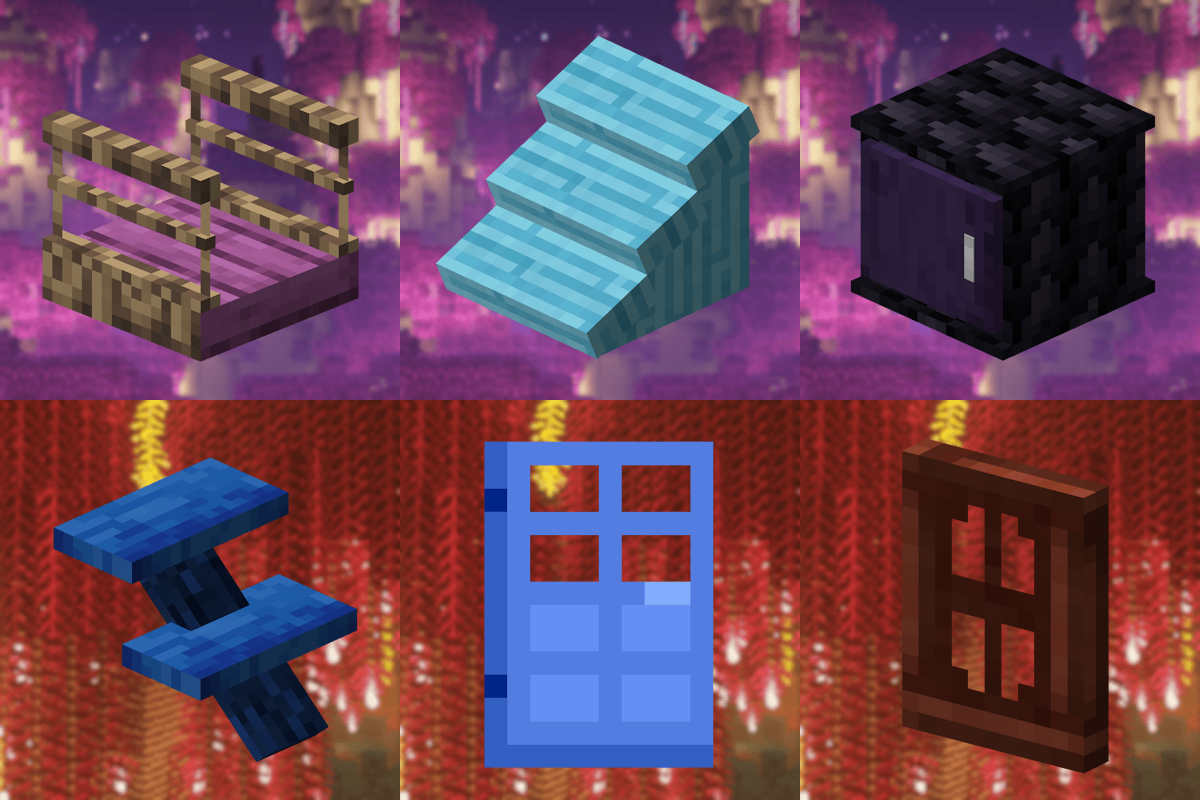
Macaw's Betters
This mod is a multi-compatibility for the mods Better Nether and Better End.
 mod
mod CurseForge + Modrinth · Minecraft
Stable FPS
Minecraft mod to fix long-standing FPS stability issues.