Minecraft version
Back to mods 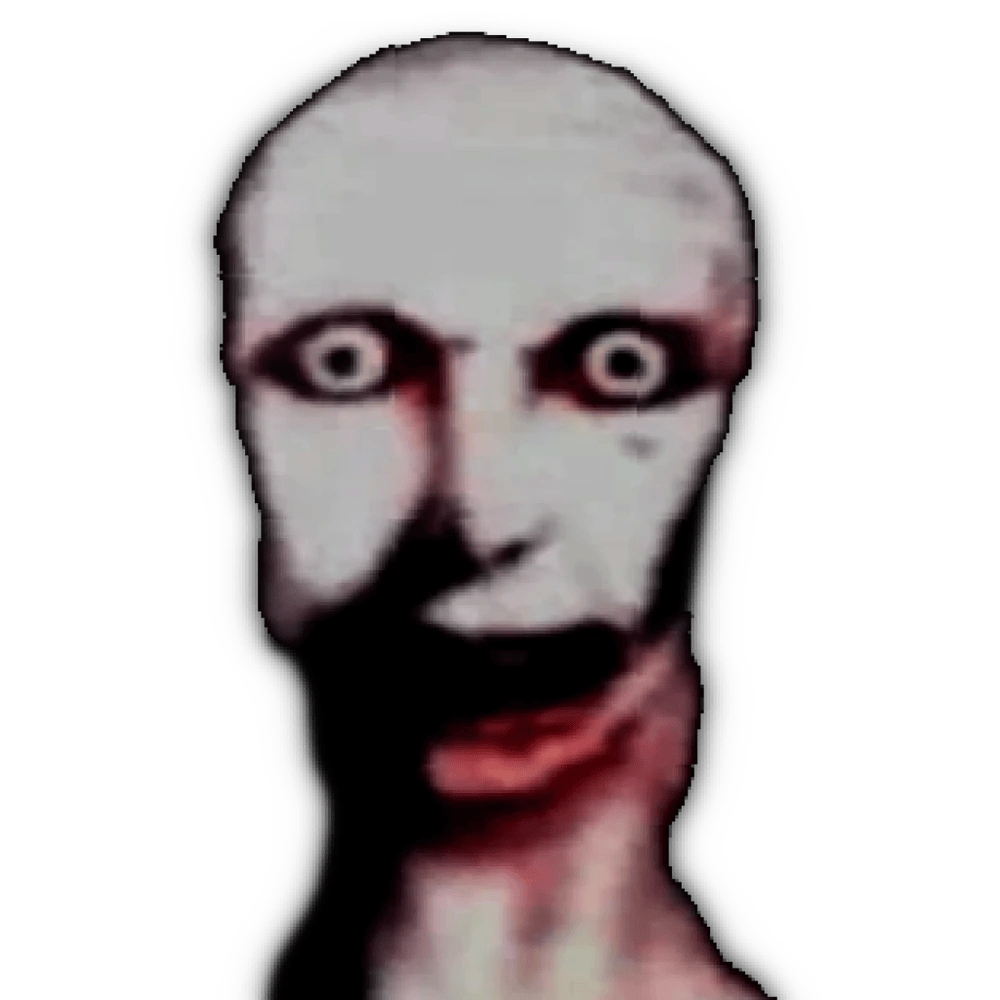
CurseForge · Minecraft mod
NextBot PinHead
A nextbot mod that improves scaryness of minecraft. A nextbot mod that has different behaviors.
Choose a version Pick your version below, then grab the matching file.
Quick answer
Which NextBot PinHead release should I use?
beta file nextbots_smart-1.0.3-forge-1.20.1.jar
Game version 1.20.1
Loader Forge
NextBot PinHead nextbots_smart-1.0.3-forge-1.20.1.jar targets 1.20.1 with Forge. The project page does not say whether this file belongs on the client, dedicated server, or both. No extra mods listed for this file.
Where it goes
Is NextBot PinHead required on the client, server, or both?
The project page does not say whether this file belongs on the client, dedicated server, or both.
Client Source doesn’t say
Dedicated server Source doesn’t say
Loader for this release Forge
Required install it here Optional supported, not mandatory Not supported do not install here Source doesn’t say do not assume
The source does not explicitly classify this release as client-only or server-only.
What else does NextBot PinHead nextbots_smart-1.0.3-forge-1.20.1.jar need?
nextbots_smart-1.0.3-forge-1.20.1.jar. Change the file and its required mods may change too.
This file does not list any required mods. Do not add a library just because a different file uses it.
This file does not list any required or optional mods.
Before you install it
Add NextBot PinHead without breaking your instance.
Built for NextBot PinHead nextbots_smart-1.0.3-forge-1.20.1.jar. Pick another file and the loader, install side or required mods may change.
- 01
Stick to this file
Use nextbots_smart-1.0.3-forge-1.20.1.jar. It targets 1.20.1 with Forge; another release may have different loader, side or dependency requirements.
- 02
Bring the mods it needs
This file does not list any required mods. Do not add a library just because a different file uses it.
- 03
Put it on the correct side
The project page does not say whether this file belongs on the client, dedicated server, or both.
- 04
Pick the file you checked
Use the “Get this file” button beside nextbots_smart-1.0.3-forge-1.20.1.jar. It opens that exact file at the source.
About this project
What does NextBot PinHead add?
A minecraft mod about nextbots with different behaviors that will make your world scarier. There are only 1 nextbot.
Behaviors:
- Stalking: This is its default mode.
- Chasing: The classic, aggressive pursuit.
- Hiding: A mode designed to break line of sight and reset the encounter.
When Pin Head spawns, it immediately go to a random spot on the map.
Stalking Phase: It enters the "Stalking" phase. It moves slowly towards the player's location. Crucially, it plays an ambient sound that gets progressively louder the closer it gets, building auditory tension even when unseen. The purpose of this phase is to allow the player time to feel the creepy atmosphere of the map itself.
Player Sighting & The "Coin Flip": When Pin Head finally enters the player's line of sight after stalking, it makes a decision based on a random 30/70 chance (like a coin flip):
- Heads (Hide): It enters the "Hiding" behavior. It quickly runs away to another random spot, specifically trying to break line of sight while ensuring the player sees it run away. This creates uncertainty – the player knows it's still out there but has lost track of it. After hiding, it returns to the Stalking phase from its new position, restarting the slow tension build.
- Tails (Chase): It enters the "Chasing" behavior – the full-speed, screaming pursuit typical of Nextbots.
Project description from CurseForge.
Pick your setup
NextBot PinHead by Minecraft version and loader
Choose the version and loader you play, then open the matching release.
Check the dependencies, then try the file in a copied instance before changing a world you care about.
Recent files
NextBot PinHead versions and loaders
nextbots_smart-1.0.3-forge-1.20.1.jar
19 Apr 2025
Client Source doesn’t say Server Source doesn’t say Dependencies No extras listed Listed on Release listing
Check the 1.20.1 · Forge setup 1.20.1Forge beta
nextbots_smart-1.0.2-forge-1.20.1.jar
17 Apr 2025
Client Source doesn’t say Server Source doesn’t say Dependencies No extras listed Listed on Release listing
Check the 1.20.1 · Forge setup 1.20.1Forge beta
Looking for an older file? The official CurseForge project page is in Resources.
 mod
CurseForge + Modrinth · Minecraft
MobSpawnController
MobSpawnSwitch is a powerful yet easy-to-use mod that gives you complete control over mob spawning in Minecraft. Whether you want to disable specific mob types, control how they spawn, or fine-tune your server's mob behavior, this mod has you covered
 mod
CurseForge · Minecraft
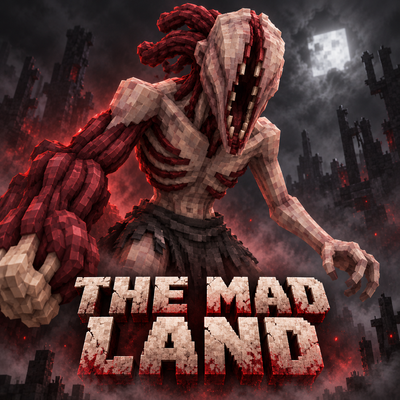
The mad land
The Mad Land is a horror survival mod for Minecraft 1.20.1, featuring grotesque creatures, unsettling sounds, and animated flesh mutations.
 mod
CurseForge · Minecraft
True Fishing
A mod where entities actually nibbles and takes the hook. Fishing is now more realistic but gives more food to compensate!