Fabric API Needed by Pocket Repose pocket-repose-1.5.4-1.21.1.jar
requiredMatching file found Matched file: [1.21.1] Fabric API 0.116.18+1.21.1
CurseForge · Minecraft mod
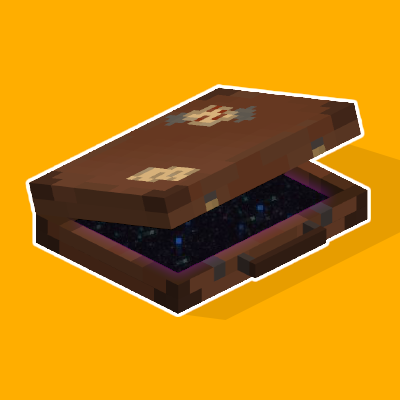
Adds a bigger on the inside suitcase.
Quick answer
Pocket Repose pocket-repose-1.5.4-1.21.1.jar targets 1.21.1 with Fabric. The project page does not say whether this file belongs on the client, dedicated server, or both. All 1 required mods have matching files.
Where it goes
The project page does not say whether this file belongs on the client, dedicated server, or both.
The source does not explicitly classify this release as client-only or server-only.
pocket-repose-1.5.4-1.21.1.jar on Fabric. Every mod below is checked against that same setup.
Install Fabric API first. We found matching files for this game-version and loader setup.
We only count dependency files that match this setup. A file for another loader does not fill the gap.
Before you install it
Built for Pocket Repose pocket-repose-1.5.4-1.21.1.jar on Fabric. Pick another file and the loader, install side or required mods may change.
Use pocket-repose-1.5.4-1.21.1.jar. It targets 1.21.1 with Fabric; another release may have different loader, side or dependency requirements.
Install Fabric API first. We found matching files for this game-version and loader setup.
The project page does not say whether this file belongs on the client, dedicated server, or both.
Use the “Get this file” button beside pocket-repose-1.5.4-1.21.1.jar. It opens that exact file at the source.
About this project

Adds the Traveler's Suitcase block to Minecraft.
Unlock and climb inside the "bigger on the inside" suitcase.
Provides a Pocket Dimension that players can utilize and share.


Unlock your suitcase with a renamed key.
Sneak on an open suitcase to access your personal pocket dimension.
Build and utilize the area within however you see fit.
Craft pocket doors and secret blocks to disguise your dimension's entrance.
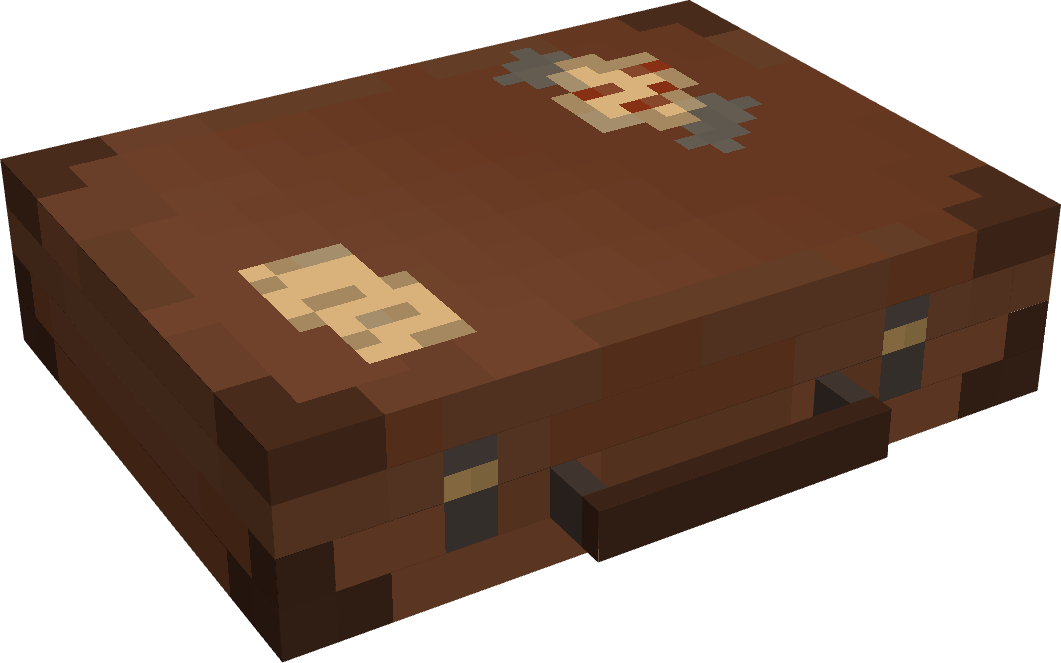
Craft, repair, and rename a broken key in order to unlock the suitcase.
The dimension you enter is directly linked to the key's name.
Share Key names to allow other players to enter your private dimension from their own suitcase.
The Empty Key creates a blank dimension.
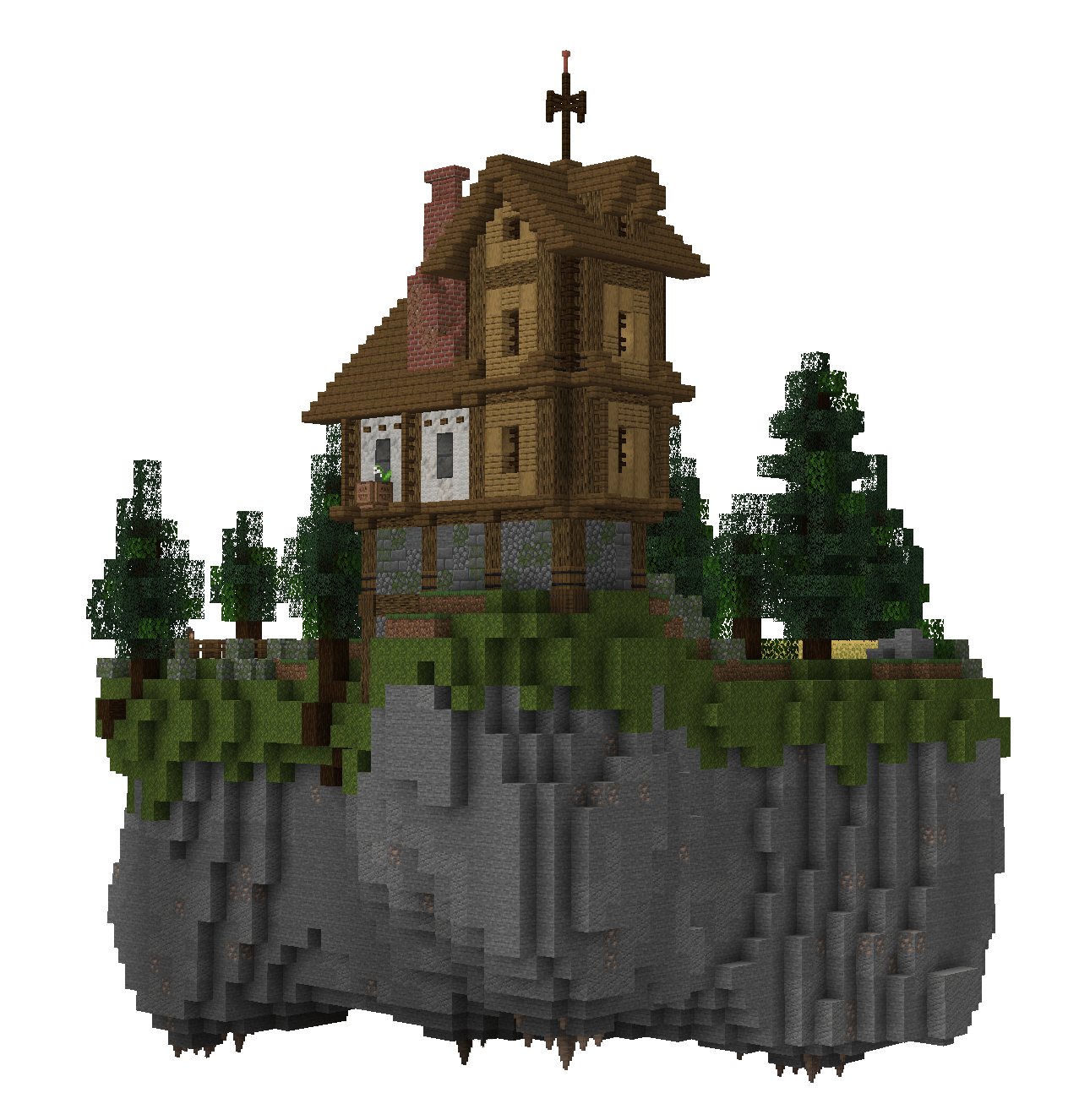
The Island Key creates a floating island.
The World Key creates an Overworld esque dimension.

The pocket island is a safe space where mobs do not spawn by default.
Entering the suitcase will bring you to your very own pocket island, individual to your key's name.
Right-click anywhere inside a pocket dimension with a bone to change the players entry location.
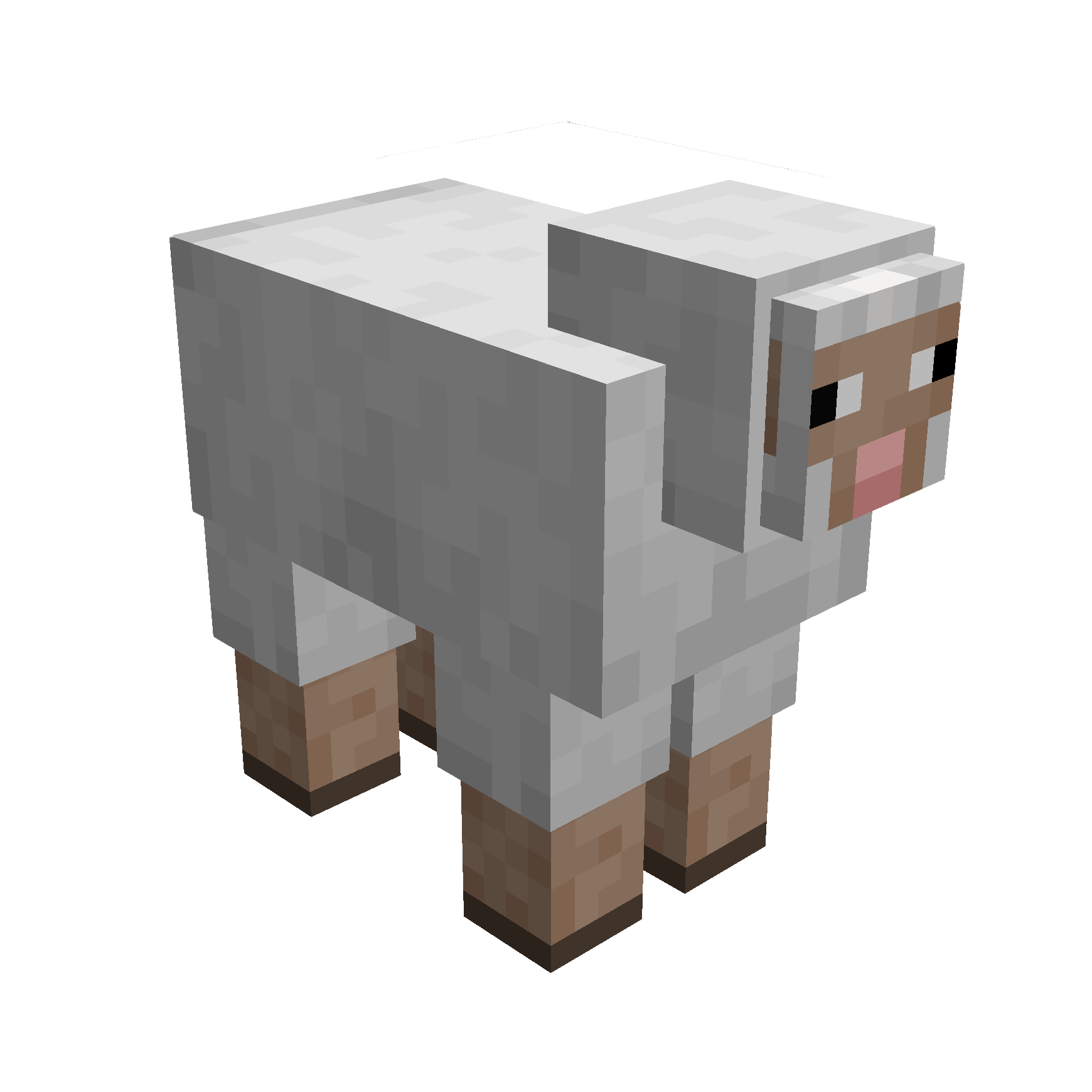
Simply right-click a mob with your suitcase to capture them.
While inside the pocket dimension you can change a mobs entry location with a lead.
Right-click a mob inside your pocket dimension with a key to release them.




This mod is singleplayer and multiplayer friendly.
Required on client and server if using on a server.
Fabric versions require Fabric API.
Set Captured Mobs Entry Point: Must be in a pocket dimension/pocketRepose setMobEntry
Set Player Entry Point: Must be in a pocket dimension/pocketRepose setPlayerEntry
Reset Player Entry Point: Must be an OP/pocketRepose resetPlayerEntry [dimensionNameHere]
List Pocket Dimensions: Must be an OP/pocketRepose pocketDimensions list
Capture Mob Blacklist: Must be an OP/pocketRepose pocketDimensions captureBlacklist add/remove/list/clear
Can Capture Hostile Mobs: Must be an OP/pocketRepose pocketDimensions allowHostileMobCapture true/false (default false)
Can Capture Passive Mobs: Must be an OP/pocketRepose pocketDimensions allowPassiveMobCapture true/false (default true)
Hostile Mob Spawning: Must be an OP/pocketRepose pocketDimensions allowHostileMobSpawning true/false (default false)
Allows hostile mobs to naturally spawn inside pocket dimensions.
Passive Mob Spawning: Must be an OP/pocketRepose pocketDimensions allowPassiveMobSpawning true/false (default true)
Allows passive mobs to naturally spawn inside pocket dimensions.
Spawn Pocket Island: Must be an OP/pocketRepose pocketDimensions spawnIsland true/false (default true)
If true, the pocket island will spawn when binding a new key.
If false, when binding a new key a grass block will spawn in place of the island.
Allow Recursion: Must be an OP/pocketRepose pocketDimensions allowRecursion true/false (default true)
Allows suitcases to work inside other suitcases.
Suitcases that match the dimension name will not work within eachother.
Allow Spawn Points: Must be an OP/pocketRepose pocketDimensions allowSetSpawnPoint true/false (default false)
Allows players to set their spawn point with a bed inside pocket dimensions.
Allow In Nether: Must be an OP/pocketRepose pocketDimensions allowInNether true/false (default true)
Allows pocket blocks to be entered while in the Nether.
Allow In End: Must be an OP/pocketRepose pocketDimensions allowInEnd true/false (default true)
Allows pocket blocks to be entered while in the End.
Knock Volume: Must be an OP/pocketRepose pocketDimensions setKnockVolume [volume] (default 0.5, max 10)
Sets how loud a knock on a locked suitcase is heard inside the pocket dimension.
Close On Entry: Must be an OP/pocketRepose closeOnEntry true/false (default false)
If true, unlocked pocket blocks will close behind players who enter them.
Close On Locked Entry: Must be an OP/pocketRepose closeOnLockedEntry true/false (default true)
If true, locked pocket blocks will close behind players who enter them.
Exit Keystone Cooldown: Must be an OP/pocketRepose exitKeystone setCooldown [seconds] (default 1, max 600)
Exit Keystone In Overworld: Must be an OP/pocketRepose exitKeystone worksInOverworld true/false (default false)
If true, the Exit Keystone will return players to their spawn point from the Overworld.
Exit Keystone In Nether: Must be an OP/pocketRepose exitKeystone worksInNether true/false (default true)
If true, the Exit Keystone will return players to their spawn point from the Nether.
Exit Keystone In End: Must be an OP/pocketRepose exitKeystone worksInEnd true/false (default true)
If true, the Exit Keystone will return players to their spawn point from the End.
Hallway Shader: Client side, can be anywhere/pocketReposeClient hallwayShader true/false (default true)
Toggles the bigger on the inside effect for pocket blocks.
If false, a black plane is shown instead.
Q: How do you enter a suitcase?
A: Craft a key and suitcase, rename the key in an anvil, right click the suitcase with the key, open the suitcase, then sneak to enter.
Q: How are the pocket dimensions handled?
A: Pocket dimensions are linked to the keys, not the suitcases. Every time a key is renamed and bound, a new dimension is created under that specific name.
Names can be shared or kept secret.
Q: What if my suitcase and key are destroyed?
A: Make a new key and rename it with the original name. Pocket dimensions cannot be lost.
Project description from CurseForge.
Pick your setup
Choose the version and loader you play, then open the matching release.
Check the dependencies, then try the file in a copied instance before changing a world you care about.
Recent files
14 Nov 2026
14 Nov 2026
12 Nov 2026
12 Nov 2026
11 Nov 2026
11 Nov 2026
9 Nov 2026
9 Nov 2026
3 Nov 2026
3 Nov 2026
28 Dec 2025
26 Dec 2025
Looking for an older file? The official CurseForge project page is in Resources.