Minecraft version
Back to mods 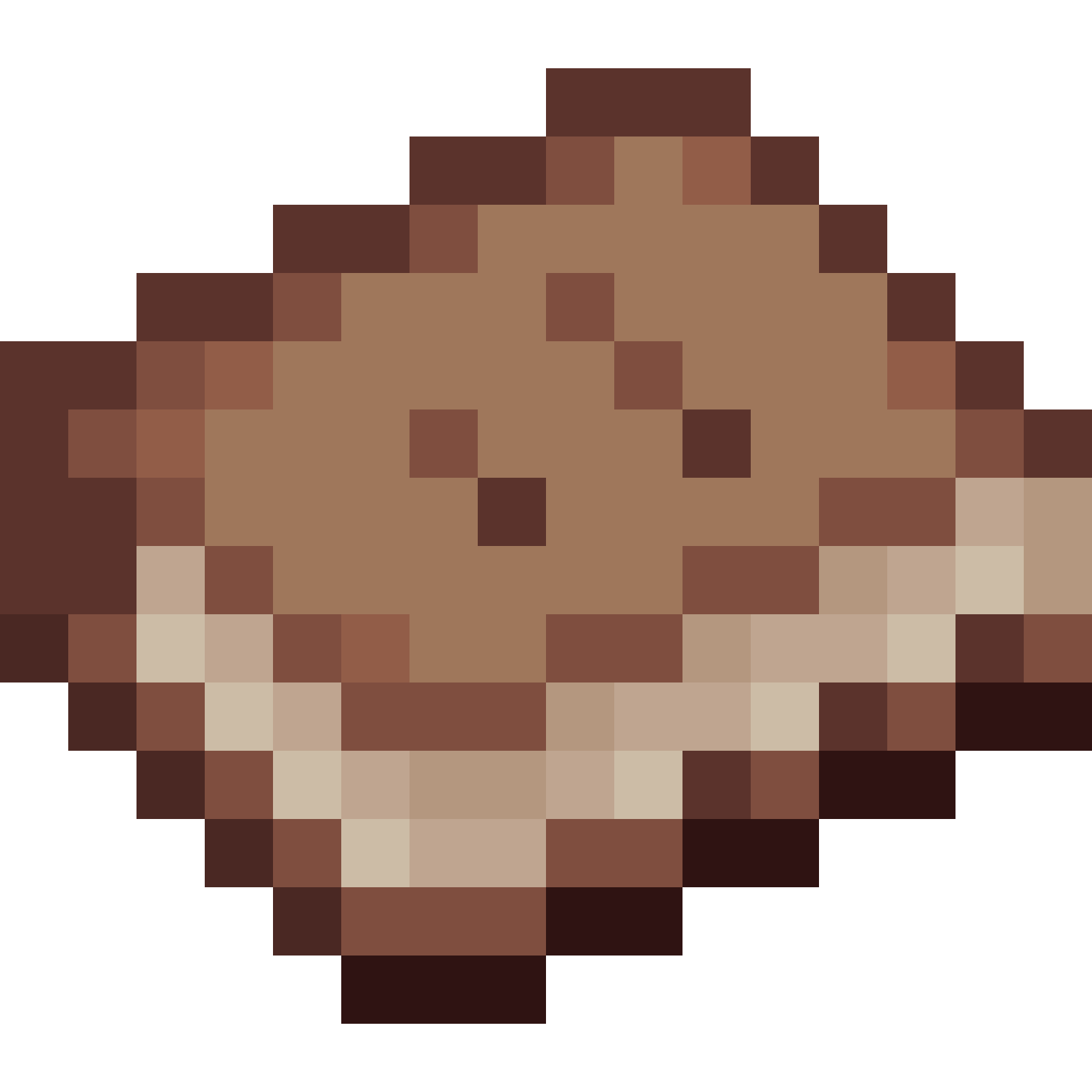
CurseForge · Minecraft mod
Diary
Diary Mod brings an immersive “book-and-paper” journaling system to Minecraft.
Choose a version Pick your version below, then grab the matching file.
Quick answer
Which Diary release should I use?
Latest stable file diary-1.3.1-1.21.1
Game version 1.21.1
Loader NeoForge
diary-1.3.1-1.21.1 targets 1.21.1 with NeoForge. The project page does not say whether this file belongs on the client, dedicated server, or both. No extra mods listed for this file.
Where it goes
Is Diary required on the client, server, or both?
The project page does not say whether this file belongs on the client, dedicated server, or both.
Client Source doesn’t say
Dedicated server Source doesn’t say
Loader for this release NeoForge
Required install it here Optional supported, not mandatory Not supported do not install here Source doesn’t say do not assume
The source does not explicitly classify this release as client-only or server-only.
What else does diary-1.3.1-1.21.1 need?
diary-1.3.1-1.21.1. Change the file and its required mods may change too.
This file does not list any required mods. Do not add a library just because a different file uses it.
This file does not list any required or optional mods.
Before you install it
Add Diary without breaking your instance.
Built for diary-1.3.1-1.21.1. Pick another file and the loader, install side or required mods may change.
- 01
Stick to this file
Use diary-1.3.1-1.21.1. It targets 1.21.1 with NeoForge; another release may have different loader, side or dependency requirements.
- 02
Bring the mods it needs
This file does not list any required mods. Do not add a library just because a different file uses it.
- 03
Put it on the correct side
The project page does not say whether this file belongs on the client, dedicated server, or both.
- 04
Pick the file you checked
Use the “Get this file” button beside diary-1.3.1-1.21.1. It opens that exact file at the source.
About this project
What does Diary add?
📖 Diary Mod – Leave Your Mark in the World of Minecraft
Diary Mod brings a complete journaling system to the world of Minecraft, allowing you to read, collect, display, and write beautifully styled diary entries. Whether you're documenting your adventures, writing serialized novels, or decorating with cute little illustrations, this mod makes it all effortless.
✨ Key Gameplay Features
Page-Turning Reading Interface Right-click a “Diary Paper” or “Diary” item to open a realistic book-style GUI. Flip through the pages and click the “Done” button for a seamless, immersive reading experience.
Randomized Paper and Cover Styles Each Diary Paper item in your inventory is assigned a random
CustomModelDatavalue (1–3), giving it a unique appearance—from aged parchment full of writing to a kawaii scrapbook covered in stickers. Diary covers also come in various styles, making your diary truly one-of-a-kind.Unlimited Volumes and Chapters A single Diary can be made up of multiple Diary Papers. When you reach the last page of one, it automatically jumps to the next volume, keeping chapters clearly organized. You can title each volume and write subtitles or dates on the cover page to give your story that special touch.
Creative Mode Integration In Creative Mode, all registered Diary Papers and Diaries are neatly listed under the “Diary” tab—making it easy for server admins and map makers to preview, pick, and test content quickly.
Fully Data-Driven Content Everything—from page text to book titles and chapter order—is driven by JSON files in the resource pack. You don’t need to write a single line of code to provide players with brand-new diary themes:
- Adventure Logs: Chronicle your fortress raids or End explorations
- Creature Compendium: Document fantastical beasts with sketches and notes
- Story Integration: Tie custom quests and dialogue scripts together through immersive diary entries
🎲 Example: How to Use in Game
- Get the Items
/give @s diary_paper{diary_id:"mystic_journal"} 1/give @s diary{diary_type:"mystic_journal"} 1
- Open to Read
- Right-click while holding a Diary Paper or Diary item to open the GUI.
- Flip Pages / Exit
- Use the arrow buttons to flip pages. Click “Done” or press Esc to close.
- Decorate and Display
- Screenshot or record the reading interface for adventure log walls on your server, or create an exhibit area to showcase your journals.
🛠 Expandability
- No Restart Needed: Just add or modify files under
data/diary/paper/*.jsonanddata/diary/book/*.json, then reload with/reloadto see changes instantly. - Create Your Own: Map makers and mod creators can define new diary themes, chapters, and text using simple JSON files.
- Open API: Can be integrated with other mods to trigger events, play sounds, or interact with custom quest systems when diary items are used.
Let every adventure leave a written legacy—use the Diary Mod to weave your stories into beautifully crafted journal entries!
Project description from CurseForge.
Pick your setup
Diary by Minecraft version and loader
Choose the version and loader you play, then open the matching release.
Minecraft version
1.20.1
1 loader buildMinecraft version
1.18.2
1 loader buildCheck the dependencies, then try the file in a copied instance before changing a world you care about.
Recent files
Diary versions and loaders
diary-1.3.1-1.21.1
diary-1.3.1-1.21.1.jar
24 Jun 2026
Client Source doesn’t say Server Source doesn’t say Dependencies No extras listed Listed on Release listing
Check the 1.21.1 · NeoForge setup 1.21.1NeoForge release
diary-1.3-1.21.1
diary-1.3-1.21.1.jar
24 Jun 2026
Client Source doesn’t say Server Source doesn’t say Dependencies No extras listed Listed on Release listing
Check the 1.21.1 · NeoForge setup 1.21.1NeoForge release
diary-1.2-1.21.1
diary-1.2-1.21.1.jar
23 Jun 2026
Client Source doesn’t say Server Source doesn’t say Dependencies No extras listed Listed on Release listing
Check the 1.21.1 · NeoForge setup 1.21.1NeoForge release
diary-1.1-1.21.1
diary-1.1-1.21.1.jar
11 Apr 2026
Client Source doesn’t say Server Source doesn’t say Dependencies No extras listed Listed on Release listing
Check the 1.21.1 · NeoForge setup 1.21.1NeoForge release
Diary-1.2-1.18.2
Diary-1.2.jar
11 Jul 2025
Client Source doesn’t say Server Source doesn’t say Dependencies No extras listed Listed on Release listing
Check the 1.18.2 · Forge setup 1.18.2Forge release
Diary-1.1-1.20.1
Diary-1.1-1.20.1.jar
26 Jun 2025
Client Source doesn’t say Server Source doesn’t say Dependencies No extras listed Listed on Release listing
Check the 1.20.1 · Forge setup 1.20.1Forge release
Diary-1.1
Diary-1.1.jar
28 May 2025
Client Source doesn’t say Server Source doesn’t say Dependencies No extras listed Listed on Release listing
Check the 1.18.2 · Forge setup 1.18.2Forge release
Looking for an older file? The official CurseForge project page is in Resources.
 mod
CurseForge · Minecraft
World Wide Power Grid
A Compatibility project that allows Power Grid, Electro Energetics and their addons to function as one eco-system
 mod
CurseForge · Minecraft
Armor Set Bonuses (NeoForge /Forge)
Adds bonuses for armor sets, and is fully customizable
 mod
CurseForge + Modrinth · Minecraft
Enlivened End
brings me life to the end with new blocks, biomes, items, and mobs, all in a vanilla-style way