Create Needed by Create: Remote Terminal createterminal-1.21.1-1.0.4
requiredMatching file found Matched file: Create 6.0.10 for mc1.21.1

CurseForge · Minecraft mod
Adds a remote terminal to access the Stock Keeper system.
Quick answer
Create: Remote Terminal createterminal-1.21.1-1.0.4 targets 1.21.1 with NeoForge. The project page does not say whether this file belongs on the client, dedicated server, or both. All 1 required mods have matching files.
Where it goes
The project page does not say whether this file belongs on the client, dedicated server, or both.
The source does not explicitly classify this release as client-only or server-only.
createterminal-1.21.1-1.0.4. Change the file and its required mods may change too.
Install Create first. We found matching files for this game-version and loader setup.
We only count dependency files that match this setup. A file for another loader does not fill the gap.
Before you install it
Built for Create: Remote Terminal createterminal-1.21.1-1.0.4. Pick another file and the loader, install side or required mods may change.
Use createterminal-1.21.1-1.0.4. It targets 1.21.1 with NeoForge; another release may have different loader, side or dependency requirements.
Install Create first. We found matching files for this game-version and loader setup.
The project page does not say whether this file belongs on the client, dedicated server, or both.
Use the “Get this file” button beside createterminal-1.21.1-1.0.4. It opens that exact file at the source.
About this project
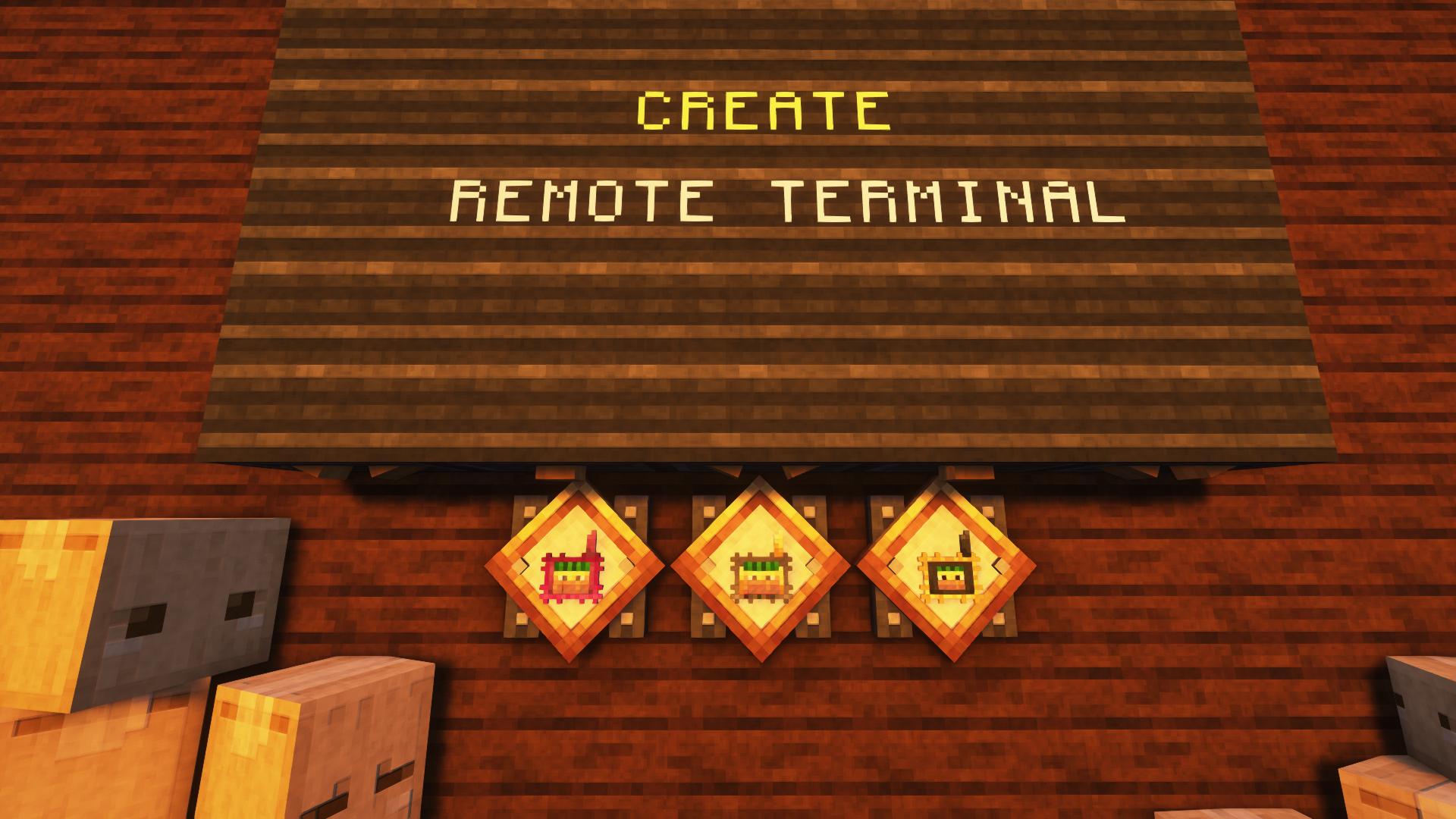


Create: Remote Terminal is an addon for Create that adds remote terminals for using the Stock Keeper system from a distance. Link a terminal to a Stock Ticker and you don’t have to keep running back every time you want to order something.
The mod adds three types of remote terminals. One of them is Creative-only, so most of the mod is built around the two survival variants. The regular terminal works with one Stock Ticker, while the Advanced version can store multiple connections and use them from a distance.
I just wanted to use the Stock Keeper system remotely. That’s pretty much it.
Three terminal types with different abilities, remote access to the Stock Keeper system, expandable memory for the Advanced Terminal, several visual styles, and a few smaller comfort features.
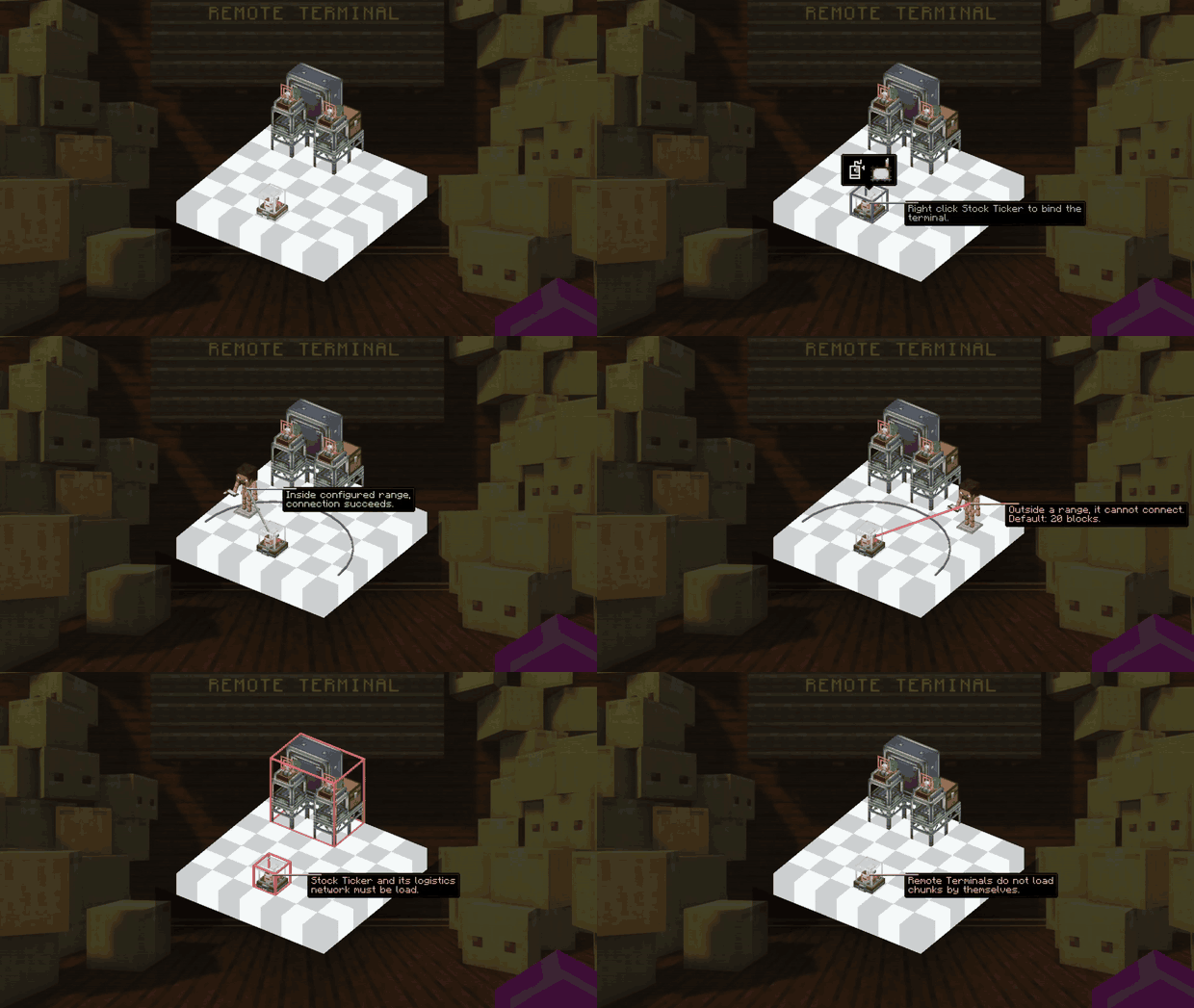
Craft a terminal and use Sneak + Right Click on a Stock Ticker to link them. After that, the terminal can open the full Stock Keeper interface directly from your inventory.
The regular Remote Terminal can be linked to one Stock Ticker. It works within its configured range, which can also be changed in the config.
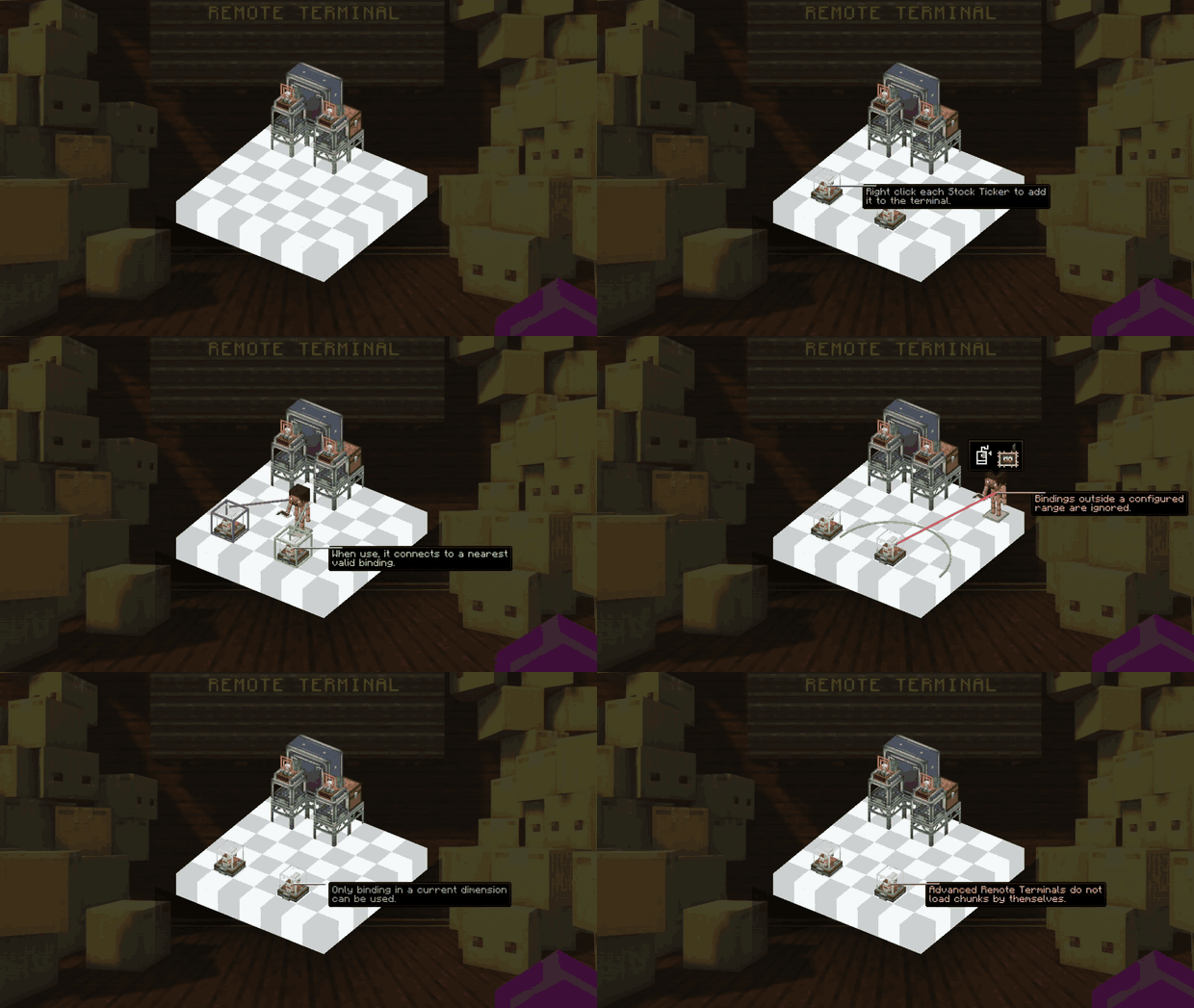
The Advanced Remote Terminal can store up to 25 Stock Ticker connections. When you open it, it tries to use the nearest available connection.
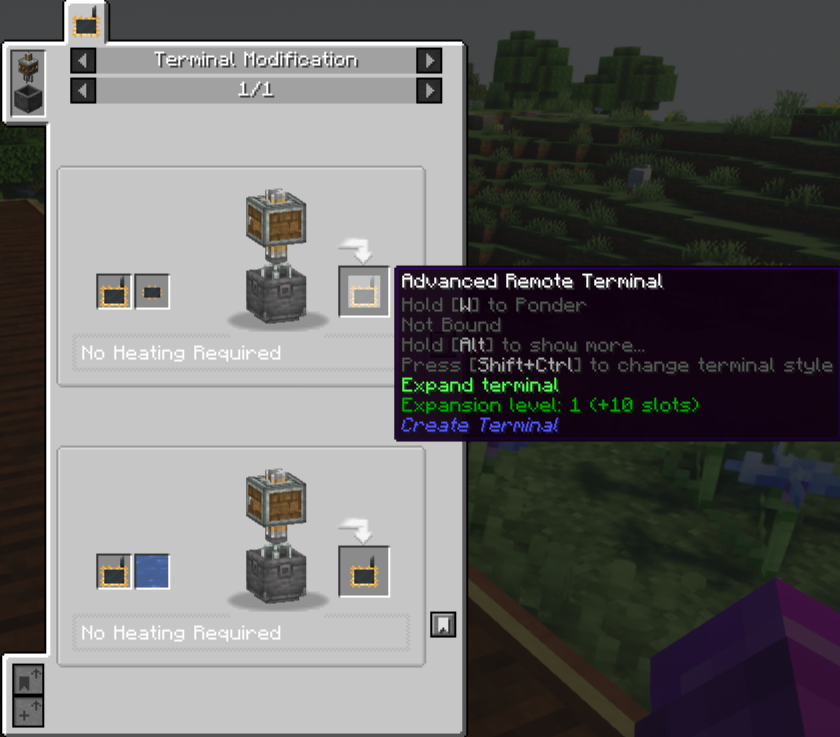
Its memory can also be expanded. Mix an Advanced Remote Terminal with a Memory Core in a Create Mixer and it gets another +10 connection slots.
If you want to clear all saved connections, the terminal can be washed with water through a Mixer.
The Creative version has unlimited connections and no distance limit.
G opens it directly.The terminal appearance can be changed with the Style Selector. Hold the terminal and use Ctrl + Shift to cycle through the available styles. Three styles are available by default: **Blaze**, **Parrot**, Cat
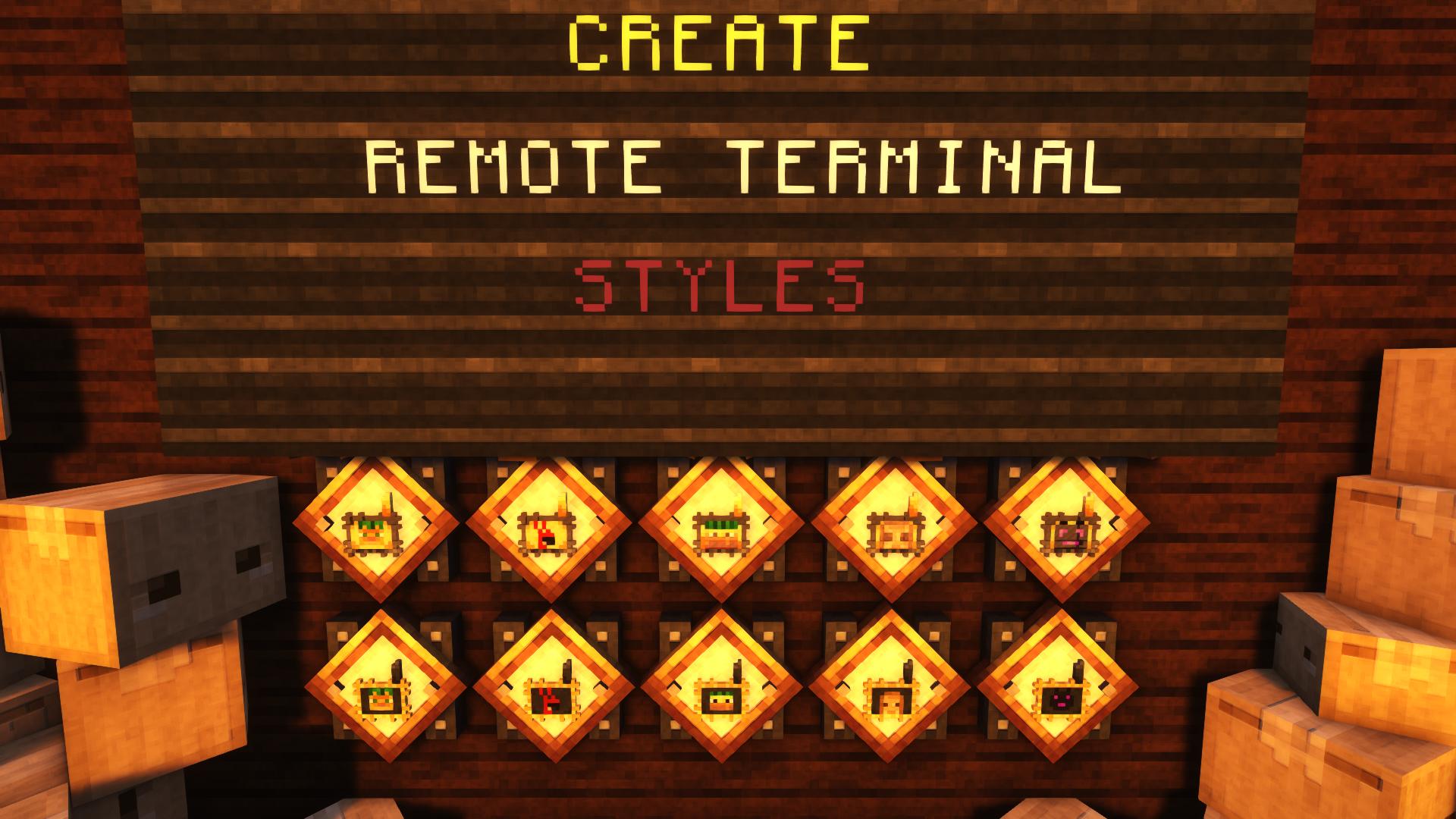
There are also two hidden styles:
The maximum working distance of the terminals can be changed in the config. Increasing the range doesn’t change the chunk requirement — the Stock Ticker chunk still has to be loaded. You can also enable or disable highlighting for the Stock Keeper system.
I got tired of running back to the Stock Keeper every time I wanted to order something. So i made a terminal i could carry with me.
Project description from CurseForge.
Pick your setup
Choose the version and loader you play, then open the matching release.
Check the dependencies, then try the file in a copied instance before changing a world you care about.
Recent files
createterminal-1.21.1-1.0.4.jar
22 Aug 2026
createterminal-1.20.1-1.0.4.jar
22 Aug 2026
createterminal-1.21.1-1.0.3.jar
12 Sept 2025
createterminal-1.21.1-1.0.2.jar
12 Sept 2025
16 Aug 2025
createterminal-1.0.2-1.20.1.jar
26 Jul 2025
createterminal-1.0.1-1.20.1.jar
15 Jun 2025
createterminal-1.0.0-1.20.1.jar
1 Jun 2025
Looking for an older file? The official CurseForge project page is in Resources.