TabbyLib Needed by Avies Day Counter 2.0.0-neoforge
requiredMatching file found Matched file: 2.0.1-neoforge
CurseForge · Minecraft mod
A simple Day Counter Mod
Quick answer
Avies Day Counter 2.0.0-neoforge targets 26.3 with NeoForge. The project page does not say whether this file belongs on the client, dedicated server, or both. All 1 required mods have matching files.
Where it goes
The project page does not say whether this file belongs on the client, dedicated server, or both.
The source does not explicitly classify this release as client-only or server-only.
2.0.0-neoforge. Change the file and its required mods may change too.
Install TabbyLib first. We found matching files for this game-version and loader setup.
We only count dependency files that match this setup. A file for another loader does not fill the gap.
Before you install it
Built for Avies Day Counter 2.0.0-neoforge. Pick another file and the loader, install side or required mods may change.
Use 2.0.0-neoforge. It targets 26.3 with NeoForge; another release may have different loader, side or dependency requirements.
Install TabbyLib first. We found matching files for this game-version and loader setup.
The project page does not say whether this file belongs on the client, dedicated server, or both.
Use the “Get this file” button beside 2.0.0-neoforge. It opens that exact file at the source.
About this project
Displays the current Minecraft day in a configurable HUD.
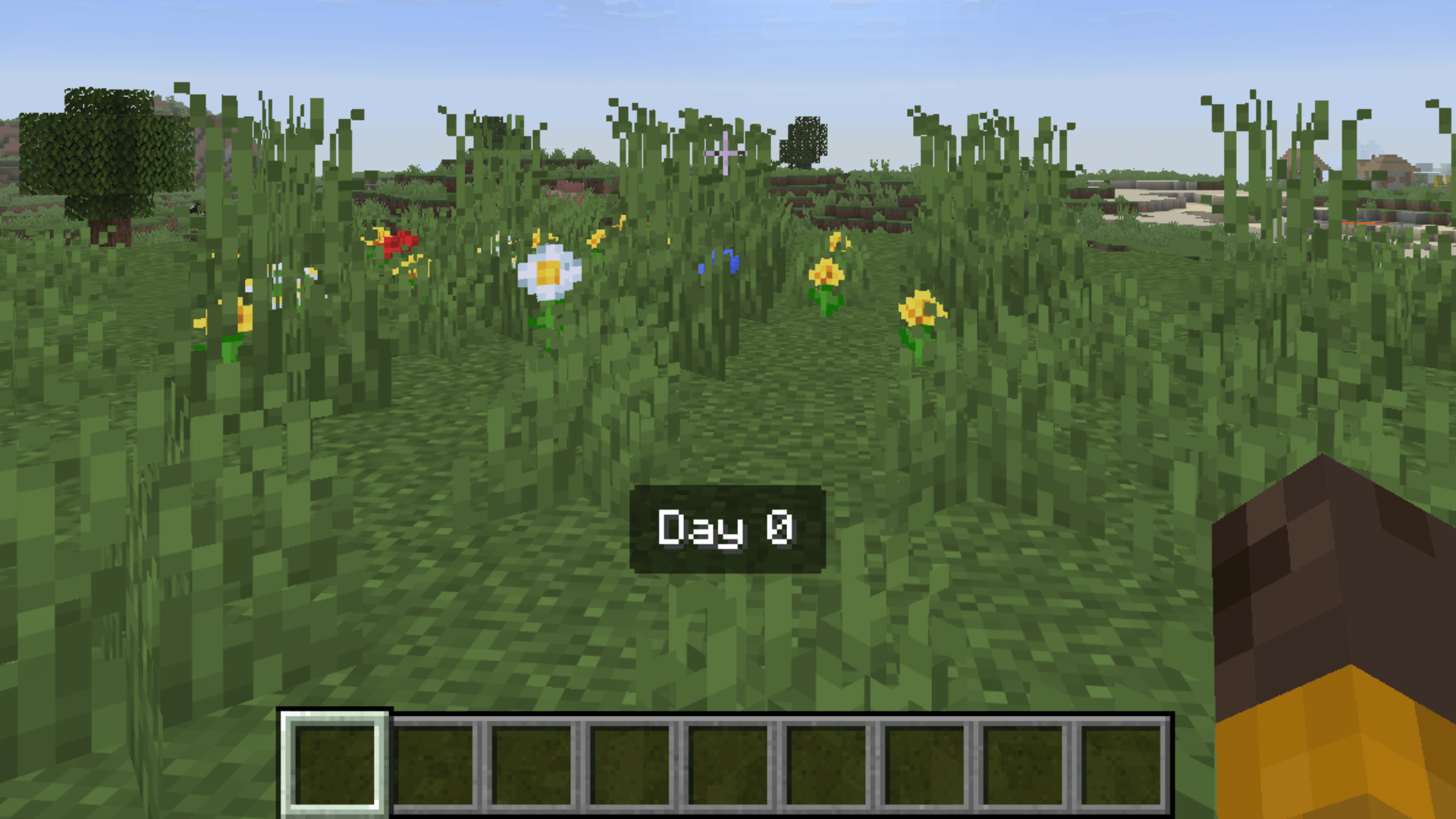
Day Counter shows how many days have passed in your world directly on screen, so you no longer need to open the statistics screen. It is client-side only and does not change any gameplay. Features include:
{day} and {time} placeholders.H by default).The settings can be opened with /dc config or, on Fabric, through Mod Menu. /dc help lists all other commands. Looking for the Day Counter datapack? It has moved to its own project.
Pre 2.0.0 versions: Avies Archive
Bugs and crashes can be reported in the issue tracker by selecting Day Counter as the project.
Project description from CurseForge.
Pick your setup
Choose the version and loader you play, then open the matching release.
Showing the newest 12 of 17 game versions. Older files are in the list below.
Check the dependencies, then try the file in a copied instance before changing a world you care about.
Recent files
day-counter-neoforge-2.0.0.jar
9 Nov 2026
day-counter-fabric-2.0.0.jar
9 Nov 2026
avies-day-counter-26.2-release+3.jar
11 Jul 2026
avies-day-counter-1.21-release+5.jar
11 Jul 2026
day-counter-datapack-1.2.1.jar
14 Jul 2025
Looking for an older file? The official CurseForge project page is in Resources.
 mod
Adds weight calculation (weight debuffs) for Curios slots
 mod
Items and accessories for the MineField Mods Official ModPack
 mod
Small, cheap early-game quality-of-life items and blocks — a walking cane, pole saw, budget hoppers, and more.