
Minecraft version
Back to mods 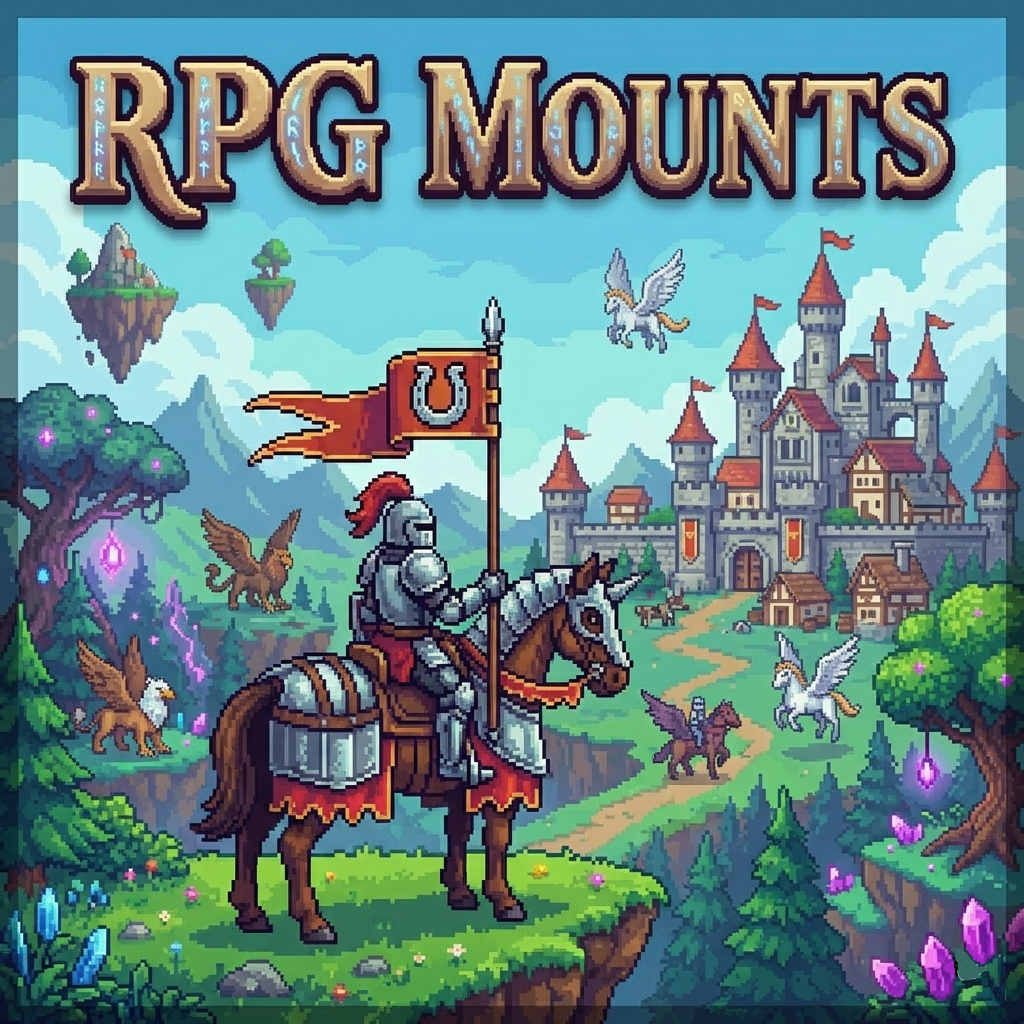
CurseForge · Minecraft mod
RpgMounts for servers
Utility mod for servers that makes it easy to add a mount system using existing in-game entities.
Choose a version Pick your version below, then grab the matching file.
Quick answer
Which RpgMounts for servers release should I use?
Latest stable file rpgmounts-0.9.5.jar
Game version 26.2
Loader NeoForge
RpgMounts for servers rpgmounts-0.9.5.jar targets 26.2 with NeoForge. The project page does not say whether this file belongs on the client, dedicated server, or both. No extra mods listed for this file.
Where it goes
Is RpgMounts for servers required on the client, server, or both?
The project page does not say whether this file belongs on the client, dedicated server, or both.
Client Source doesn’t say
Dedicated server Source doesn’t say
Loader for this release NeoForge
Required install it here Optional supported, not mandatory Not supported do not install here Source doesn’t say do not assume
The source does not explicitly classify this release as client-only or server-only.
What else does RpgMounts for servers rpgmounts-0.9.5.jar need?
rpgmounts-0.9.5.jar. Change the file and its required mods may change too.
This file does not list any required mods. Do not add a library just because a different file uses it.
This file does not list any required or optional mods.
Before you install it
Add RpgMounts for servers without breaking your instance.
Built for RpgMounts for servers rpgmounts-0.9.5.jar. Pick another file and the loader, install side or required mods may change.
- 01
Stick to this file
Use rpgmounts-0.9.5.jar. It targets 26.2 with NeoForge; another release may have different loader, side or dependency requirements.
- 02
Bring the mods it needs
This file does not list any required mods. Do not add a library just because a different file uses it.
- 03
Put it on the correct side
The project page does not say whether this file belongs on the client, dedicated server, or both.
- 04
Pick the file you checked
Use the “Get this file” button beside rpgmounts-0.9.5.jar. It opens that exact file at the source.
About this project
What does RpgMounts for servers add?
This utility mod, primarily designed for servers but also compatible with singleplayer and LAN, allows you to turn existing entities into mounts.
Entities will lose their original AI, which is replaced by a simplified one to make them usable as basic mounts.
📦 Items
- Item Namer – Lets you get an entity’s ID by right-clicking it. Useful for commands.
- Item Mounter – Ride an entity without controlling it.
- Speed Mount Boost - A consumable item to boost your mount’s speed.
📃 Commands
/rpgmounts addmount <player_name> <entity_id> <customName> <speedModifier> <type>
Unlocks a mount for a player to use./rpgmounts addbyview <player_name> <customName> <speedModifier> <type>
Unlocks a mount by view for a player to use./rpgmounts delmount <player_name> <entity_name>
Delete a previously unlocked mount./rpgmounts setenabled <player_name> <entity_name> <true / false>
Disables a previously unlocked mount./rpgmounts menu
Opens the mount menu without needing the keybind./rpgmounts listmounts
Lists all available entities that can be used as mounts./rpgmounts credits
Shows simple credits — I made this mod for free, so this is my small way of getting recognition./rpgmounts setdesc <player_name> <entity_name> <description>
Add description/rpgmounts cleardesc <player_name> <entity_name>
Clear description/rpgmounts setcost <player_name> <entity_name> <item_id> <count>
Add item cost to spawn the mount/rpgmounts clearcost <player_name> <entity_name>
Clear the cost/rpgmounts setspeed <player_name> <entity_name> <speed>
Modify mount speed/rpgmounts giveunlocker <player_name> <entity_id> <customName> <speedModifier> <type>
Create a mount-unlocking item/rpgmounts setparticle <player_name> <entity_name> <particle_type> <amount>
Custom particle type when mount spawning
All commands require operator permissions.
Command autocompletion has been added to make usage easier.
🛠 Keybind
A keybind called "Open Menu" is available under the "RpgMounts" category.
Players will mainly need this to access the mount system.
Quick-mount and dismount keybinds are also available.
⚙️ Configuration
A configuration file named epicka-common.toml can be found in the config folder. It allows you to adjust mount behavior and customize parts of the interface.
Player data is stored in the epicka subfolder, which tracks unlocked mounts and their activation status.
📜 Informations
The mod’s optimization and security have been carefully designed to ensure smooth use on large servers. It’s fully functional as it stands, with new content being added over time.
If you're interested in using it or feel some features are missing, feel free to contact me, I'm open to feedback and suggestions ! Join my Discord or contact me directely via CurseForge.
Project description from CurseForge.
Pick your setup
RpgMounts for servers by Minecraft version and loader
Choose the version and loader you play, then open the matching release.
Minecraft version
26.1.2
1 loader buildMinecraft version
26.1.1
1 loader buildMinecraft version
26.1
1 loader buildMinecraft version
1.21.11
1 loader buildMinecraft version
1.21.1
2 loader buildsMinecraft version
1.20.1
1 loader buildCheck the dependencies, then try the file in a copied instance before changing a world you care about.
Recent files
RpgMounts for servers versions and loaders
rpgmounts-0.9.5.jar
7 Sept 2026
Client Source doesn’t say Server Source doesn’t say Dependencies No extras listed Listed on Release listing
Check the 26.2 · NeoForge setup NeoForge26.2 release
rpgmounts-0.9.5.jar
22 Jun 2026
Client Source doesn’t say Server Source doesn’t say Dependencies No extras listed Listed on Release listing
Check the 26.1.2 · NeoForge setup NeoForge26.1.2 release
rpgmounts-0.9.5.jar
22 Jun 2026
Client Source doesn’t say Server Source doesn’t say Dependencies No extras listed Listed on Release listing
Check the 1.21.1 · NeoForge setup 1.21.1NeoForge release
rpgmounts-0.9.5.jar
22 Jun 2026
Client Source doesn’t say Server Source doesn’t say Dependencies No extras listed Listed on Release listing
Check the 1.20.1 · Forge setup 1.20.1Forge release
rpgmounts-0.9.4.jar
epicka-0.9.4.jar
20 Jun 2026
Client Source doesn’t say Server Source doesn’t say Dependencies No extras listed Listed on Release listing
Check the 26.2 · NeoForge setup NeoForge26.2 release
rpgmounts-0.9.4.jar
21 Apr 2026
Client Source doesn’t say Server Source doesn’t say Dependencies No extras listed Listed on Release listing
Check the 26.1.2 · NeoForge setup NeoForge26.1.2 release
rpgmounts-0.9.4.jar
5 Apr 2026
Client Source doesn’t say Server Source doesn’t say Dependencies No extras listed Listed on Release listing
Check the 26.1.1 · NeoForge setup NeoForge26.1.1 release
rpgmounts-0.9.4.jar
28 Mar 2026
Client Source doesn’t say Server Source doesn’t say Dependencies No extras listed Listed on Release listing
Check the 26.1 · NeoForge setup NeoForge26.1 release
rpgmounts-0.9.4.jar
3 Mar 2026
Client Source doesn’t say Server Source doesn’t say Dependencies No extras listed Listed on Release listing
Check the 1.21.11 · NeoForge setup NeoForge1.21.11 release
rpgmounts-0.9.4.jar
3 Mar 2026
Client Source doesn’t say Server Source doesn’t say Dependencies No extras listed Listed on Release listing
Check the 1.21.1 · NeoForge setup 1.21.1NeoForge release
rpgmounts-0.9.4.jar
3 Mar 2026
Client Source doesn’t say Server Source doesn’t say Dependencies No extras listed Listed on Release listing
Check the 1.20.1 · Forge setup 1.20.1Forge release
rpgmounts-0.9.3.jar
28 Feb 2026
Client Source doesn’t say Server Source doesn’t say Dependencies No extras listed Listed on Release listing
Check the 1.21.11 · NeoForge setup NeoForge1.21.11 release
Looking for an older file? The official CurseForge project page is in Resources.
 mod
mod CurseForge + Modrinth · Minecraft
Easy NPC
Create easily NPCs with dialogs for your world or for your mods.
 mod
mod CurseForge + Modrinth · Minecraft
Easy NPC: Core
Provides the core functionallity for the Easy NPC mod.
 mod
mod CurseForge · Minecraft
Custom Races Framework
Races and origins no matter the need, you can create one with ease.