Fabric API Needed by Frostbyte's Item Model Modifier 1.0.4 (Fabric 26.3)
requiredMatching file found Matched file: [26.3] Fabric API 0.161.0+26.3
CurseForge · Minecraft mod
Adds the /model command, allowing any item to be given any model
Quick answer
Frostbyte's Item Model Modifier 1.0.4 (Fabric 26.3) targets 26.3 with Fabric. The project page does not say whether this file belongs on the client, dedicated server, or both. All 1 required mods have matching files.
Where it goes
The project page does not say whether this file belongs on the client, dedicated server, or both.
The source does not explicitly classify this release as client-only or server-only.
1.0.4 (Fabric 26.3). Change the file and its required mods may change too.
Install Fabric API first. We found matching files for this game-version and loader setup.
We only count dependency files that match this setup. A file for another loader does not fill the gap.
Before you install it
Built for Frostbyte's Item Model Modifier 1.0.4 (Fabric 26.3). Pick another file and the loader, install side or required mods may change.
Use 1.0.4 (Fabric 26.3). It targets 26.3 with Fabric; another release may have different loader, side or dependency requirements.
Install Fabric API first. We found matching files for this game-version and loader setup.
The project page does not say whether this file belongs on the client, dedicated server, or both.
Use the “Get this file” button beside 1.0.4 (Fabric 26.3). It opens that exact file at the source.
About this project
Overview:
This mod adds a /model command, allowing any item to be given any model. /model can be called with one of four arguments, as long as the player's main hand is not empty:
/model get: Returns the identifier of the model that is currently applied to the item/model set <identifier>: Sets the item's model to the model defined by <identifier>/model reset: Resets the item to its vanilla model/model gui: Opens a GUI which can be used to visually browse through every currently loaded item modelItems modified via the /model command remain 100% vanilla, so the custom model will render even for players who don't have Frostbyte's Item Model Modifier installed (as long as the model is vanilla or part of a texture pack that is shared by all players involved). Additionally, if the item being modified is a helmet, the new model will be rendered instead of the helmet texture.
Using the GUI:
When running the /model gui command while holding any item in the player's mainhand, a new Remodel screen will be opened. The two item slots at the top of the screen will display the current held item (left) and a preview of that item with the currently slected model applied (right).
Below these item slots are a search bar and a stonecutter-style scrollable list of every currently loaded item model, listed in alphabetical order by identifier.
The GUI also contains three buttons:
If any of the models in the list are clicked, the preview item slot (right) will update to reflect the current selection. The button with the green check mark (center) will then become active, signifying that it can be clicked to apply the current selection and exit the GUI.
If /model gui is run with an already modified item in the player's mainhand, the button with the blue circular arrow (left) will be active, signifying that it can be clicked to reset the current item to its vanilla model and exit the GUI.
Once an item has been remodeled:
FAQs:
Download:
Modrinth - https://modrinth.com/mod/frostbytes-item-model-modifier
Curseforge - https://www.curseforge.com/minecraft/mc-mods/frostbytes-item-model-modifier
Project description from CurseForge.
Pick your setup
Choose the version and loader you play, then open the matching release.
Check the dependencies, then try the file in a copied instance before changing a world you care about.
Recent files
remodel-1.0.4-26.3.jar
18 Sept 2026
remodel-1.0.4-26.2.jar
18 Sept 2026
remodel-1.0.4.jar
21 Jun 2026
remodel-1.0.3.jar
10 Dec 2025
remodel-1.0.2.jar
24 Oct 2025
remodel-1.0.1.jar
4 Jul 2025
remodel-1.0.0.jar
3 Jul 2025
Looking for an older file? The official CurseForge project page is in Resources.
 mod
modAdds slabs, stairs, walls, fences, and more non-full block variants of many vanilla blocks.
 mod
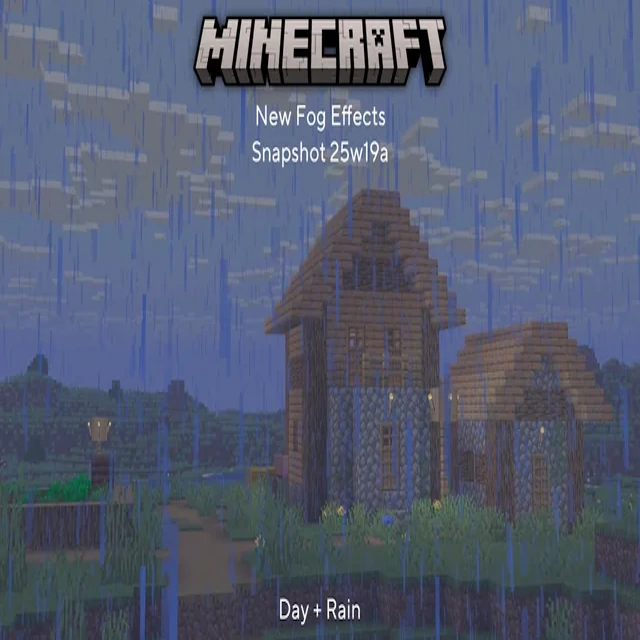
modAdds a toggleable setting to turn the environmental fog from 1.21.6 on and off in video settings.
 mod
modResource Pack and Datapack general IDE json editor and generator. Automatically supports codecs from any mod and generates a friendly UI for them with previews and syntax highlight

