Draconic Evolution Needed by Draconic Legacy Models olddraconicmodels-neoforge-1.21.1-1.0.1
requiredMatching file found Matched file: Draconic Evolution 1.21.1-3.1.4.633
CurseForge · Minecraft mod
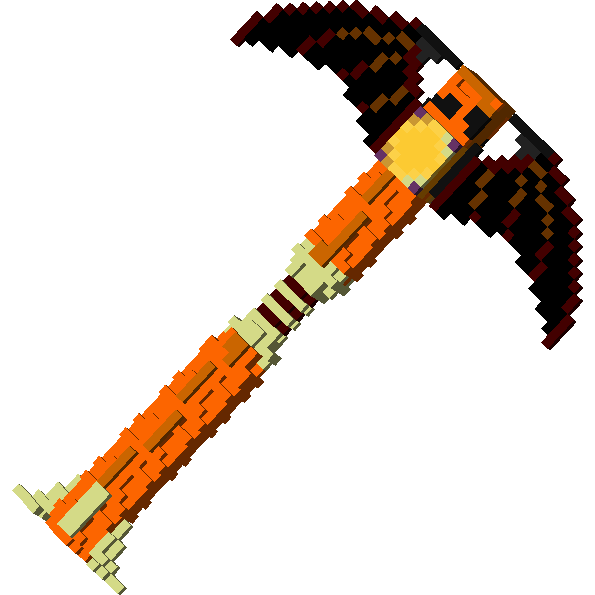
Brings back 1.12.2 Draconic Evolution tool models
Quick answer
Draconic Legacy Models olddraconicmodels-neoforge-1.21.1-1.0.1 targets 1.21.1 with NeoForge. The project page does not say whether this file belongs on the client, dedicated server, or both. All 3 required mods have matching files.
Where it goes
The project page does not say whether this file belongs on the client, dedicated server, or both.
The source does not explicitly classify this release as client-only or server-only.
olddraconicmodels-neoforge-1.21.1-1.0.1. Change the file and its required mods may change too.
Install Draconic Evolution, Brandon's Core, CodeChicken Lib 1.8.+ first. We found matching files for this game-version and loader setup. 2 come through another mod in the chain.
2 extra mods were pulled in by other dependencies. Indented rows show who needs each one. We only count dependency files that match this setup. A file for another loader does not fill the gap.
Before you install it
Built for Draconic Legacy Models olddraconicmodels-neoforge-1.21.1-1.0.1. Pick another file and the loader, install side or required mods may change.
Use olddraconicmodels-neoforge-1.21.1-1.0.1. It targets 1.21.1 with NeoForge; another release may have different loader, side or dependency requirements.
Install Draconic Evolution, Brandon's Core, CodeChicken Lib 1.8.+ first. We found matching files for this game-version and loader setup. 2 come through another mod in the chain.
The project page does not say whether this file belongs on the client, dedicated server, or both.
Use the “Get this file” button beside olddraconicmodels-neoforge-1.21.1-1.0.1. It opens that exact file at the source.
About this project
This mod brings back 1.12.2 Draconic Evolution tool models. It adds resource pack, that can be enabled in options.

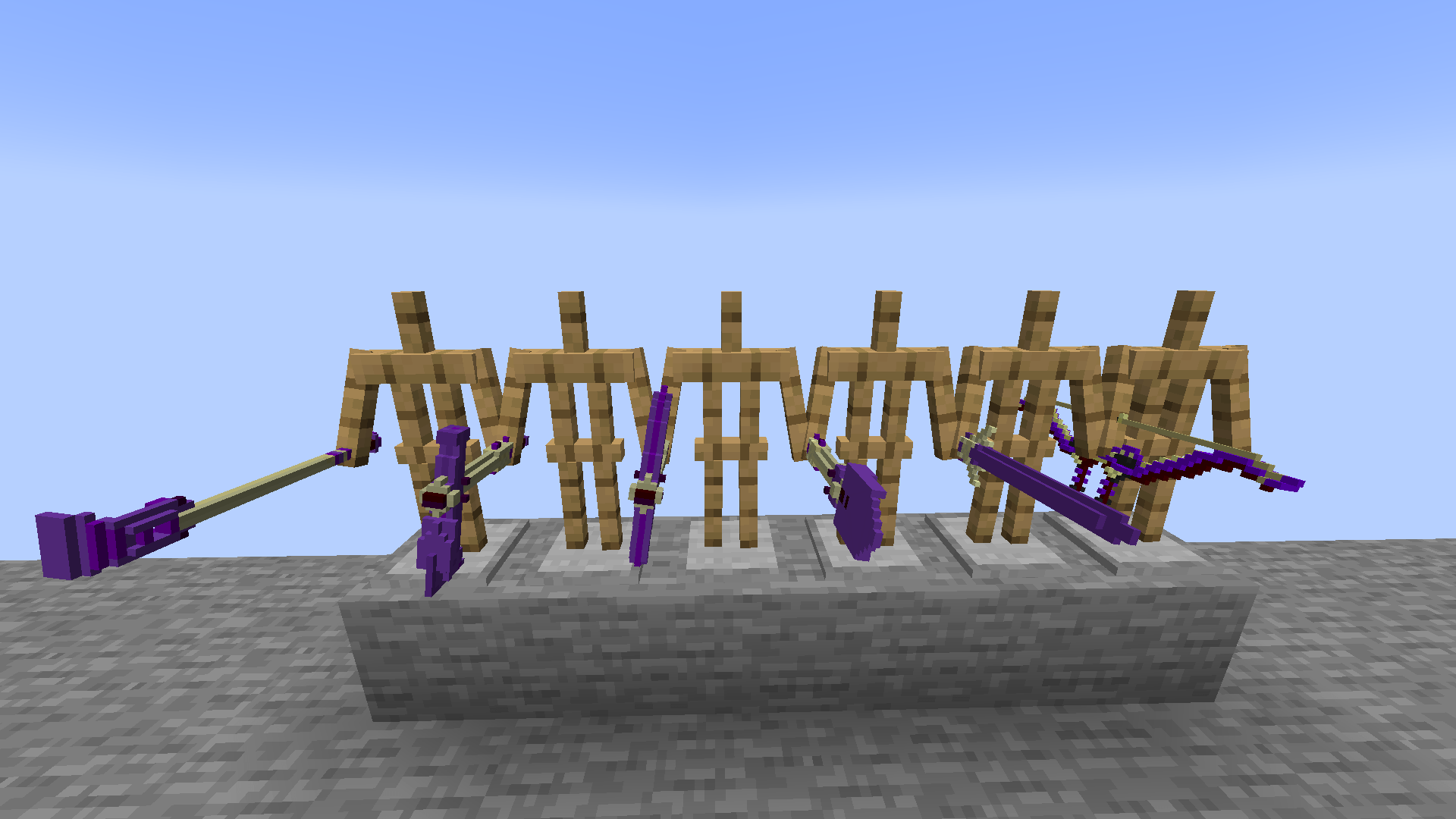
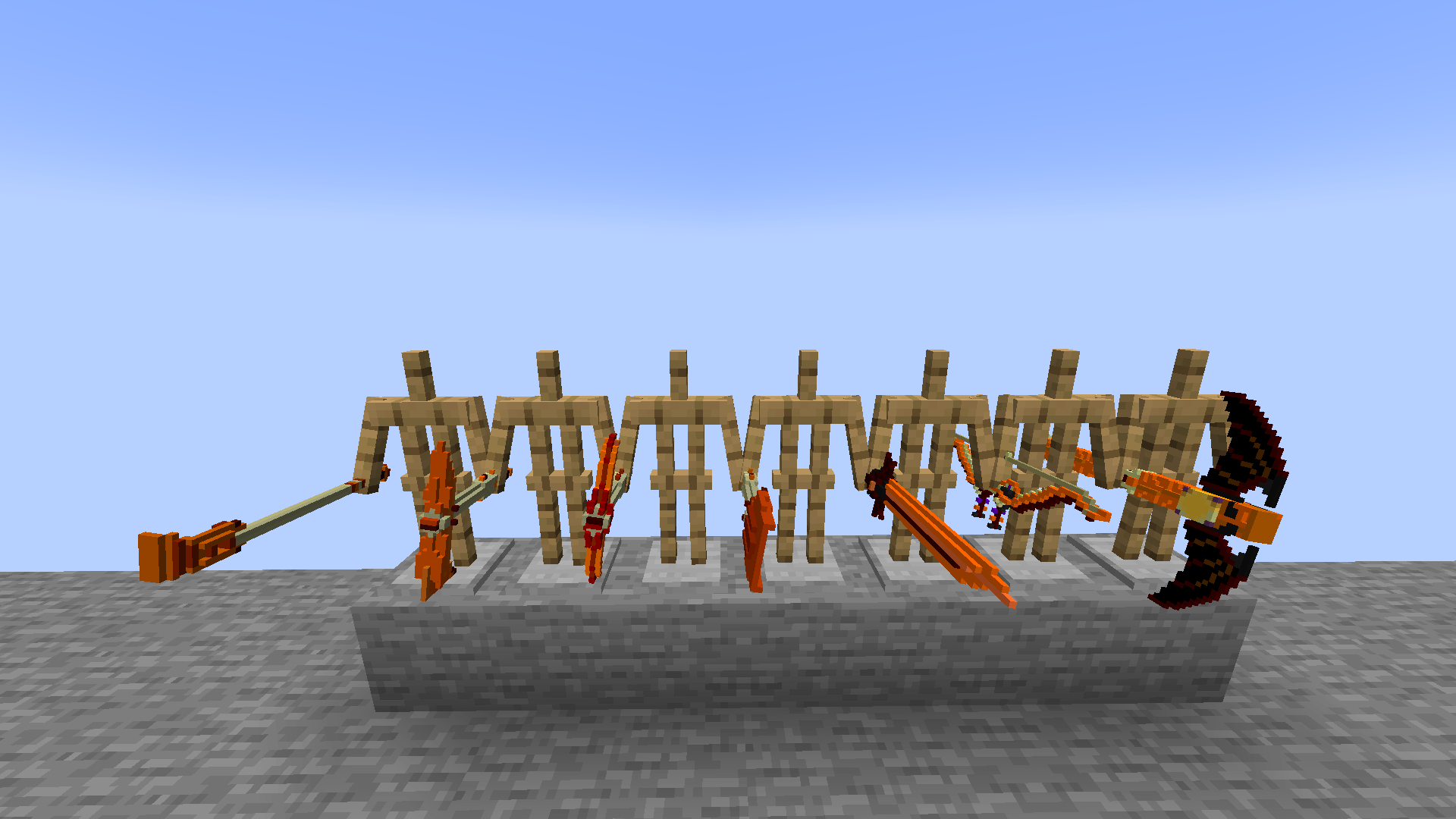
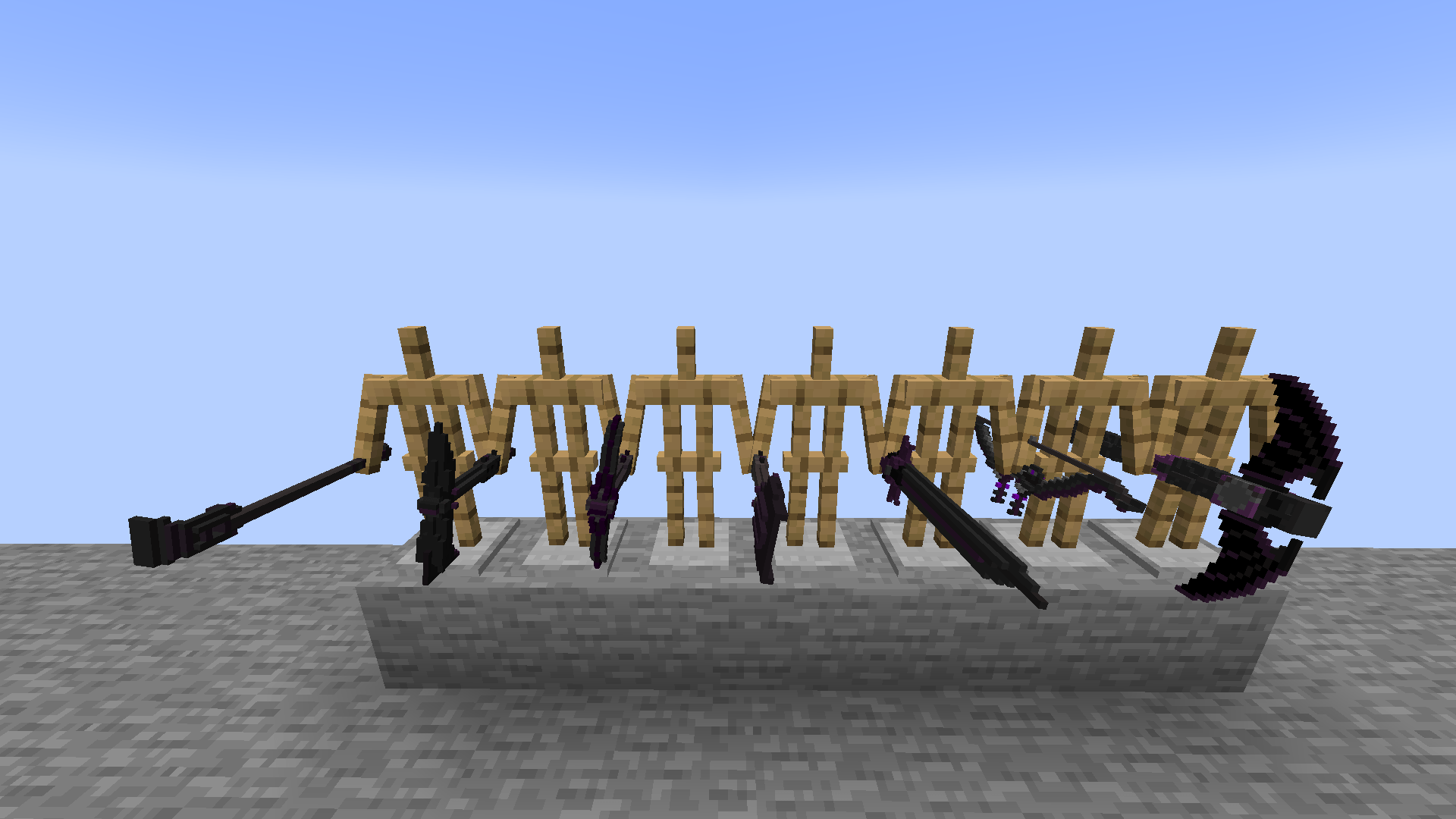
Chaotic Tools were not present in older versions, so they use Draconic Tools models with a custom texture.
Mod is required to add bow pulling animation, and remove new Staff of Power holding. Otherwise, this can be done using the Resource Pack.
Free to use in modpacks!
Project description from CurseForge.
Pick your setup
Choose the version and loader you play, then open the matching release.
Check the dependencies, then try the file in a copied instance before changing a world you care about.
Recent files
olddraconicmodels-1.0.1.jar
10 Aug 2025
olddraconicmodels-1.0.1.jar
9 Aug 2025
olddraconicmodels-1.0.0.jar
25 Jul 2025
Looking for an older file? The official CurseForge project page is in Resources.
 mod
Communication API for Client<-->Pixelmon Prime Server
 mod
It adds not only Russian and Soviet weapons but also its own unique mechanics.
 mod
Fell trees with Sable physics! Keep fallen trunks intact or let them shatter after landing.