Minecraft version
Back to mods 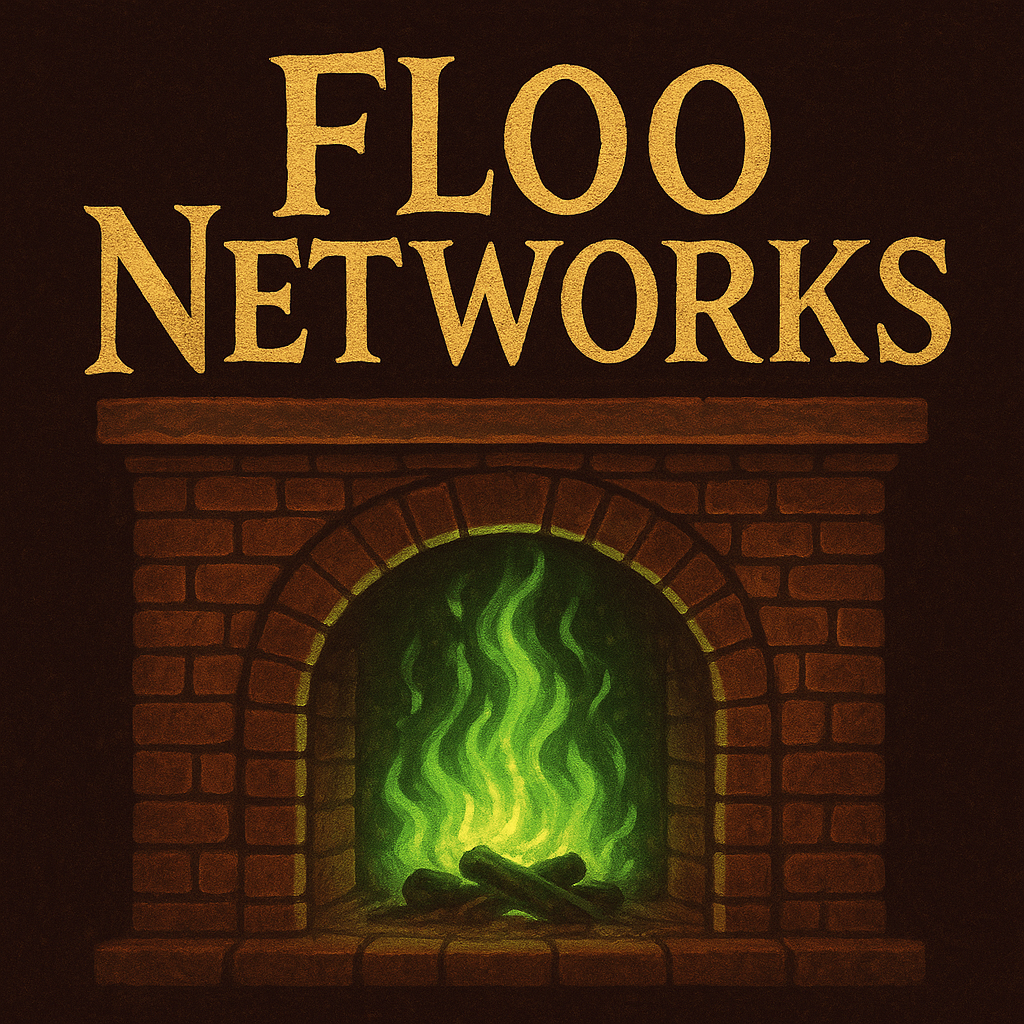
CurseForge · Minecraft mod
Floo Networks
Travel between fireplaces via the floo powder
Choose a version Pick your version below, then grab the matching file.
Quick answer
Which Floo Networks release should I use?
Latest stable file floonetwork-1.0.1-neoforge-1.21.4.jar
Game version 1.21.4
Loader NeoForge
Floo Networks floonetwork-1.0.1-neoforge-1.21.4.jar targets 1.21.4 with NeoForge. The project page does not say whether this file belongs on the client, dedicated server, or both. No extra mods listed for this file.
Where it goes
Is Floo Networks required on the client, server, or both?
The project page does not say whether this file belongs on the client, dedicated server, or both.
Client Source doesn’t say
Dedicated server Source doesn’t say
Loader for this release NeoForge
Required install it here Optional supported, not mandatory Not supported do not install here Source doesn’t say do not assume
The source does not explicitly classify this release as client-only or server-only.
What else does Floo Networks floonetwork-1.0.1-neoforge-1.21.4.jar need?
floonetwork-1.0.1-neoforge-1.21.4.jar. Change the file and its required mods may change too.
This file does not list any required mods. Do not add a library just because a different file uses it.
This file does not list any required or optional mods.
Before you install it
Add Floo Networks without breaking your instance.
Built for Floo Networks floonetwork-1.0.1-neoforge-1.21.4.jar. Pick another file and the loader, install side or required mods may change.
- 01
Stick to this file
Use floonetwork-1.0.1-neoforge-1.21.4.jar. It targets 1.21.4 with NeoForge; another release may have different loader, side or dependency requirements.
- 02
Bring the mods it needs
This file does not list any required mods. Do not add a library just because a different file uses it.
- 03
Put it on the correct side
The project page does not say whether this file belongs on the client, dedicated server, or both.
- 04
Pick the file you checked
Use the “Get this file” button beside floonetwork-1.0.1-neoforge-1.21.4.jar. It opens that exact file at the source.
About this project
What does Floo Networks add?
Note - An improved version of this mod is now part of my newer and bigger mod Skrewt Up Witchcraft.
This mod is therefore not maintained
Floo Fireplaces
Travel the world conveniently using floo! Just drop the powder into your fireplace, say the name of your destination and off you go! Just remember to speak very very clearly…
This is a minimalistic mod that adds a couple of blocks and items to allow you to set up your very own floo network. You can build fireplaces and connect them to the network. You can then use the floo powder to teleport between these fireplaces with ease and style.
Guide
- First you need to craft a Floo Hub. Then place it anywhere in the world but make sure to keep it protected - if it gets destroyed, the entire network is going to crumble.
- Next, you have to craft a Floo Wand. This will be your tool to enchant fireplaces and connect them to your network. Right-click the hub with your wand to attune it to this network.
- Craft a fireplace block and place it at the ground where you want your new fireplace to be. Then right-click it with your wand and write down the name of this new fireplace. This will be important for travelling here from other fireplaces.
- Create a couple more fireplaces in the same way to make a network.
- Craft yourself some floo powder
- When you're ready to travel, right-click the fireplace with your floo powder to produce green flames. Step into the flames and say (write down) the name of the fireplace you wish to travel to. Speak it out loud and off you go!
Notes
- Each hub defines its own network. In this way you can have multiple independent networks for example for your teams on a pvp server or just in different towns
- Each network can hold at most 256 fireplaces
- The name of each fireplace must be at least 3 characters long.
- I'd love it if you leave a comment with feedback
Project description from CurseForge.
Pick your setup
Floo Networks by Minecraft version and loader
Choose the version and loader you play, then open the matching release.
Check the dependencies, then try the file in a copied instance before changing a world you care about.
Recent files
Floo Networks versions and loaders
floonetwork-1.0.1-neoforge-1.21.4.jar
25 Aug 2025
Client Source doesn’t say Server Source doesn’t say Dependencies No extras listed Listed on Release listing
Check the 1.21.4 · NeoForge setup 1.21.4NeoForge release
floonetwork-1.0.0-neoforge-1.21.4.jar
22 Aug 2025
Client Source doesn’t say Server Source doesn’t say Dependencies No extras listed Listed on Release listing
Check the 1.21.4 · NeoForge setup 1.21.4NeoForge alpha
Looking for an older file? The official CurseForge project page is in Resources.
 mod
mod CurseForge + Modrinth · Minecraft
[VSE]Visual Set Edit
This mod lets you edit custom set effects through a visual GUI with intuitive operations.
 mod
mod CurseForge + Modrinth · Minecraft
Better Statistics Screen
A Minecraft mod that improves the statistics screen and makes it more useful.
 mod
mod Modrinth · Minecraft
Frieren: Eternal magic
A minecraft mod that adds magic based on the anime frieren