Back to mods
Gamingbarn's Morphs project artwork

CurseForge · Minecraft mod

Gamingbarn's Morphs

Gives players the ability to morph into all kinds of different mobs!

Choose a version Pick your version below, then grab the matching file.

Quick answer

Which Gamingbarn's Morphs release should I use?

Updated today
Latest stable file gamingbarns-morphs-V1.15.3-data.jar
Game version 26.3
Loader Fabric, Forge, NeoForge

Gamingbarn's Morphs gamingbarns-morphs-V1.15.3-data.jar targets 26.3 with Fabric, Forge, NeoForge. The project page does not say whether this file belongs on the client, dedicated server, or both. No extra mods listed for this file.

Where it goes

Is Gamingbarn's Morphs required on the client, server, or both?

The project page does not say whether this file belongs on the client, dedicated server, or both.

Client Source doesn’t say
Dedicated server Source doesn’t say
Loader for this release Fabric, Forge, NeoForge
Required install it here Optional supported, not mandatory Not supported do not install here Source doesn’t say do not assume

The source does not explicitly classify this release as client-only or server-only.

What else does Gamingbarn's Morphs gamingbarns-morphs-V1.15.3-data.jar need?

gamingbarns-morphs-V1.15.3-data.jar. Change the file and its required mods may change too.

No extra mods listed for this file

This file does not list any required mods. Do not add a library just because a different file uses it.

This file does not list any required or optional mods.

Before you install it

Add Gamingbarn's Morphs without breaking your instance.

Built for Gamingbarn's Morphs gamingbarns-morphs-V1.15.3-data.jar. Pick another file and the loader, install side or required mods may change.

  1. 01

    Stick to this file

    Use gamingbarns-morphs-V1.15.3-data.jar. It targets 26.3 with Fabric, Forge, NeoForge; another release may have different loader, side or dependency requirements.

  2. 02

    Bring the mods it needs

    This file does not list any required mods. Do not add a library just because a different file uses it.

  3. 03

    Put it on the correct side

    The project page does not say whether this file belongs on the client, dedicated server, or both.

  4. 04

    Pick the file you checked

    Use the “Get this file” button beside gamingbarns-morphs-V1.15.3-data.jar. It opens that exact file at the source.

About this project

What does Gamingbarn's Morphs add?

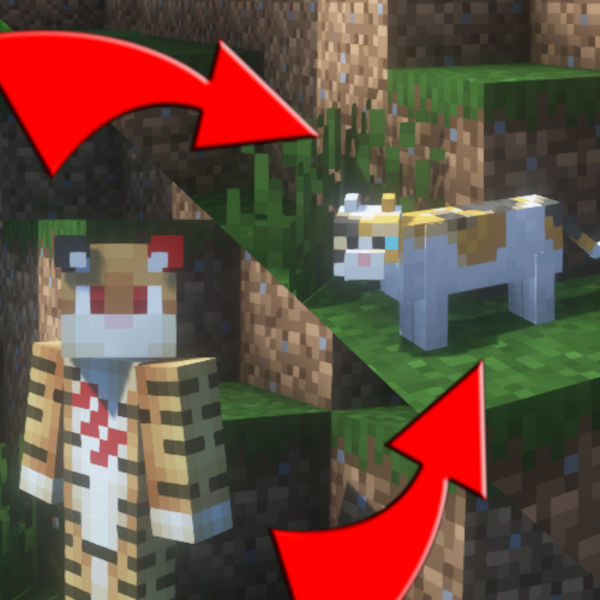
Gamingbarn's Morphs is a simple Minecraft mod that lets players morph into different mobs!

To get started, run the following command into chat: /trigger morph

morph menu

Press [T] to be able to click on the different items in the menu. When you've found a morph you wanna try, simply click on it and you will be transformed!

player morphed as a pig

Some morphs have special abilities that can be activated with [Shift]! For example, the chicken can lay eggs and the spider can climb walls!

chicken with trail of eggs and spider half-way up wall

If you want to spice things up further, you can run the command, /trigger skins to change the variant of certain morphs!

skins menu

> > Want a Minecraft server? Consider SparkedHost! Use code GAMINGBARN for 25% off!

> Discord Promotional Image > <br>https://discord.gg/dKMxTjchsg<br> > Need help with my mods? Found a bug? Want to share some feedback? Join my Discord server! There, I can offer personal help towards any problem you may be having!

Project description from CurseForge.

Pick your setup

Gamingbarn's Morphs by Minecraft version and loader

Choose the version and loader you play, then open the matching release.

56 available setups

Showing the newest 12 of 14 game versions. Older files are in the list below.

Check the dependencies, then try the file in a copied instance before changing a world you care about.

Recent files

Gamingbarn's Morphs versions and loaders

11 of 11 releases match

Looking for an older file? The official CurseForge project page is in Resources.