Cloth Config API (Fabric/Forge/NeoForge) Needed by Dive in divein-0.1.18-26.3.jar
requiredMatching file found Matched file: [Fabric 26.3] v26.3.158

CurseForge · Minecraft mod
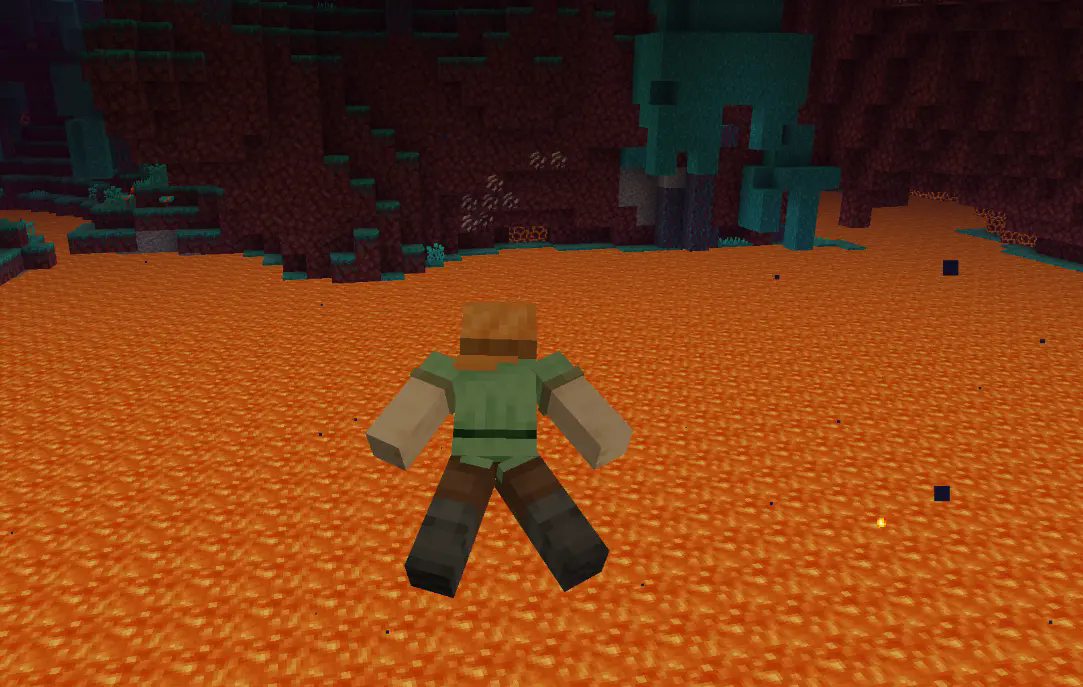
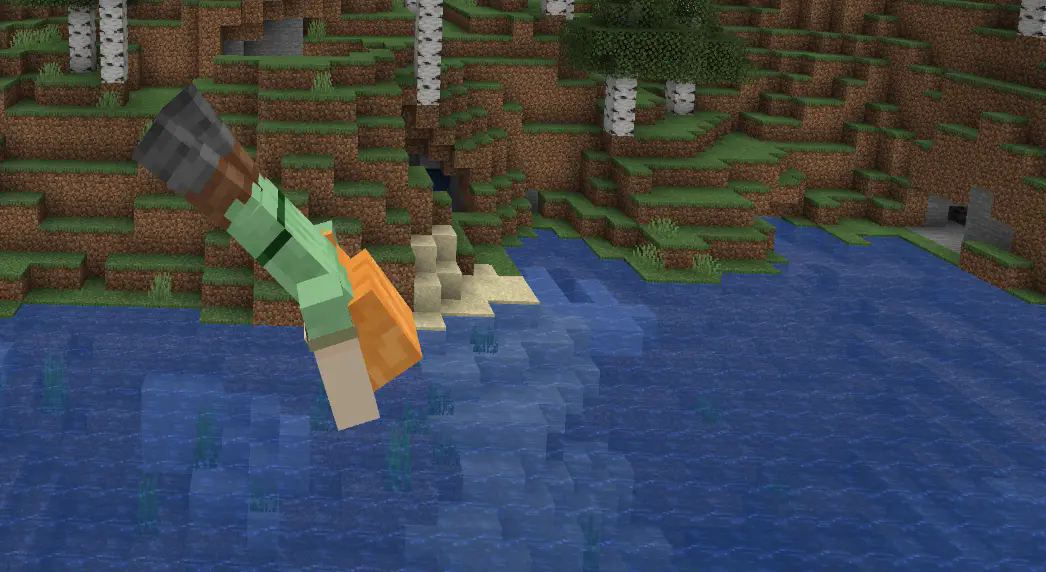
Custom animation when diving into fluids like water or lava
Quick answer
Dive in divein-0.1.18-26.3.jar targets 26.3 with Fabric. The project page does not say whether this file belongs on the client, dedicated server, or both. All 2 required mods have matching files.
Where it goes
The project page does not say whether this file belongs on the client, dedicated server, or both.
The source does not explicitly classify this release as client-only or server-only.
divein-0.1.18-26.3.jar. Change the file and its required mods may change too.
Install Cloth Config API (Fabric/Forge/NeoForge), Player Animation Library first. We found matching files for this game-version and loader setup.
We only count dependency files that match this setup. A file for another loader does not fill the gap.
Before you install it
Built for Dive in divein-0.1.18-26.3.jar. Pick another file and the loader, install side or required mods may change.
Use divein-0.1.18-26.3.jar. It targets 26.3 with Fabric; another release may have different loader, side or dependency requirements.
Install Cloth Config API (Fabric/Forge/NeoForge), Player Animation Library first. We found matching files for this game-version and loader setup.
The project page does not say whether this file belongs on the client, dedicated server, or both.
Use the “Get this file” button beside divein-0.1.18-26.3.jar. It opens that exact file at the source.
About this project
Custom diving animation is an immersive feature most commonly seen in open-world games like Legend of Zelda.
I love this animated detail. So I added it for minecraft.
NOTE:
- This is a server&client side mod, as it adds multiplayer animation visbility support.
- If animation triggered exceptionally when you do cross-water jump, lower the trigger sensitivity in the config file (0-1). Then restart the client and it will work.
- A light weight mod that adds custom animation when player drop into water or lava from a far distance.
- Triggers when player free falling into the fluid source.
- Currently still in dev, bugs may occur.
- More version support comming soon.
- Recommend using with BetterThirdPerson Mod & Effective Mod for better immersion.
- Custom animation via Playeranimator.
Project description from CurseForge.
Pick your setup
Choose the version and loader you play, then open the matching release.
Check the dependencies, then try the file in a copied instance before changing a world you care about.
Recent files
18 Sept 2026
22 Jun 2026
27 Mar 2026
21 Dec 2025
13 Dec 2025
2 Nov 2025
2 Nov 2025
2 Nov 2025
2 Nov 2025
2 Nov 2025
25 Oct 2025
24 Oct 2025
Looking for an older file? The official CurseForge project page is in Resources.
 mod
Make mobs fight each other
 mod
Polar Bear Parrot Bat Breeding makes three previously unbreedable vanilla passive/neutral mobs—Polar Bears, Parrots, and Bats—fully breedable with natural, vanilla-friendly mechanics and full data-pack customization support.
 mod
Explore guarded factories and alien nests, gear up with Techguns weapons and power armor, and run your workshop on oil, solar power or a multiblock reactor.