Minecraft version
Back to mods 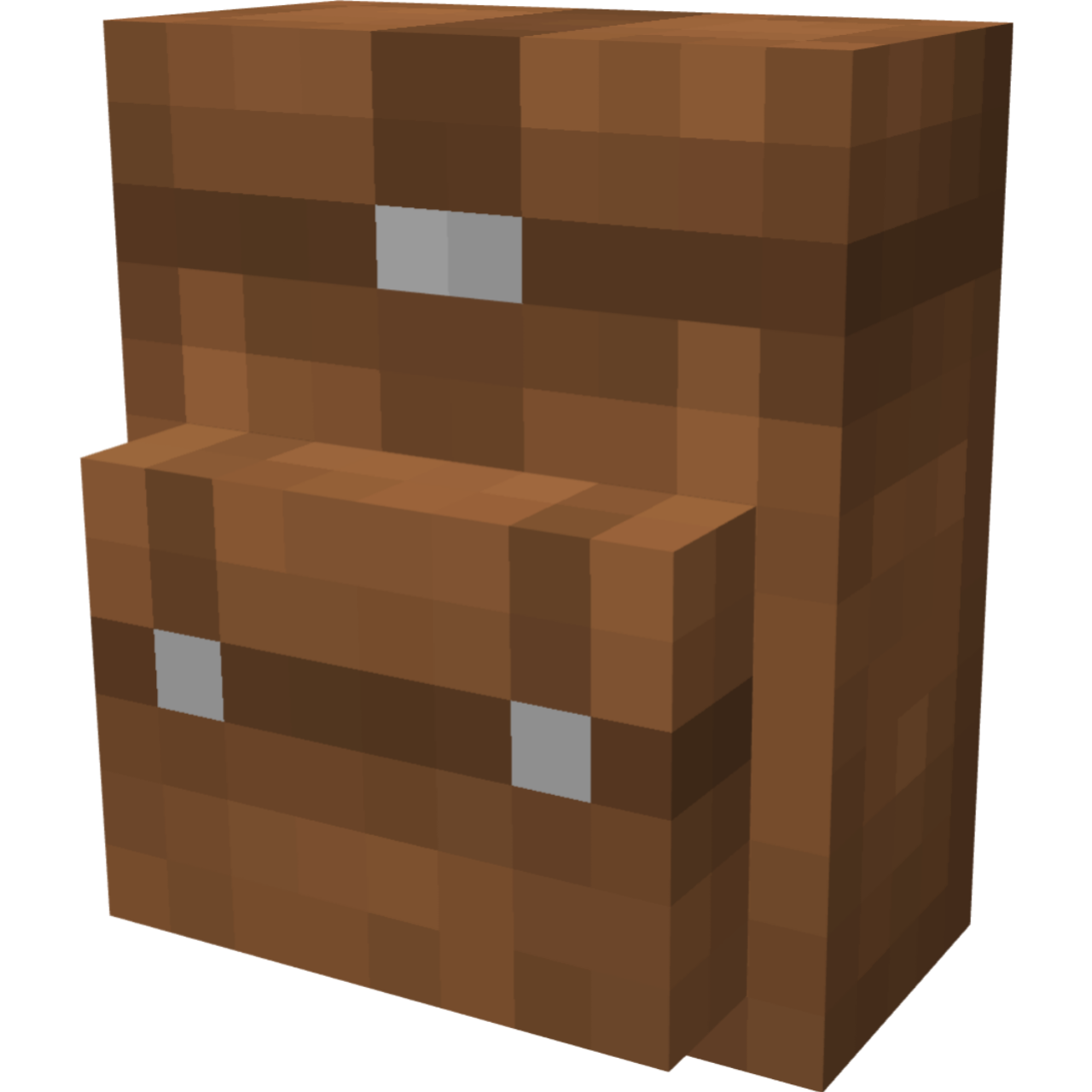
CurseForge · Minecraft mod
Good Backpacks
Good backpacks come in many colors and feature four useful upgrades.
Choose a version Pick your version below, then grab the matching file.
Quick answer
Which Good Backpacks release should I use?
Latest stable file Good Backpacks 2.0.2
Game version 1.20.1
Loader Forge
Good Backpacks 2.0.2 targets 1.20.1 with Forge. The project page does not say whether this file belongs on the client, dedicated server, or both. No extra mods listed for this file.
Where it goes
Is Good Backpacks required on the client, server, or both?
The project page does not say whether this file belongs on the client, dedicated server, or both.
Client Source doesn’t say
Dedicated server Source doesn’t say
Loader for this release Forge
Required install it here Optional supported, not mandatory Not supported do not install here Source doesn’t say do not assume
The source does not explicitly classify this release as client-only or server-only.
What else does Good Backpacks 2.0.2 need?
Good Backpacks 2.0.2. Change the file and its required mods may change too.
This file does not list any required mods. Do not add a library just because a different file uses it.
This file does not list any required or optional mods.
Before you install it
Add Good Backpacks without breaking your instance.
Built for Good Backpacks 2.0.2. Pick another file and the loader, install side or required mods may change.
- 01
Stick to this file
Use Good Backpacks 2.0.2. It targets 1.20.1 with Forge; another release may have different loader, side or dependency requirements.
- 02
Bring the mods it needs
This file does not list any required mods. Do not add a library just because a different file uses it.
- 03
Put it on the correct side
The project page does not say whether this file belongs on the client, dedicated server, or both.
- 04
Pick the file you checked
Use the “Get this file” button beside Good Backpacks 2.0.2. It opens that exact file at the source.
About this project
What does Good Backpacks add?
🎒 Good Backpacks is a highly flexible and fully configurable backpack mod focused on convenience, balance, and modpack customization.
Unlike simple storage mods, Good Backpacks allows you to deeply customize how backpacks work — from basic behavior to adding entirely new backpacks with your own parameters via config. The mod adds 7 types of backpacks.
✨ Main Features
🧩 Fully Configurable — almost every aspect can be adjusted in the config
🛠 Custom Backpacks — add your own backpacks and define their size, behavior, and properties
🎒 Dedicated Backpack Slot — backpacks have their own slot, separate from armor
🦺 Optional Chestplate Mode — backpacks can be configured to use the chestplate slot
🪽 Elytra Friendly — backpacks do not interfere with elytra usage
🧥 Cape Hiding — the cape is hidden automatically when wearing a backpack
⌨ Keybind Access — open your backpack by pressing B while wearing it
🔁 Chestplate Compatibility — backpacks can be worn together with chest armor (depending on config)
⚙️ Designed for Modpacks
Good Backpacks is built with modpack creators in mind:
No forced balance choices
No unnecessary combat bonuses
Clean integration into vanilla and modded gameplay
Works great for survival, exploration, and RPG-style packs
🧭 Gameplay Philosophy
This mod enhances inventory management without breaking immersion or balance. Whether you want a simple backpack or a fully custom system tailored to your modpack, Good Backpacks gives you complete control.
🎒 Your backpack — your rules.
Project description from CurseForge.
Pick your setup
Good Backpacks by Minecraft version and loader
Choose the version and loader you play, then open the matching release.
Check the dependencies, then try the file in a copied instance before changing a world you care about.
Recent files
Good Backpacks versions and loaders
Good Backpacks 2.0.2
good_backpacks-2.0.2.jar
15 Feb 2026
Client Source doesn’t say Server Source doesn’t say Dependencies No extras listed Listed on Release listing
Check the 1.20.1 · Forge setup 1.20.1Forge release
Good Backpacks 2.0.1
good_backpacks-2.0.1.jar
20 Jan 2026
Client Source doesn’t say Server Source doesn’t say Dependencies No extras listed Listed on Release listing
Check the 1.20.1 · Forge setup 1.20.1Forge release
Good Backpacks 2.0.0
good_backpacks-2.0.0.jar
19 Jan 2026
Client Source doesn’t say Server Source doesn’t say Dependencies No extras listed Listed on Release listing
Check the 1.20.1 · Forge setup 1.20.1Forge release
Good Backpacks 1.3.1
good_backpacks-1.3.1-forge-1.20.1.jar
23 Dec 2025
Client Source doesn’t say Server Source doesn’t say Dependencies No extras listed Listed on Release listing
Check the 1.20.1 · Forge setup 1.20.1Forge release
Good Backpacks 1.2.0
good_backpacks-1.2.0-forge-1.20.1.jar
18 Dec 2025
Client Source doesn’t say Server Source doesn’t say Dependencies No extras listed Listed on Release listing
Check the 1.20.1 · Forge setup 1.20.1Forge release
Good Backpacks 1.1.1
good_backpacks-1.1.1-forge-1.20.1.jar
13 Dec 2025
Client Source doesn’t say Server Source doesn’t say Dependencies No extras listed Listed on Release listing
Check the 1.20.1 · Forge setup 1.20.1Forge release
Good Backpacks 1.0.0
good_backpacks-1.0.0-forge-1.20.1.jar
26 Sept 2025
Client Source doesn’t say Server Source doesn’t say Dependencies No extras listed Listed on Release listing
Check the 1.20.1 · Forge setup 1.20.1Forge release
Looking for an older file? The official CurseForge project page is in Resources.
 mod
CurseForge + Modrinth · Minecraft
Emojiful
Emojis in minecraft
 mod
CurseForge + Modrinth · Minecraft
Golems Actually Protect Villagers
Iron Golems are now smarter and better at killing mobs.
 mod
CurseForge · Minecraft
JEI: Craft Directly from Chests, Shulkers & Ender Chest
A JEI fork (aka "MCdestined's Simple Storage") that turns your crafting table into a smart Crafting Station: auto-pull ingredients from connected chests, Ender Chests, and Shulker Boxes, or extract in-stock items in 1 click.