Minecraft version
Back to mods 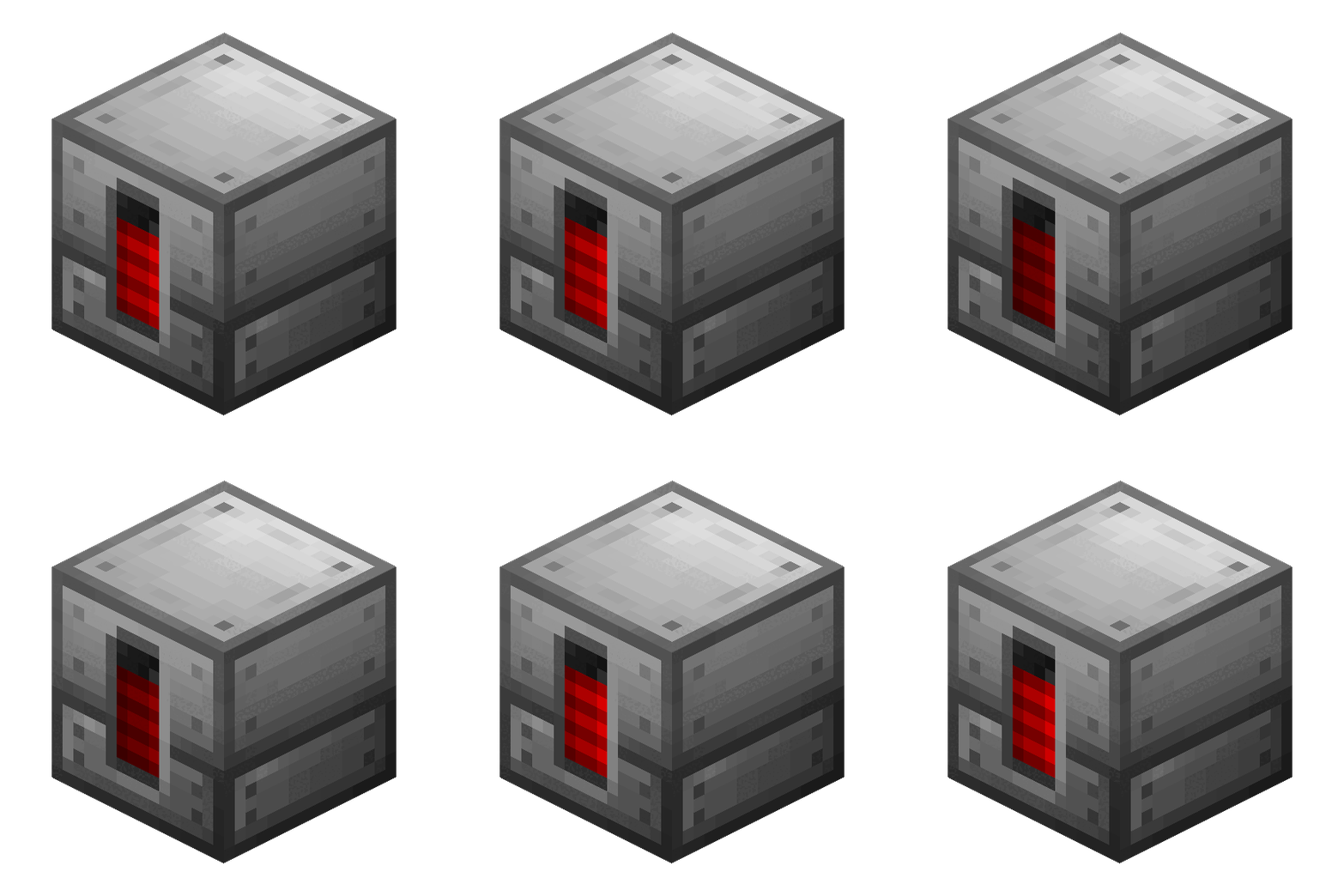
CurseForge · Minecraft mod
Advanced Arsenal
Redstone-powered equipment that can be upgraded to suit your playstyle.
Choose a version Pick your version below, then grab the matching file.
Quick answer
Which Advanced Arsenal release should I use?
beta file advanced_arsenal-1.0.0-neoforge-1.21.1.jar
Game version 1.21, 1.21.1
Loader NeoForge
Advanced Arsenal advanced_arsenal-1.0.0-neoforge-1.21.1.jar targets 1.21, 1.21.1 with NeoForge. The project page does not say whether this file belongs on the client, dedicated server, or both. No extra mods listed for this file.
Where it goes
Is Advanced Arsenal required on the client, server, or both?
The project page does not say whether this file belongs on the client, dedicated server, or both.
Client Source doesn’t say
Dedicated server Source doesn’t say
Loader for this release NeoForge
Required install it here Optional supported, not mandatory Not supported do not install here Source doesn’t say do not assume
The source does not explicitly classify this release as client-only or server-only.
What else does Advanced Arsenal advanced_arsenal-1.0.0-neoforge-1.21.1.jar need?
advanced_arsenal-1.0.0-neoforge-1.21.1.jar. Change the file and its required mods may change too.
This file does not list any required mods. Do not add a library just because a different file uses it.
This file does not list any required or optional mods.
Before you install it
Add Advanced Arsenal without breaking your instance.
Built for Advanced Arsenal advanced_arsenal-1.0.0-neoforge-1.21.1.jar. Pick another file and the loader, install side or required mods may change.
- 01
Stick to this file
Use advanced_arsenal-1.0.0-neoforge-1.21.1.jar. It targets 1.21, 1.21.1 with NeoForge; another release may have different loader, side or dependency requirements.
- 02
Bring the mods it needs
This file does not list any required mods. Do not add a library just because a different file uses it.
- 03
Put it on the correct side
The project page does not say whether this file belongs on the client, dedicated server, or both.
- 04
Pick the file you checked
Use the “Get this file” button beside advanced_arsenal-1.0.0-neoforge-1.21.1.jar. It opens that exact file at the source.
About this project
What does Advanced Arsenal add?
About
This mod adds redstone-powered equipment meant as viable alternatives to vanilla tools and armors.
It also adds the Advanced Station, a machine that consumes redstone to repair your tools without having to spend xp. It can be automated using hoppers and emits a redstone signal based on how full the redstone gauge is.
Content

Configuration
Some aspects of the mod can be changed in the configuration file.

Tools for modpacks
You can add new redstone fuels for the Advanced Repair Station, using item tags:
• Set as Tier 1 fuel (same as redstone dust): redstone_fuels/tier_1
• Set as Tier 2 fuel (same as redstone block): redstone_fuels/tier_2
Structure is as follows: advanced_arsenal:{tag}
Credits
All custom textures used (if any) are either created by me or have a license that allows modification and distribution.
I make every effort to comply with project license obligations and to always credit the original owners. If you believe your name is missing from the credits or if you decide to change your project's license, please contact me.
Credits:
- Futureazoo's Repository (CC License) as base template for the machine block.
- Malcolmriley's Repository (CC License) as base template some of the items.
Dependencies
This mod has no dependencies.
JEI is recommended for recipes but not required.
Installation
Add the .jar mod file into your mods folder.
Alternatively, you can browse the CurseForge launcher for the mod (if it doesn't show up, try typing the autor's name). Once found, click "Install" to add it to your modpack.
Permissions
You are free to include this mod in any modpack, public or private.
Support my work
 Download my projects on CurseForge
 Download my projects on Modrinth
Donate on Paypal
Project description from CurseForge.
Pick your setup
Advanced Arsenal by Minecraft version and loader
Choose the version and loader you play, then open the matching release.
Minecraft version
1.21
1 loader buildMinecraft version
1.20.1
2 loader buildsMinecraft version
1.20
2 loader buildsCheck the dependencies, then try the file in a copied instance before changing a world you care about.
Recent files
Advanced Arsenal versions and loaders
advanced_arsenal-1.0.0-neoforge-1.21.1.jar
24 Sept 2025
Client Source doesn’t say Server Source doesn’t say Dependencies No extras listed Listed on Release listing
Check the 1.21.1 · NeoForge setup 1.211.21.1NeoForge beta
advanced_arsenal-1.0.0-forge-1.20.1.jar
24 Sept 2025
Client Source doesn’t say Server Source doesn’t say Dependencies No extras listed Listed on Release listing
Check the 1.20.1 · NeoForge setup NeoForge1.20.1Forge1.20 beta
Looking for an older file? The official CurseForge project page is in Resources.
 mod
CurseForge · Minecraft
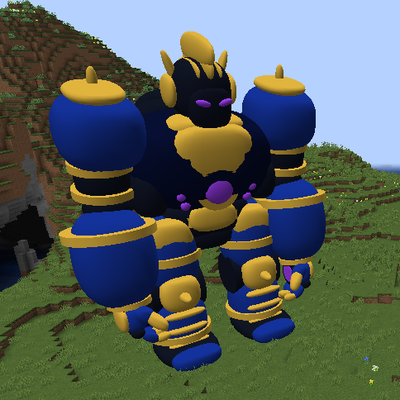
Super Titans
This mod adds 30 blocks tall titans with many options.
 mod
CurseForge · Minecraft
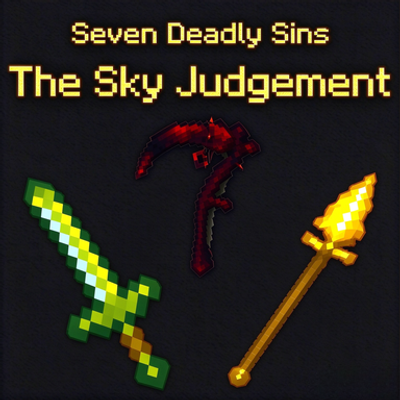
Seven Deadly Sins · The Sky Judgement
The Seven Deadly Sins-themed Sky Judgment Mod, featuring epic battles and miraculous weapons, revolves around divine judgment armaments.
 mod
CurseForge · Minecraft
Stackable Splash Water
Eliminates inventory clutter, allowing you to carry massive amounts of water to easily put out fires in the Nether and efficiently deal with Blazes.