Minecraft version
Back to mods 
CurseForge · Minecraft mod
One Enough Block
Easily specify replacing one block with another.
Choose a version Pick your version below, then grab the matching file.
Quick answer
Which One Enough Block release matches 1.18.2 Forge?
Best match for your filters OneEnoughBlock-1.0.0.jar
Game version 1.18.2, 1.19.2, 1.20.1
Loader Forge
One Enough Block OneEnoughBlock-1.0.0.jar targets 1.18.2, 1.19.2, 1.20.1 with Forge. The project page does not say whether this file belongs on the client, dedicated server, or both. No extra mods listed for this file.
Where it goes
Is One Enough Block required on the client, server, or both?
The project page does not say whether this file belongs on the client, dedicated server, or both.
Client Source doesn’t say
Dedicated server Source doesn’t say
Loader for this release Forge
Required install it here Optional supported, not mandatory Not supported do not install here Source doesn’t say do not assume
The source does not explicitly classify this release as client-only or server-only.
What else does One Enough Block OneEnoughBlock-1.0.0.jar need?
OneEnoughBlock-1.0.0.jar on 1.18.2 Forge. Every mod below is checked against that same setup.
This file does not list any required mods. Do not add a library just because a different file uses it.
This file does not list any required or optional mods.
Before you install it
Add One Enough Block without breaking your instance.
Built for One Enough Block OneEnoughBlock-1.0.0.jar on 1.18.2 Forge. Pick another file and the loader, install side or required mods may change.
- 01
Stick to this file
Use OneEnoughBlock-1.0.0.jar. It targets 1.18.2, 1.19.2, 1.20.1 with Forge; another release may have different loader, side or dependency requirements.
- 02
Bring the mods it needs
This file does not list any required mods. Do not add a library just because a different file uses it.
- 03
Put it on the correct side
The project page does not say whether this file belongs on the client, dedicated server, or both.
- 04
Pick the file you checked
Use the “Get this file” button beside OneEnoughBlock-1.0.0.jar. It opens that exact file at the source.
About this project
What does One Enough Block add?
One Enough Block
Does your modpack have three kinds of orange trees or four kinds of silver ore? Or do you just want to wipe out useless naturally generated ores like copper?
With One Enough Block, you can conveniently specify which blocks should be replaced with others — easily, flexibly, and powerfully.
Main Features
Load Method 1: via configuration file. Reload using the /reload command.
Path: config/OEB/example.json
[
  {
    "match": [
      "manametalmod:ManaTreeLog",
      "#minecraft:logs"
    ],
    "result": "minecraft:redstone_block"
  },
  {
    "match": ["#minecraft:logs"],
    "result": "minecraft:redstone_block"
  }
]
Load Method 2: via datapack (available since v1.1.0). Requires OEI as a dependency — note that the structure has changed!
Path: data/oeb/replacements/example.json
[
  {
    "matchBlock": ["#minecraft:logs"],
    "resultBlock": "minecraft:redstone_block"
  }
]
Simply list the block IDs you want to replace in the "match" array, and specify the target block under "result". The replacement will automatically take effect in-game.
Supports tag-based matching, allowing you to replace all blocks under a tag at once. Even fluids can be replaced!
Note: Since version 1.1.0, an in-game replacement rule editor is built in! Press CTRL + R by default to open the UI and enjoy a brain-free, zero-code editing experience.(Switch Function -> Page OEB)
Use Cases
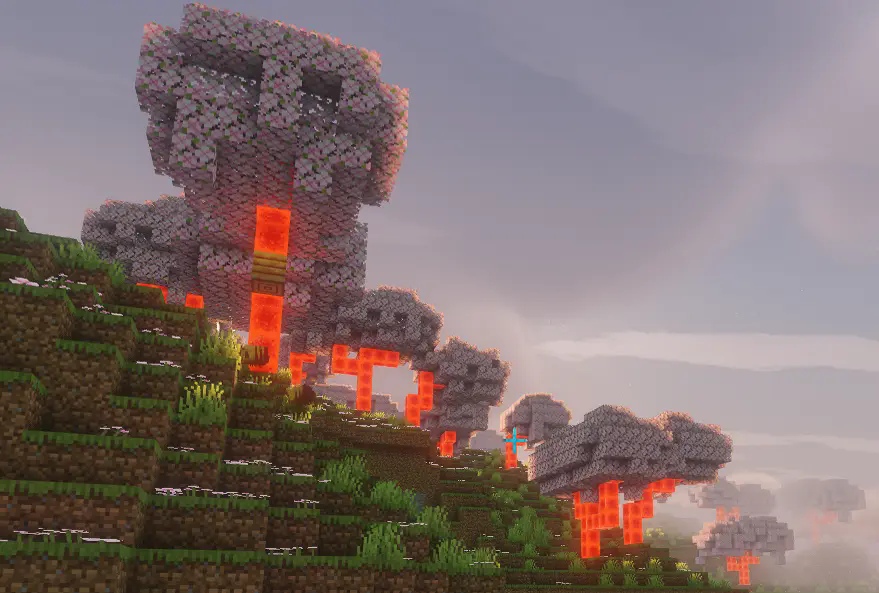
Block replacement occurs when creating worlds or loading new chunks, making it ideal for modifying naturally generated blocks such as ores, plants, or structure blocks.
Replacement also applies to any block placement — when a player places a block, it will be immediately replaced if it matches a rule.
Additionally, existing blocks in the world can be replaced retroactively. This feature is disabled by default, but can be enabled in the config file.
Future Plans
None for now.
 />/>/>/>
Project description from CurseForge.
Pick your setup
One Enough Block by Minecraft version and loader
Choose the version and loader you play, then open the matching release.
Minecraft version
26.1.1
1 loader buildMinecraft version
26.1
1 loader buildMinecraft version
1.21.1
1 loader buildMinecraft version
1.21
1 loader buildMinecraft version
1.20.1
1 loader buildMinecraft version
1.19.2
1 loader buildMinecraft version
1.18.2
1 loader buildCheck the dependencies, then try the file in a copied instance before changing a world you care about.
Recent files
One Enough Block versions and loaders
OneEnoughBlock-1.0.0.jar
1 Oct 2025
Client Source doesn’t say Server Source doesn’t say Dependencies No extras listed Listed on Release listing
Check the 1.18.2 · Forge setup 1.18.21.19.21.20.1Forge release
Looking for an older file? The official CurseForge project page is in Resources.
 mod
CurseForge · Minecraft
Dream World - Span the Space
Explore a colorful dream world, sail through the skies, and harness Dream Alloy to bridge dreams and reality.
 mod
CurseForge · Minecraft
Spatial Loop
The content is finite, but the space has no boundary. You can walk forever in one direction, yet the scenery and creatures repeat periodically — you are actually passing through the same region again and again.
 mod
CurseForge · Minecraft
EzBackup
Create manual backups and store them as a compressed file in the directory of your choice and restore from backups without disconnecting. Works great on singleplayer and e4mc servers where you are the host!