CraftTweaker Needed by Easy CraftTweaker EasyTweaker 1.21.1-1.0.0
requiredMatching file found Matched file: CraftTweaker-neoforge-1.21.1-21.0.38.jar

CurseForge · Minecraft mod
Gui for Craft Tweaker that allows you manage your recipes with ease.
Quick answer
Easy CraftTweaker EasyTweaker 1.21.1-1.0.0 targets 1.21.1 with NeoForge. The project page does not say whether this file belongs on the client, dedicated server, or both. All 1 required mods have matching files.
Where it goes
The project page does not say whether this file belongs on the client, dedicated server, or both.
The source does not explicitly classify this release as client-only or server-only.
EasyTweaker 1.21.1-1.0.0. Change the file and its required mods may change too.
Install CraftTweaker first. We found matching files for this game-version and loader setup.
We only count dependency files that match this setup. A file for another loader does not fill the gap.
Before you install it
Built for Easy CraftTweaker EasyTweaker 1.21.1-1.0.0. Pick another file and the loader, install side or required mods may change.
Use EasyTweaker 1.21.1-1.0.0. It targets 1.21.1 with NeoForge; another release may have different loader, side or dependency requirements.
Install CraftTweaker first. We found matching files for this game-version and loader setup.
The project page does not say whether this file belongs on the client, dedicated server, or both.
Use the “Get this file” button beside EasyTweaker 1.21.1-1.0.0. It opens that exact file at the source.
About this project
This addon allows to create or remove different recipes inside without any code by placing items as they should be in the craft and then pressing Copy recipe or Add recipe straight to the Craft Tweaker and then pressing Reload recipes.
Take item "Recipe Manager" from "Easy Tweaker" tab and use it to open GUI.
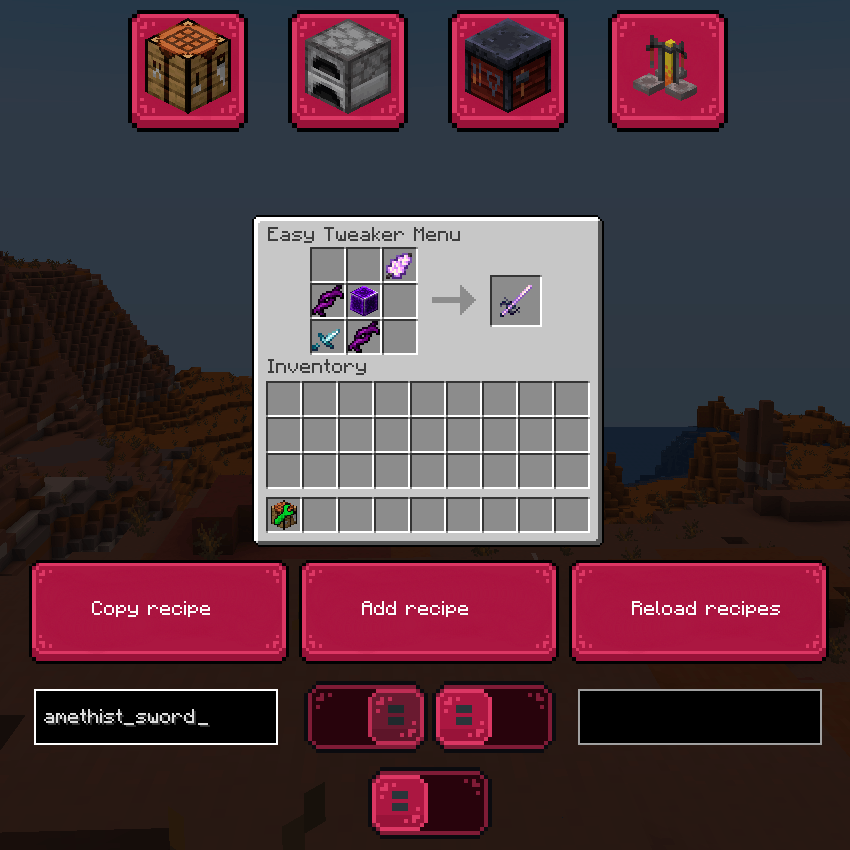
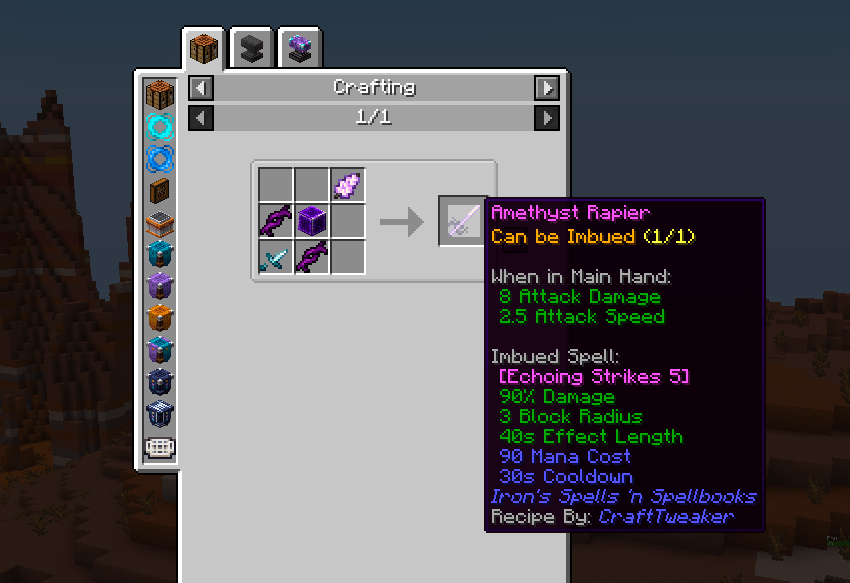
Here is example of using Workbench gui for adding a shaped recipe for amethyst sword:
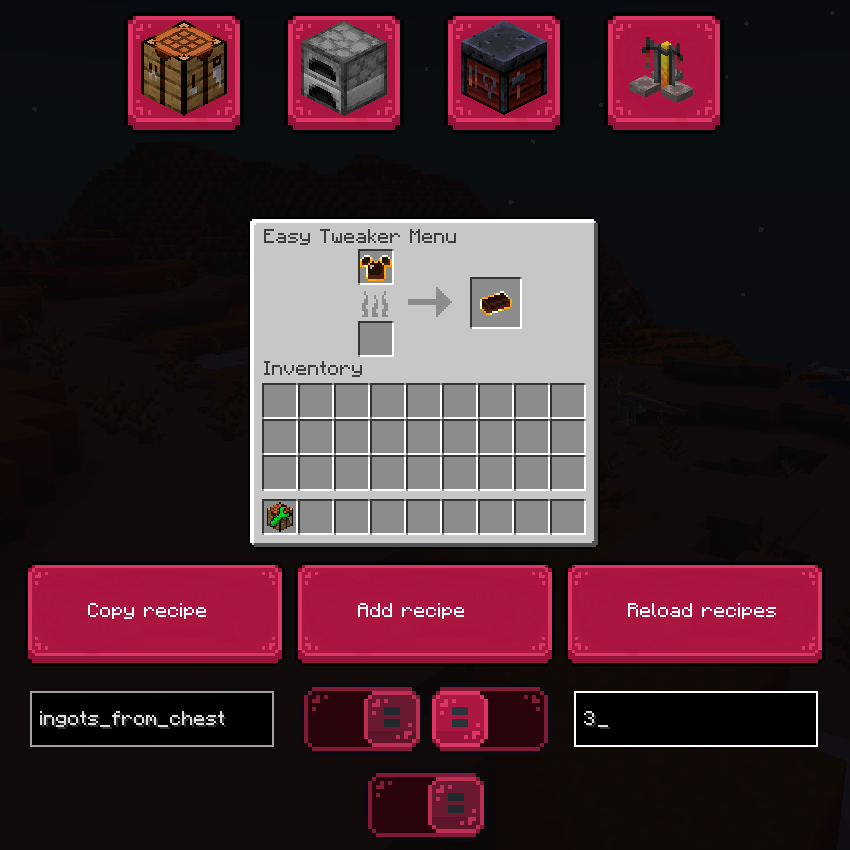
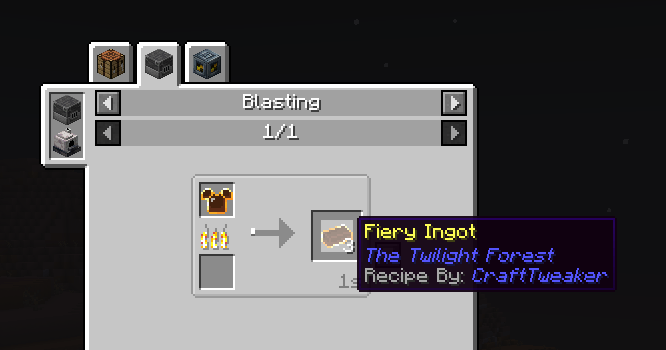
Here is an example of craft in Blast furnace with wanted quantity.
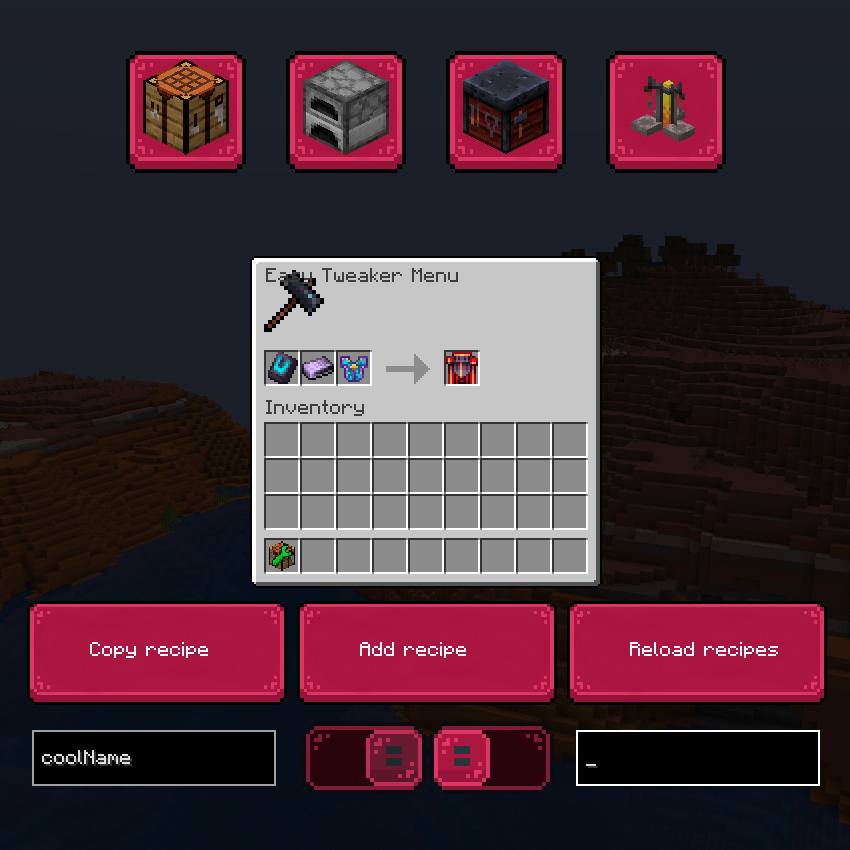
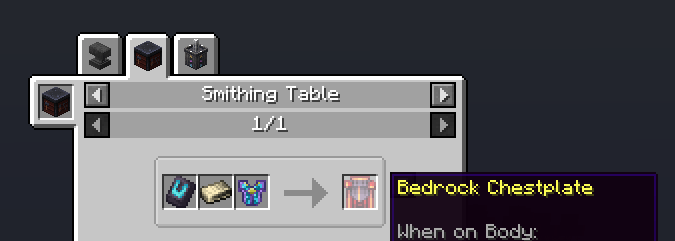
You can even use potions and remove/add their recipes.

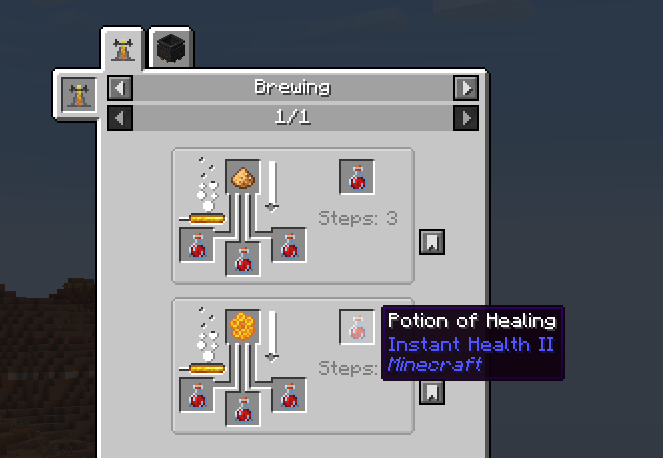
Project description from CurseForge.
Pick your setup
Choose the version and loader you play, then open the matching release.
Check the dependencies, then try the file in a copied instance before changing a world you care about.
Recent files
easy_tweaker-1.0.0.jar
19 Feb 2026
19 Feb 2026
28 Dec 2025
28 Dec 2025
18 Oct 2025
8 Oct 2025
Looking for an older file? The official CurseForge project page is in Resources.
 mod
modA fork of multyfora's Create: Envelope Compat with some fixes and compat with newer envelope versions - automates Envelope's pigeon mail with Create's logistics, with a fix for undeliverable plain-name addresses.
 mod
modLock the ability to use ultimine under conditions! Making the player experience more fun by completing some challenges to obtain the excavation skill.
 mod
modThis mod animates all UI in the game!